

 unlayer
Module not found: Can't resolve 'styled-components'
After I have installed the package, the compiler gives to me this error, anyone knows how fix it??


I figured it out, you have to install the npm package: styled-components. https://www.npmjs.com/package/styled-components


This issue has been resolved. The dependency for styled-components is now removed.

npm install styled-components --save this should fix your problem
The issue is solved! thanks

npm install styled-components --save this should fix your problem
worked thx

npm install styled-components --save this should fix your problem
It´s solved, ty 👍

npm install styled-components --save this should fix your problem
Great, It's fixed @murtdagi


This is related to npm not being able to find a file....It did not work for me.


Do what @murtdagi suggested, In case it does not work check the way your imported it, then do this: import styled from 'styled-components/macro' instead of import styled from 'styled-components.macro'

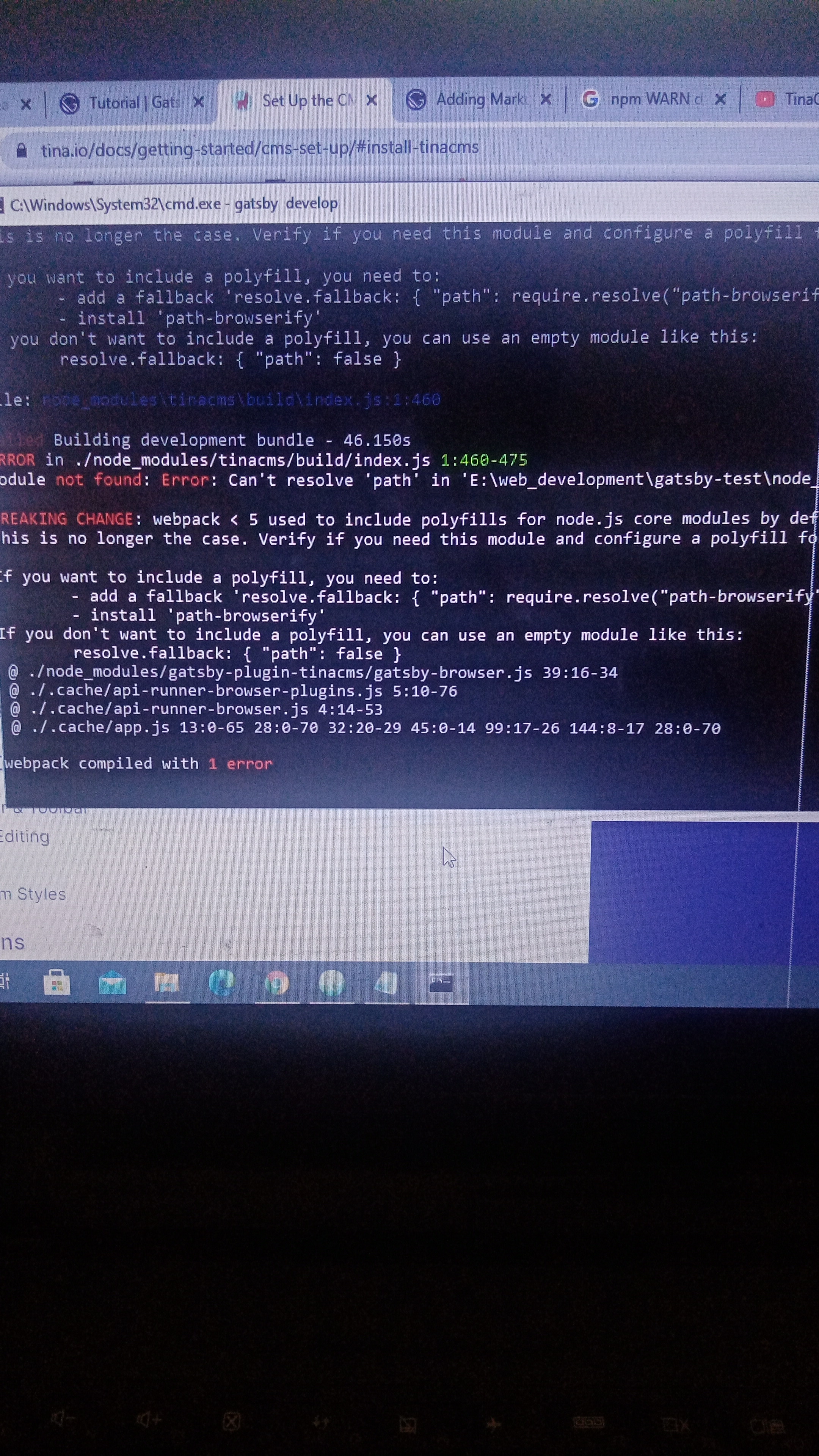

I just added it in the dependencies of package.json
"dependencies": `{`
    "@types/styled-components": "^5.1.9"
  }

npm install styled-components --save this should fix your problem
It has solved. Thanks!

npm install styled-components --save this should fix your problem
Thnx dude It helped, though it is Basic 😅


i've installed it but it's changed to "Line 10:12: 'Item' is not defined"
