unbit
unbit
telnet to see stats causes telenet connection to abort
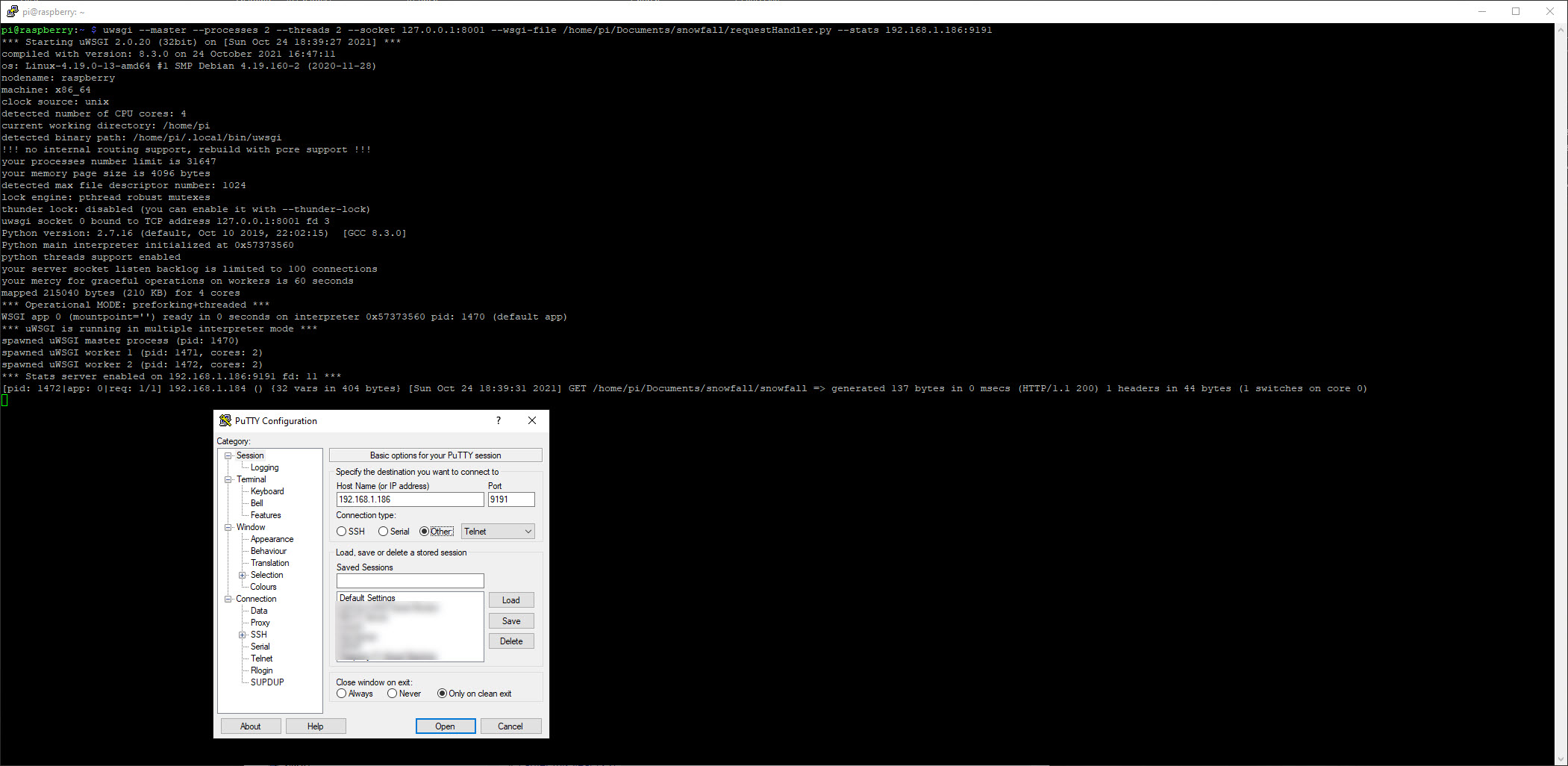
Following the quickstart guide here https://uwsgi-docs.readthedocs.io/en/latest/WSGIquickstart.html , and specific to my setup, I am starting uwsgi with the following command:
uwsgi --master --processes 2 --threads 2 --socket 127.0.0.1:8001 --wsgi-file /home/pi/Documents/snowfall/requestHandler.py --stats 192.168.1.186:9191
With this uwsgi's functionality works great for GETs and PUTs.
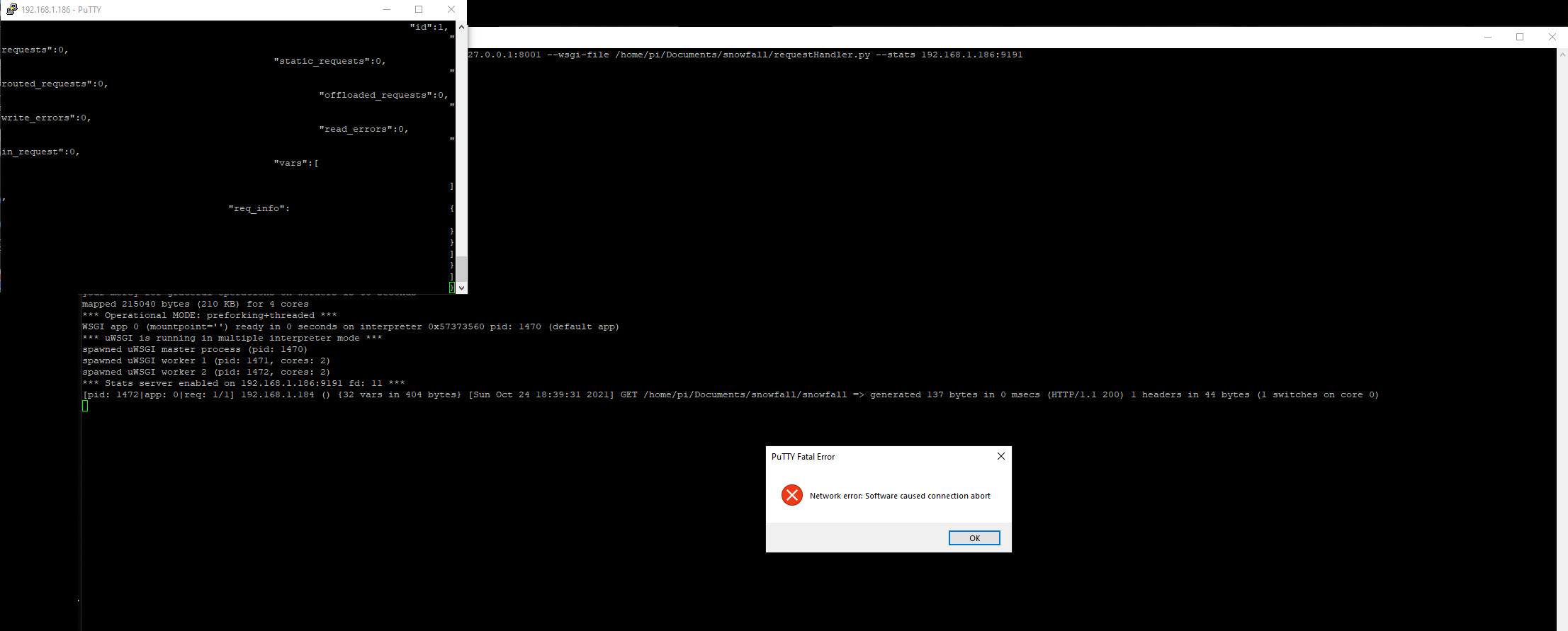
However, when I try to Telnet into 192.168.1.186 on port 9191 using PuTTY, I get a terminal record window with some information in it, but also immediately a PuTTY Fatal Error popup window that reads "Network error: Software caused connection abort". When I close the Fatal Error pop-up window the terminal window closes too.
I am using the current version of PuTTY. I have tried various PuTTY Telnet (other than the default) none helped.
Please see attached 'before' and 'after' screen shots for greater clarity.