

 ufrisk
VMMDLL_Initialize Failing with winpmem
I have a computer that can, and another computer that can't, but I don't know what the specific error is. What are the differences between operating environments. The running files are identical.


- make sure you're running as elevated administrator
- make sure the driver is on
C:drive (no other drive usually works) - more errors are found in the windows event log (application or system) if you're lucky.

- make sure you're running as elevated administrator
- make sure the driver is on
C:drive (no other drive usually works)- more errors are found in the windows event log (application or system) if you're lucky.
As an administrator, I am sure that the second problem is that I put the program on the desktop. The default desktop is the C disk. And the programs are placed in the same directory. Strangely, some of my computers can and some can't.
- make sure you're running as elevated administrator
- make sure the driver is on
C:drive (no other drive usually works)- more errors are found in the windows event log (application or system) if you're lucky.
In addition, I can use the computer, even if not in the C disk is no problem, but in the computer that can not be used, even if the C disk is useless.
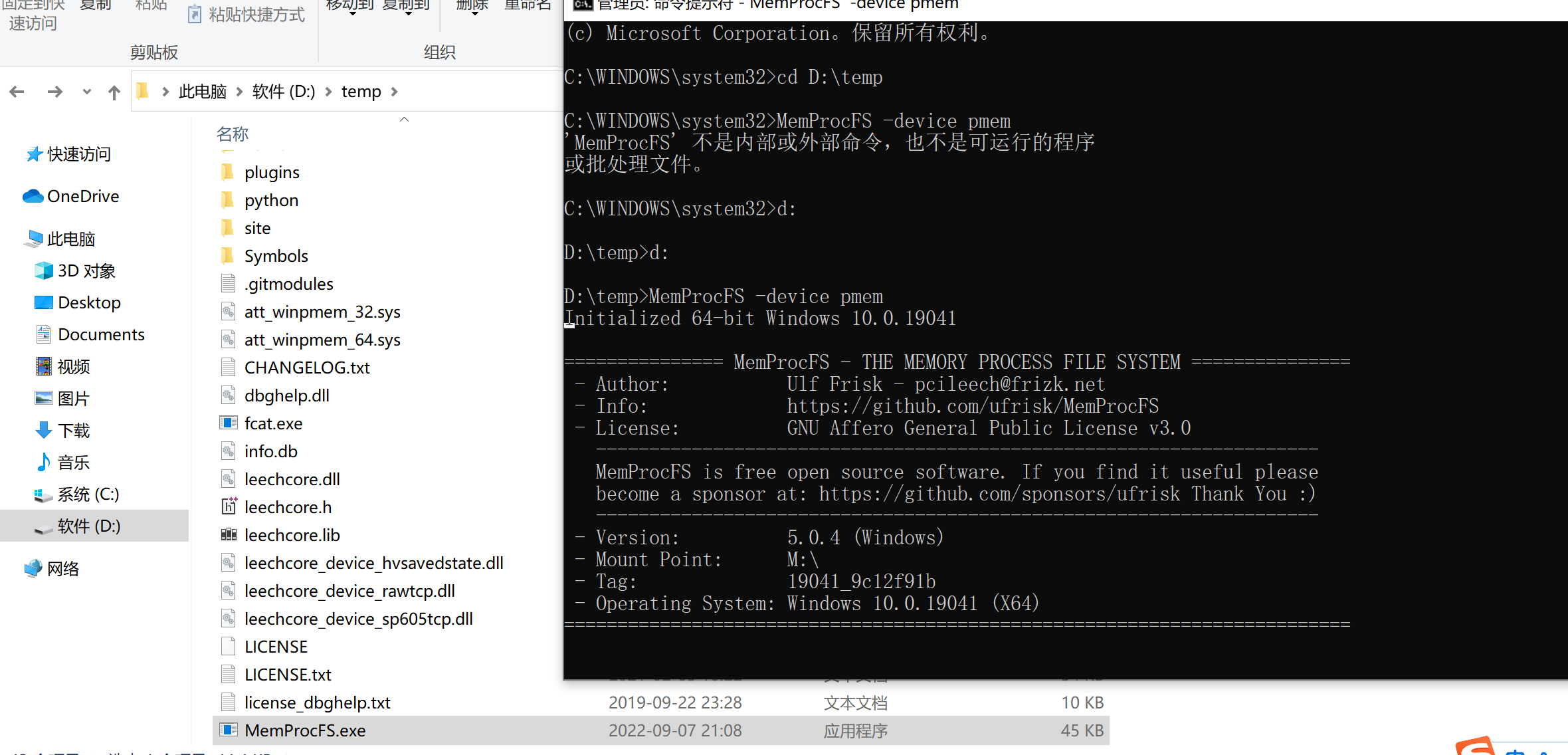
I'm sure my C drive does not have this file, but I can still run normally on a normal computer.
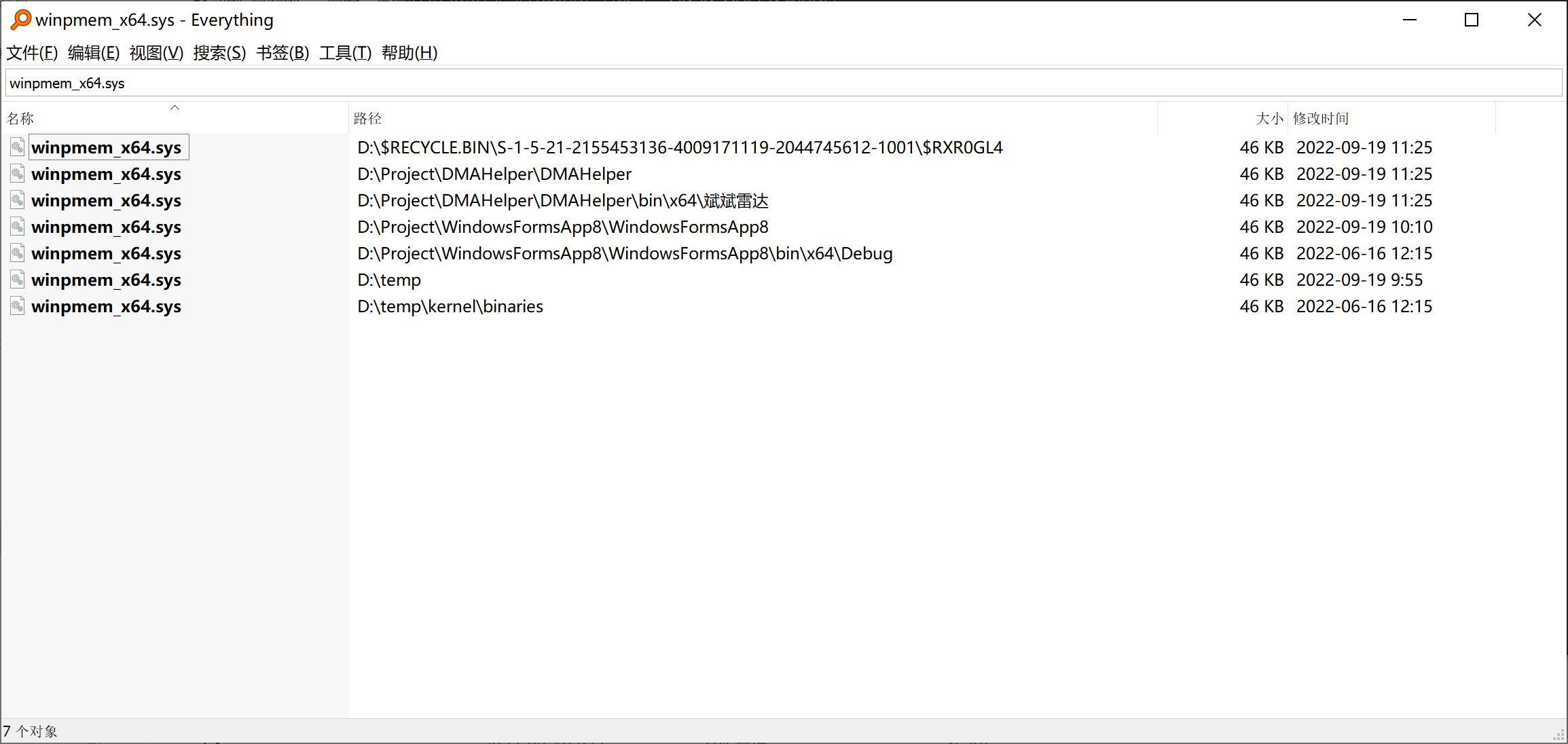
can you please check the windows event log for any errors? I think it shows up in either application log or system log. Or sometimes it's sufficient to run it twice for it to work. Also try put your project in C: on the computer it's not working on.
can you please check the windows event log for any errors? I think it shows up in either application log or system log. Or sometimes it's sufficient to run it twice for it to work. Also try put your project in C: on the computer it's not working on.
Where can i view windows logs? I tried to put the C disk on a computer that could not run. I tested two computers. I have 4 computers in total, 2 of which can be used and 2 of which cannot be used.
You'll find the event viewer application under: C:\Windows\system32\eventvwr.msc
You'll find the event viewer application under:
C:\Windows\system32\eventvwr.msc
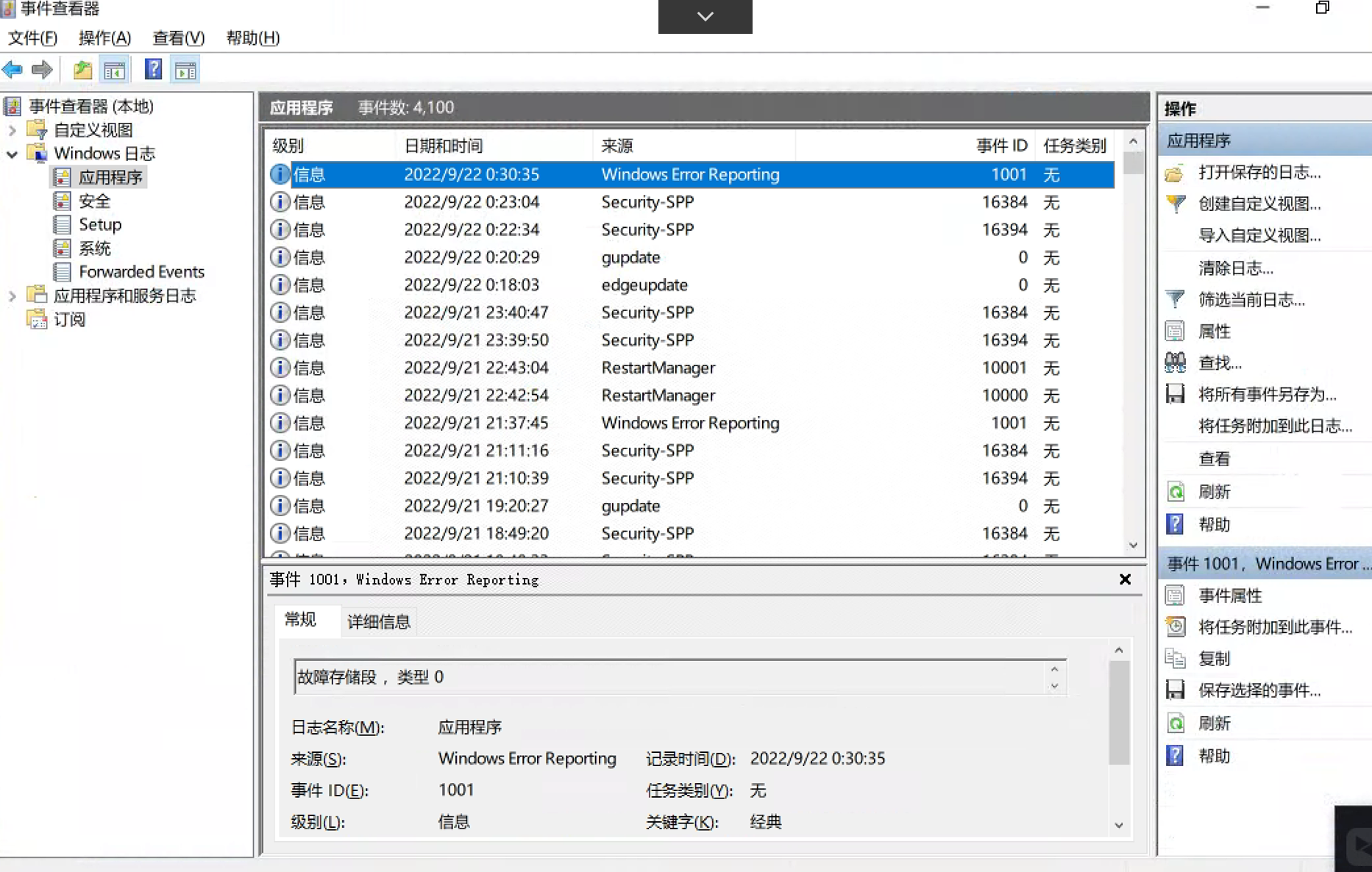
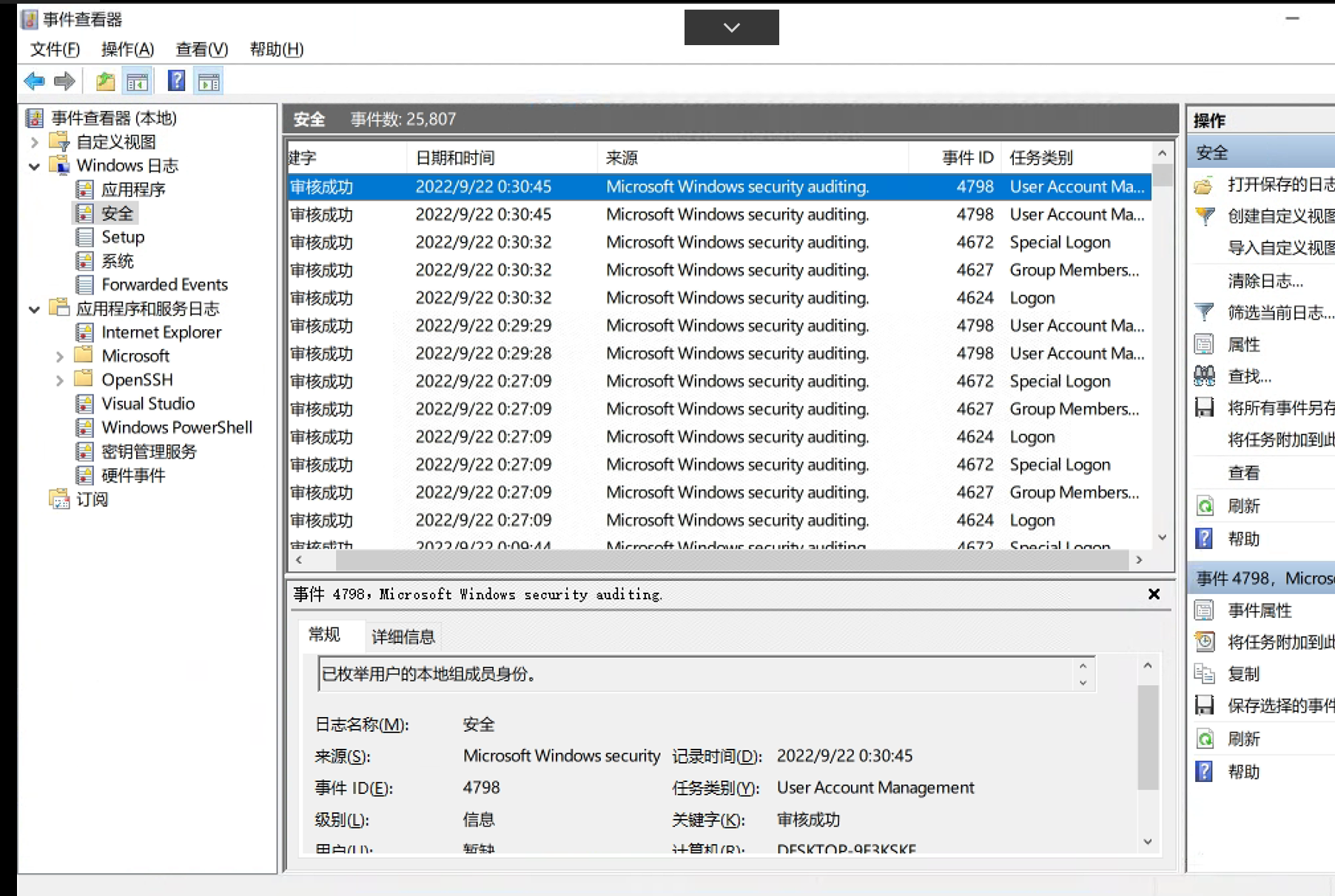
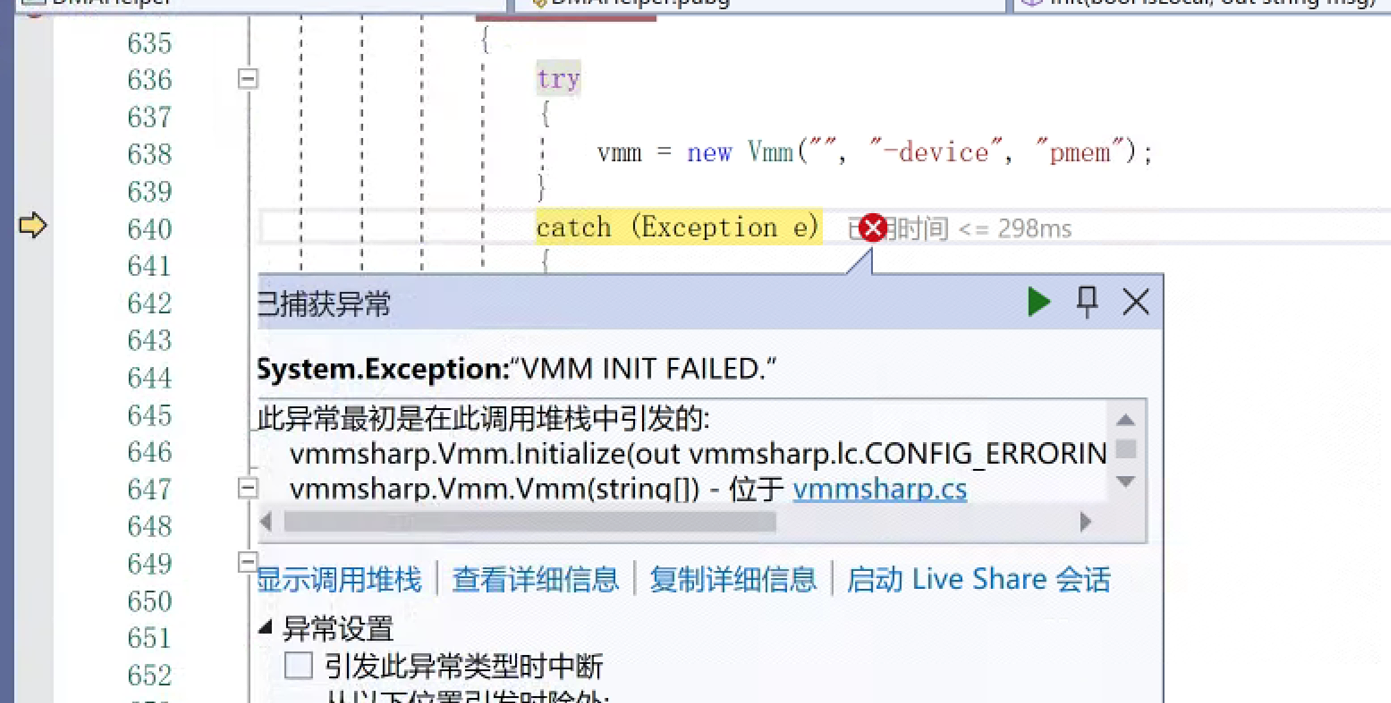
It's really hard for me to know why it fails on your other systems. I'm guessing it may be a winpmem issue. I think you may see an error in the system log.
It's really hard for me to know why it fails on your other systems. I'm guessing it may be a winpmem issue. I think you may see an error in the system log.
The key point is that this is not an individual case. Many people do.
It's really hard for me to know why it fails on your other systems. I'm guessing it may be a winpmem issue. I think you may see an error in the system log.
I asked the person of the winpmem project, and he said that they had no problem. They did not know how the project was invoked. I also want to know the specific installation steps. Is it just a sys? Do you still need to manually configure anything?
I haven't been able to replicate this issue. I know there was an issue around this a while back in the older versions, but I fixed it quite a few months ago.
Since I'm not able to replicate the issue I was asking you if you saw anything related to driver loading errors in the event log for Windows. I guess you didn't see anything looking as an error around the time it failed?
I just have a very hard time tracking this down since it just works for me :\ Apologies for this.
I haven't been able to replicate this issue. I know there was an issue around this a while back in the older versions, but I fixed it quite a few months ago.
Since I'm not able to replicate the issue I was asking you if you saw anything related to driver loading errors in the event log for Windows. I guess you didn't see anything looking as an error around the time it failed?
I just have a very hard time tracking this down since it just works for me :\ Apologies for this.
I use the 5.0 version. Why don't I write a demo for you to test?
This item is not available on some machines. It is already running as the default administrator.
I'm closing this issue. It's quite old.
I've had issues with winpmem at times as well. Some times a reboot of the computer helped. I don't think there is much I can do about it. It seems to sometimes get stuck when the driver is to be shut down / unloaded from the kernel. It's more of a winpmem rather than a MemProcFS issue.
I hope you managed to resolve most of your issues around this though.