

 uber
uber
add new future onMouseDown and onMouseUp
Is your feature request related to a problem? Please describe. It would be great to have a handler that would execute onMouseDown and onMouseUp. The problem I faced: I was trying to connect two-node when the user clicks on an icon.
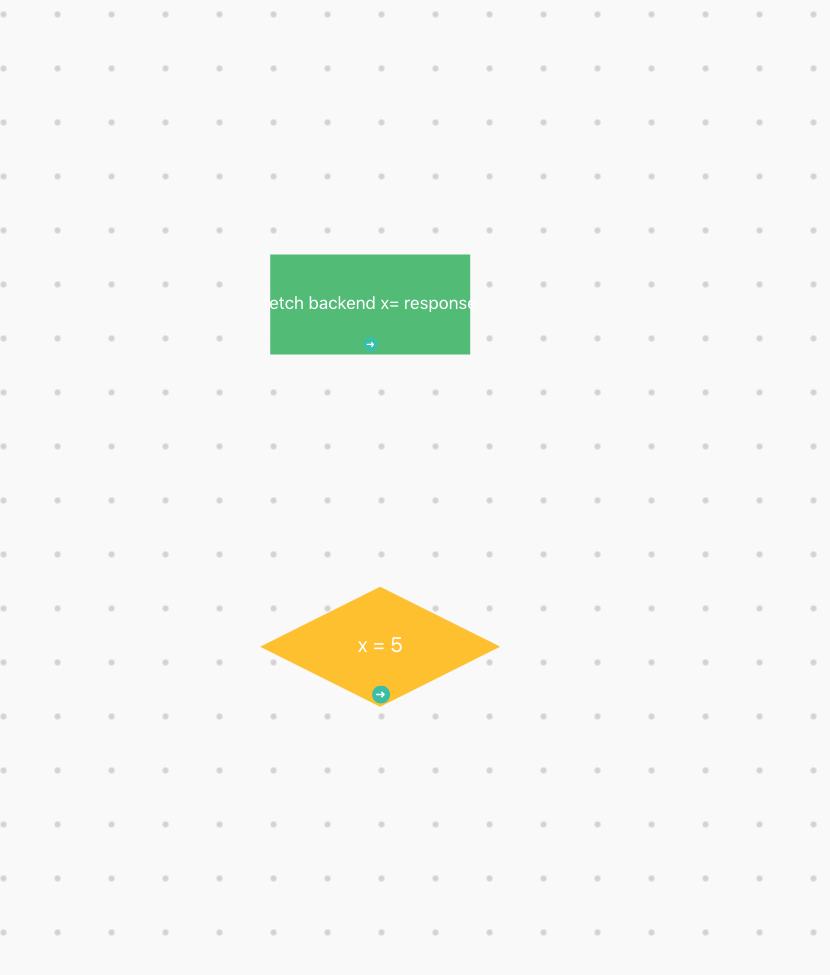
but the way that I solve it is by click on the node 👍 ... but I think it would be cooler when the user keeps the mouse down until he reaches the second node and release mouse up. on each event, you will receive node or null when the user clicked on the background ...
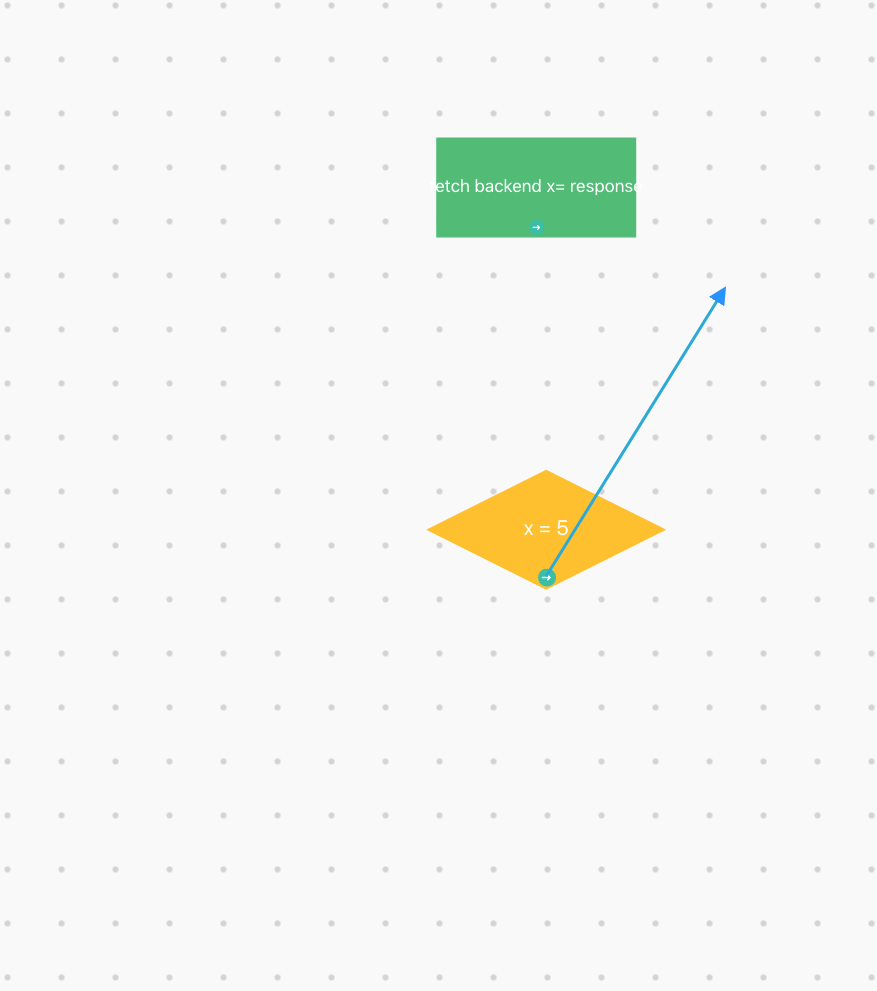
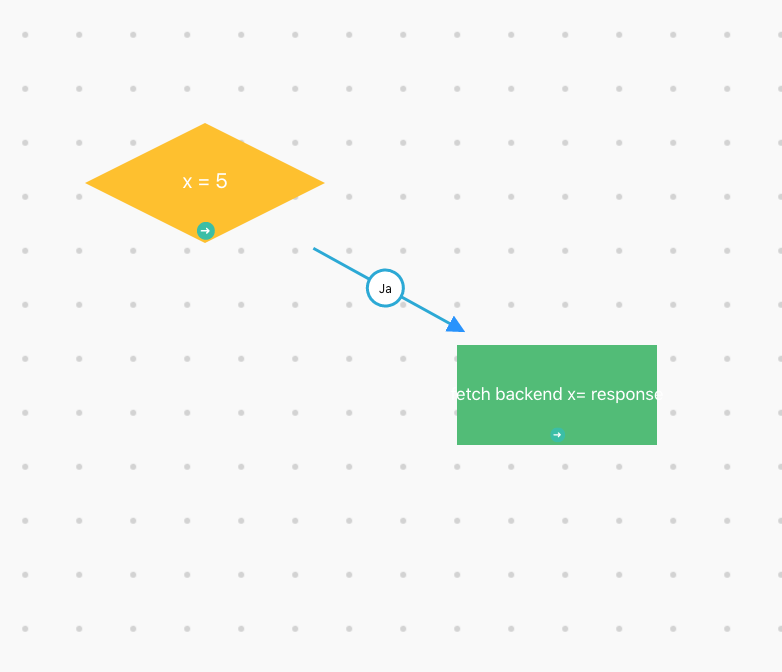
and this is part of my code how I did it :
i am using isDrawEdgeClicked to save first node and second node and after that i use library future to connect two nods
    const onSelectNode = (node, e,) => {
        if (node && locked) {
            switch (e.target.id) {
                 //... other cases
                case eventIds.ARROW_PATH :
                    drawLineHandler(node, e);
                    break;
                default:
                    // this case when the use clicked only on the node
                    // in the place i am triggering that the use clicked on the second node and after that we should delete arrow
                    isDrawEdgeClicked && drawLineHandler(node, e);
            }
        } else if (!node && isDrawEdgeClicked) {
            // reset created Edge if it clicked on the background
            drawLineHandler();
        }
    };
   useEffect(() => {
        const view = document.querySelector('.view');

        const mouseMoveHandler = (e) => {
            e.preventDefault();
            // get scaleValue ( for example if the user clicked and change the zoom of the page )
            const transform = view.getAttribute('transform');
            const index = transform.search('scale');
            const scaleValue = transform.substring(index + 6, transform.length - 1) * 1;
            // End

            // create data to know the new position of the clicked element when the user change scale
            const source = document.querySelector('[data-source=source]');
            let x = source.getBoundingClientRect().x;
            let y = source.getBoundingClientRect().y;
            // End

            const positionX = (e.clientX - x) / scaleValue;
            const positionY = (e.clientY - y) / scaleValue;

            // call the showing line and update the position depending on the mouse Position
            const createLine = document.getElementById('createLine');
            if (createLine) {
                createLine.firstElementChild.setAttribute('d', 'M ' + (isDrawEdgeClicked.firstNode.x) + ' ' + (isDrawEdgeClicked.firstNode.y + 31) + ' l ' + positionX + ' ' + positionY);
            }
        };

        // this one will run when the user click on the first node
        if (isDrawEdgeClicked && !isDrawEdgeClicked.secondNode) {
            const graph = document.querySelector('.entities');

            // in the first click i create new arrow which has g tag and path ... and the path have position of the clicked element in the svg + 31 to start on the clicked Point
            // then i add it to g.entities in the Svg ...
            const element = document.createElementNS('http://www.w3.org/2000/svg', 'g');
            element.setAttribute('id', 'createLine');
            element.setAttribute('class', 'edge');

            const path = document.createElementNS('http://www.w3.org/2000/svg', 'path');
            path.setAttribute('class', 'edge-path');
            path.setAttribute('stroke', '#20a8d7');
            path.setAttribute('stroke-width', '2');
            path.setAttribute('marker-end', 'url(#end-arrow)');
            path.setAttribute('d', `M ${isDrawEdgeClicked.firstNode.x} ${isDrawEdgeClicked.firstNode.y + 31} l 1 1`);

            element.appendChild(path);
            graph.appendChild(element);
            view.addEventListener('mousemove', mouseMoveHandler);

        } else if (isDrawEdgeClicked && isDrawEdgeClicked.secondNode) {
            //TODO check the edges
            // here we should validate if the first node can connect with second node or not
            const obj = connectToNodeHandler(isDrawEdgeClicked, edges, nodes);
            if (obj) {
                const copyEdges = cloneDeep(edges);
                copyEdges.push(obj);
                setEdges(copyEdges);
            }
            // reset created Edge
            drawLineHandler();
        }
        return () => {
            if (view && isDrawEdgeClicked && !isDrawEdgeClicked.secondNode) {
                // rest event listener  mousemove
                view.removeEventListener('mousemove', mouseMoveHandler);
            }
        };
    }, [isDrawEdgeClicked]);

i am planning to use these two events by creating multi-select nodes and, when the user clicked on one of the selected nodes and start moving them, then I can move selected nodes at the same time.
for the first request ... I found that you guys have a future called onCreateEdge. but to activate it, you need to click on SHift ... so I suggest it would be better to give more info in the doc