

 uber
uber
Tooltip/popover appears on switching browser tab
https://codesandbox.io/s/base-web-statefultooltip-forked-mkite3
Current Behavior
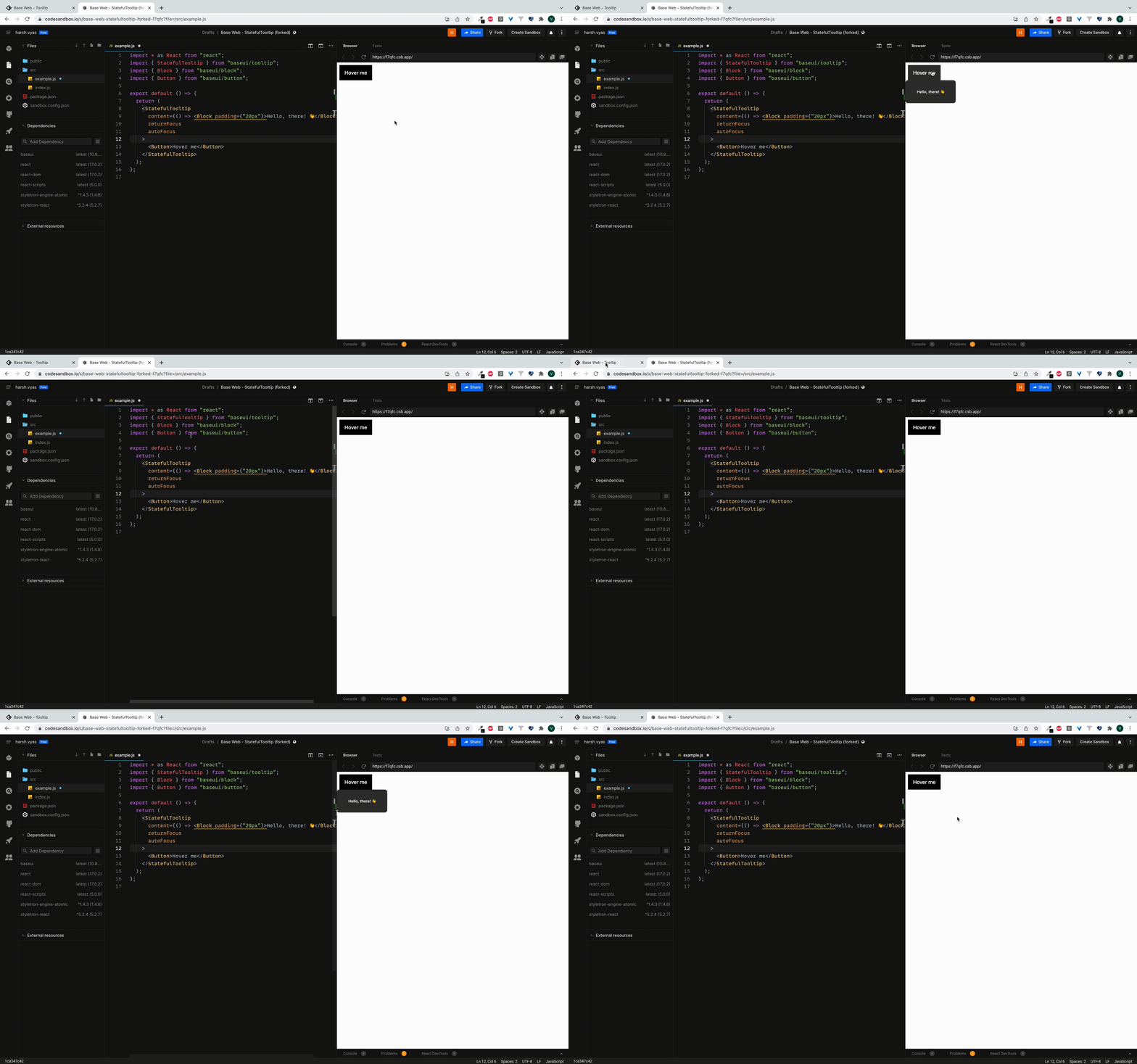
When we switch tab tooltip appears on the screen unexpectedly.
Expected Behavior
Tooltip should not appear on screen if it wasn't open last time the tab was switched.
Button was clicked before switching tabs.
Your Environment
| Tech | Version |
|---|---|
| Base UI | v10.8.0 |
| React | 17.0.2 |
| browser | Chrome |
- [x] I have searched the issues of this repository and believe that this is not a duplicate.

Thank you for the bug report @hhvys. I personally cannot reproduce this. If anyone else can, please share your reproduction steps

Hi 👋 I was able to replicate this one. The appears to be caused by a combination of Button (a focus-able element) & the autoFocus prop. Because clicking on the button will lock focus to it, switching to another tab and back will re-trigger the popover. One workaround is to add the focusLock prop, which locks focus to the popover content instead of Button:
https://codesandbox.io/s/base-web-statefultooltip-forked-62xce8?file=/src/example.js
