

 uBlock-LLC
Trello not displaying boards correctly
Hi everyone, thanks for the great project! I started having an issue with Trello this morning. Described below.
Steps:
- Try to open https://trello.com/b/FGspV32I/ublock-test-board (first saw the problem in a private board, but is reproducible in this public board)
Symptoms
- When you are on the board selection page (https://trello.com/ if you are logged in), nothing happens when you click a board
- If you directly try to access a board via URL, the page does not load completely as shows several errors in console
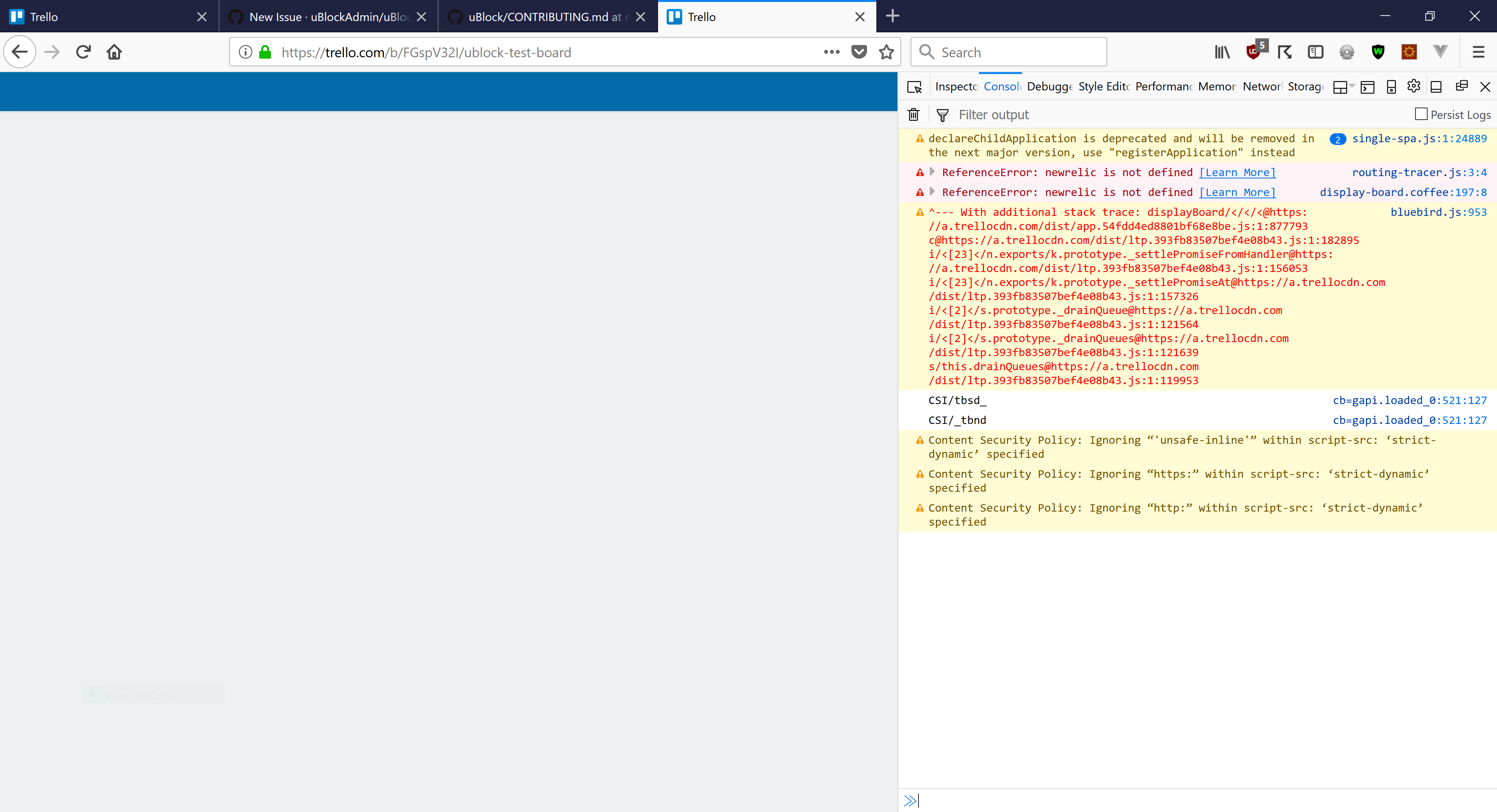
- If you disable ublock it works
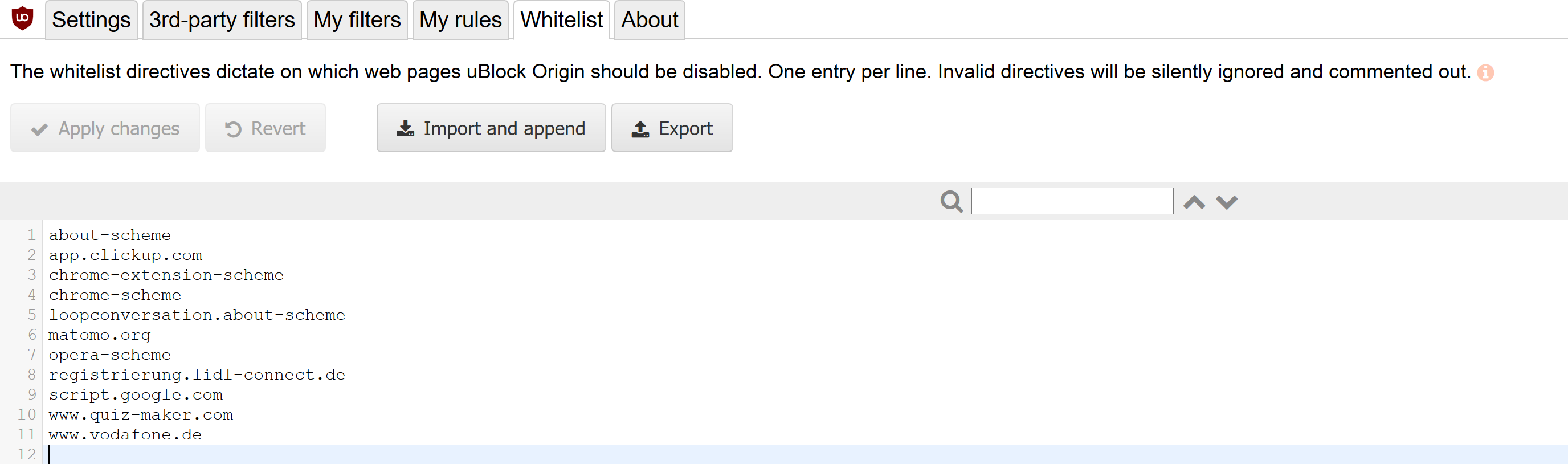
uBlock's preferences that differ from the defaults
Versions
- uBlock Origin 1.15.24
- Firefox 59.0.2 (64 bit)
- Windows 10 Home Version 10.0.17133 Build 17133
Other extensions
- Disable WebRTC
- Firefox Pioneer
- Redirector
- RESTClient
- uBlock Origin
- Vue.js devtools
- Web Developer

I can confirm this; I can't open boards anymore and the developer console shows similar entries (ReferenceError: newrelic is not defined).
Versions
- uBlock Origin 1.15.24
- Firefox Quantum 59.0.2 (64-Bit)
- Windows 10 Pro (Version 1709, Build 16299.309) (I can try it on my Linux machine later)
Other extensions No other extensions are installed.

The Trello team released a fix so the problem should be gone. However, it is very beneficial for us to be able to track performance via NewRelic. What can be done to whitelist NewRelic?

I got the same symptom, but in my case it's because localstorage filled up due to snowplowOutQueue_sp_cf_get.
