

 tzutalin
OSError: [Errno 2] No such file or directory when python build.py
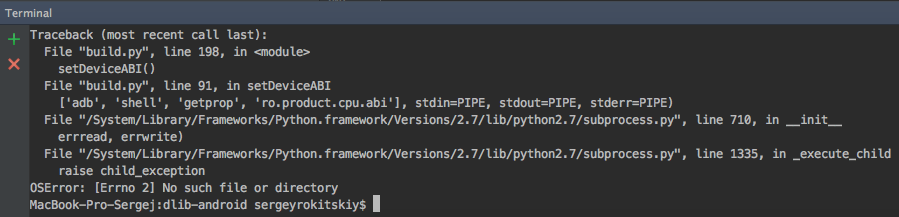
I'm following your instructions, but when doing '$ python build.py' I get:
$ vim ~/.bashrc
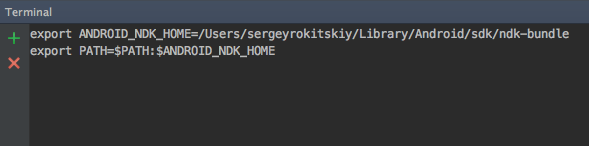
when I try '$ ndk-build' I get


@serrokitskiy , It seems that you didn't set up ndk correctly. Can you go to your ndk home to check if there is 'ndk-build' binary? If not, I suggest that you can download ndk from here. Download NDK from official website https://developer.android.com/ndk/downloads/index.html

@tzutalin ,
I downloaded the NDK from the site. But nothing changed(((
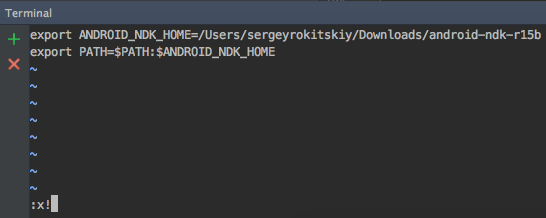
Do I need to change the NDK_PATH in the script?


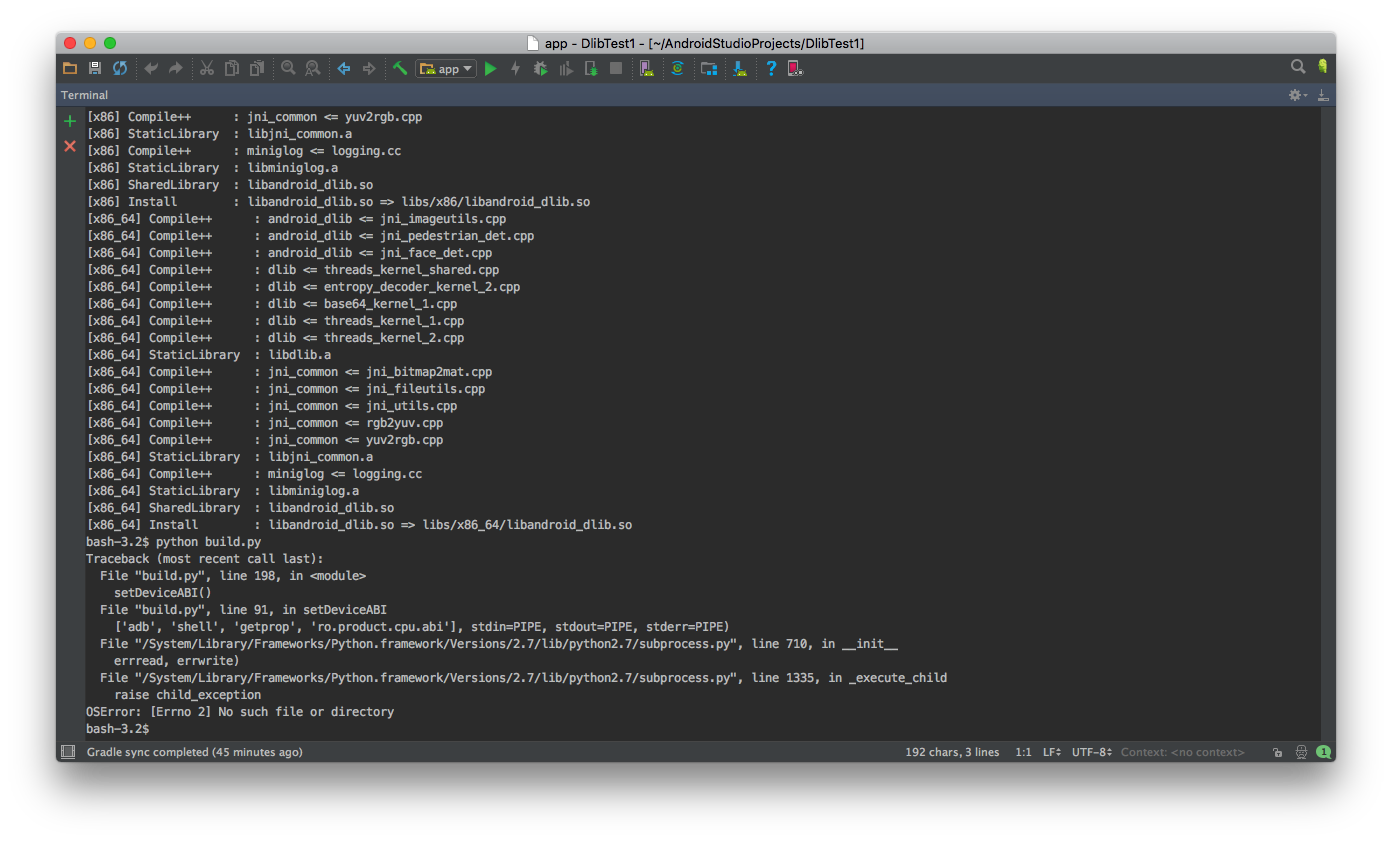
Hi @serrokitskiy , You have built it successfully. You can ignore the error. The error is caused because you didn't setup Android SDK, it cannot Android 'adb' tool.
@tzutalin , Good. And how can I test the work of this library? Is there any code with which I can do this?
I've solved same problem.
You need to add path to adb in bashrc like this.
export PATH=$PATH:/Users/Beomseok/Library/Android/sdk/platform-tools

Have you solved this problem? I'm still confused about it, both using build.py and using cmakelist.txt.
CMake Error at CMakeLists.txt:36 (add_library): Cannot find source file:
dlib/dlib/threads/threads_kernel_shared.cpp
Tried extensions .c .C .c++ .cc .cpp .cxx .m .M .mm .h .hh .h++ .hm .hpp .hxx .in .txx
(py2) G:\AndroidProject\dlib-android-master>python build.py
We will use ABI:armeabi-v7a binaries to test
ndk build arguments:['ndk-build', '-j4', 'NDK_LOG=1', 'NDK_DEBUG=0', 'V=0']
Traceback (most recent call last):
File "build.py", line 208, in

I have solved the problem,but faced with new one by using ndk-build -j 2 : clang++: error: linker command failed with exit code 1 (use -v to see invocation) make: *** [obj/local/arm64-v8a/libandroid_dlib.so] Error 1
Hi! @ElliotQi I am having the same issue as you mentioned with calling ndk-build by build.py. could you please explain how you got it solved? Thanks in advance!!
