

 typst
typst
VSCode Language Highlight?
Hey Typst team, amazing project, love it! I wonder how can I use language highlighting presented in your tutorials in other editors? VSCode in this example

Currently, there are two pathways for this.
Provided tools
See https://github.com/typst/typst/tree/main/tools/support
i.e. the tools/support folder in the repo.
To use this, you need to use Command palette and click this.
 Then navigate to the folder and select the
 tools/support folder.
This should yield a Typst extension (almost silently) and it looks like this:

You can find it under installed extensions.
This is what it does:
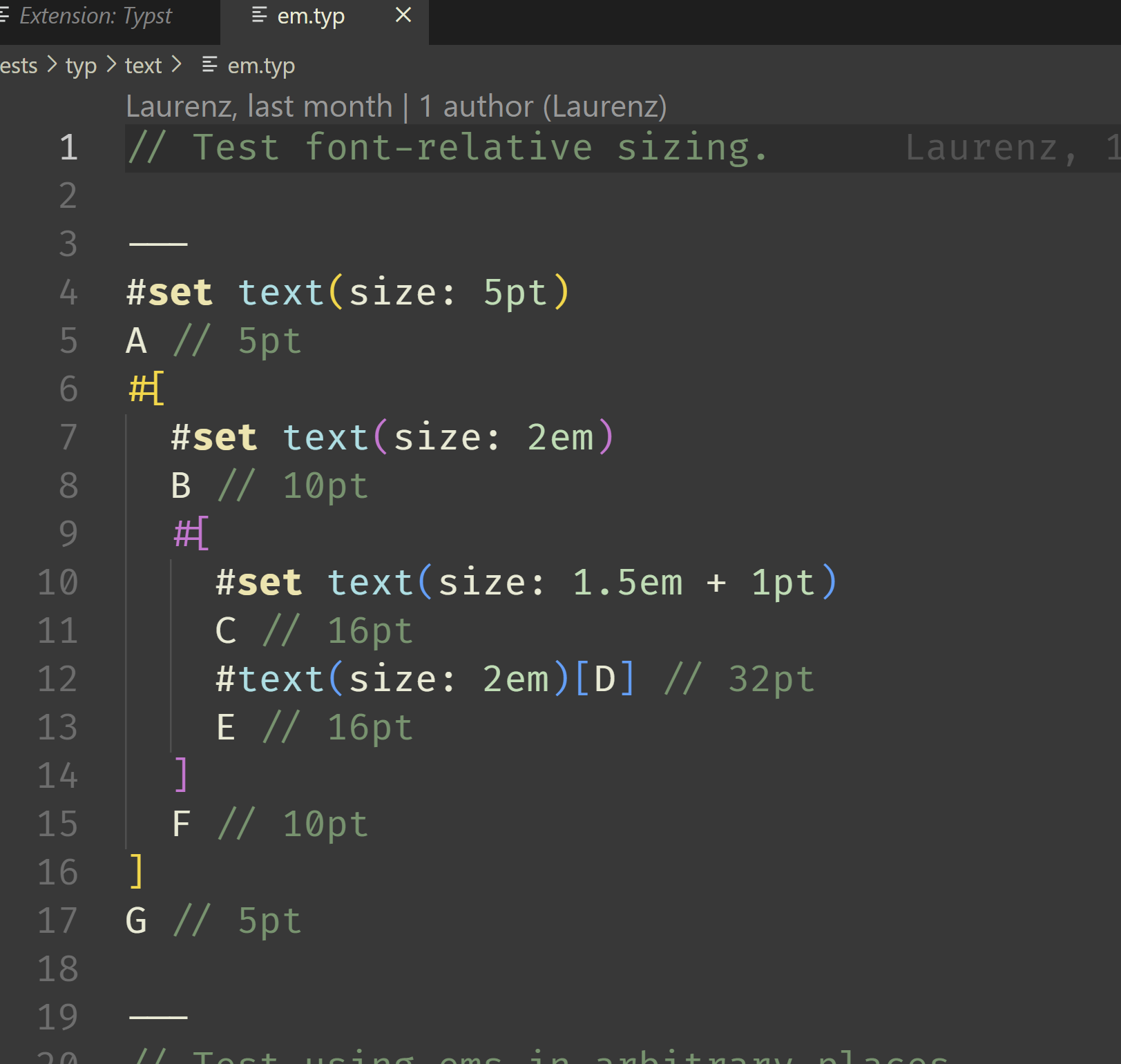
The second way will have to be in another post..

Another way, a community member has already started the churn and the overwhelmingly sought after work of providing an LSP for typst (plus vscode plugin), by mining typst-repo, and more. See here for it https://github.com/nvarner/typst-lsp
@nvarner I wish you good luck with it!
This should yield a
Typstextension (almost silently) and it looks like this:
Tried both in VSCodium and VSCode but nothing happens. no extension shows up.

This should yield a
Typstextension (almost silently) and it looks like this:Tried both in VSCodium and VSCode but nothing happens. no extension shows up.
Just to make sure you understand, this isn't a published extension. It appears when you install from a folder locally on your machine.
There were no other steps and nothing else I've done to make it appear. So I cannot help you further with this unfortunately.
Ok, it works, the docs (https://github.com/typst/typst/issues/163#issuecomment-1480257515) were a bit unclear.
After the step: "Then navigate to the folder and select the tools/support folder." nothing will happen, the extension will be silently installed, and the extension description tab won't pop-up, as the doc suggested to me.
Thanks :D
Would it make sense to add these instructions to the official docs? I think the existence of this barebones VSCode plugin is a great argument to increase adoption

Someone is making a real plug in. I'd like to give them a chance to put it together and then make that the official recommendation.
Please note that I'm in no way part of the team. I'm just giving my community member review. It helps other projects, but I could be both factually wrong, and my opinions may be opposite of the typst team.
With that said, I urge everyone that are interested, or may help out, to this https://github.com/nvarner/typst-lsp/discussions/15
@CGMossa nicely outlined the two available alternatives. I'll close this as completed for now.
