hotel

hotel copied to clipboard
 typicode
CLI ps, up, down
Add CLI commands hotel ps — view runned apps hotel down — stop app (or kill) hotel up — up app hotel open — open project url in browser


I was looking for this today - is the HTTP event stream the only place where the status appears?

- [x]
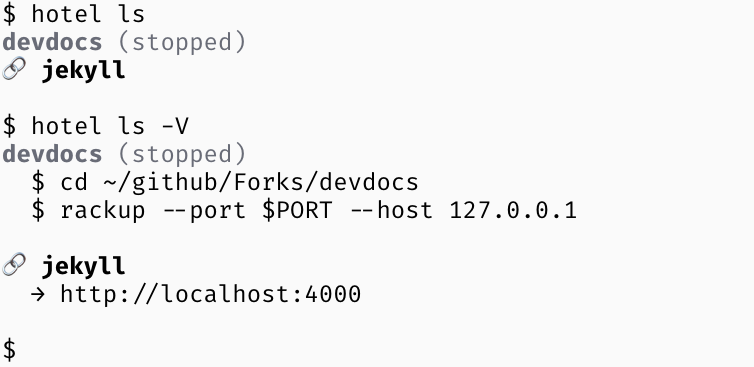
hotel psThis is partially covered byhotel ls. I’ll see if I can color the app name (black = proxy, green = running, gray = stopped, red = crashed) to provide more information here. I’ll also aliashotel pstohotel ls. - [x]
hotel upThis should start the app running in the nearest parent directory by default. If there are multiple apps in that directory, it should ask you which one to start. It should also allow you to start any app by providing all or part of its name.$ hotel up my-first-app and my-other-app are running in this directory. Which one should be started? ❭ first # this should let you use the arrow keys to select an app my-first-app has been started. $ hotel up another another-app has been started. - [x]
hotel downSee above - [x]
hotel openSame behavior as above, but doesn’t say anything after you run it — it should be pretty obvious since your browser just opened. (seeopn)
Status: