

 treehouses
`treehouses tunnels` (fixes #690)

I'm not sure if I'm using this correctly, but I can't seem to get it to work.
I ran ./cli.sh tunnels pagekite-install [email protected] treehouses but I can't reach treehouses.pagekite.me/.
Please correct me if I'm doing something wrong.

I'm not sure if I'm using this correctly, but I can't seem to get it to work.
I ran
./cli.sh tunnels pagekite-install [email protected] treehousesbut I can't reach treehouses.pagekite.me/.Please correct me if I'm doing something wrong.
try opening the website in Tor, or open up the screen to see if it's running with screen -x
let me know if anything comes up again
or try a different sitename, pagekite seems to have issues if one already exists
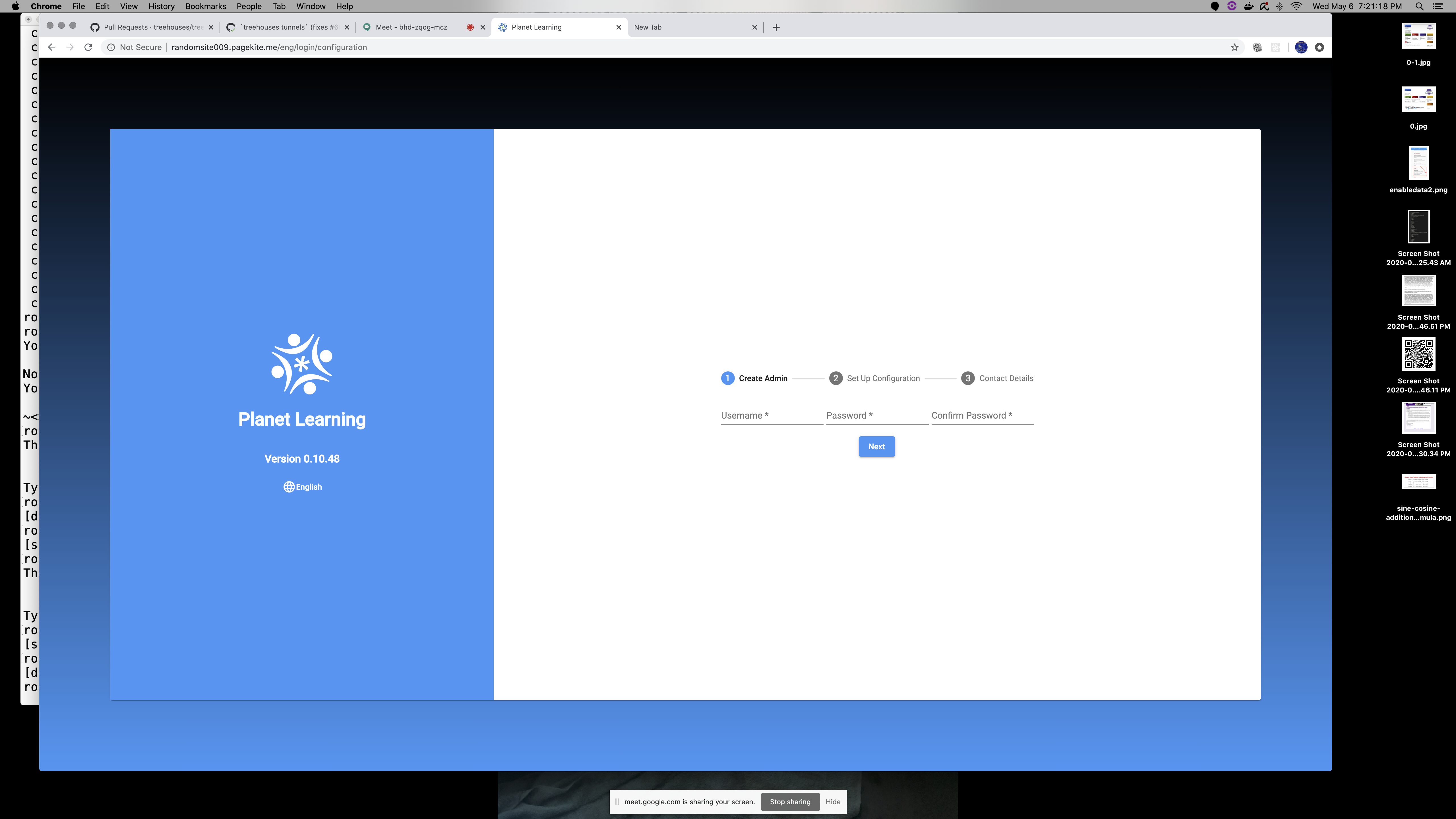
just tested it again and it's working good:
>>> Hello! This is pagekite.py v1.0.1.200424.                   [CTRL+C = Stop]
    Connecting to front-end relay 173.255.248.133:443 ...
     - Relay supports 10 protocols on 19 public ports.
     - Raw TCP/IP (HTTP proxied) kites are available.
     - To enable more logging, add option: --logfile=/path/to/logfile
    Abuse/DDOS protection: Relaying traffic for up to 5 clients per 10800s.
    Quota: You have 0.02 MB, 1 days, 5.0 tunnels left.
~<> Flying localhost:80 as https://randomsite009.pagekite.me/
    98.176.255.111 < http://randomsite009.pagekite.me:80 (localhost:80)
    Connecting to front-end relay 45.33.40.85:443 ...
 << pagekite.py [flying]   Kites are flying and all is well.
after running: ./cli.sh tunnels pagekite-install [email protected] randomsite009
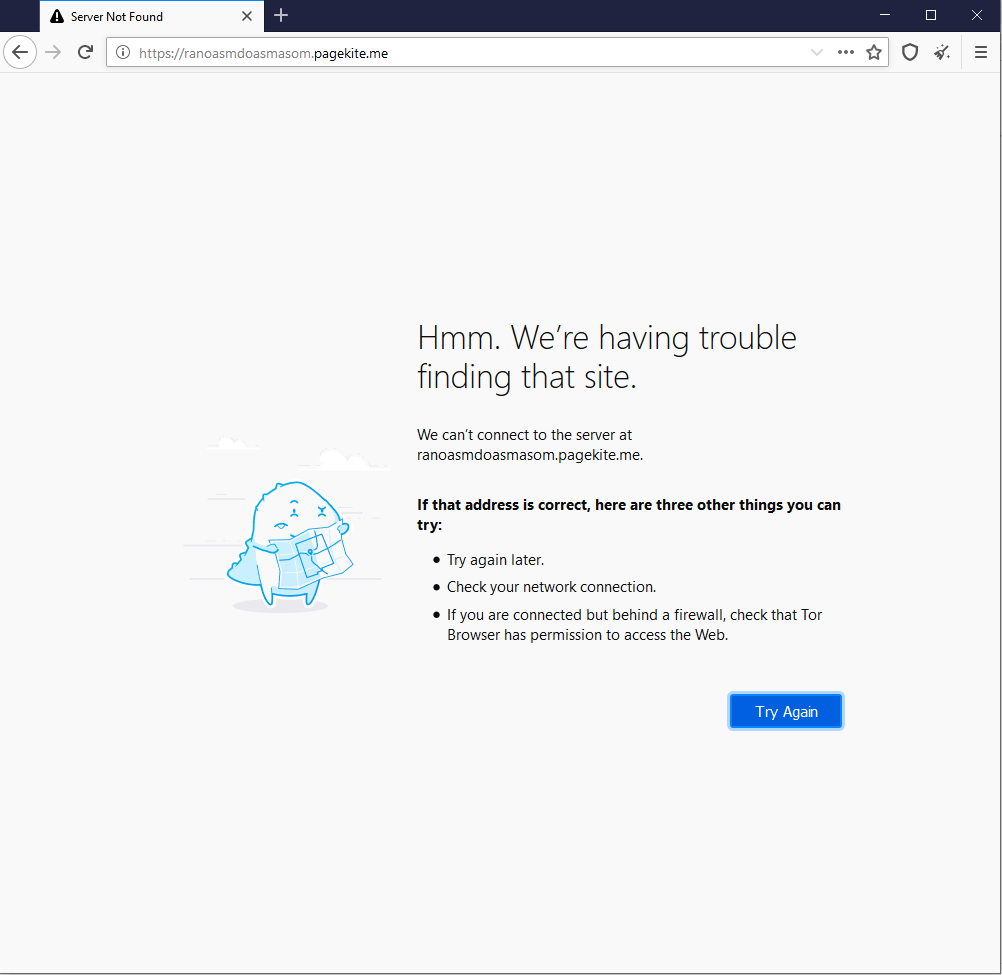
I still can't get it to work, even while using the Tor browser.
root@law-lin:~/cli# ./cli.sh tunnels pagekite-install [email protected] ranoasmdoasmasom
Your kite is ready to fly!

Note: To complete the signup process, check your e-mail (and spam folders) for activation instructions.
You can give PageKite a try first, but un-activated accounts are disabled after 15 minutes.

~<> Flying localhost:80 as https://ranoasmdoasmasom.pagekite.me/

@jayala-29 screen -x gives me:
root@law-lin:~/cli# screen -x
There is no screen to be attached.
@law-lin I'll check this out again later, weird since it works on my end and @dogi's last time we tested it
can someone test with the following:
./cli.sh tunnels pagekite-install [email protected] randomsite011
run screen -x to see if pagekite is running, it should show the status of the website created
then check randomsite011.pagekite.me in Tor for the Planet Learning landing page
give it a couple of minutes if nothing shows up immediately but as long as a screen is up and shows a successful pagekite deployment, it should be good to go
I checked again this morning and it was still working
@jayala-29 No idea why it's not working for me, successful pagekite deployment but no screen attached. Can't connect to the site on the Tor browser either.
root@law-lin:~/cli# ./cli.sh tunnels pagekite-install [email protected] randomsite011
Your kite is ready to fly!

Note: To complete the signup process, check your e-mail (and spam folders) for activation instructions.
You can give PageKite a try first, but un-activated accounts are disabled after 15 minutes.

~<> Flying localhost:80 as https://randomsite011.pagekite.me/
root@law-lin:~/cli# screen -x
There is no screen to be attached.
@law-lin 🙃
I just ran it on my machine and it's working, making note in checkout
can you go to https://randomsite011.pagekite.me/ and let me know if it's up? (expires in 15mins)
Is it only me that doesn't have /usr/local/bin/pagekite.py?
Tried running it with my own email and site name but no luck.