
SimpleWebRTCExample_iOS
 SimpleWebRTCExample_iOS copied to clipboard
 tkmn0
tkmn0
Simple example for WebRTC on iOS written in swift5
SimpleWebRTCExample
This is simple WebRTC Exmaple project for iOS written in Swift.
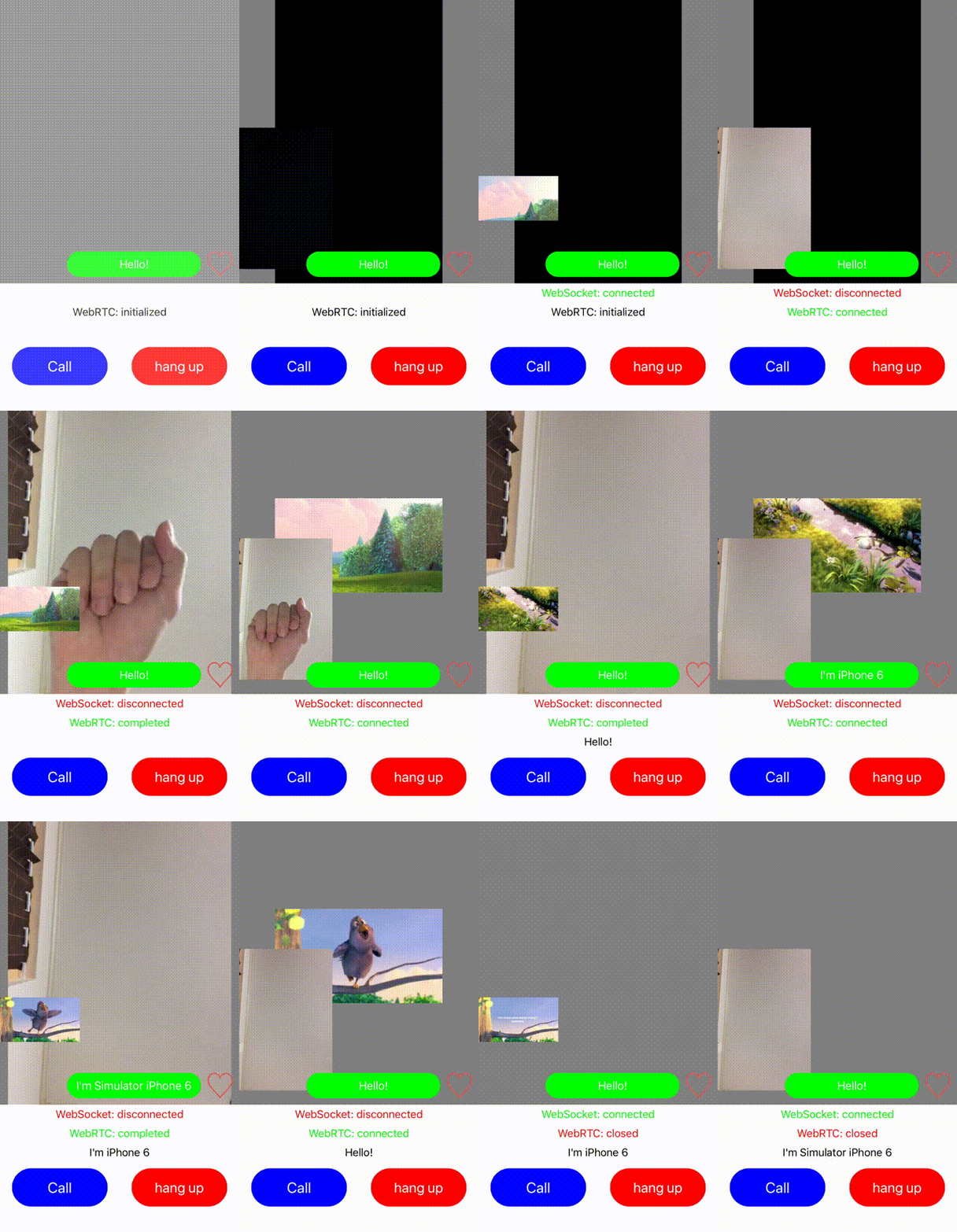
Feature
- Super simple WebRTC example project written in Swift.
- Example command lines to build WebRTC.framework.here
- ~~Includes prebuild WebRTC.framework here. (This is for TEST ONLY.)~~ THIS IS REMOVED.
- Datachannel implementation (text and bytes).
- File Source implementation.
- Camera position switching(tap local camera view.)
- Includes super simple signaling server written in node.js.
Dependency
- Xcode version 10.3
- Swift version 5
- GoogleWebRTC
- Starscream (for websocket)
Setup
- ~~You need to add WebRTC.framework to your xcode project. see how_to_add~~ If you want to build WebRTC.framework and use it, see how_to_add. Currently, this project uses GoogleWebRTC installed via pod.
pod install- You need to setup signaling server.
This project includes simple one atSimpleWebRTCExample_iOS/SignalingServer/.
You can setup node.js as folows.cd SimpleWebRTCExample_iOS/SignalingServernpm install
Usage
- Firstly, run the signaling server as folows.
cd SimpleWebRTCExample_iOS/SignalingServernode server.jsnode.js server will start at 8080 port.
- Change signaling server url ( the
ipAddressString vallue) to your case in ViewController.swift. You can find your signaling server url in signaling server log. - Then, run SinmpleWebRTC on your device or simulator. This example need totaly two devices(simulator & simulator is OK)
- Check websocket connection state on your device. If it is connected, you can tap call button. WebRTC will be connected.
- You can send like with like button. You can send plain messages with message button.
- Enjoy.
Licence
This software is released under the MIT License, see LICENSE.
 tkmn0
tkmn0