

 tiberiuzuld
How to restrict DisplayGrid.Always to show only maxCols and maxRows
I want to restrict the grid lines to appear only till max number of rows and columns that I specified in configuration (12*12), however I could see more gridline than the specified layout, it's confusing to the user.
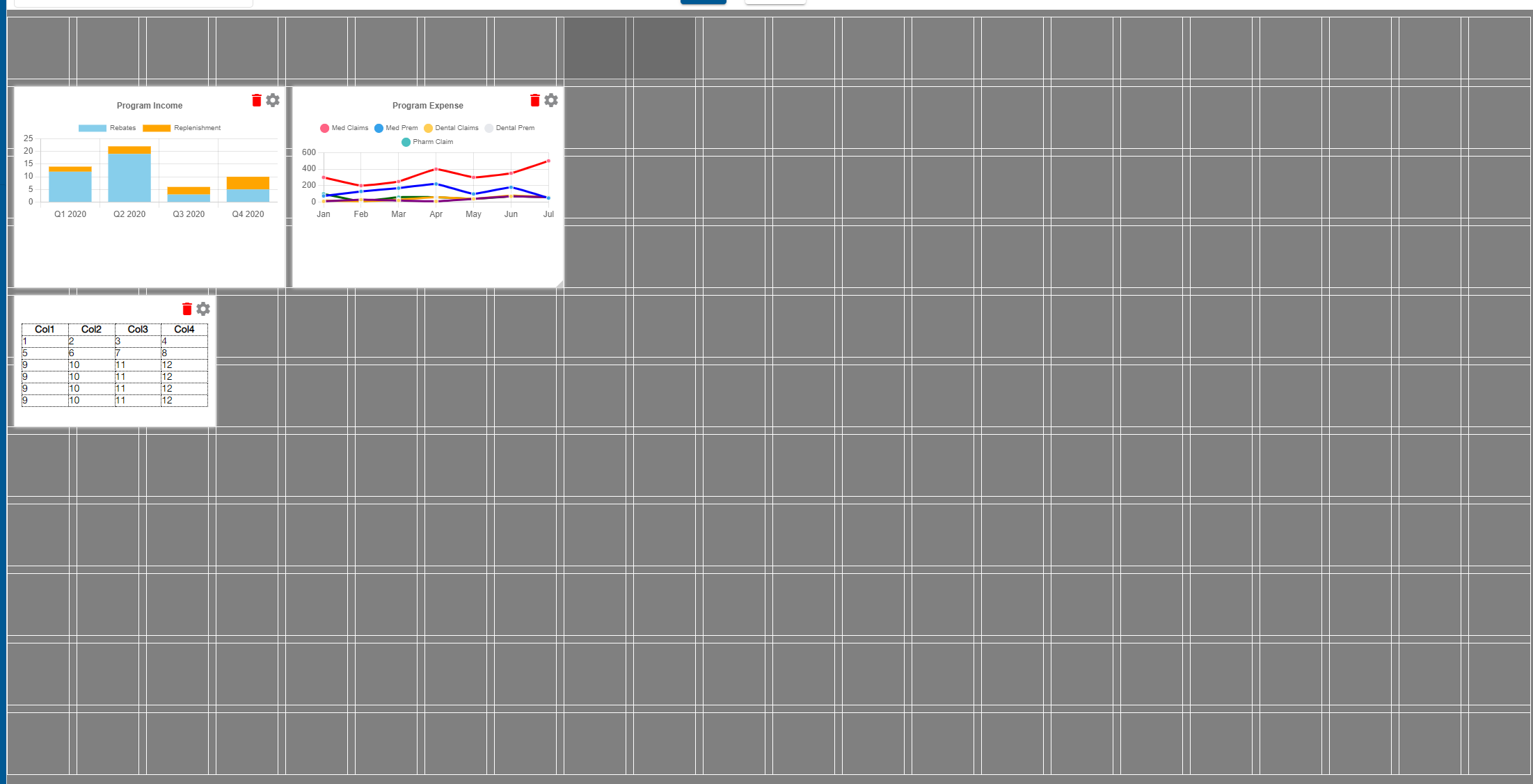
Here is the configuration this.options = { gridType: GridType.Fixed, displayGrid: DisplayGrid.Always, draggable: { enabled: false }, resizable: { enabled: false }, pushDirections: { north: false, east: true, south: false, west: true }, swap: true, enableEmptyCellDrop: true, emptyCellDropCallback: this.emptyCellClick.bind(this), fixedRowHeight: 90, fixedColWidth: 90, maxCols:12, maxRows:12, };


@tiberiuzuld This can be closed. The solution provided by setting minCols / maxCols is working fine.
