

 thvardhan
Diff view is not applying style and theme


I am unable to reproduce the issue. Can you help me by providing the steps and which IDE you are using along with the version?
I tried the same on WebStrom (as it seems you are using WebStrom)
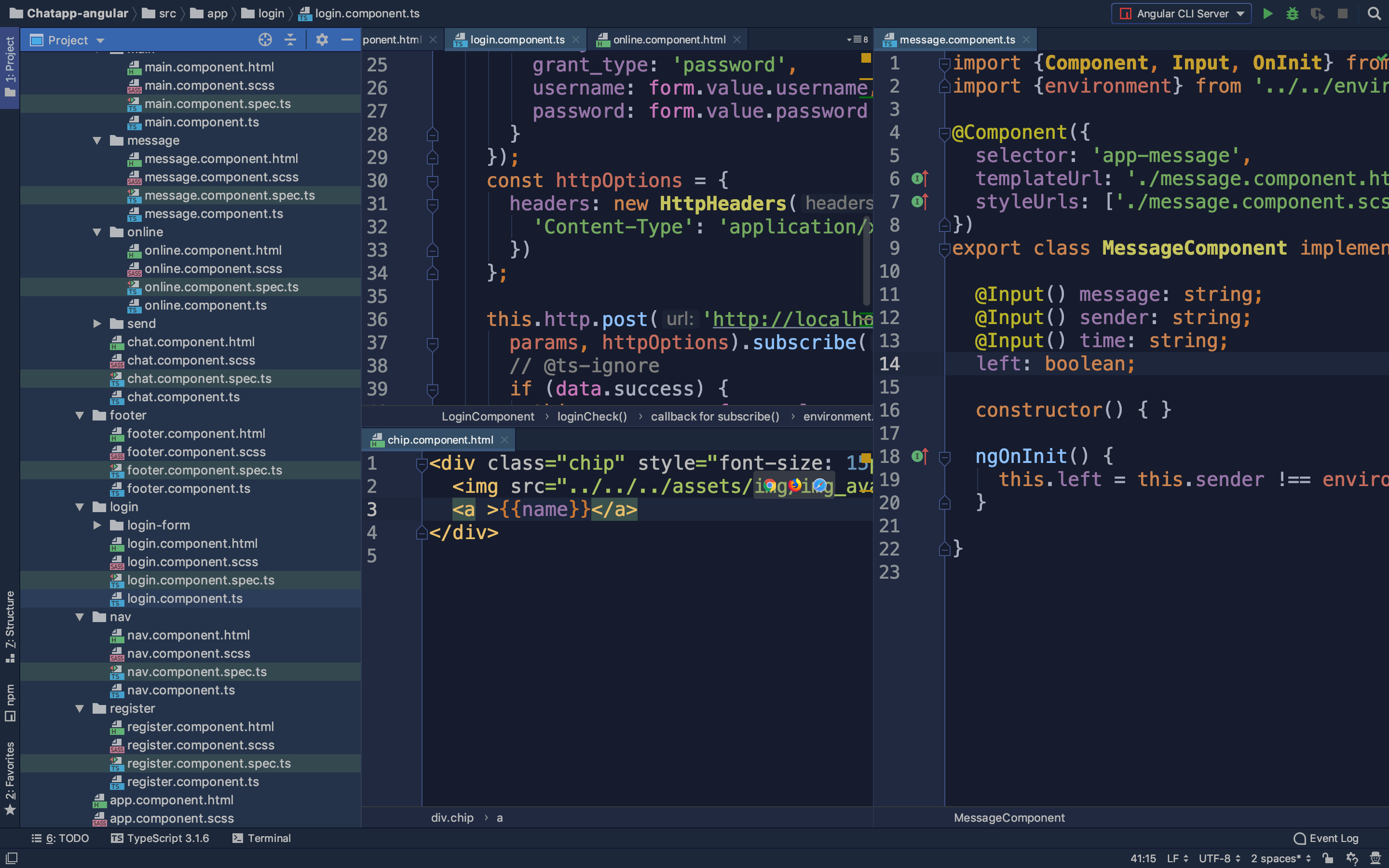 and it seems to be working fine.

Please see my settings below.
- IDE Details:
IntelliJ IDEA 2019.1.1 (Ultimate Edition) Build #IU-191.6707.61, built on April 16, 2019 Subscription is active until May 2, 2020 JRE: 11.0.2+9-b159.44 amd64 JVM: OpenJDK 64-Bit Server VM by JetBrains s.r.o Windows 10 10.0
I am using trying to compare JavaScript files.
#Steps
- Right click on .js file
- Git > Compare with... > Select file revision
Thank you for providing additional information. I am unable to find out how to fix this issue. I've installed a couple of other themes and apparently, all of them have the same issue so it might be an issue with the IntelliJ idea itself.
You can also track this issue here : https://youtrack.jetbrains.com/issue/IDEA-214514