

 thp
thp
Web pages using Local Storage instead of cookies are not supported
The site I want to watch periodically does not have any cookies! but there are some stuff under 'Local Storage' as you see in the image below:
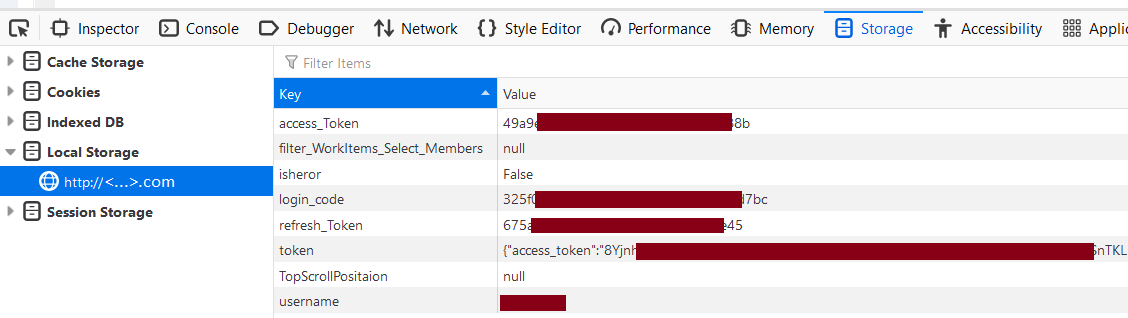
How should I record them in the file urls.yaml?

Local storage isn't supported at the moment. You might have luck with the "browser" job type and pyppeteer, but right now there's no way to specify/inject local storage data as such. Have you checked if it would work with cookies too if e.g. local storage isn't available? Also, you could look at how the page does REST API calls and just watch those (local storage is only accessible via client-side javascript, so chances are the REST API calls are self-contained if there are no other cookies set).

Have you checked if it would work with cookies too if e.g. local storage isn't available?
Indeed, I have no idea how to implement this condistion!