
GlassHandGesture
 GlassHandGesture copied to clipboard
 thorikawa
Simple demo app of hand gesture (swipe motion) recognition on Google Glass
GlassHandGesture
Simple demo app of hand gesture (swipe motion) recognition on Google Glass
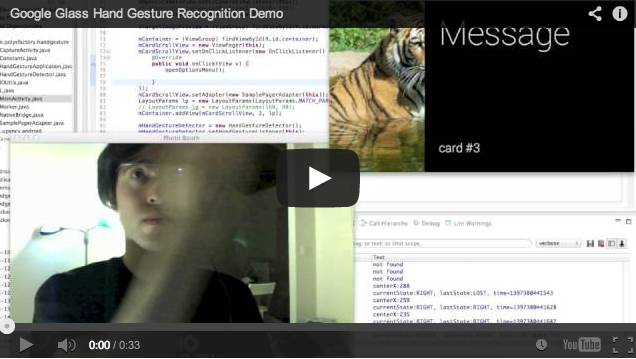
Demo
Download
See How to: Sideload Google Glass apps using ADB on Windows or How to: Sideload Google Glass apps using ADB on a Mac to sideload apk file.
How it works
GlassHandGesture detects hand by comparing color histogram with your skin color.
To make it work, you need to calibrate with your skin color.
- Tap the touchpad
- Select "capture marker" menu
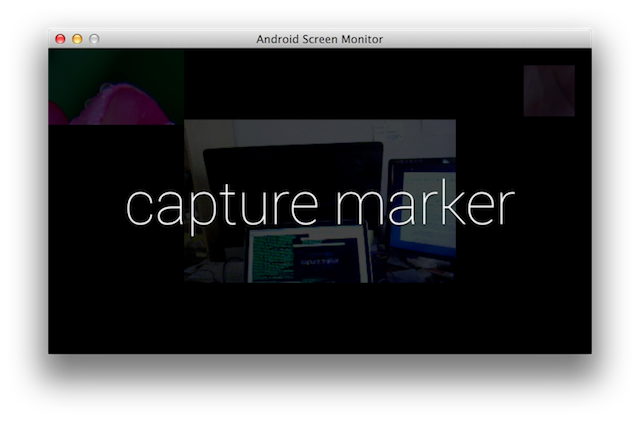
- Put your hand in front of camera so that your skin covers whole red square area, then tap "capture" button.

- Tap "ok" button to use that image or tap "retake" button to capture your skin again.
How to build
Requirement
- Android SDK https://developer.android.com/sdk/
- Android NDK https://developer.android.com/tools/sdk/ndk/
- OpenCV Android SDK http://sourceforge.net/projects/opencvlibrary/files/opencv-android/
Get it started
- set up environment
#### expample: export OPENCV_ANDROID_SDK_HOME=/Users/thorikawa/workspace/OpenCV-2.4.8-android-sdk/sdk/native/jni
$ export OPENCV_ANDROID_SDK_HOME=<PATH_TO_OPENCV_ANDROID_SDK>
- Build
$ cd <PROJECT_ROOT_DIRECTORY>
$ ndk-build
$ ant clean debug install
 thorikawa