

 syncthing
"Revert Local Changes" doesn't resolve "unexpected items" status in GUI for receive encrypted
On a Receive Encrypted type folder, I had unexpected local changes, so the red button to revert them showed up. Choosing to proceed with reverting did not seem to do anything: the button and the local changes were still there. I then clicked the Rescan All button, but after completion the red button and local changes were still there. Only after refreshing the page in my browser, was the folder "Up to Date" and the button gone.
I expected the folder to show as "Up to Date" and the red "Revert Local Changes" button to be gone, without manually refreshing the page in my browser.
- Syncthing v1.19.0 running on a Debian 10 server
- Firefox Browser version 97.0 running on Ubuntu 20.04
NB: the button not working has previously been reported in #6436 and addressed in #6449, but it seems there is still a problem updating the GUI.

I reproduced a similar issue where I deleted a few of the encrypted folders. The "Revert" button doesn't seem to do anything, and even refreshing the page and restarting the daemon doesn't seem to do anything either.

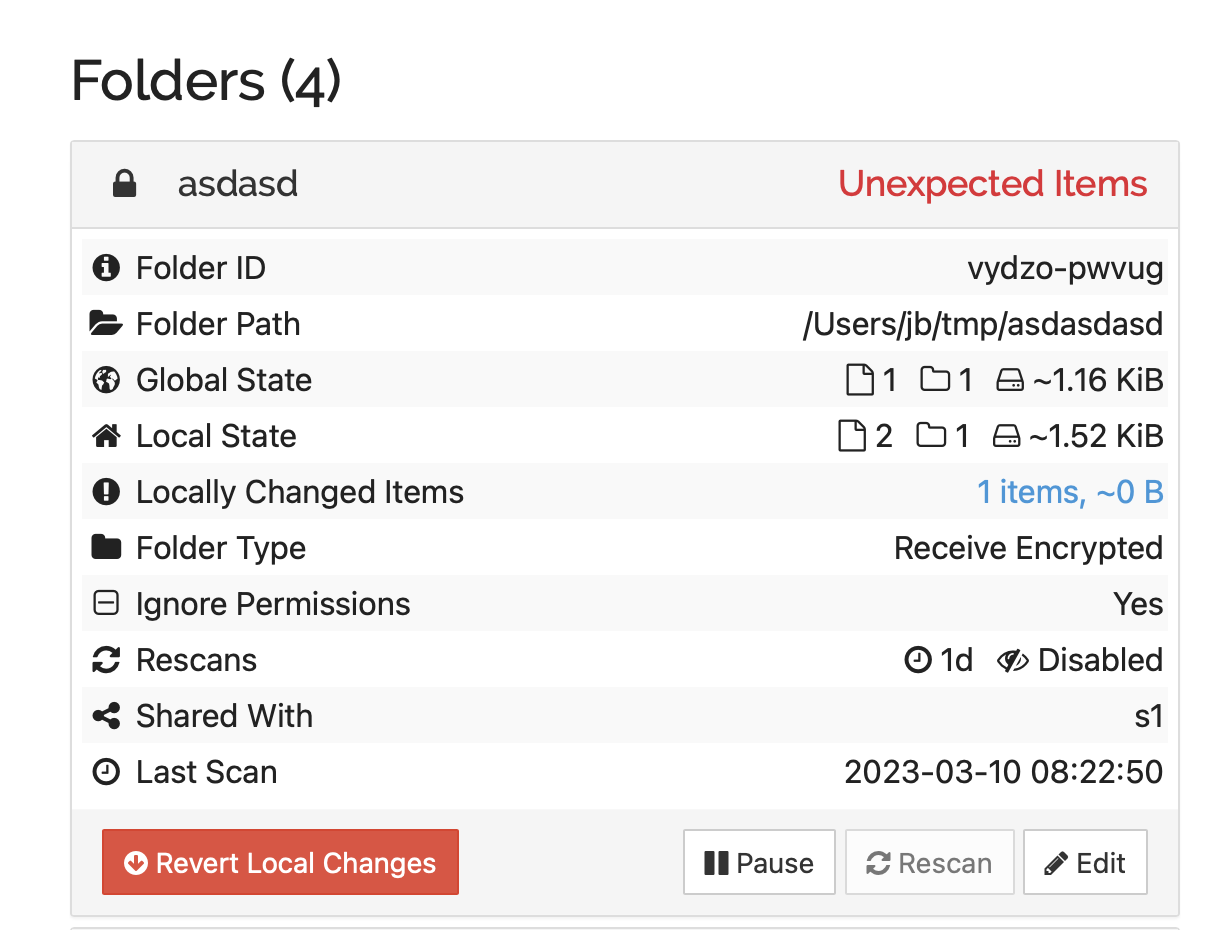
Confirmed by creating an unexpected folder:
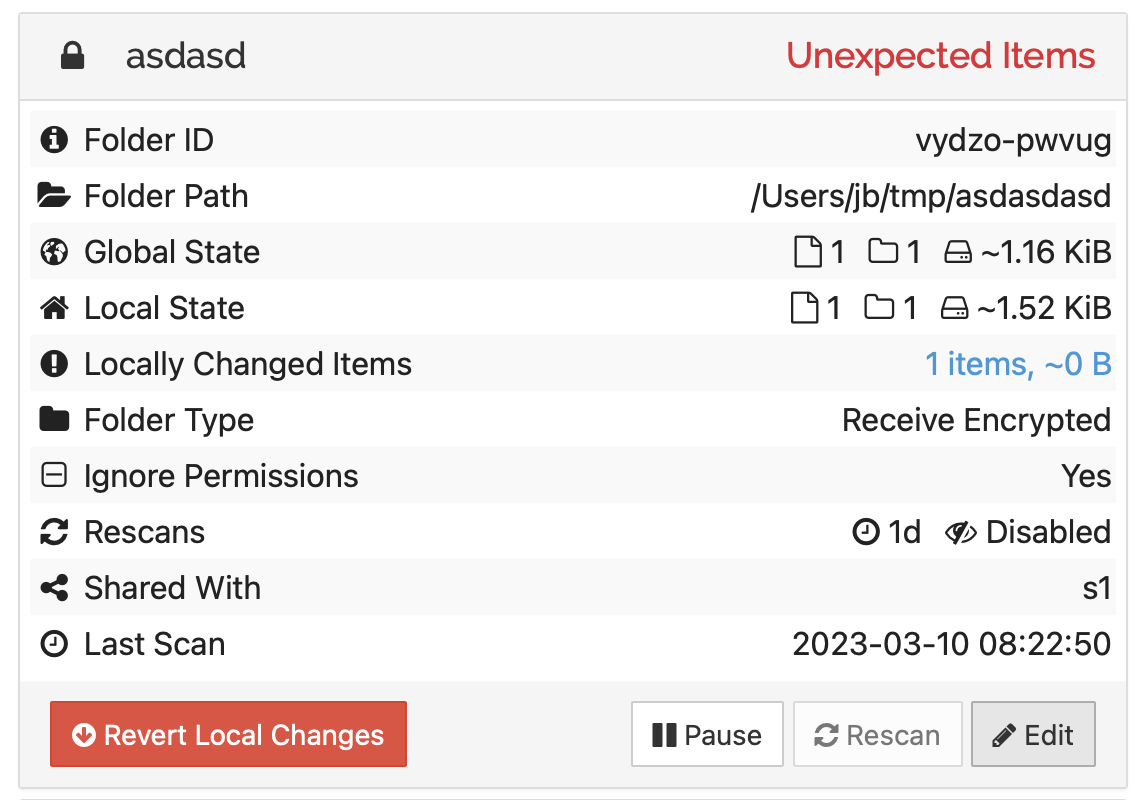
Tapping revert removes it (and count of folders is reduced, but unexpected items status remains):
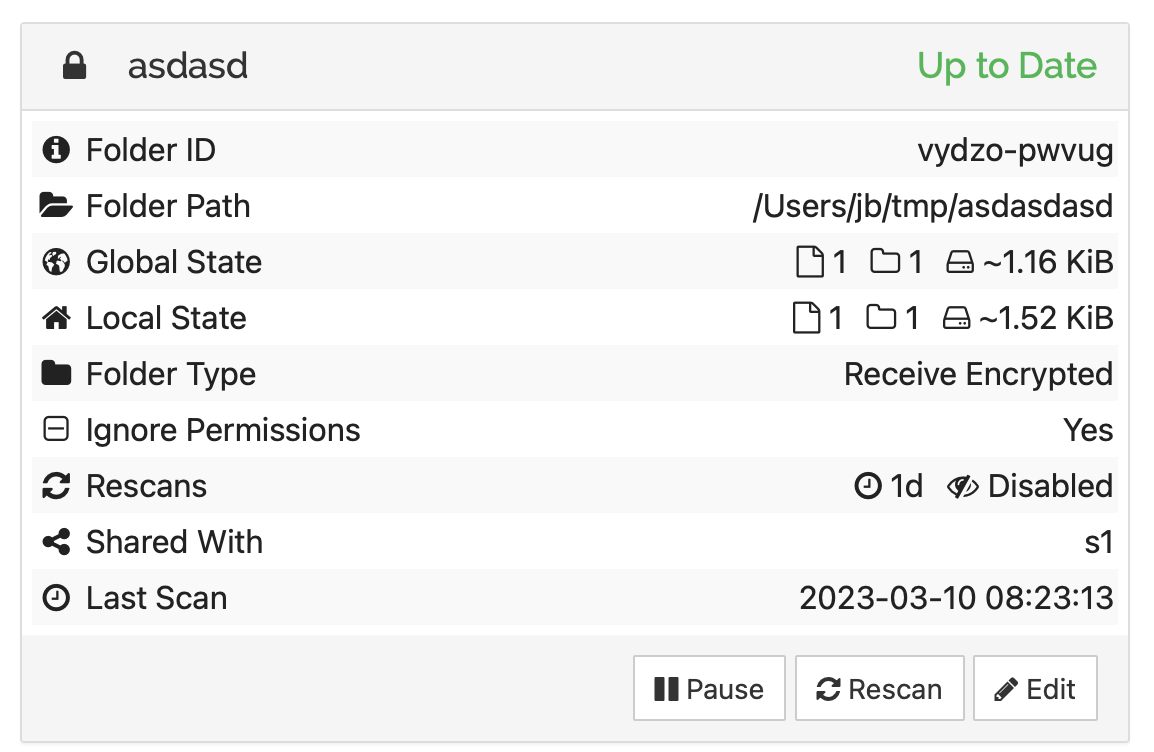
Pausing and resuming the folder resolves.

I am experiencing the same issue. The device receiving encrypted files is running v1.26.1, Linux (64-bit ARM). One of the two devices sending encrypted files is running v1.26.1, Linux (64-bit Intel/AMD), and the other device is running v1.26.0, android (64-bit ARM).
Pausing and resuming the folder on the device receiving encrypted files did not solve the issue, neither did restarting Syncthing on that device.


The issue persists on v1.27.2. In fact, another folder is experiencing the same issue now.