

 syncthing
Unexpected behaviours after a screen orientation change (reported by activity)
I developed an automatic test case generation tool and it detected these problems in your app. I would like to know if you consider them as failures and, if not, why. Thanks for your collaboration.
-
When I change the orientation of the device screen, the Dialog showing the barcode disappears in WebGuiActivity
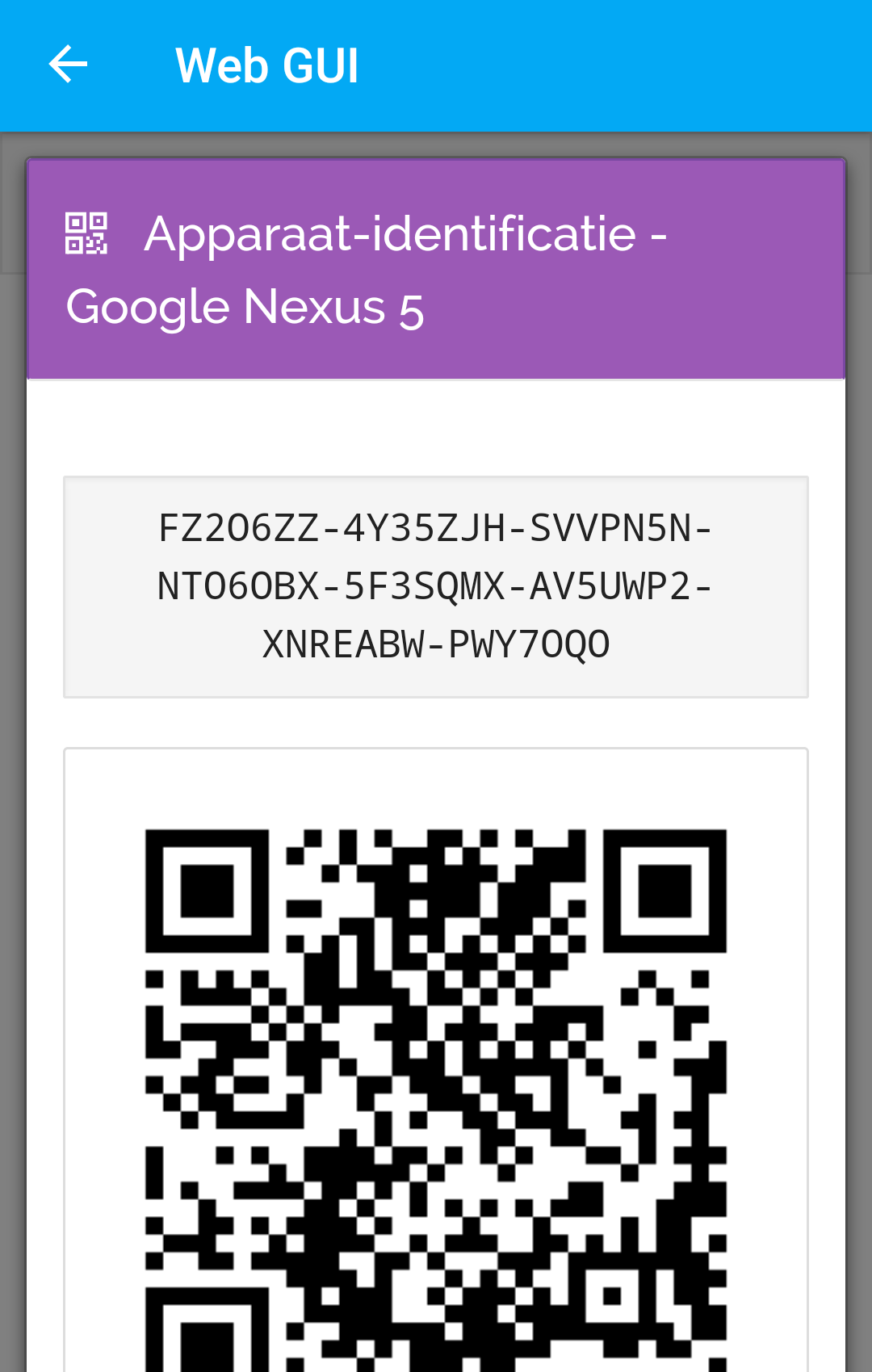
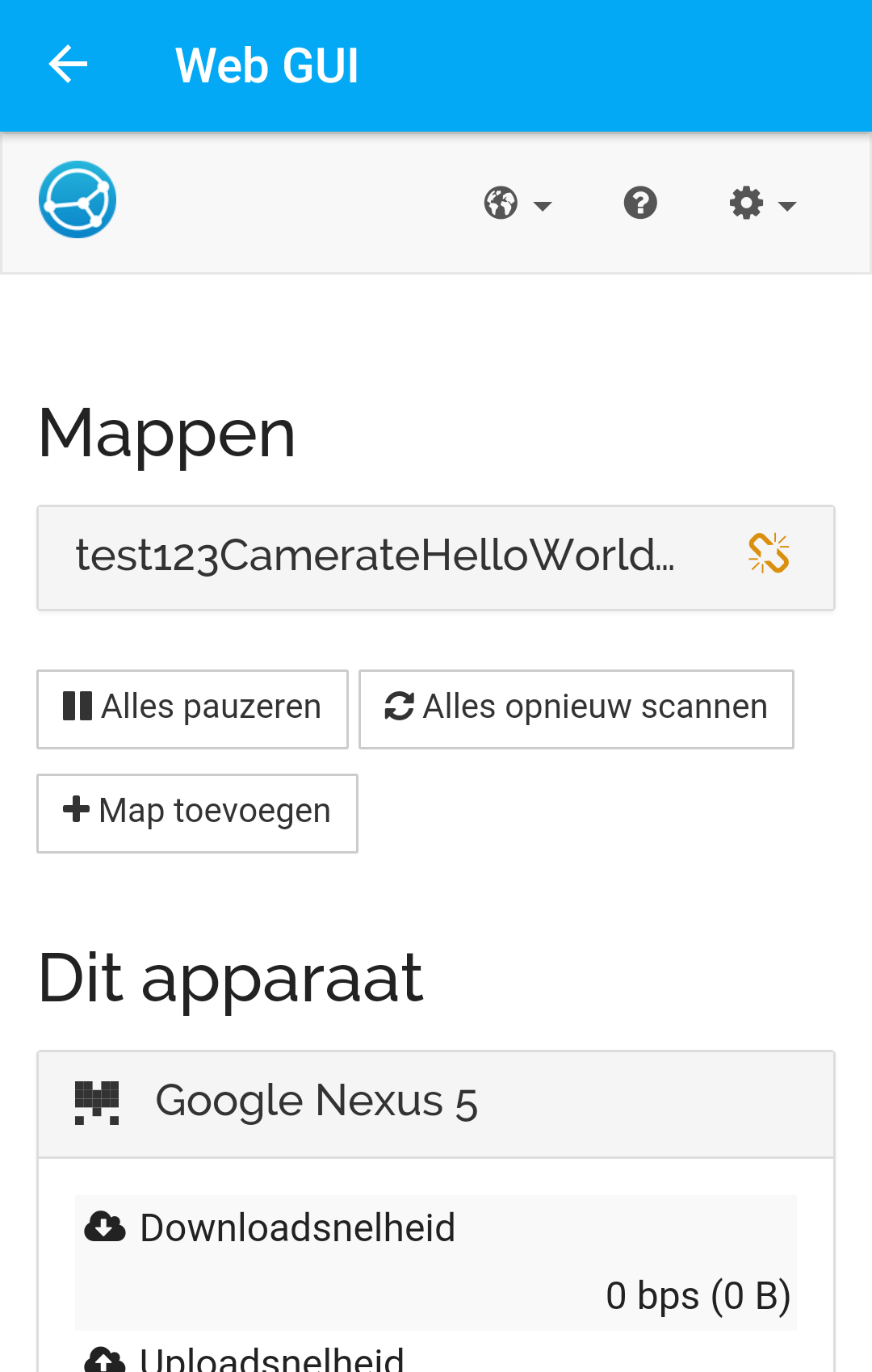
-
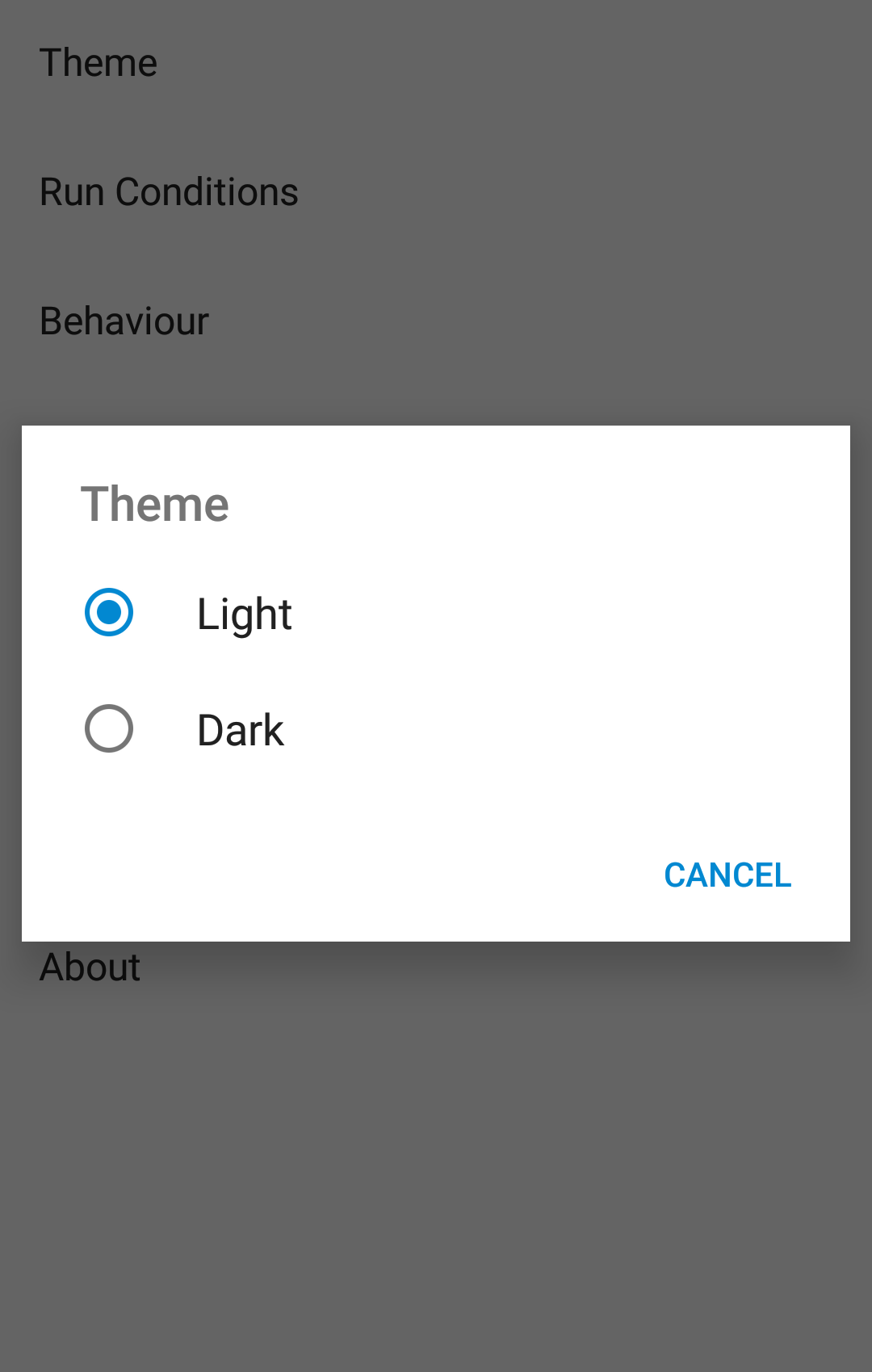
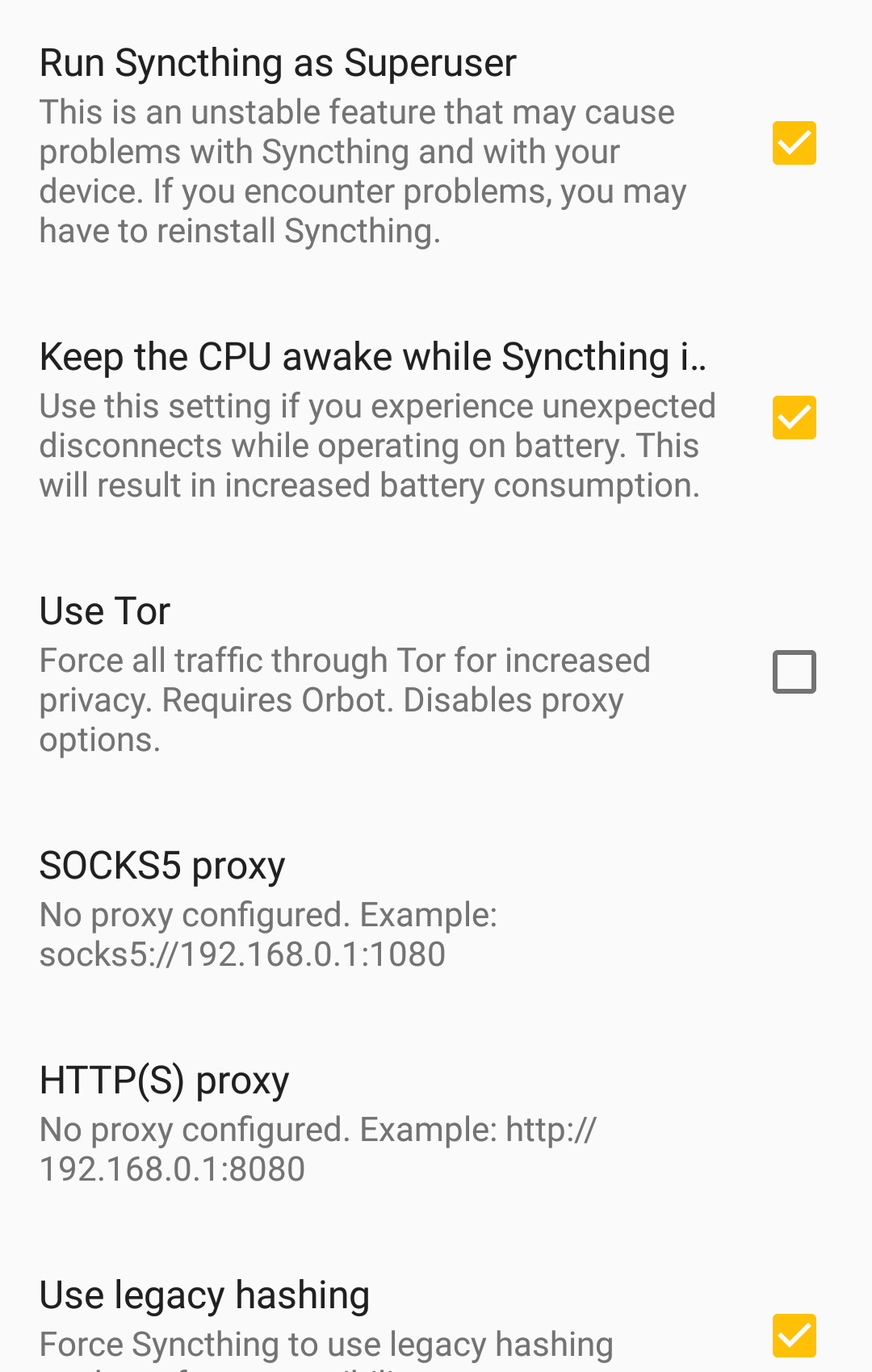
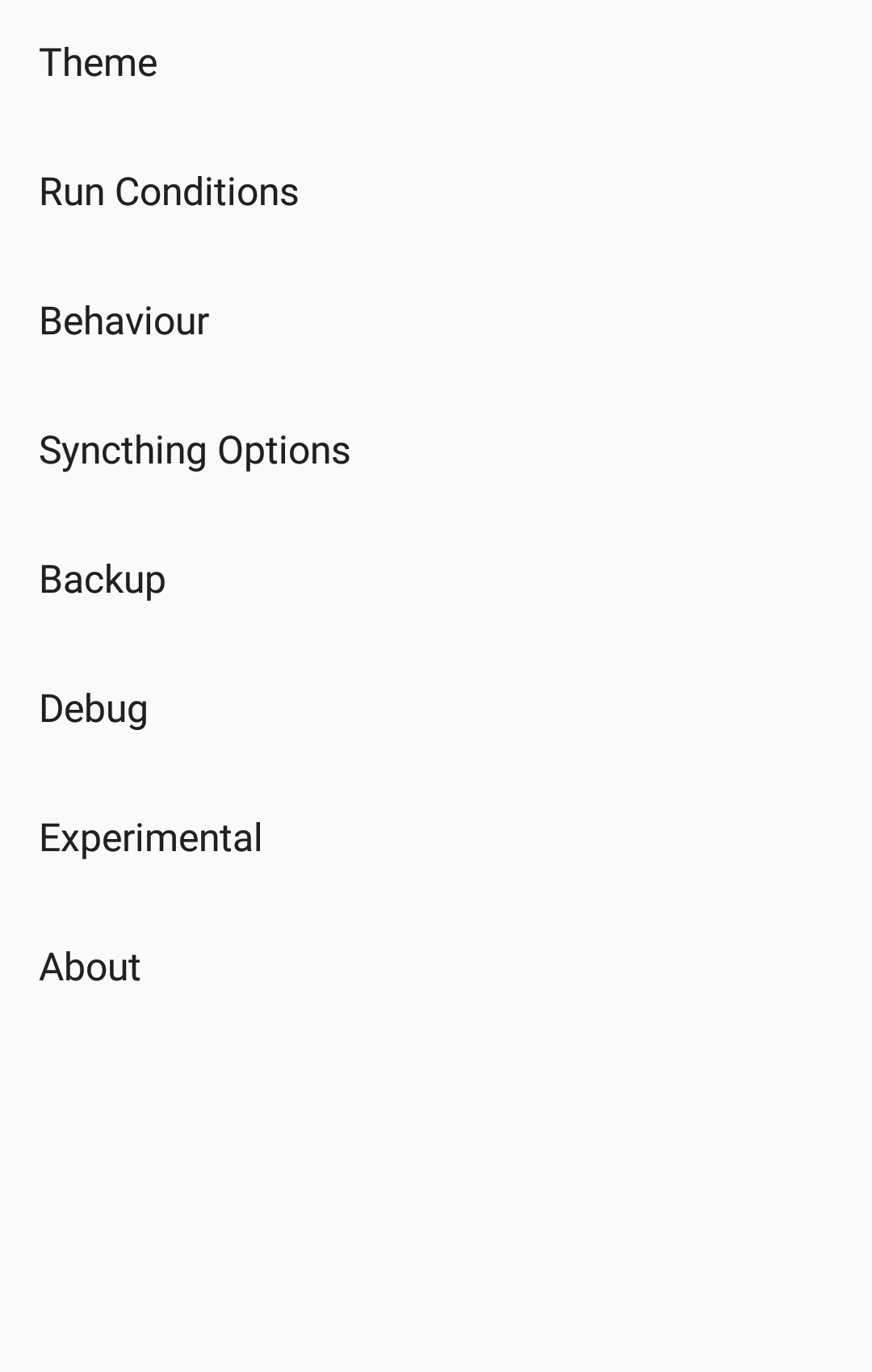
When I change the orientation of the device screen, SettingsActivity changes its state. Below there are different examples: the screenshots were taken before and after the screen orientation change and they are paired (before, after), (before, after) ...
-- first case --
The Dialog disappears
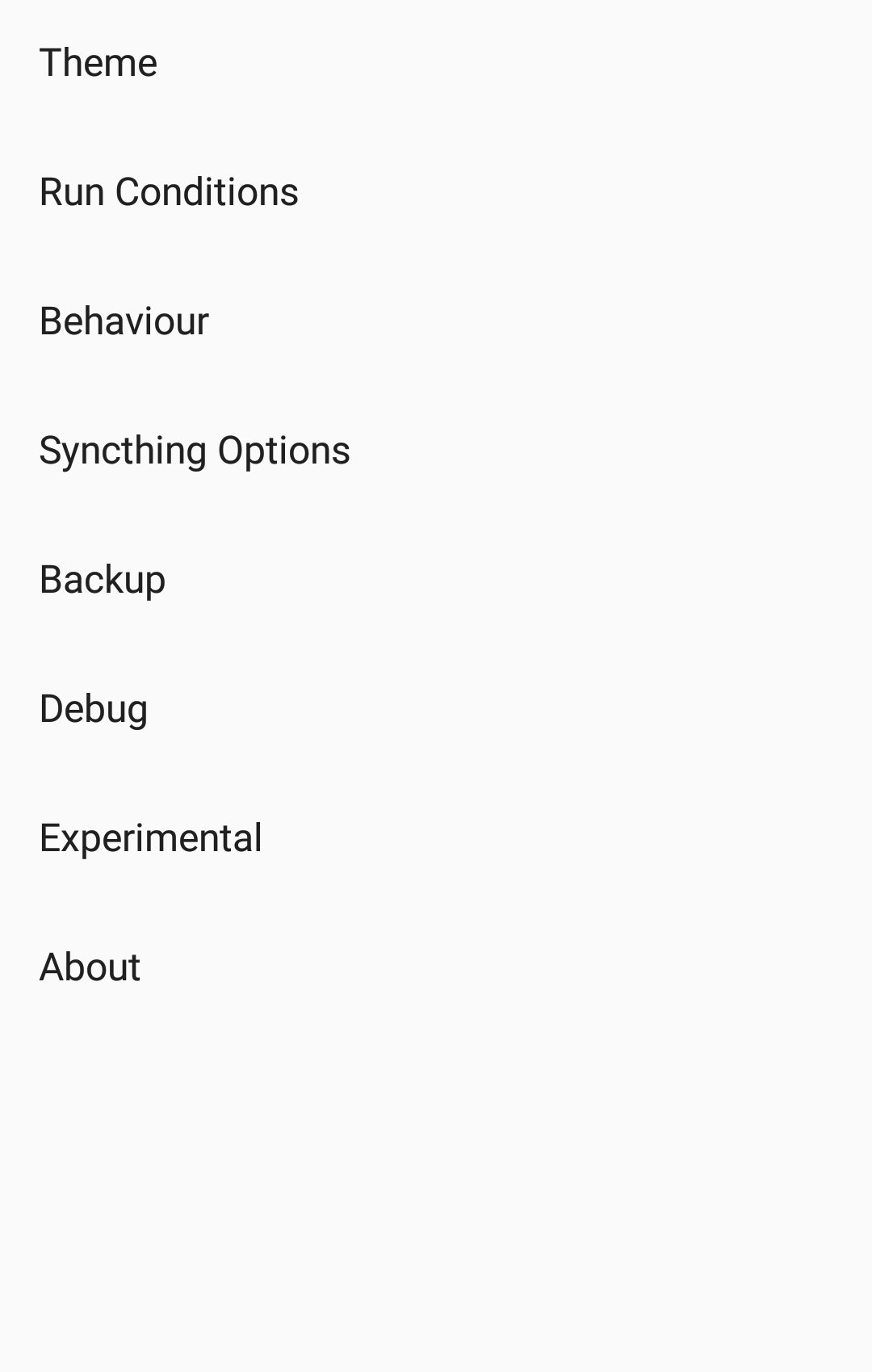
-- second case --
It comes back to the previous options
-
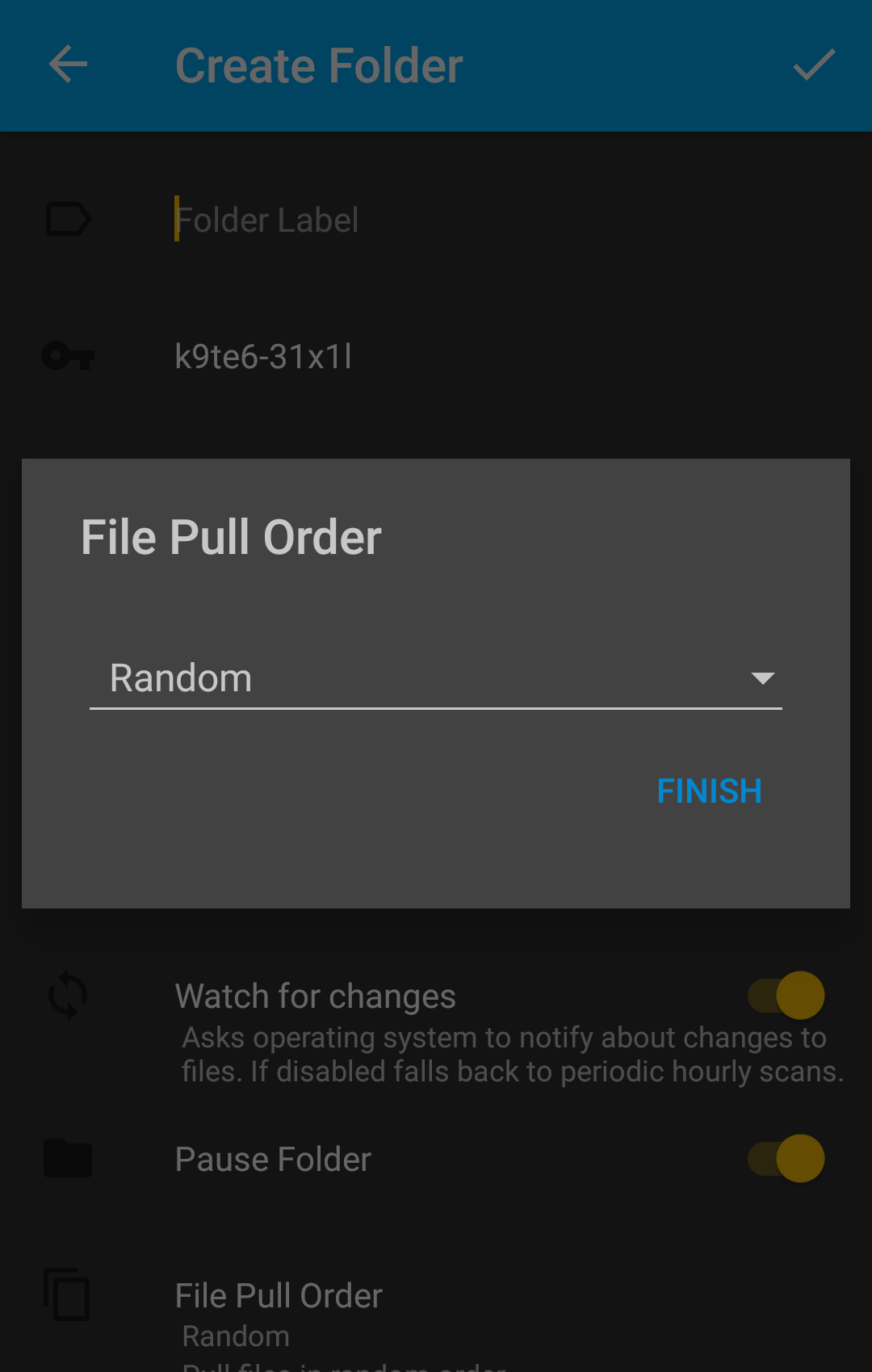
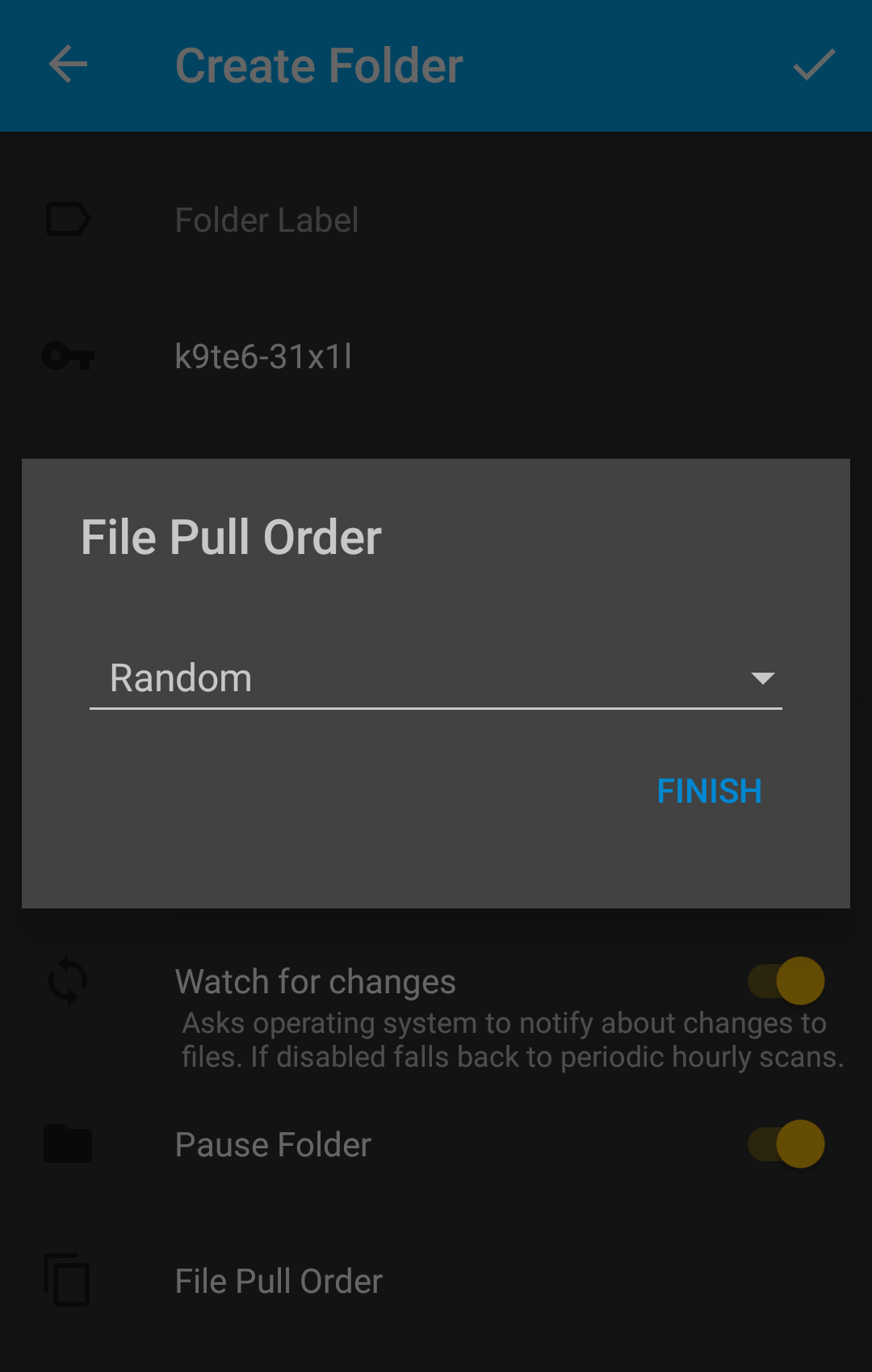
When I change the orientation of the device screen, the widgets below the Dialog change their position, shrinking theirselves in PullOrderDialogActivity
-
When I change the orientation of the device screen, a Dialog appears in MainActivity
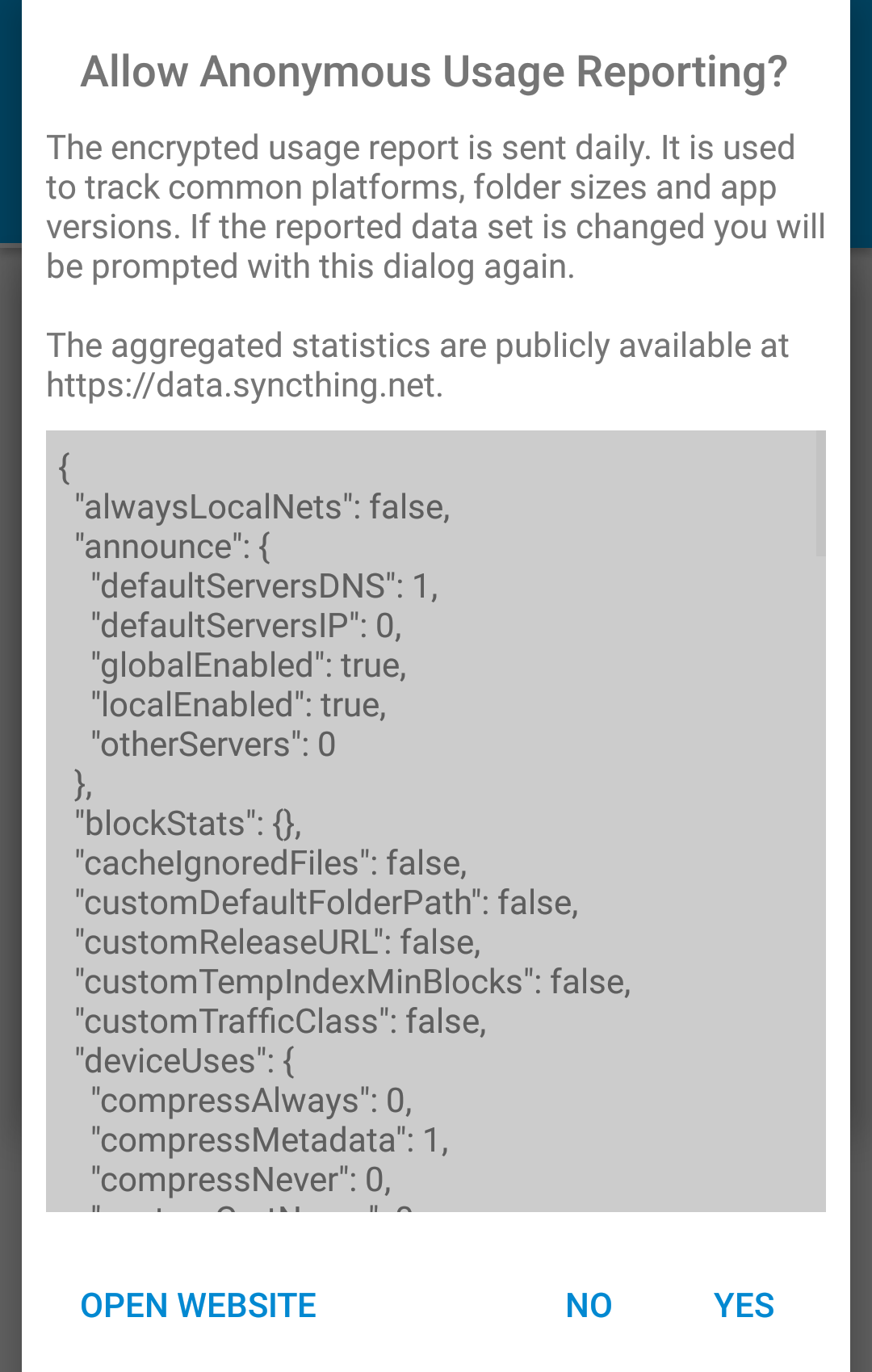
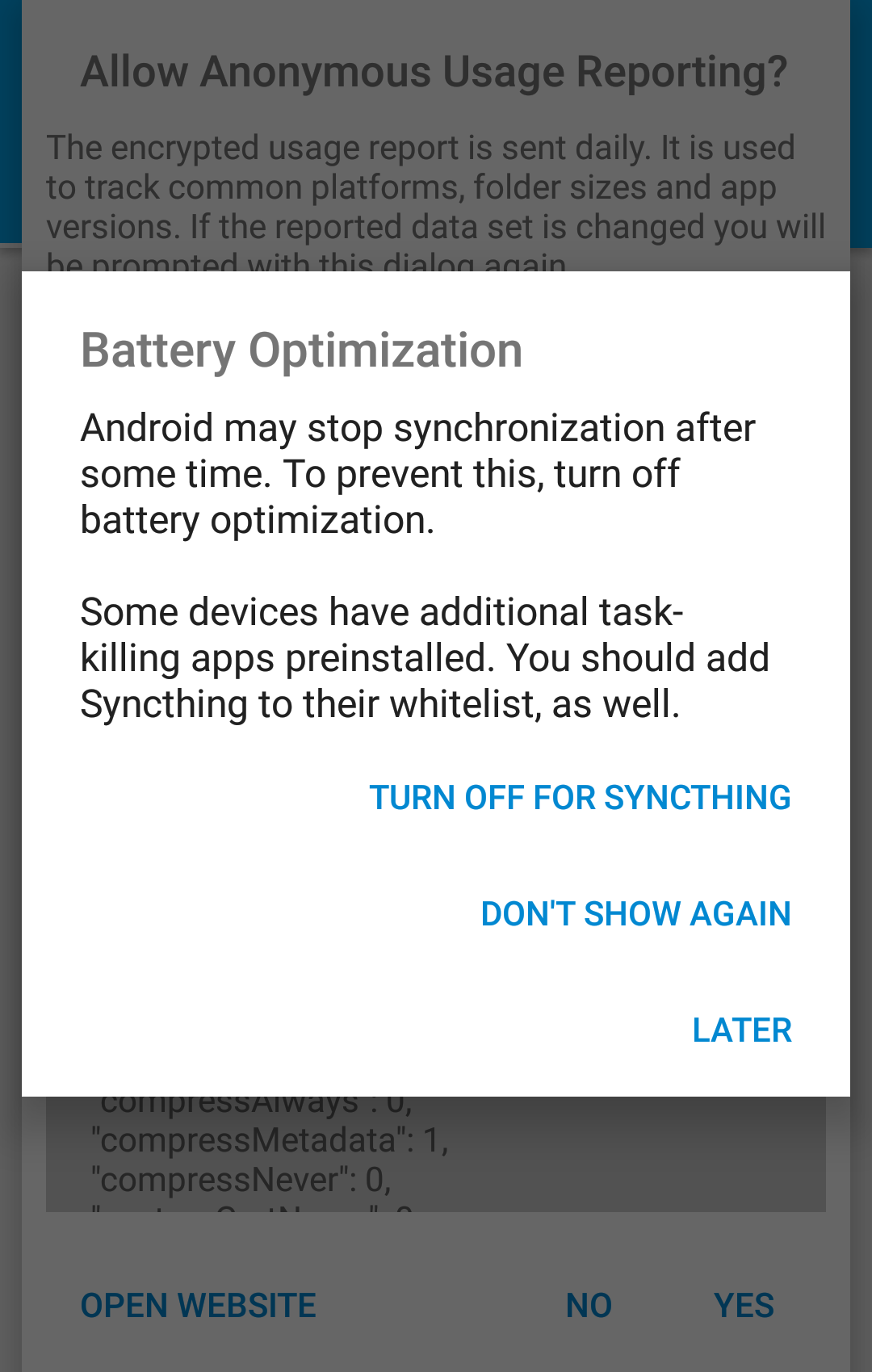
-
When I change the orientation of the device screen, the menu in LogActivity disappears
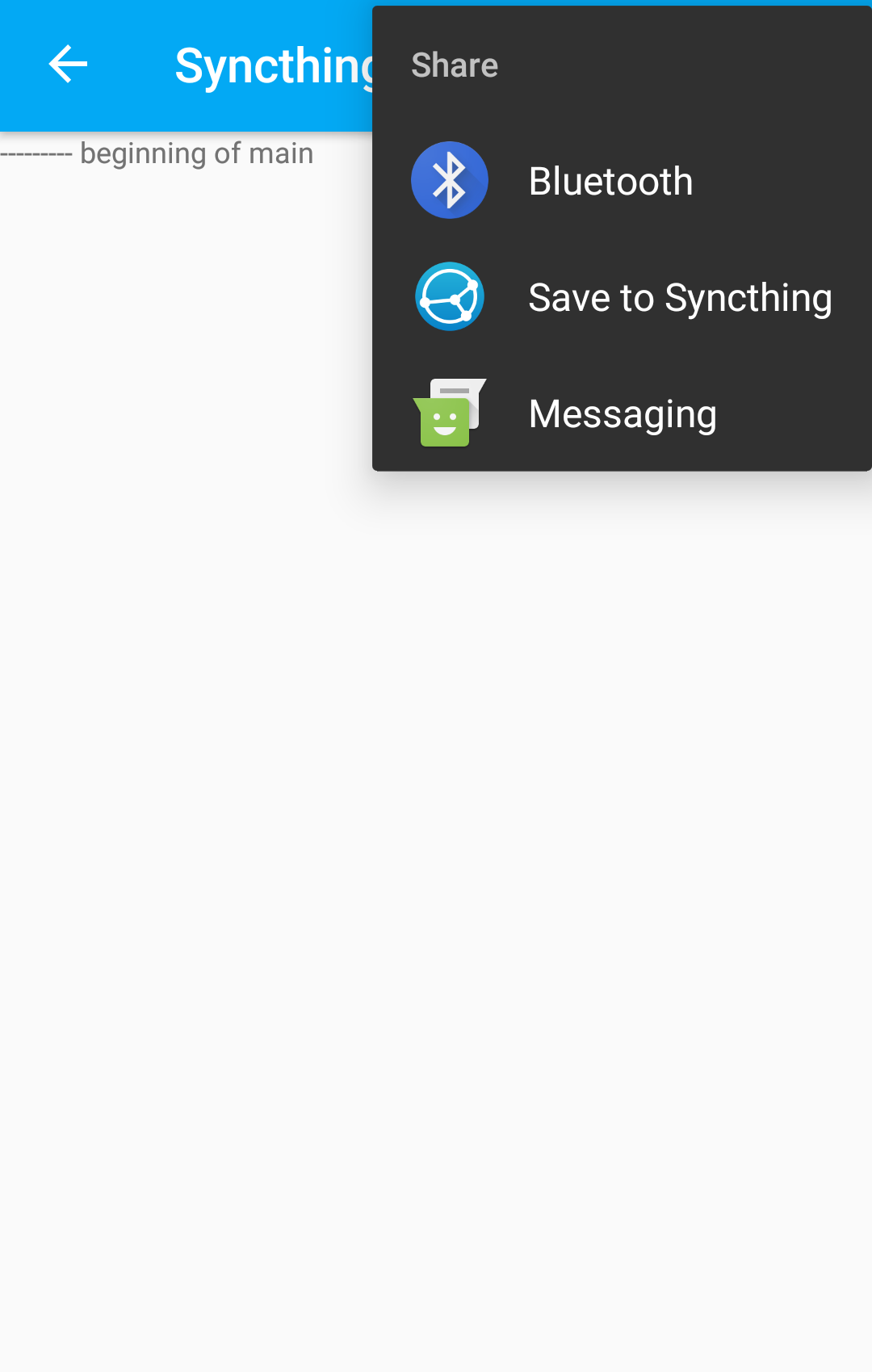
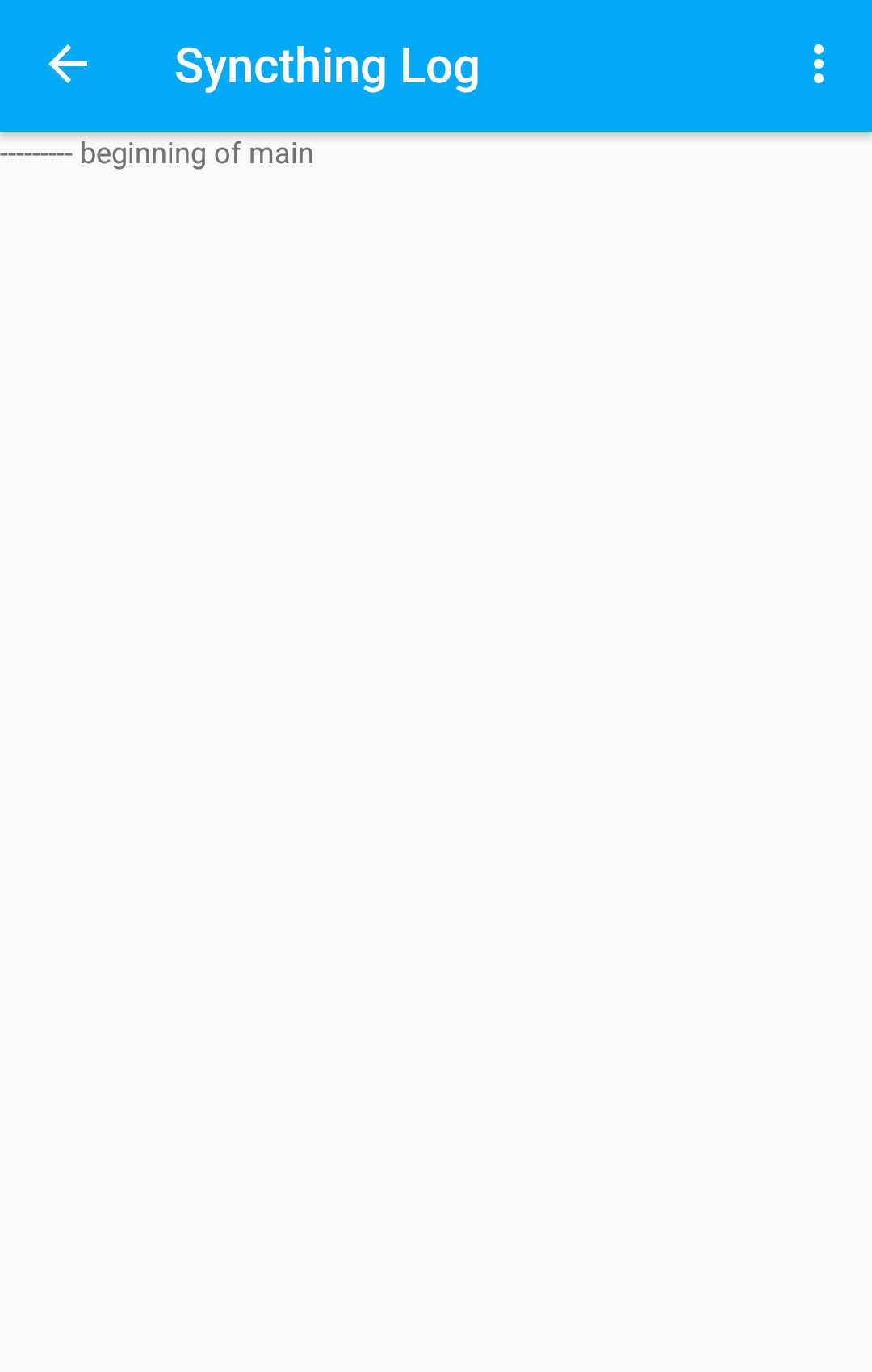
-
When I change the orientation of the device screen, FolderTypeDialogActivity shrinks itself
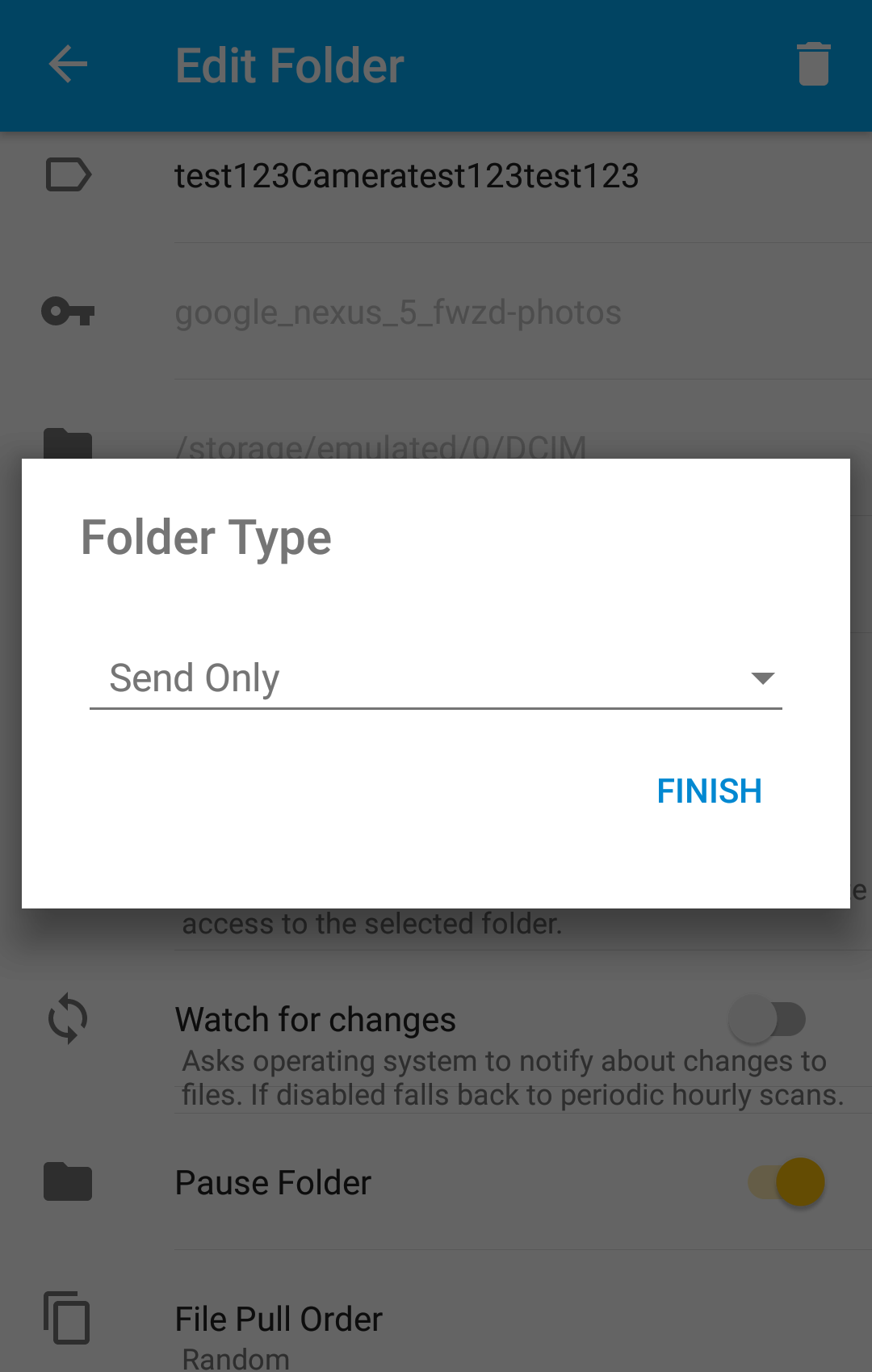
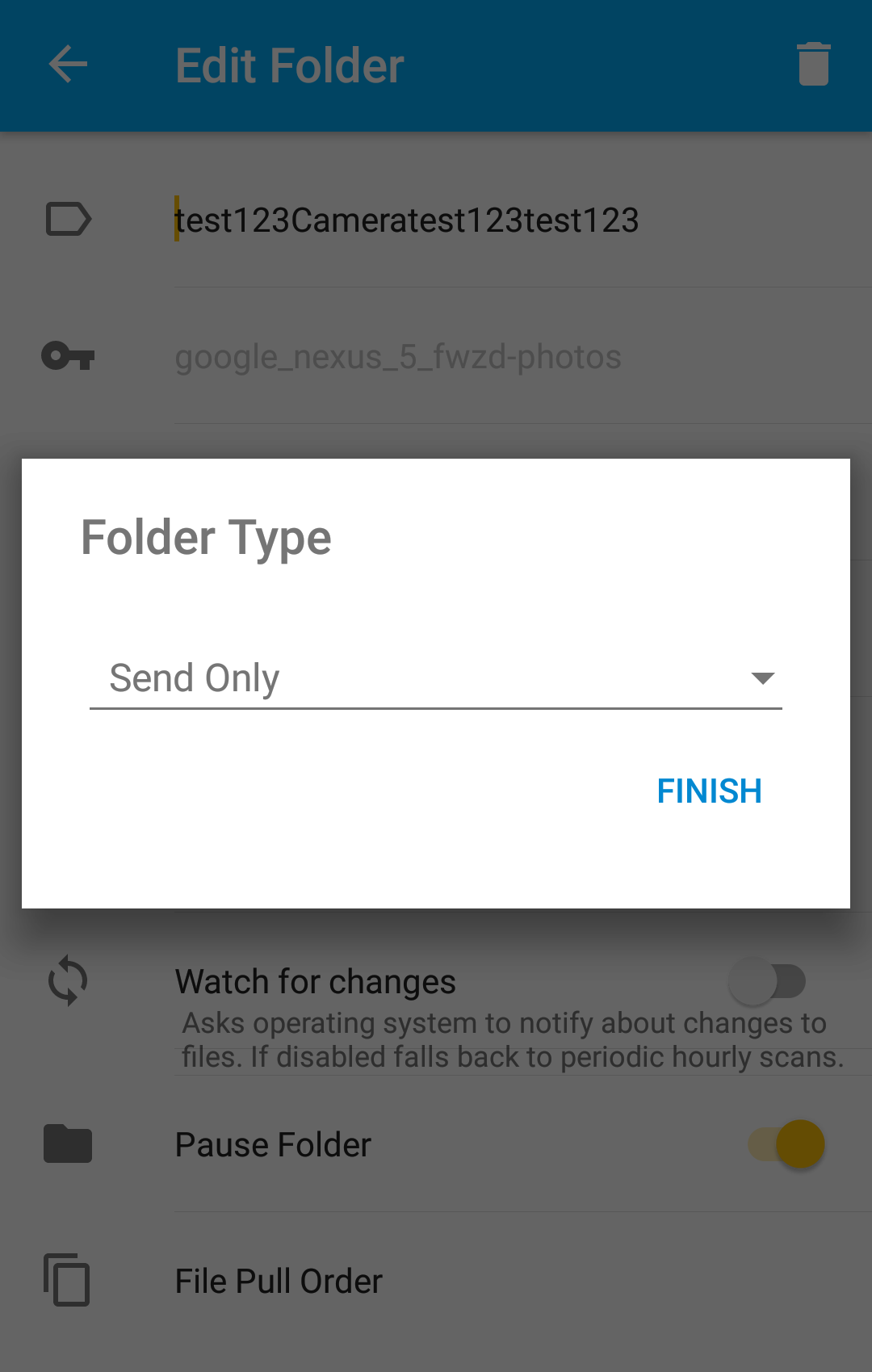
-
When I change the orientation of the device screen, multiple widgets such as "Folder Label" EditText and "Pause Folder" ToggleButton change their values and the "Copy Paste" options disappear in in FolderActivity
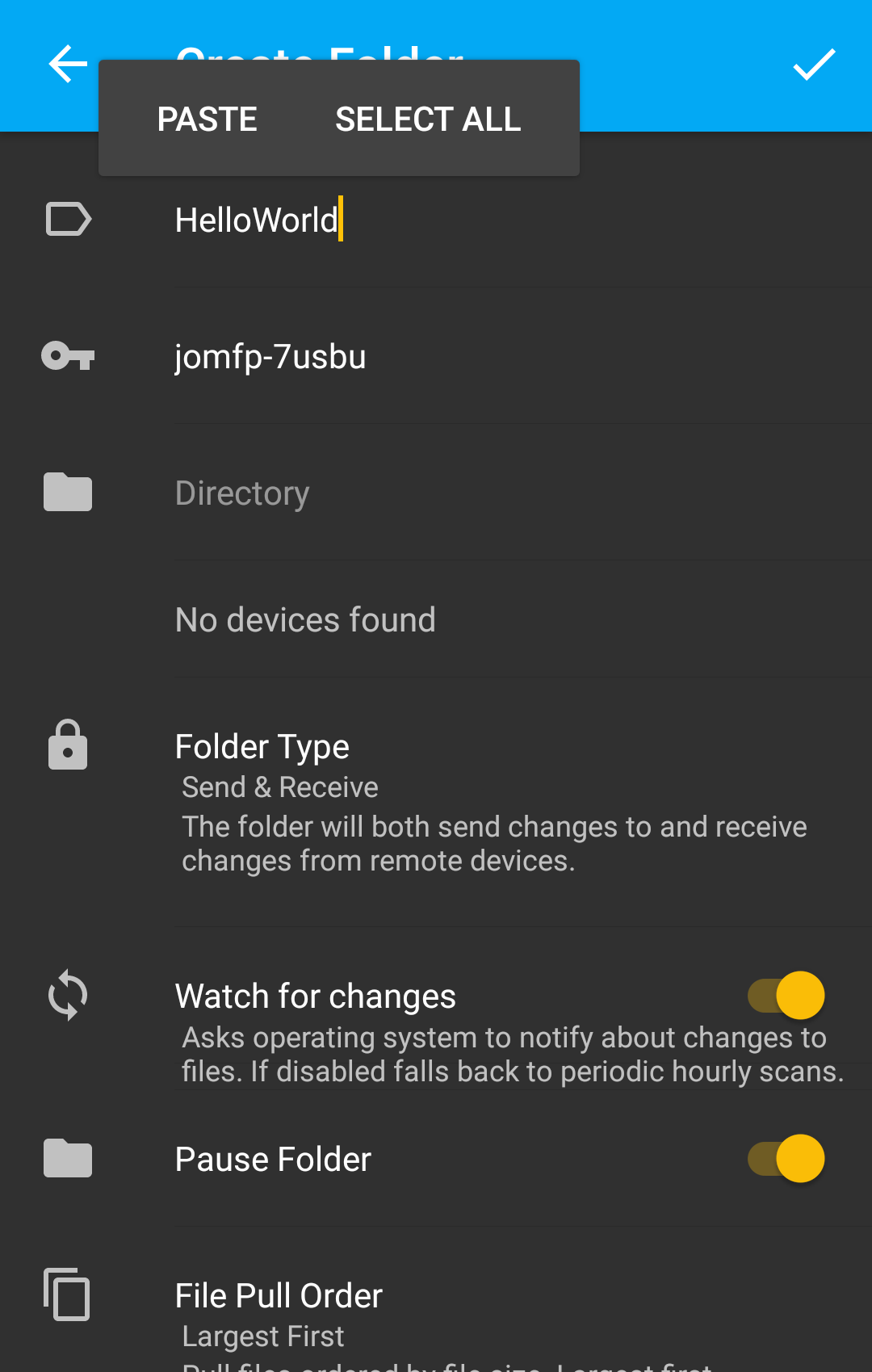
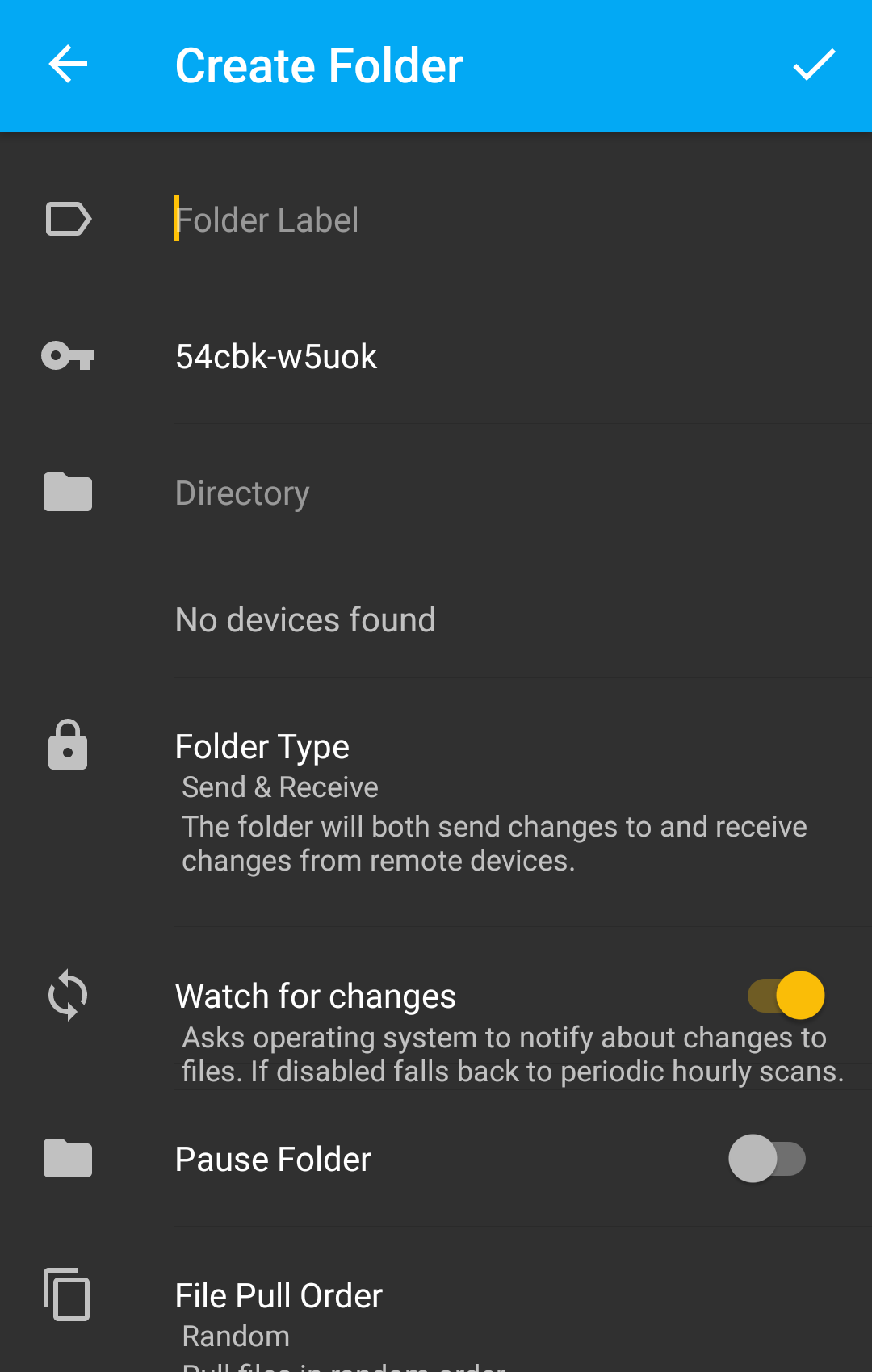
-
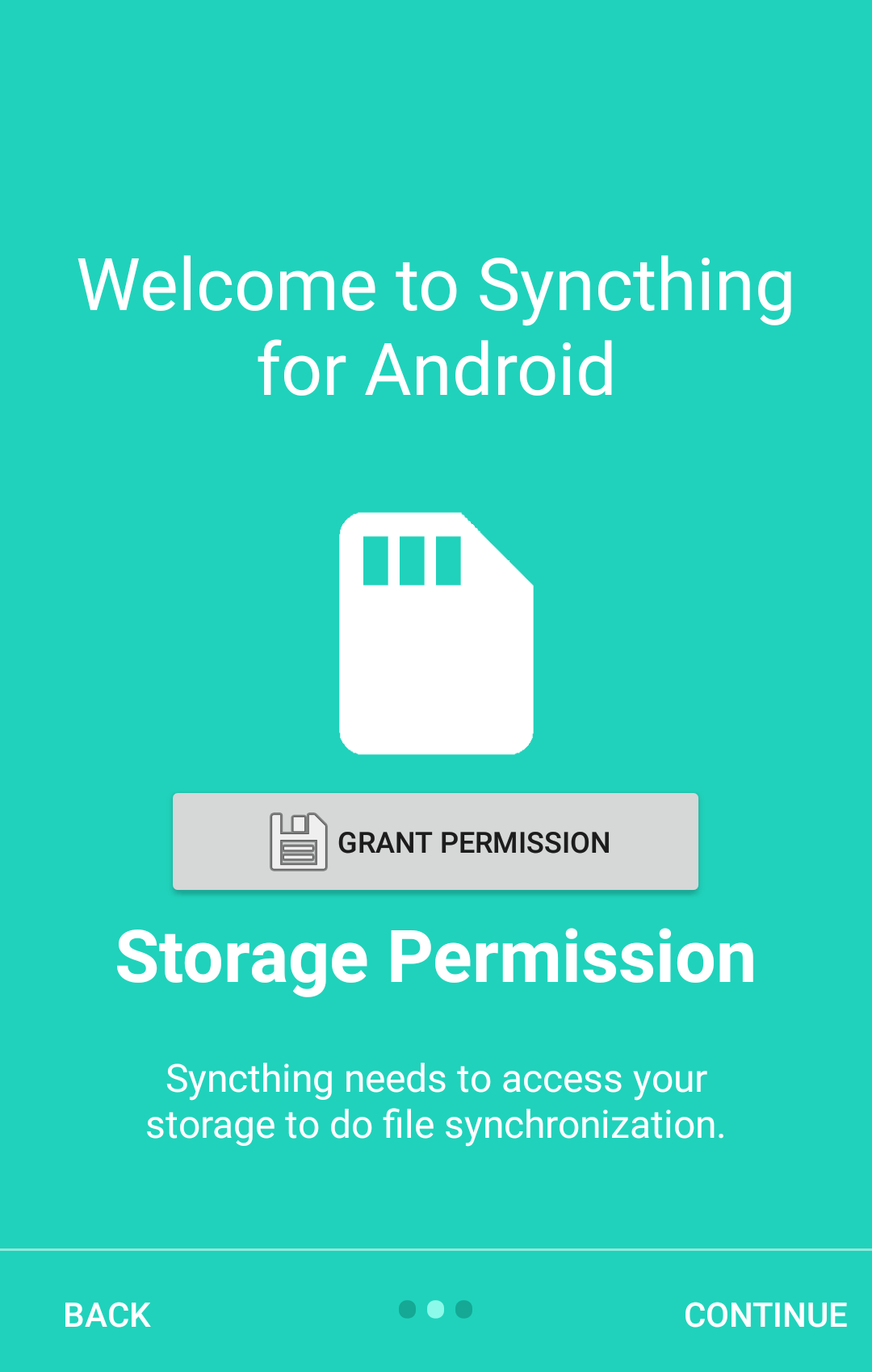
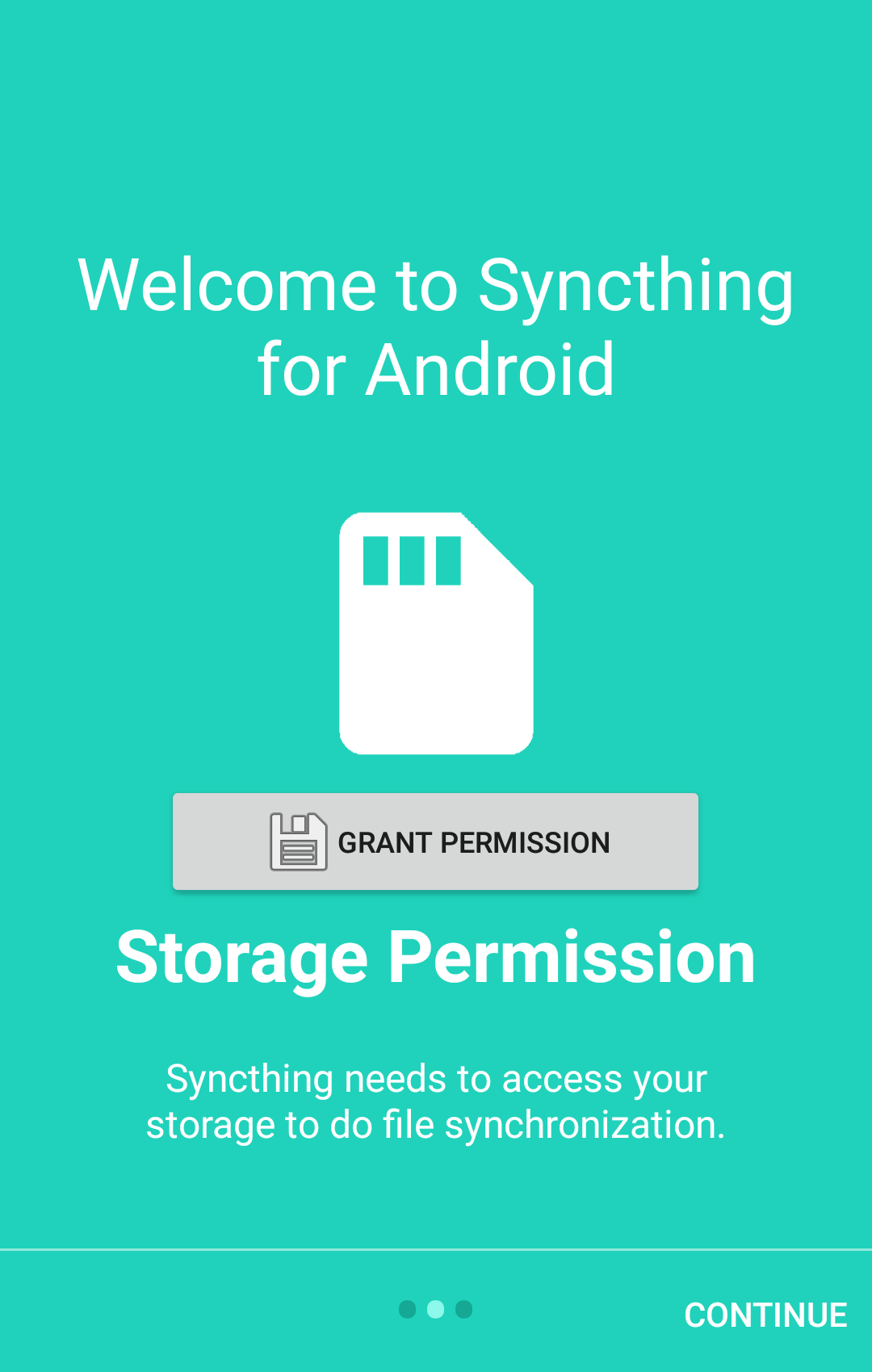
When I change the orientation of the device screen, the "BACK" in FirstStartActivity disappears
-
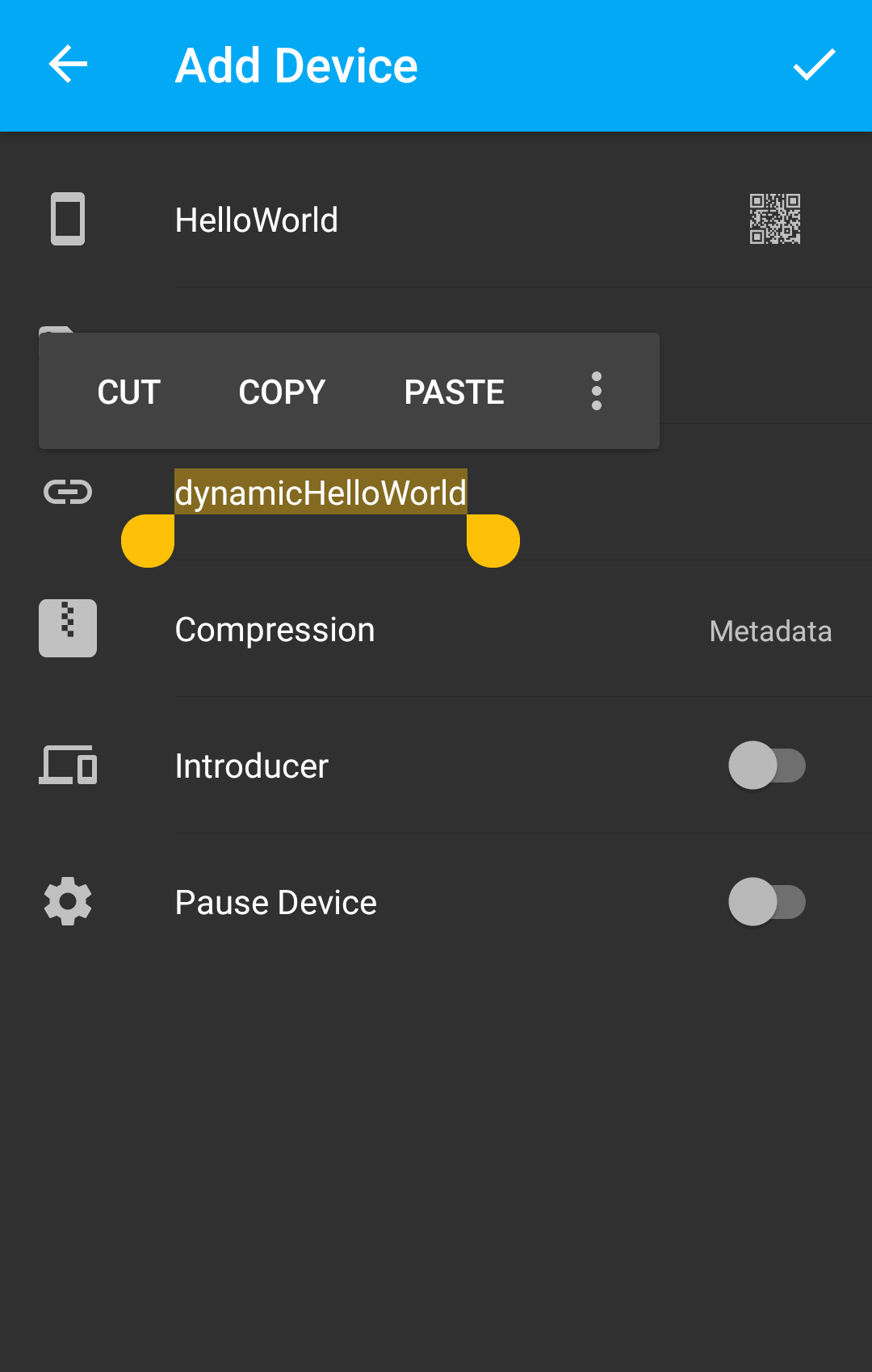
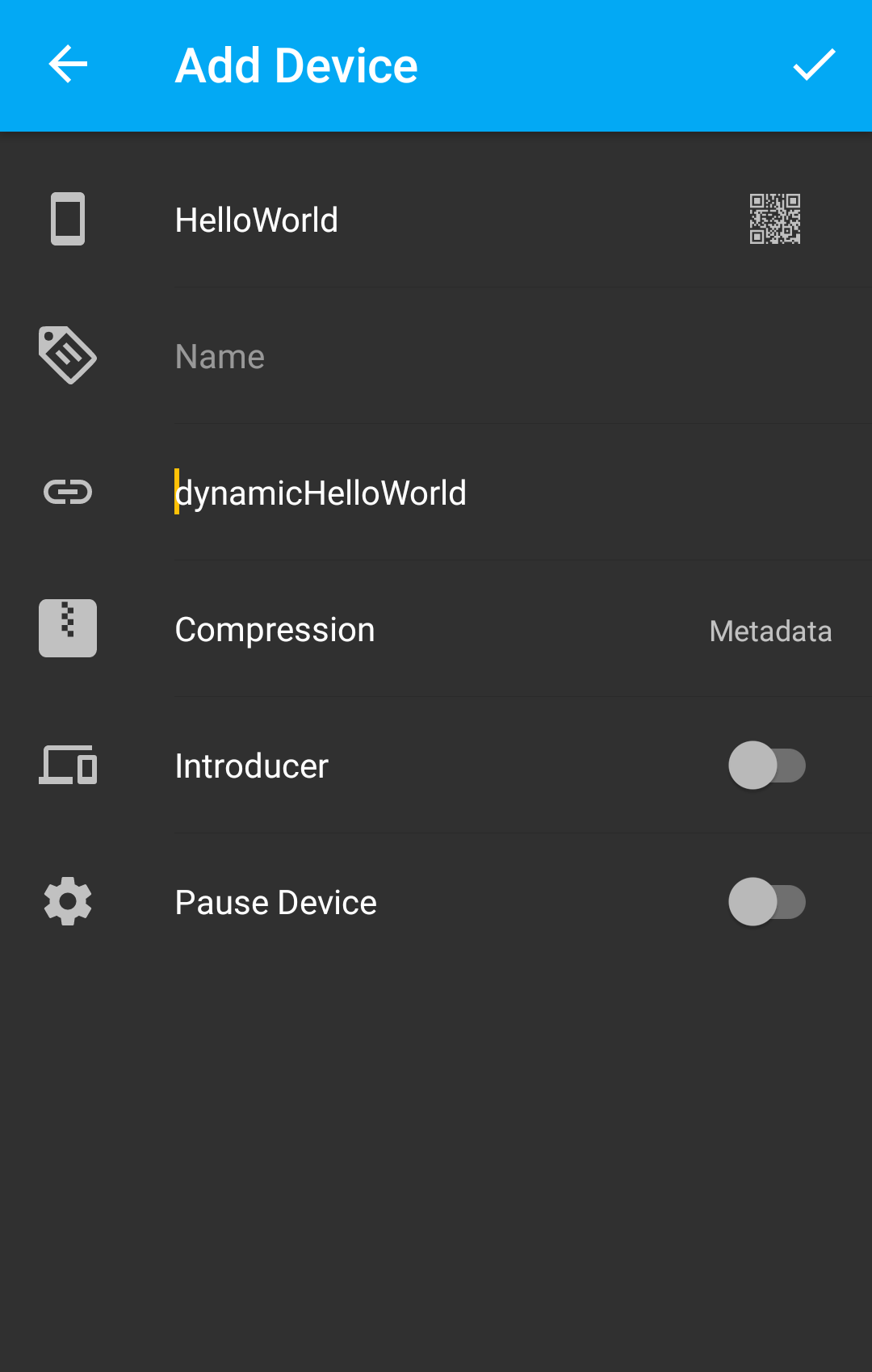
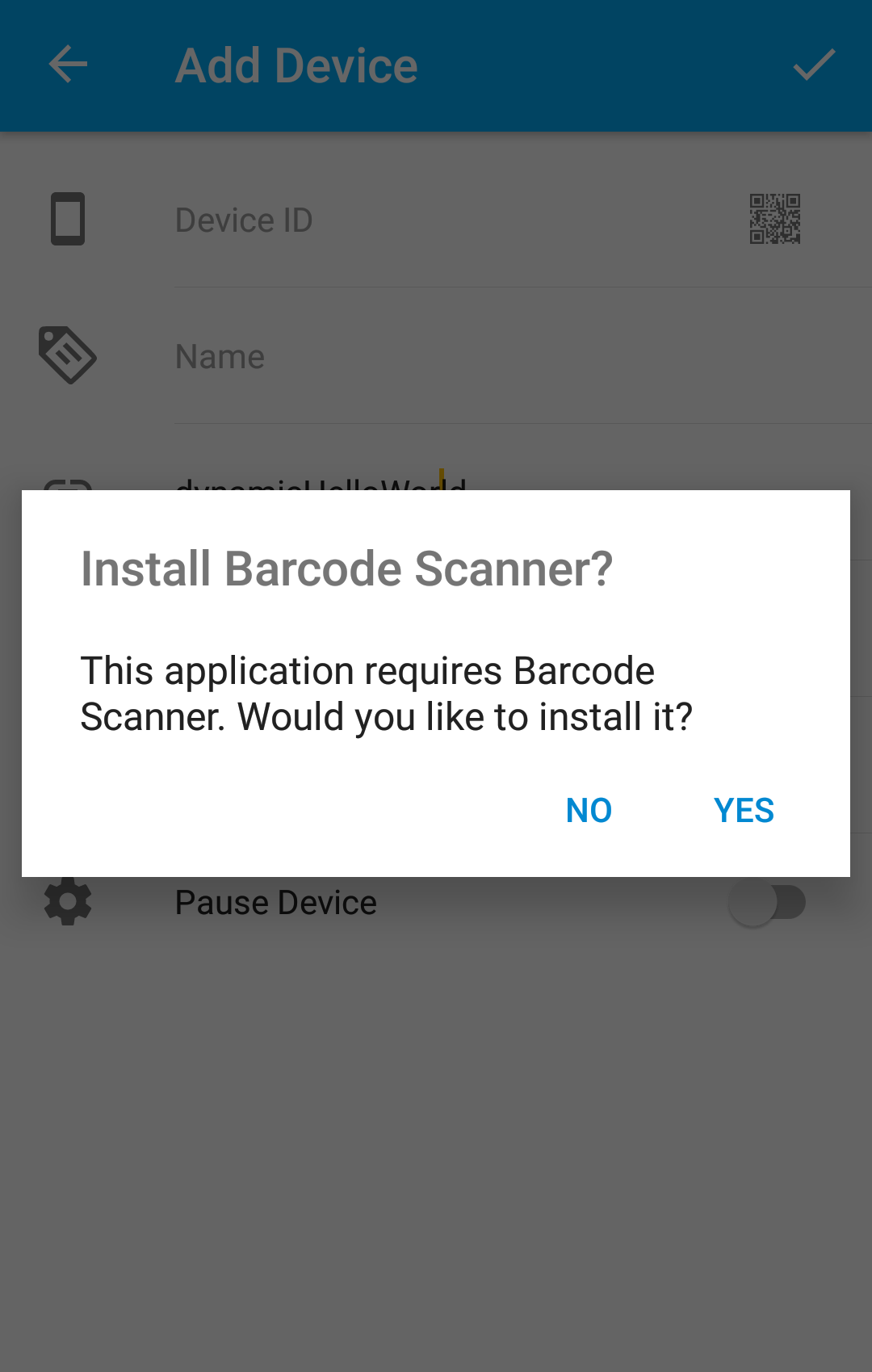
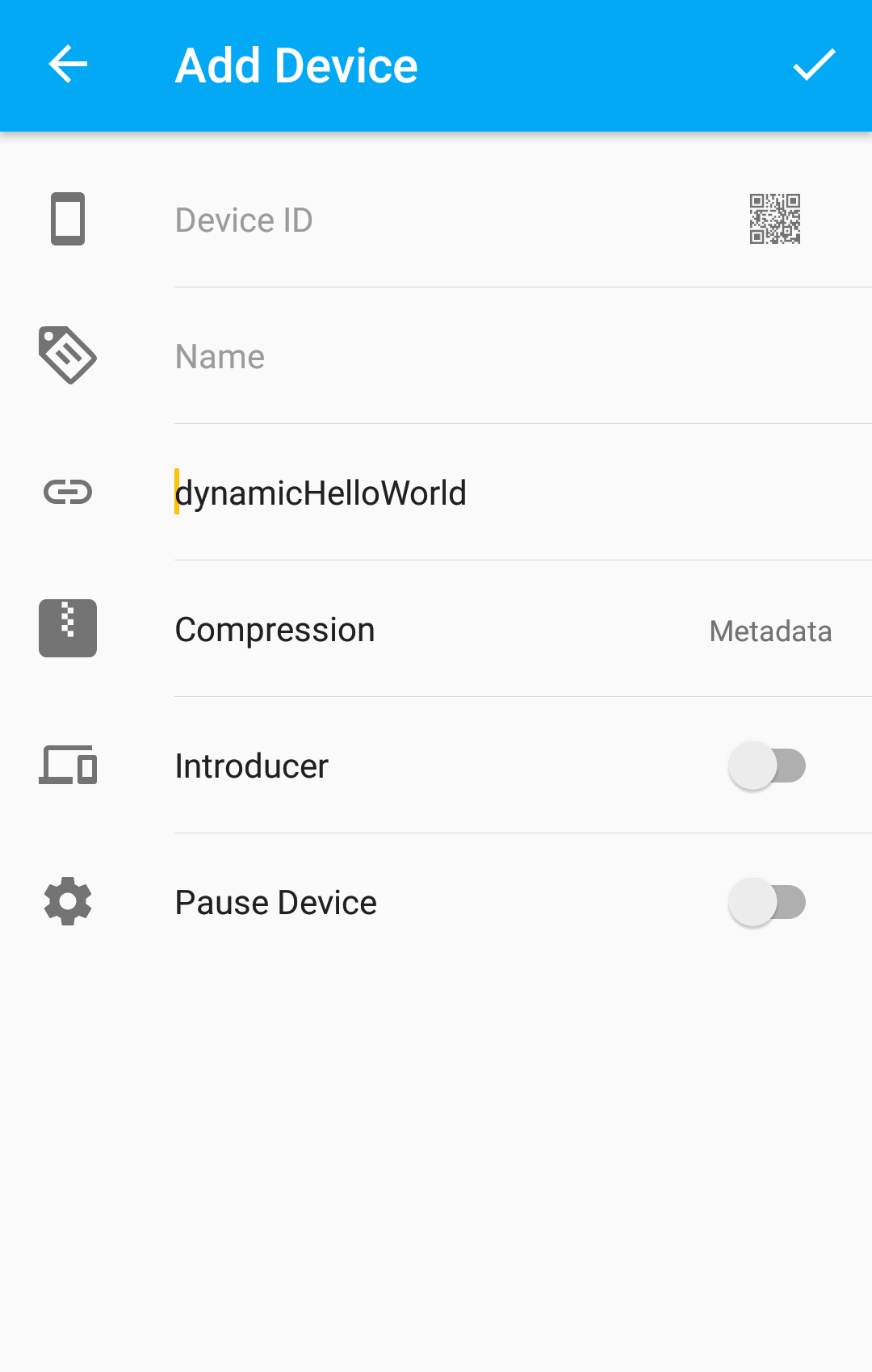
When I change the orientation of the device screen, DeviceActivity changes its state. Below there are different examples: the screenshots were taken before and after the screen orientation change and they are paired (before, after), (before, after) ...
-- first case --
"Cut, Copy, Paste" options disappear
-- second case --
The TextView disappears

Could reproduce : 2, 3, 5, 6, 7 (only copy/paste disappear), 8, 9 (only copy/paste, I didn't get the prompt for barcode scanner at all) Couldn't reproduce : 1, 4
Syncthing version : 1.18.2
I'm gonna take a look at the code and see if I can do something about some of them.
