

 syncpoint
Auto update doesn't work - Update Error
When opening ODIN I get the following notification:
Update Error ENOENT: no such file or directory, open '/snap/odin-c2is/15/- resources/app-update.yml'
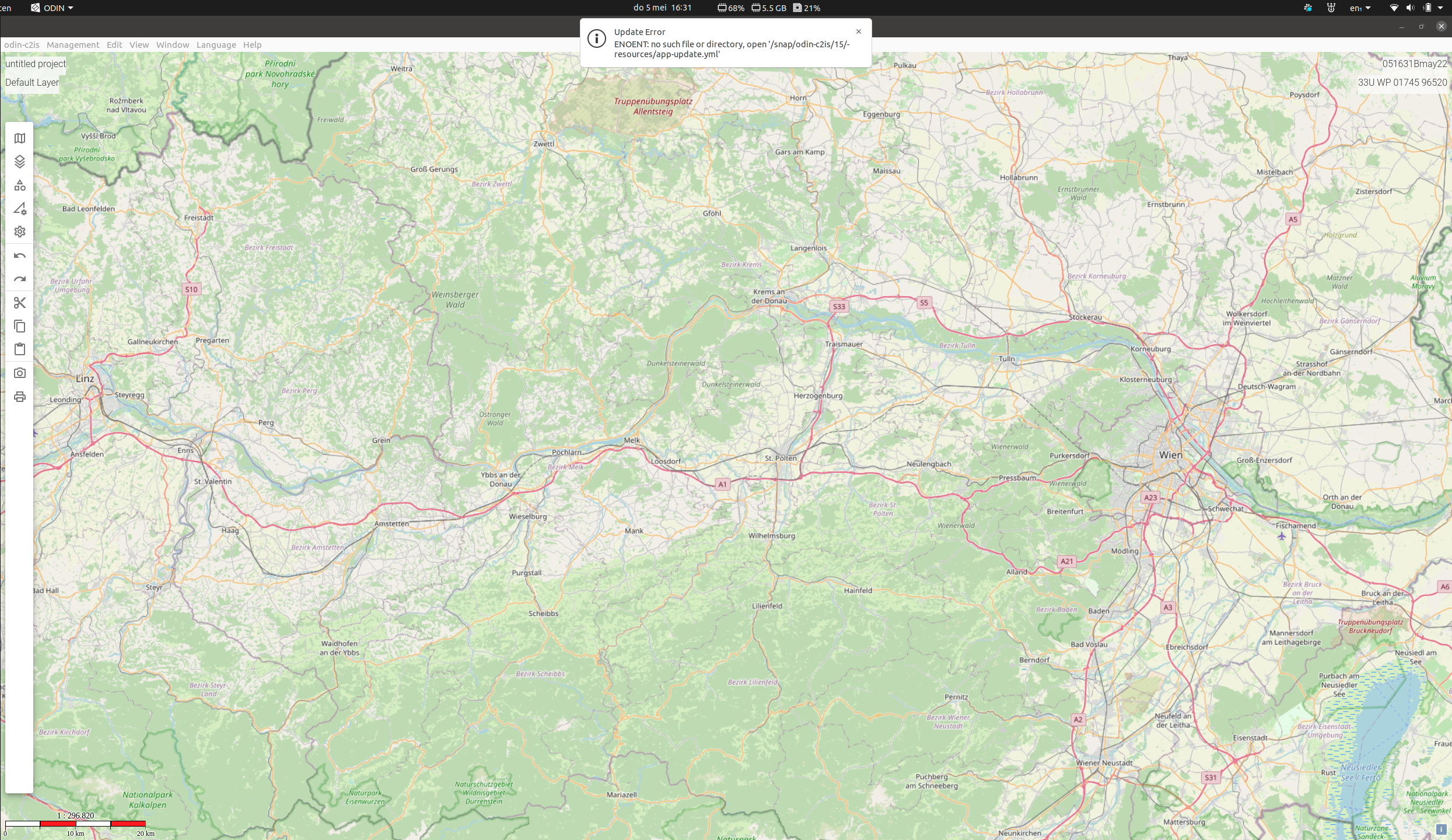
A directory /snap/odin-c2is/15/resources/ exists, but indeed does not contain a file named app-update.yml. I also don't think the auto update feature has ever worked for me, I've had to manually update ODIN to newer versions.
I'm on Ubuntu 20.04.4 LTS, and have installed ODIN via snap: sudo snap install odin-c2is. I'm currently using ODIN 0.18.1, but I have noticed this error message on older versions as well.

Hi @nicwortel,
thank you for raising this issue. I've installed ODIN via SNAP as well and I do not get this message. Maybe this is specific to the distribution? I've been using Zorin-OS and updating works only by making use of the system-updater.
