

 syncfusion
Customize multiView in SFDateRangePicker
I want to know if it's possible to customize the date picker when we use multiView parameter. I want to show the month first before days of the week (and capitalize it) and put a divider between the months.
What I want to do :
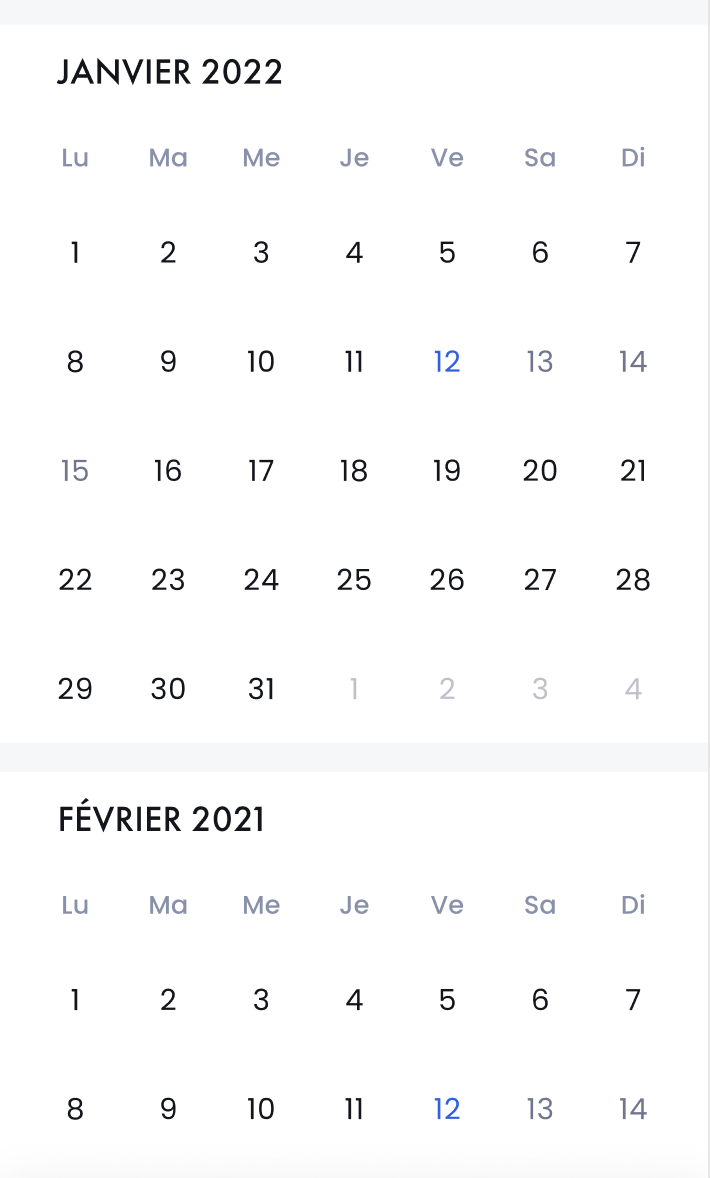
The closest thing that I have after playing with the parameters :
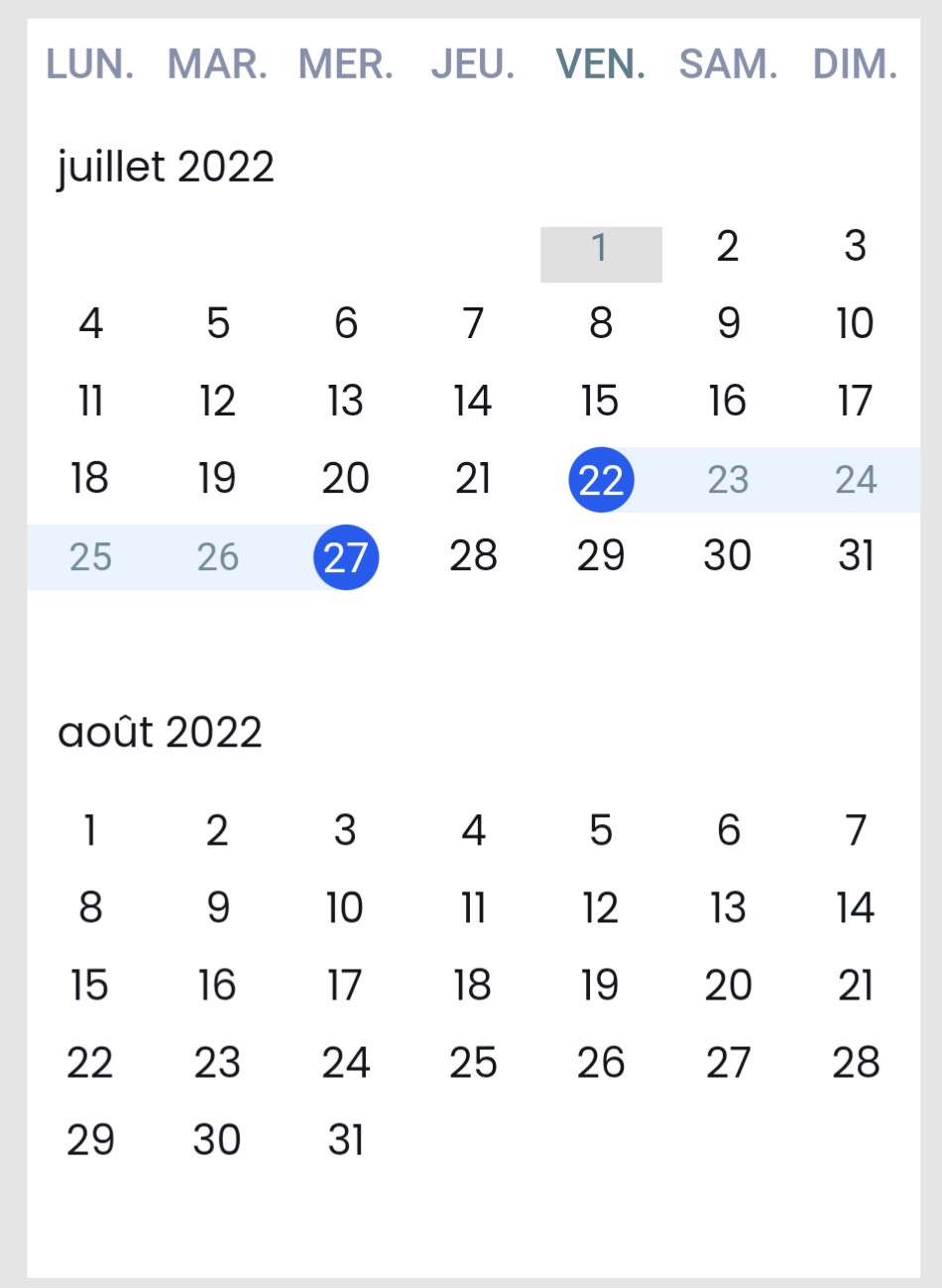
SfDateRangePicker(
        startRangeSelectionColor: context.theme.primaryColorDark,
        endRangeSelectionColor: context.theme.primaryColorDark,
        rangeSelectionColor: const Color.fromRGBO(0, 108, 255, 0.08),
        backgroundColor: Colors.white,
        headerStyle: DateRangePickerHeaderStyle(
          textStyle: CustomTheme.datePickerTextStyle,
        ),
        selectionMode: DateRangePickerSelectionMode.range,
        monthFormat: 'MMMM'.toUpperCase(),
        selectionTextStyle: const TextStyle(color: Colors.white),
        navigationMode: DateRangePickerNavigationMode.scroll,
        monthCellStyle: DateRangePickerMonthCellStyle(
          textStyle: CustomTheme.datePickerTextStyle,
          todayCellDecoration: BoxDecoration(
            color: Colors.grey.shade300,
          ),
        ),
        monthViewSettings: const DateRangePickerMonthViewSettings(
          firstDayOfWeek: 1,
          viewHeaderStyle: DateRangePickerViewHeaderStyle(
            textStyle: TextStyle(
              fontWeight: FontWeight.w500,
              fontSize: 14,
              color: Color(0xFF8790AB),
            ),
          ),
        ),
        minDate: DateTime.now(),
        enableMultiView: true,
        maxDate: DateTime(DateTime.now().year + 1),
        navigationDirection: DateRangePickerNavigationDirection.vertical,
        onSelectionChanged: (rangeArgs) => vehicleFilterCubit.setJourneyDate(
          dateRange: rangeArgs.value as PickerDateRange,
        ),
      )

Hi Team,
Regarding Query: I want to show the month first before days of the week (and capitalize it)
As per the current implementation of the calendar, you can’t capitalize the header using monthHeader property to uppercase. But your requirement can be achieved by hiding the header and adding the custom header, but this is not applicable when set the navigationMode as Scroll with multi view picker. Please find the code snippet for the same.
Code snippet:
void viewChanged(DateRangePickerViewChangedArgs args) {
  final DateTime visibleStartDate = args.visibleDateRange.startDate!;
  final DateTime visibleEndDate = args.visibleDateRange.endDate!;
  final int totalVisibleDays =
      (visibleStartDate.difference(visibleEndDate).inDays);
  final DateTime midDate =
      visibleStartDate.add(Duration(days: totalVisibleDays ~/ 2));
  _string = DateFormat('MMMM yyyy', 'fr').format(midDate).toString();
  _string = _string.toUpperCase();
  SchedulerBinding.instance.addPostFrameCallback((duration) {
    setState(() {});
  });
}
We hope that this helps you. Please let us know if you need further assistance.
Regards, Indumathi R
