

 swagger-api
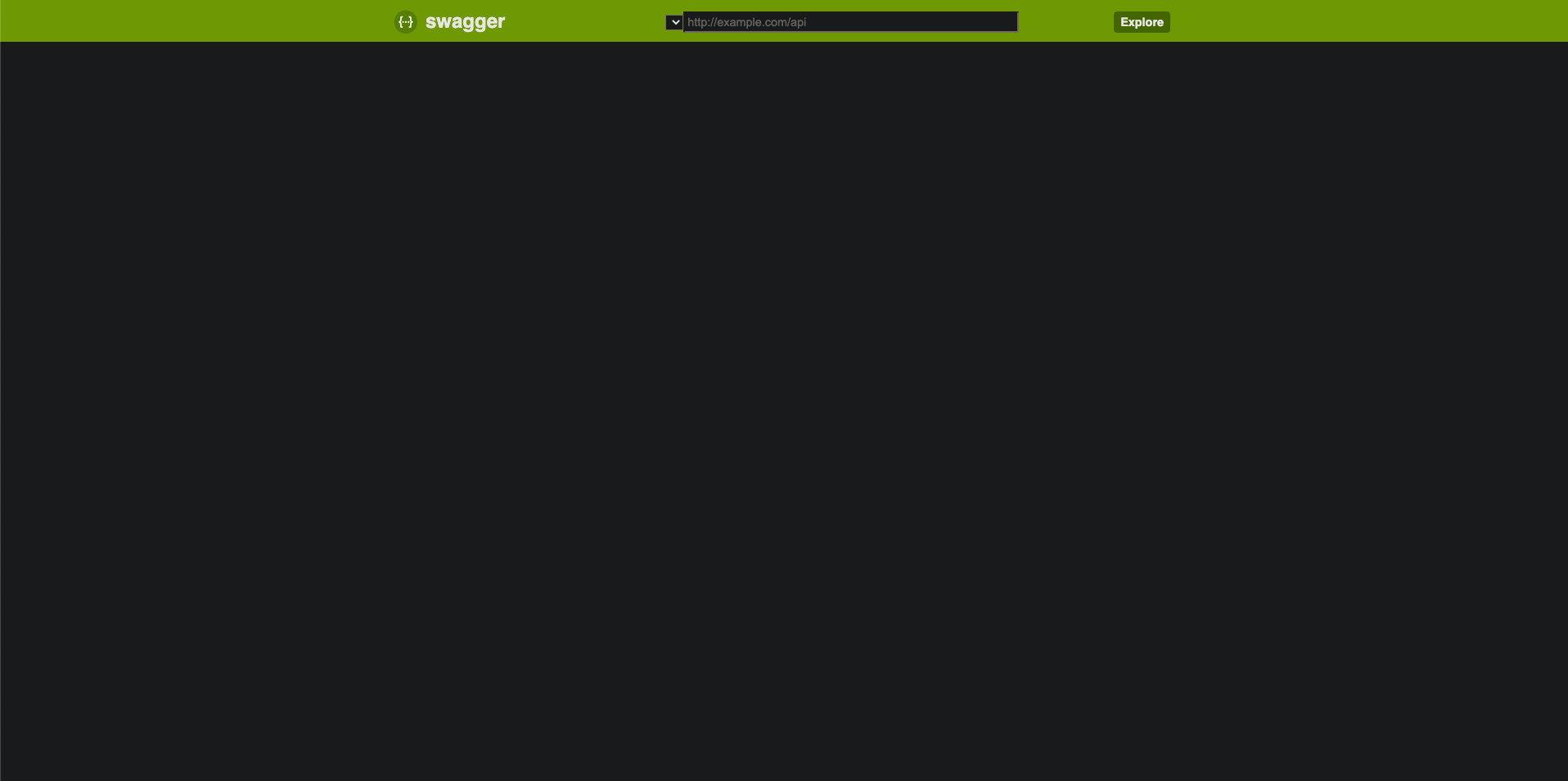
Empty /swagger-ui.html - 404 /typography.css
- Swagger-ui version: 2.7.0
- Swagger-core version: 2.7.0
Content & configuration
Project tree (multi-module):
.
├── api
│   ├── build.gradle
│   └── src
│       └── main
│           └── java
│               └── com
│                   └── example
│                       └── api
│                           └── controllers
│                               ├── BarController.java
│                               └── FooController.java
├── build.gradle
├── app
│   ├── build.gradle
│   ├── settings.gradle
│   └── src
│       └── main
│           ├── java
│           │   └── com
│           │       └── example
│           │           └── app
│           │               ├── AppApplication.java
│           │               └── security
│           │                   └── WebSecurityConfiguration.java
│           │               └── swagger
│           │                   └── Swagger2Configuration.java
│           └── resources
│               └── application.properties
└── core
    ├── build.gradle
    └── src
        └── main
            └── java
                └── com
                    └── example
                        └── core
                            ├── model
                            │   └── Foo.java
                            ├── repository
                            │   └── FooRepository.java
                            └── service
                                └── FooService.java
Swagger2Configuration:
@Configuration
@EnableSwagger2
public class Swagger2Configuration {
    @Bean
    public Docket api() {
        return new Docket(DocumentationType.SWAGGER_2)
                .select()
//                .apis(RequestHandlerSelectors.basePackage("com.example")) - This didn't work either.
                .apis(RequestHandlerSelectors.any())
                .paths(PathSelectors.any())
                .build();
    }
}
configure function from WebSecurityConfiguration:
@Override
    public void configure(WebSecurity web) throws Exception {
        web
                .ignoring()
                .antMatchers("/v2/api-docs",
                        "/configuration/ui",
                        "/swagger-resources/**",
                        "/configuration/security",
                        "/swagger-ui.html",
                        "/webjars/**");
    }
AppApplication:
@ComponentScan("com.example")
@EnableJpaRepositories("com.example.core.repository")
@EntityScan("com.example.core.model")
@SpringBootApplication
public class AppApplication {
    public static void main(String... args) {
        SpringApplication.run(AppApplication.class, args);
    }
}
Screenshots

I have a project that has three modules: api, app, and core. Endpoints are placed in the api module while service, model, and repository are placed in the core module. All configuration and @SpringBootApplication are placed in the app module.
I am able to see my endpoints and models on http://localhost:8080/v2/api-docs, but http://localhost:8080/swagger-ui.html shows nothing due to /typography.css - 404. How can I fix this issue?
Thanks.

This issue was originally reported with an old version of Swagger-UIi version: 2.7.0 and Swagger-core version: 2.7.0 while my forked version is Swagger-UI 5.20.1 and so far, I haven't experienced such kind of issues with this current version, so, it seems to have been fixed and I'd like to suggest that this issue should be closed.
