
cli

cli copied to clipboard
 supabase
Supabase cli doesn't work if run in Powershell
Bug report
Describe the bug
To Reproduce
- Install supabase cli with
npm i -g supabase - Open windows powershell.
- Run
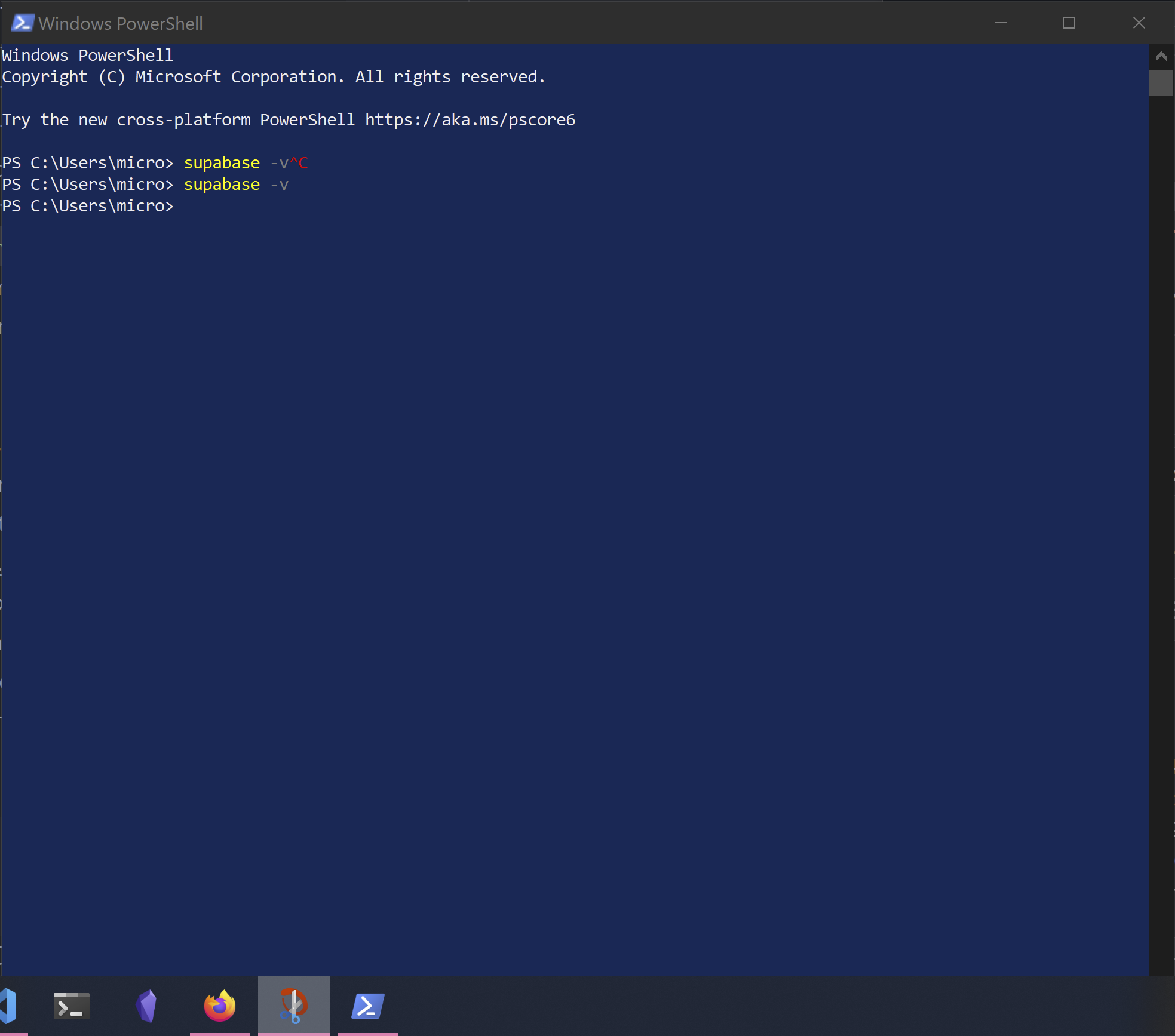
supabase -v - See error how a separate console opens up briefly, but nothing is printed in the calling powershell console
Expected behavior
Supabase cli should function correctly in powershell (just like it does in the standard cmd shell).
Screenshots
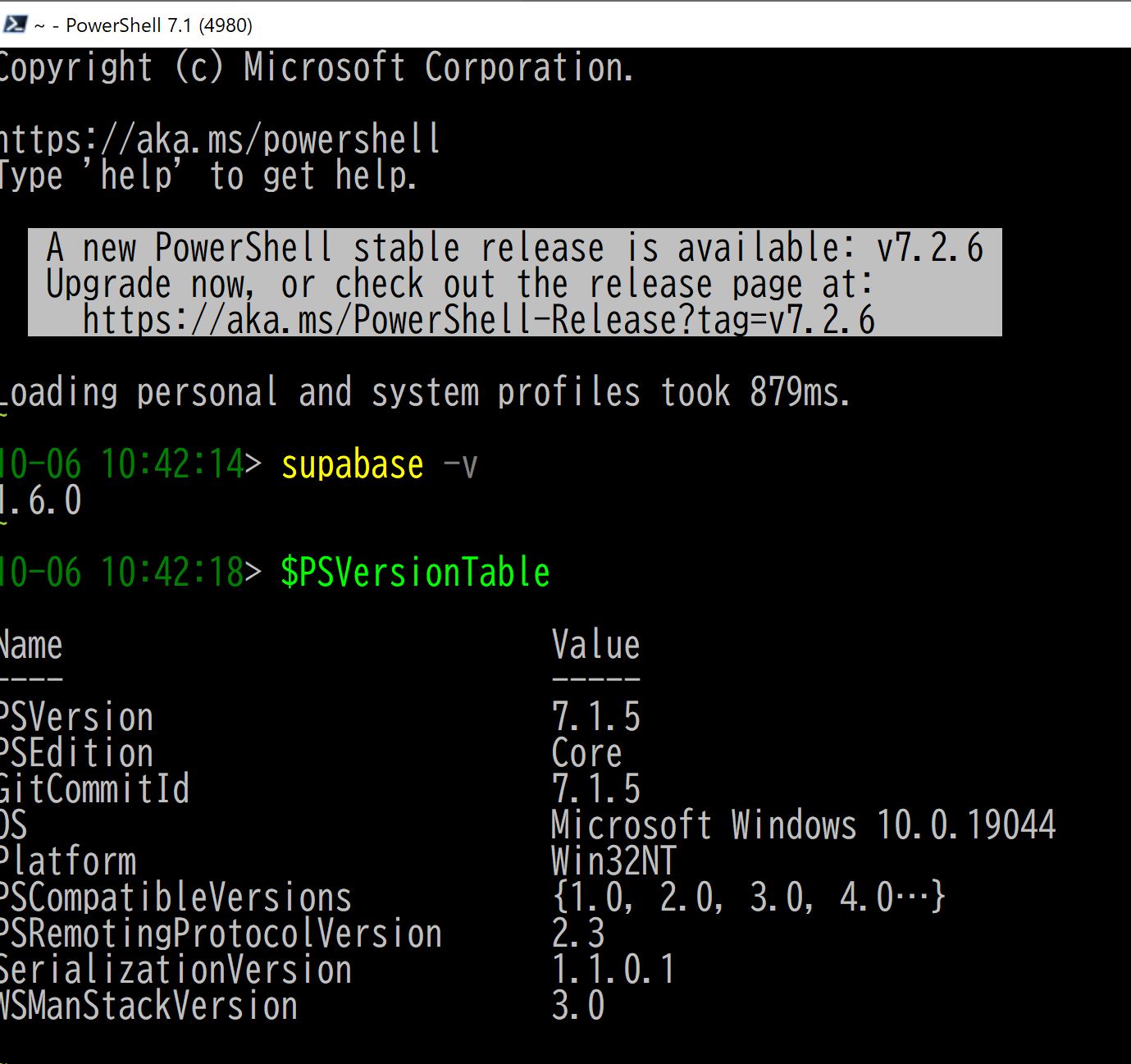
- Supabase working in cmd
-

- Supabase failing in powershell
-
System information
- OS: Windows 10
- Version of supabase cli: 1.6.0

 VScode
 windows terminal

Hello, this appears to be a problem with npm -g global flag which we don't plan to support. Have you tried installing locally with
npm i supabase --save-dev
Or use an alternative package manager like scoop? https://github.com/supabase/cli#windows
Our chocolatey package is currently under review and will also be coming soon.
