sumatrapdfreader
RT View order support with default LR
can you kindly add option for ordering displaced pages from Right-To-Left instead of default Right-to-Left.. This is suitable for hebrew/arabic books

@kjk this was more widely covered in Respect page direction metadata #1264
That was initially for epub And has been addressed for CBX with Manga Mode
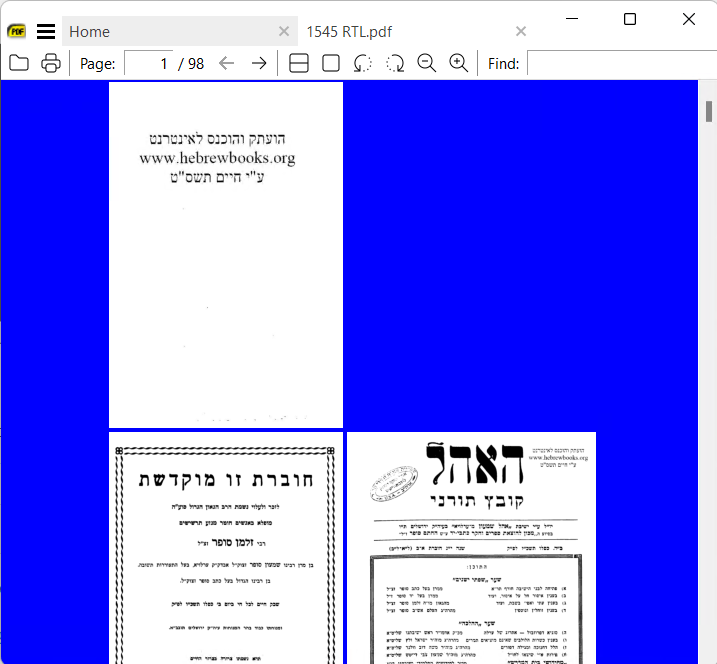
You asked for samples but even if RTL marker is not present the need is to switch right pages with left so for book mode its 1 3 2 5 4
and Facing 2 1 4 3 6 5
there is a FileStates RTL value of DisplayR2L = false but don't know how that can be set or reversed at will to true since it overwrites itself even when modified
The following file should look like this
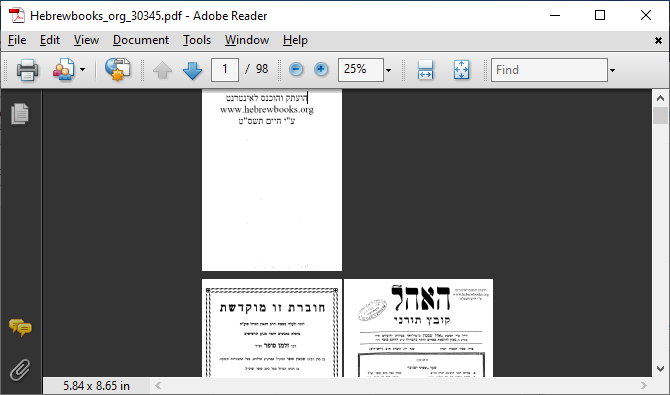
If Manga Mode can be extended to work in FixedPageUI (without crashing) that may be good enough ?

It need to be added to View pull down menu and I am looking for all formats too (djvu and pdf..etc..)
a great app is ebookdroid on android with great features can be found here https://play.google.com/store/apps/details?id=org.ebookdroid&hl=en_US
I miss such feature on my desktop enviroment
@kjk whilst reviewing R2L in find box (a seperate new issue) I stumbled on https://github.com/sumatrapdfreader/sumatrapdf/commit/3a7ba03000a538502c343ad07f5a947d6d8625d4 which seems to suggest Right to Left views were previously allowed for ?
It appears this is a variable issue since the samples for https://github.com/sumatrapdfreader/sumatrapdf/issues/2022 appeared to be working as R2L in early 3.4 pre-release but the above sample still does not ?
@kjk the OP in this case seems to be addressed by Manga Mode Toggle for PDF etc.
@maadjordan without a menu option you either need to define your own hot key https://www.sumatrapdfreader.org/docs/Customizing-keyboard-shortcuts or via ctrl K then toggle Manga Mode