
vslook
 vslook copied to clipboard
 sudoaugustin
Create custom VSCode themes
VSLook
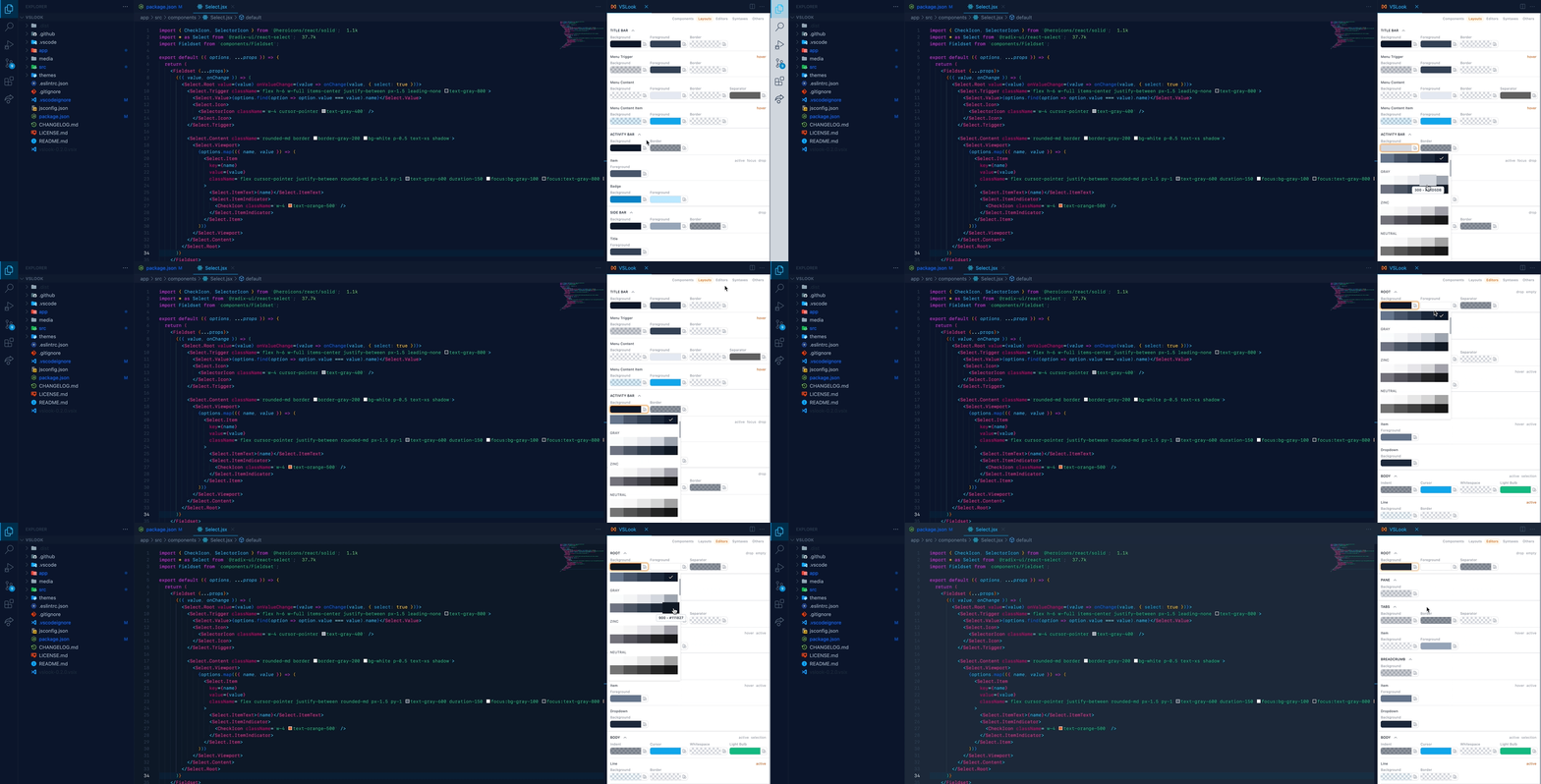
📗 Get started
- Install from marketplace.
- Choose VSLook from Color Theme.
- Open Command Palette
Ctrl+Shift+P. Search for VSLook: Edit and pressEnter.
For styling guide, click here.
🚚 Export theme
- Open Command Palette
Ctrl+Shift+P. Search for VSLook: Export and pressEnter. - Theme will be saved in
$HOME/vslook-theme.json.
🖨 Clone theme
- Open Command Palette
Ctrl+Shift+P. Search for VSLook: Clone and pressEnter. - Choose the theme you want to clone.
- VSLook will copy all the styles from the selected theme.
⚠️Notes:
- This action is not reversible.
- Changing syntax colors with VSLook won't work correctly after cloning a theme.
🎨 Color palettes
VSLook comes with Tailwind & Material color palettes.
To change palette
- Go to Settings
Ctrl+,. - Search for VSLook Palette Type.
- Choose the palette you want to use.
🌈 Color variables
Create color variables from Color Picker. It will merge with color palettes.
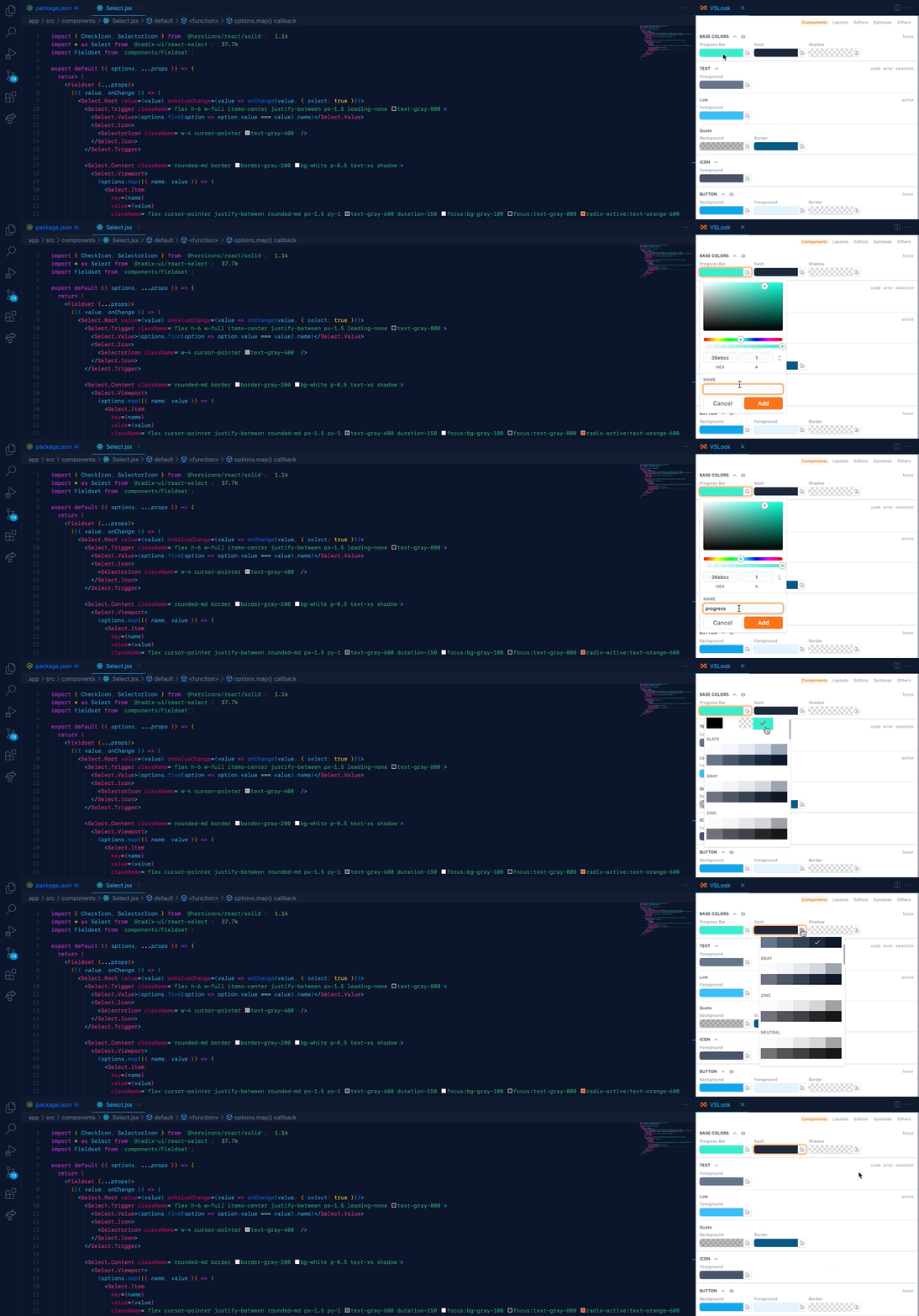
To group your color variables, use a / in their names.
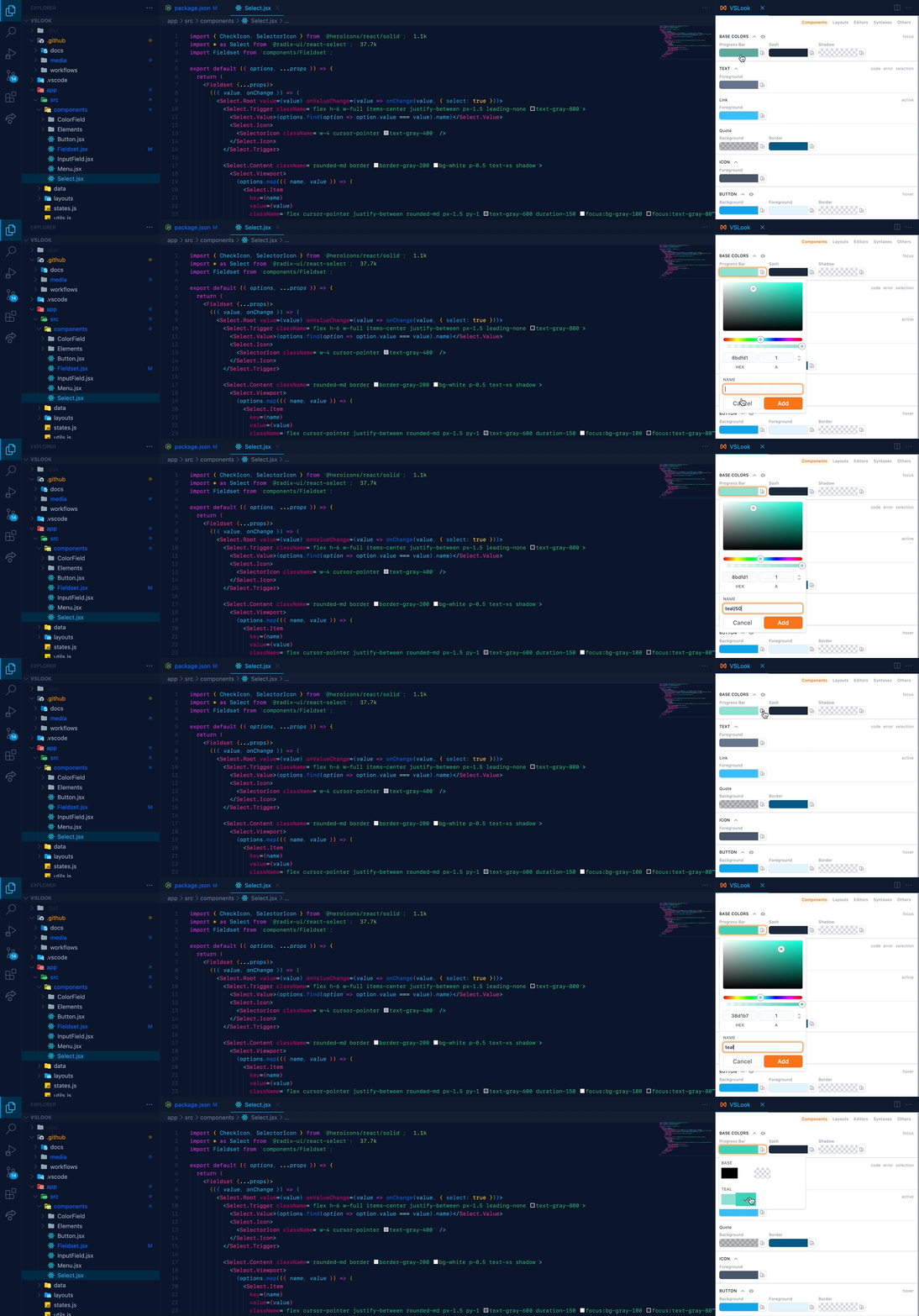
If you wanna set bulk amount of colors, open setting.json and paste something like this.
"vslook.palette.colors": {
  "base":{
    "primary":"#111e6c",
    "secondary":"#b0dfe5"
  },
  "pink": {
    "100": "#ef4444",
    "200": "#ec4899",
    ...
  },
},
 sudoaugustin