

 styled-components
When the prompt pops up and the prompt is selected with a carriage return, the mouse cursor automatically moves to the front of the colon
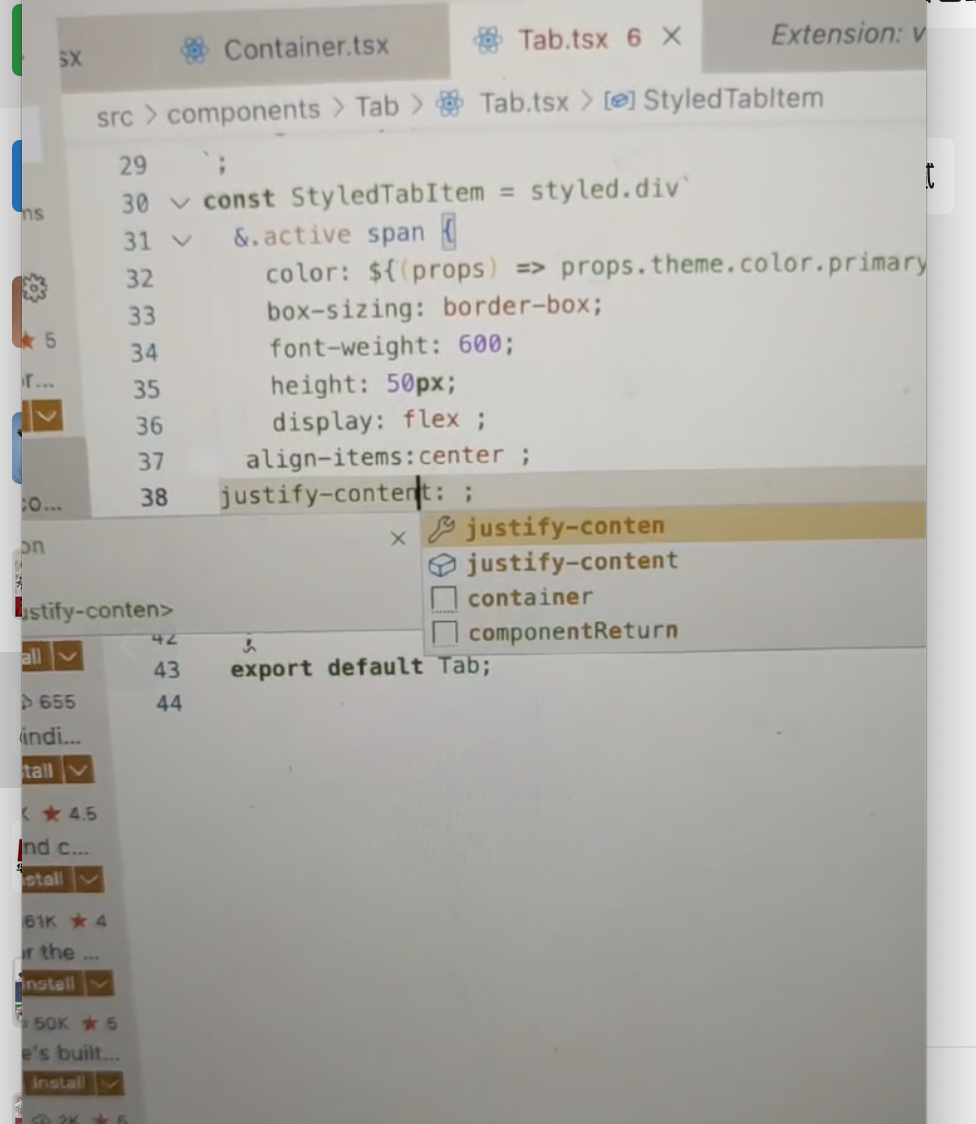 When the prompt pops up and the prompt is selected with a carriage return, the mouse cursor automatically moves to the front of the colon

https://github.com/styled-components/vscode-styled-components/issues/366
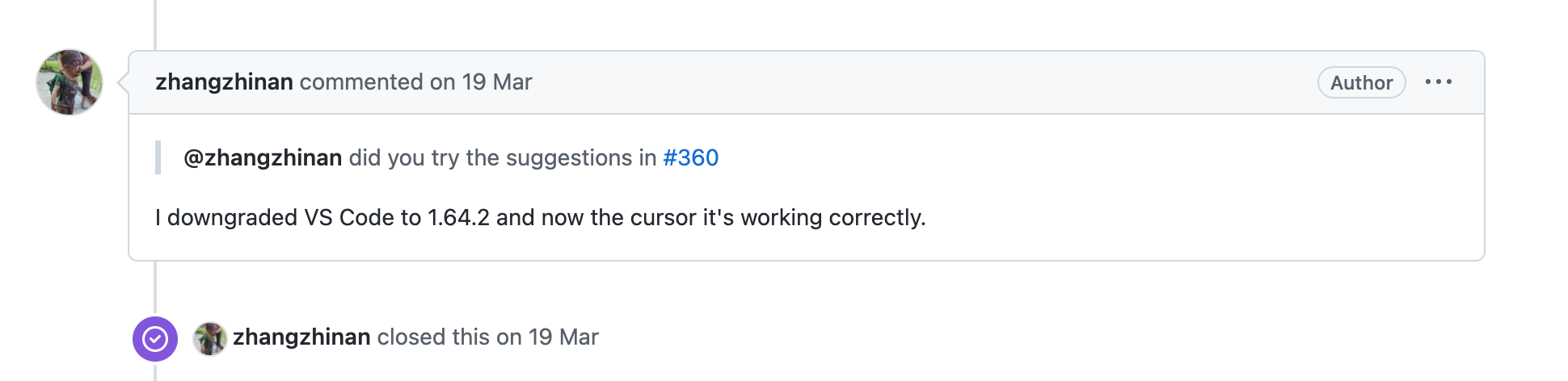 I see the same problem in other issues, I feel it is because the latest version of vscode and this plugin are not very compatible, please take a look
Delete the extension and make sure the one you’re reinstalling is https://marketplace.visualstudio.com/items?itemName=styled-components.vscode-styled-components


删除扩展并确保您要重新安装的是https://marketplace.visualstudio.com/items?itemName=styled-components.vscode-styled-components
it solved my problem, thank you

As mentioned in https://github.com/styled-components/vscode-styled-components/issues/376#issuecomment-1262021658 it might help to clear your VS Code search & editor history when reinstalling the extension.

