
ArduinoTracker-MicroAPRS
 ArduinoTracker-MicroAPRS copied to clipboard
 stanleyseow
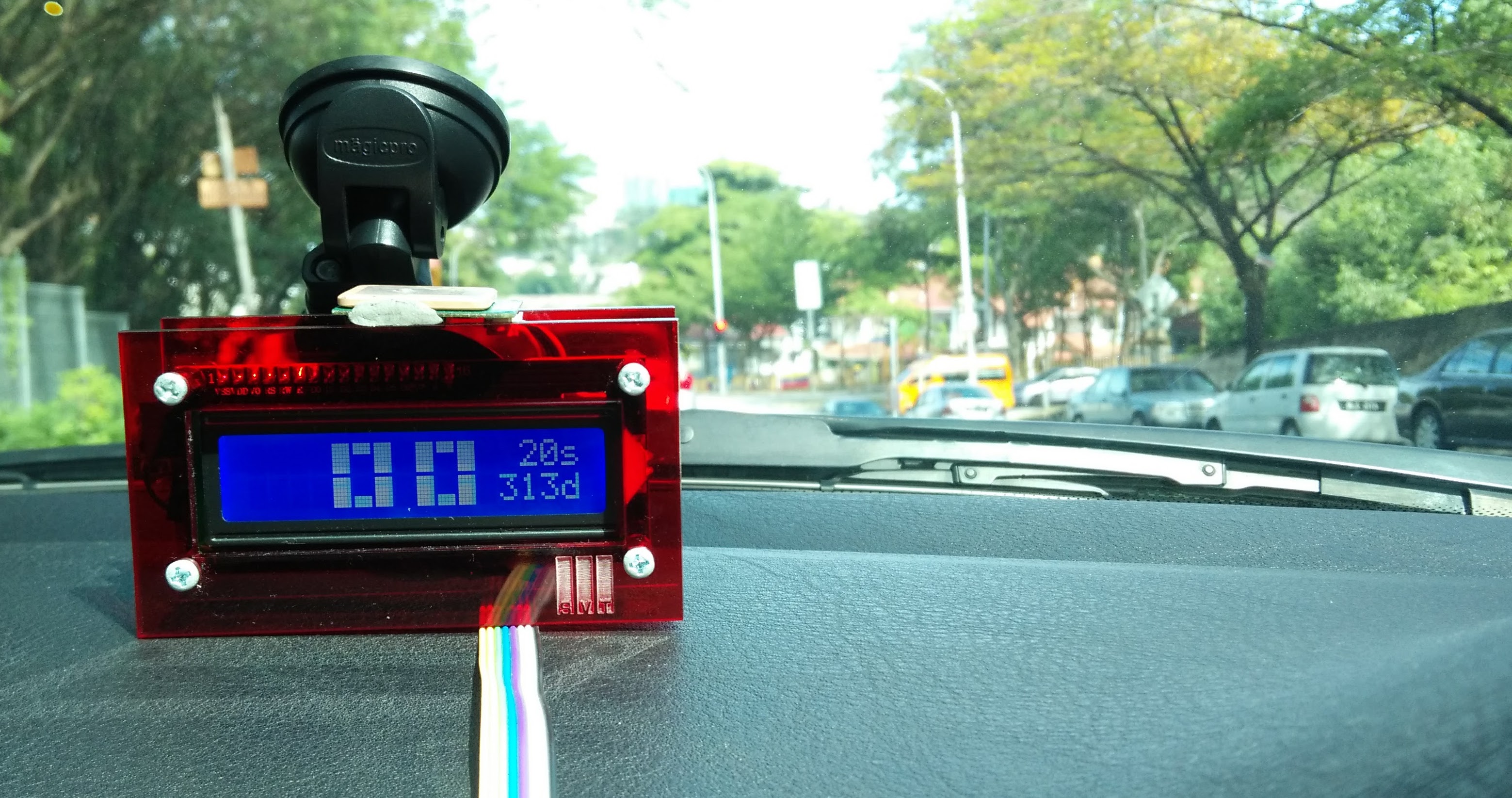
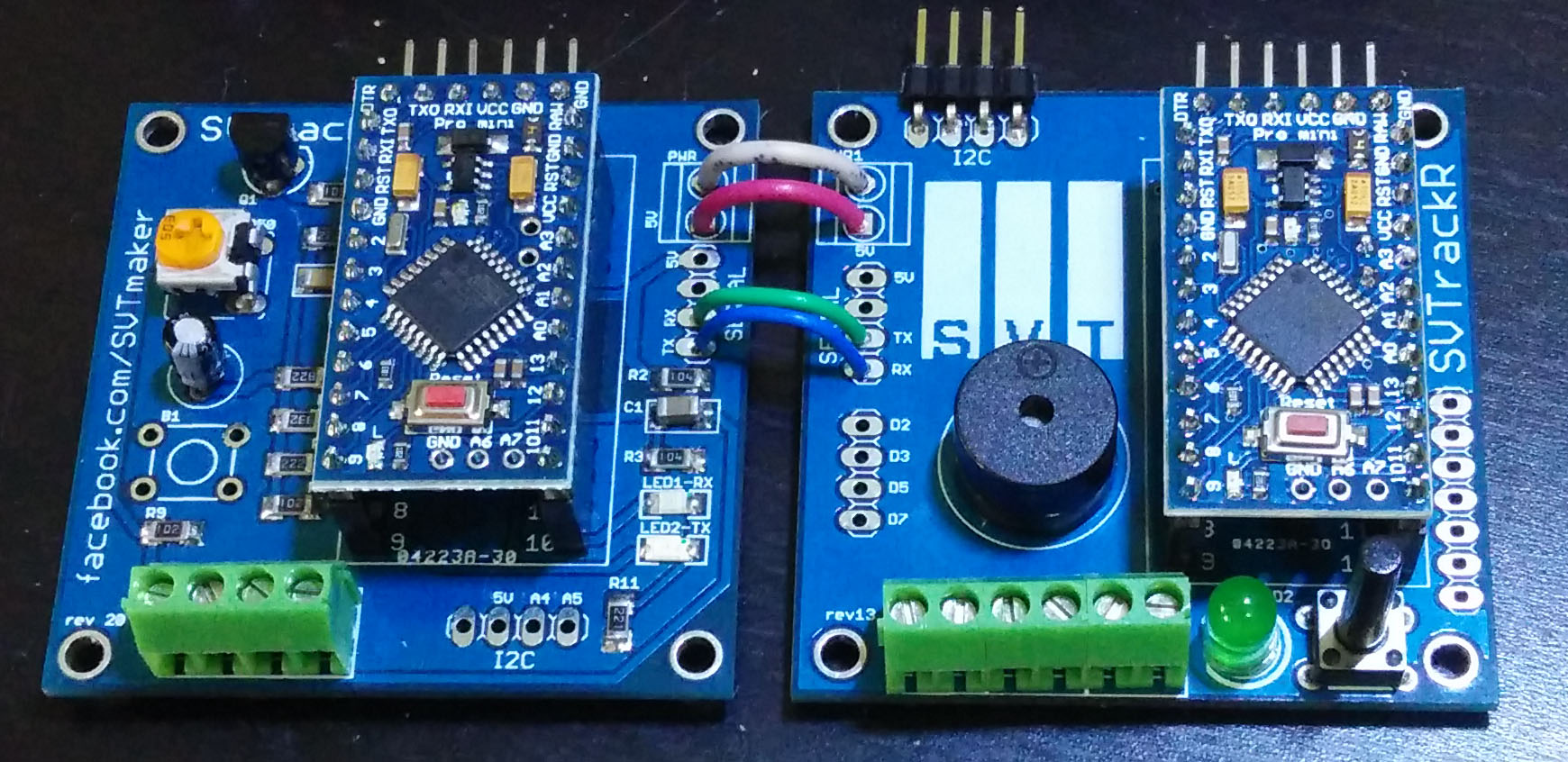
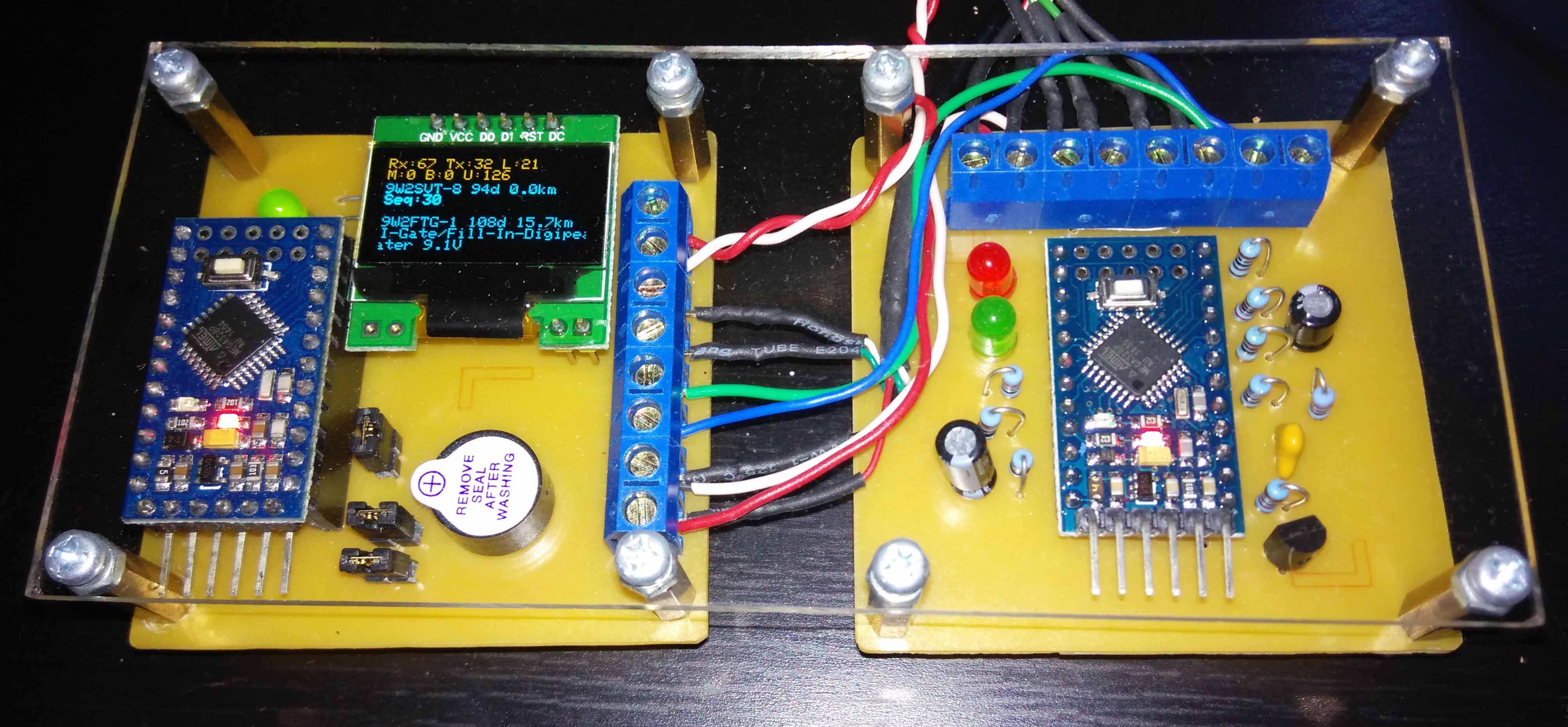
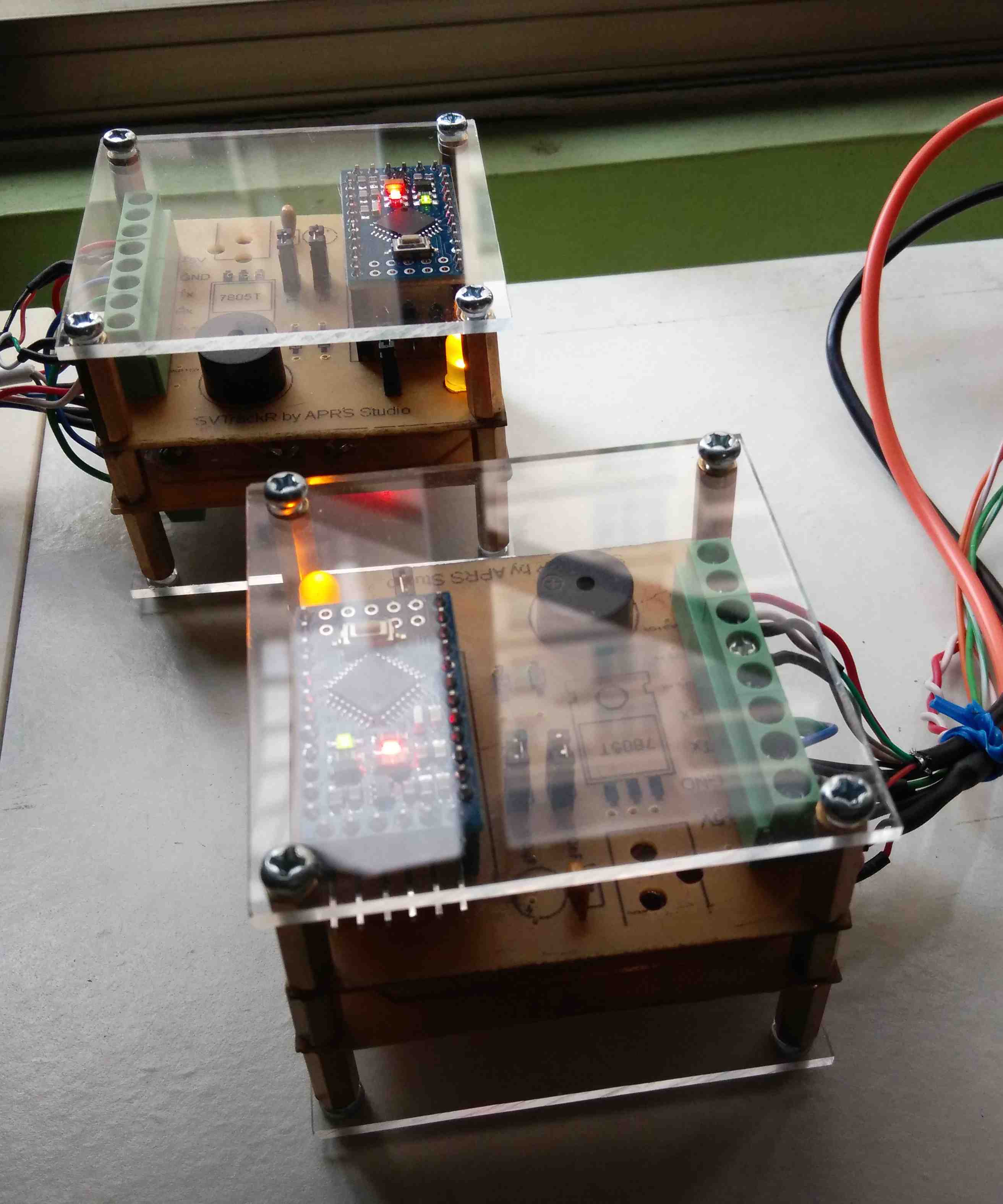
Arduino Tracker (SVTrackR) for MicroAPRS modem
Arduino APRS SVTrackR
- Written by Stanley Seow ( 9W2SVT / N5SVT )
- e-mail : [email protected]
*** Pls refer to the top of the source code for version history and updated instructions.
This sketch configure the MicroAPRS (the modem) for the proper callsign and ssid and read/write data coming in from the MicroAPRS (another Arduino/atmega328P with bootloader) via Serial port
Library needed :-
- AltSoftSerial ( https://www.pjrc.com/teensy/td_libs_AltSoftSerial.html )
- tinyGPS++ ( http://arduiniana.org/libraries/tinygpsplus/ )
- SSD1306 OLED Text only ( https://github.com/stanleyseow/ArduinoTracker-MicroAPRS/tree/master/libraries/SSD1306_text )
- MicroAPRS libs
Instructions :-
Download the MicroAPRS compiled Modem.hex from https://github.com/markqvist/MicroAPRS/
As this hex is not compiled from the Arduino IDE, you need to manually upload this hex to the Arduino with a bootloader using avrdude or Xloader.
Xloader to load this hex image to the Arduino / Mini Pro :-
1. Download the Xloader : http://russemotto.com/xloader/
2. Copy modem.hex into Xloader folder
3. Select the modem hex file
4. Select UNO for UNO or Duemilanove/328 for Mini Pro
5. Select the COM port and press Upload
Metadata
51
Stars
41
Forks
Watchers
Owner
 stanleyseow
Metadata
Arduino Tracker (SVTrackR) for MicroAPRS modem