

 standardnotes
"Enter your account password as it was when you registered"
I have changed my password some time back. Now whenever I install this app, I have to input my original password to unlock my notes. I still remember my old password for now, but the whole point of changing my password is so I won't have to use my old password anymore. Is there any way to prevent this from happening?
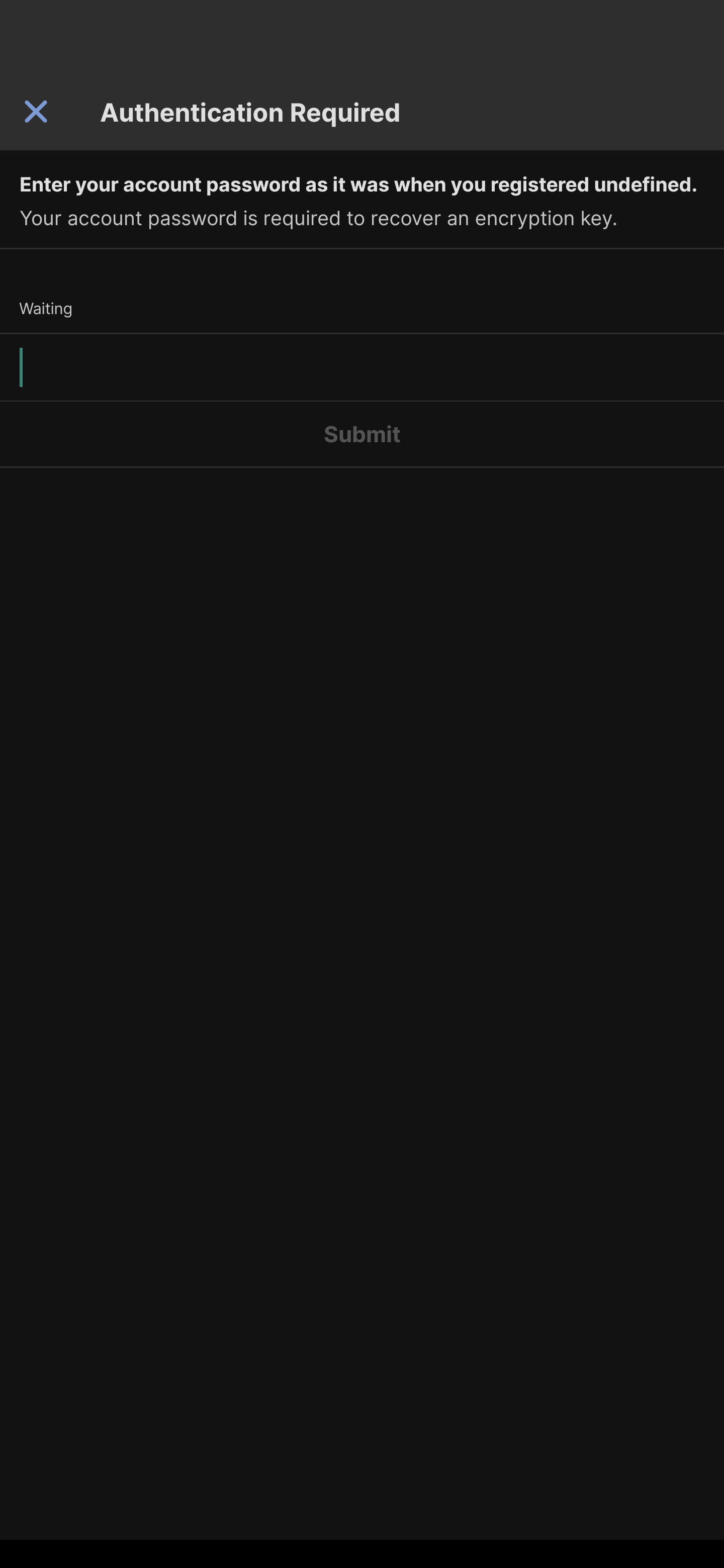
Android: 12 but happened on 11 too. Standard notes: 3.9.6 but happened on older versions too.

Hmm this is an error recovery mechanism. Essentially something didn't sync properly so now you have to enter your old password to decrypt this key. But after that it should properly correct itself so that this doesn't keep appearing. Strange that it's not.

Hmm this is an error recovery mechanism. Essentially something didn't sync properly so now you have to enter your old password to decrypt this key. But after that it should properly correct itself so that this doesn't keep appearing. Strange that it's not.
Yeah it happens every time I newly install the app. Is there anything I can do to generate a new key with the new password or something?