
SPAlertView
 SPAlertView copied to clipboard
 ssowri1
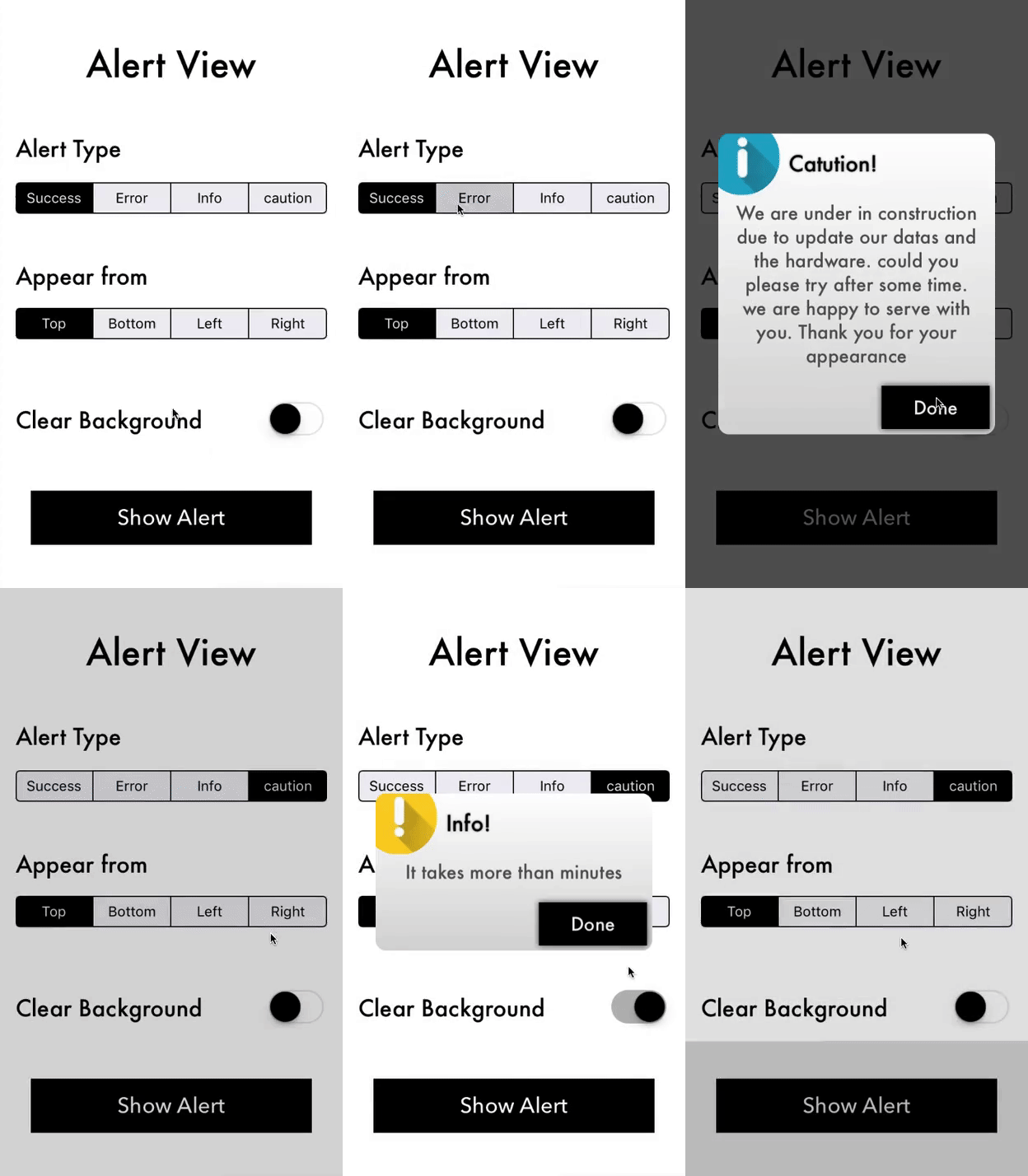
Customized Alert or Prompt view for iOS comfortable with Swift 3.0
SPAlertView
Customized Alert or Prompt view for iOS comfortable with Swift 3.0
Installation
simple way to show alert view
Just put the below code snippet to your class
    alertView = AlertVw(title:"Congratulations!", description:"You have registered successfully", image:#imageLiteral(resourceName: "success"))
    alertView.show(animated: true)
Properties of SPAlertView
    alertView.setTitleFont(font:UIFont(name: "Futura", size: 20)!)                      // set title label font
    alertView.setTitleColor(color:UIColor.black)                                        // set title label color
    alertView.setDescriptionFont(font:UIFont(name: "Futura", size: 17)!)                // set description label font
    alertView.setDescriptionColor(color:UIColor.darkGray)                               // set description label color
    alertView.setBtnTitle(name: "Done")                                                 // set done button title
    alertView.setBtnBGColor(color: UIColor.black)                                       // set done button background color
    alertView.setBtnTxtColor(color: UIColor.black)                                      // set done button text color
    alertView.setBtnFont(font:UIFont(name: "Futura", size: 17)!)                        // set done button text font
    alertView.setViewBGColor(color: UIColor.black)                                      // set alert view background color
    alertView.clearBackground = clearBG                                                 // set background color
    alertView.appearFrom = direction                                                    // set direction of alert view
Authors
License
This project is licensed under the Apache License 2.0 - see the LICENSE file for details
Support or Contact
Having trouble with Pages? Kindly contact support and we’ll help you sort it out.
 ssowri1