
InteractivePrompt
 InteractivePrompt copied to clipboard
 sorrell
A C# REPL for .NET projects
InteractivePrompt - The RPL for your REPL
This is a very small library to help implement your own REPL. It takes care of the Read, Print, and Loop of the REPL, and also features a command history with use of the up/down arrows, word completion via tab, and ability to edit previous entries. The standard console doesn't provide enough functionality, and this solution provides a better way to create a fast repl / user input dialog. You just provide the Eval.
Features
- Word completion via Tab button (you provide the
List<string>) - Command history (up / down arrows)
- Standard shell navigation (left/right, Home/End, Ctrl+E, [Ctrl+H was subbed for Ctrl+A], Esc)
- Cross-platform: no Windows specific code
- Fast, ready-to-go REPL
Installation
Add the library from NuGet, or simply extend what's in this repo.
Example
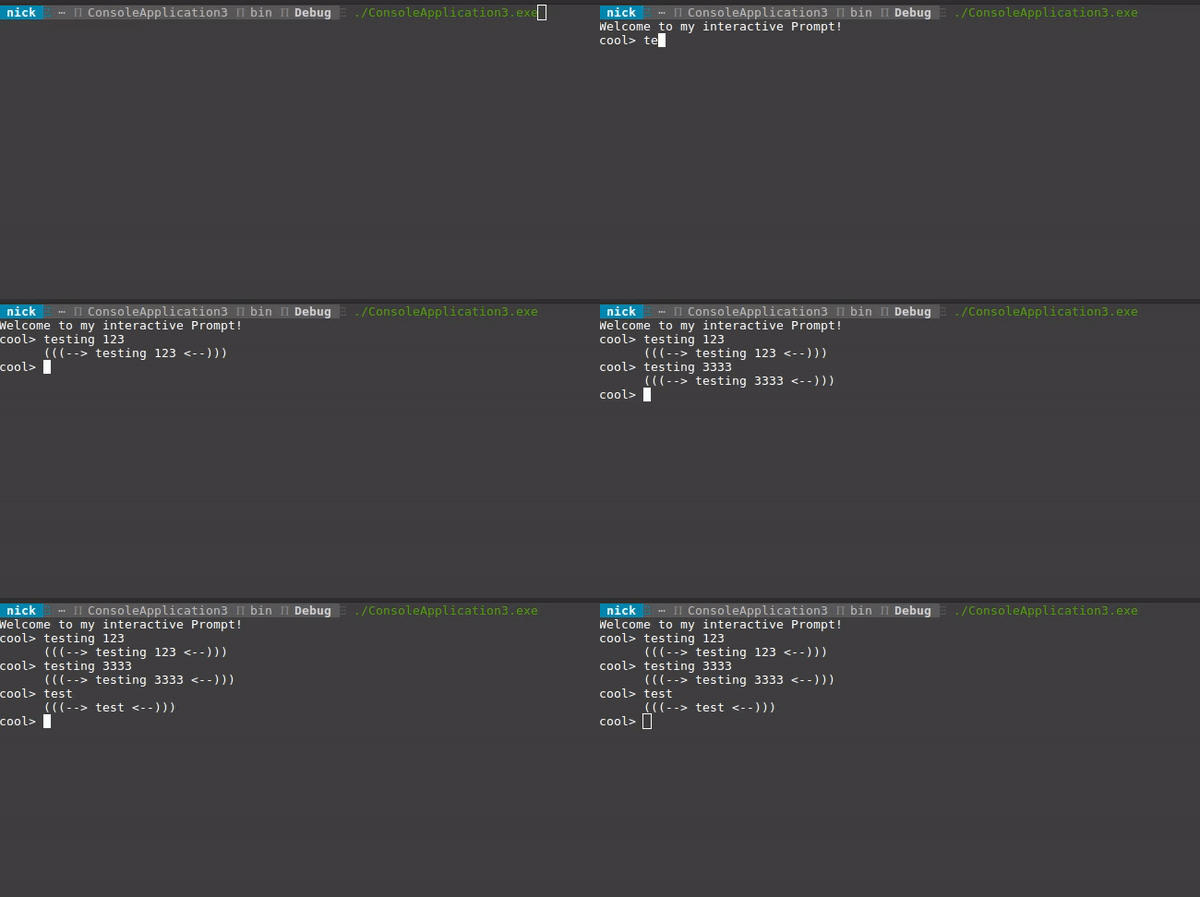
The gif above is based on the code below. Simply provide the prompt, startup message, and function to handle the input, and you're off!
static void Main(string[] args)
{
    var prompt = "cool> ";
    var startupMsg = "Welcome to my interactive Prompt!";
    List<string> completionList = new List<string> { "contracts", "contractearnings", "cancels", "cancellationInfo", "cantankerous" };
    InteractivePrompt.Run(
        ((strCmd, listCmd) =>
        {
            var handleInput = "(((--> " + strCmd + " <--)))";
            return handleInput + Environment.NewLine;
        }), prompt, startupMsg, completionList);
}
Word Completion
Predefined Completions
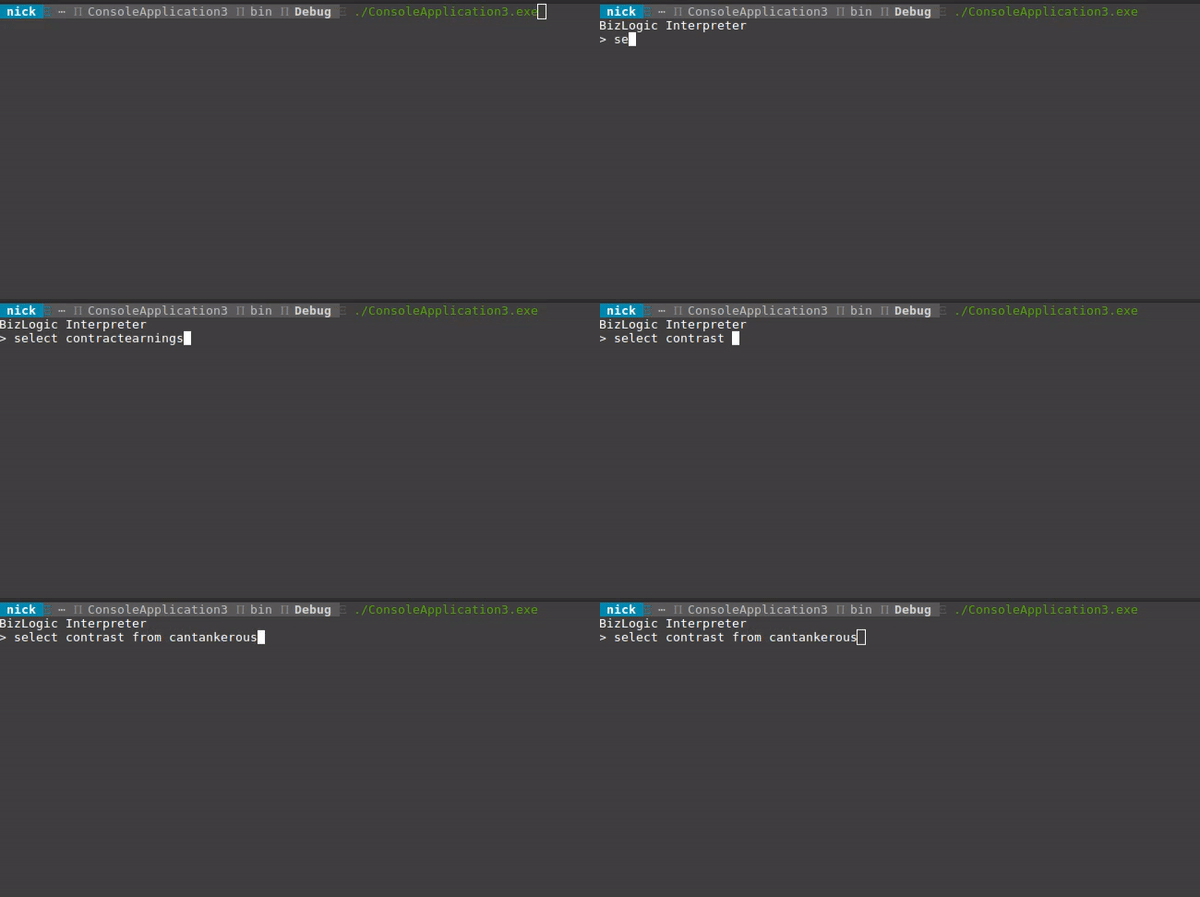
The code example above will also give you the ability to tab through the provided list, as seen below.
Runtime Completions
The code example below shows runtime completions in action - see AnotherCSharpRepl for working example.
class Program
    {
        static void Main(string[] args)
        {
            var prompt = "c#> ";
            List<string> compList = new List<string>();
            CSharpEvaluator eval = new CSharpEvaluator();
            var startupMsg = "Another C# REPL v 1.0.0";
            InteractivePrompt.Run(
                ((strCmd, listCmd, completions) =>
                {
                    foreach (var c in strCmd.Split(' '))
                        if (!completions.Contains(c))
                            completions.Add(c);
                    return eval.HandleCmd(strCmd) + Environment.NewLine;
                }), prompt, startupMsg, compList);
        }
}
How it's done
Some very simple usage of Cursor position and rewriting the current line allows us to create an editable command history.
 sorrell