

 solid-software
VlcPlayer widget to adjust to parent size
Is it possible to make the VlcPlayer() widget to adjust to the parent container's size?
return Container(
      color: Colors.blue,
      height: 400,
      child: VlcPlayer(
        controller: _videoController.video.value.videoPlayerController!,
        aspectRatio: 16 / 9,
        // virtualDisplay: false,
        key: const Key('vlcPlayer'),
        // placeholder: Center(child: CircularProgressIndicator()),
      ),
    );
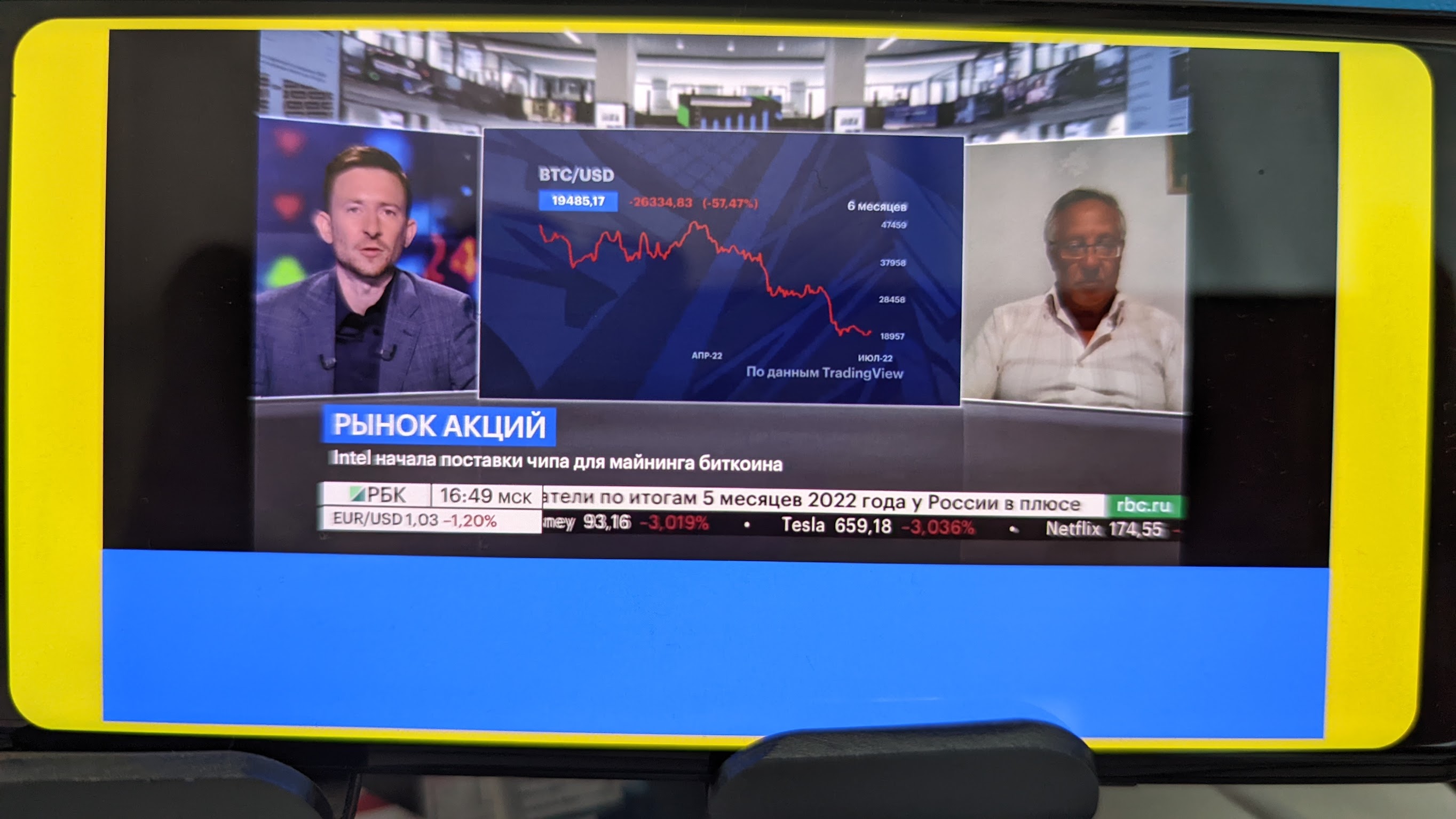
I can change the height of the container and I can see the container taking more space on the screen, but the vlc player widget seems to retain its own size that was set when it was initialised

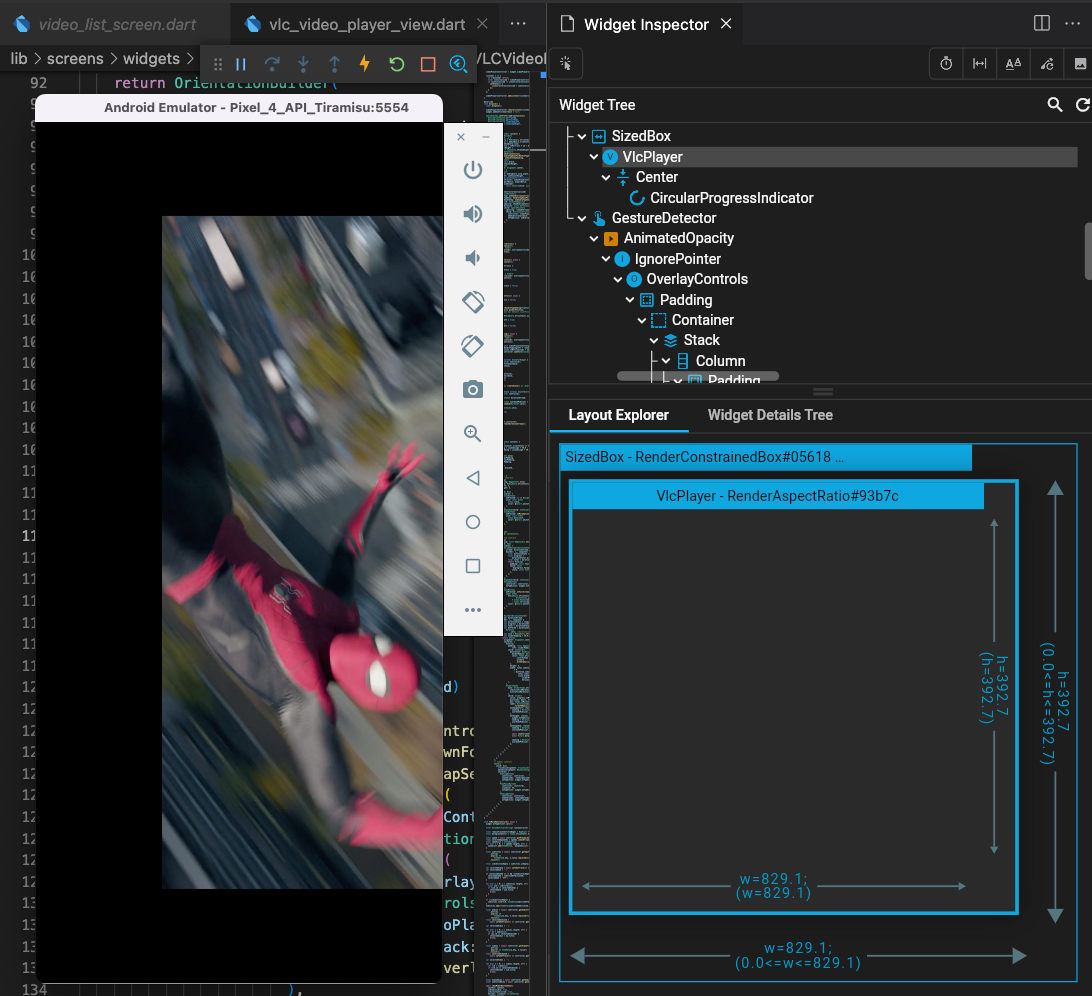
I have the same issue on Android but works well on iOS device. On Android, The VlcPlayer widget's width and height match with the parent SizedBox (829.1 x 392.7), but the "video surface" is not resize to match with the VlcPlayer widget size when force full screen from portrait. See the attached image.
Step to produce:
- Click a video and play in portrait mode.
- Then, click fullscreen button to make it full screen landscape
- The "video surface" won't resize to match its parent
- Vice versa when start with landscape and then portrait.

I had the same issue, finally I put the VlcPlayer into a future builder where I set a future delay (2 seconds) as the future parameter. In this way flutter renders the widgets and 2 seconds later the future builder renders the VlcPlayer, as the widgets are already rendered the surface can resize and render properly.
Example: https://gist.github.com/nthd/41e5fcba07831d3636526daa7dfdf140


Tôi gặp vấn đề tương tự trên Android nhưng hoạt động tốt trên thiết bị iOS. Trên Android, chiều rộng và chiều cao của tiện ích VlcPlayer khớp với SizedBox mẹ (829,1 x 392,7), nhưng "bề mặt video" không được thay đổi kích thước để phù hợp với kích thước tiện ích VlcPlayer khi buộc toàn màn hình từ chế độ dọc. Xem hình ảnh đính kèm.
Bước sản xuất:
- Nhấp vào video và phát ở chế độ dọc.
- Sau đó, nhấp vào nút toàn màn hình để chuyển sang chế độ toàn màn hình
- "Bề mặt video" sẽ không thay đổi kích thước để khớp với bề mặt chính của nó
- Ngược lại khi bắt đầu với phong cảnh và sau đó là chân dung.
I have the same problem as you, on ios fullscreen works fine, but on android it crashes. Don't know if you have the solution yet, (don't push new screen), thank you
