

 softvar
Feature request: Support Safari 14.0
Since Safari 14.0 (with Xcode 12), Apple supports the automatic conversion of Chrome extension to Safari extension ( Documents), I tested it and found that the xcrun safari-web-extension-converter produced the following warning:
➜  enhanced-github git:(master) xcrun safari-web-extension-converter --app-name "Enhanced GitHub" --bundle-identifier "com.example.safari.enhanced-github" --objc --project-location ../enhanced-github-safari ./
Xcode Project Location: /Users/patrickfu/code/enhanced-github-safari
App Name: Enhanced GitHub
App Bundle Identifier: com.example.safari.enhanced-github
Language: Objective-C
Is this correct? [yes]: yes
Warning: The following keys in your manifest.json are not supported by your current version of Safari. If these are critical to your extension, you should review your code to see if you need to make changes to support Safari:
	persistent
➜  enhanced-github git:(master)
Despite this warning, the Safari extension Xcode project can still be generated, and the app can be archived and exported normally, but it does not work at all. (I have been configured Github access token)
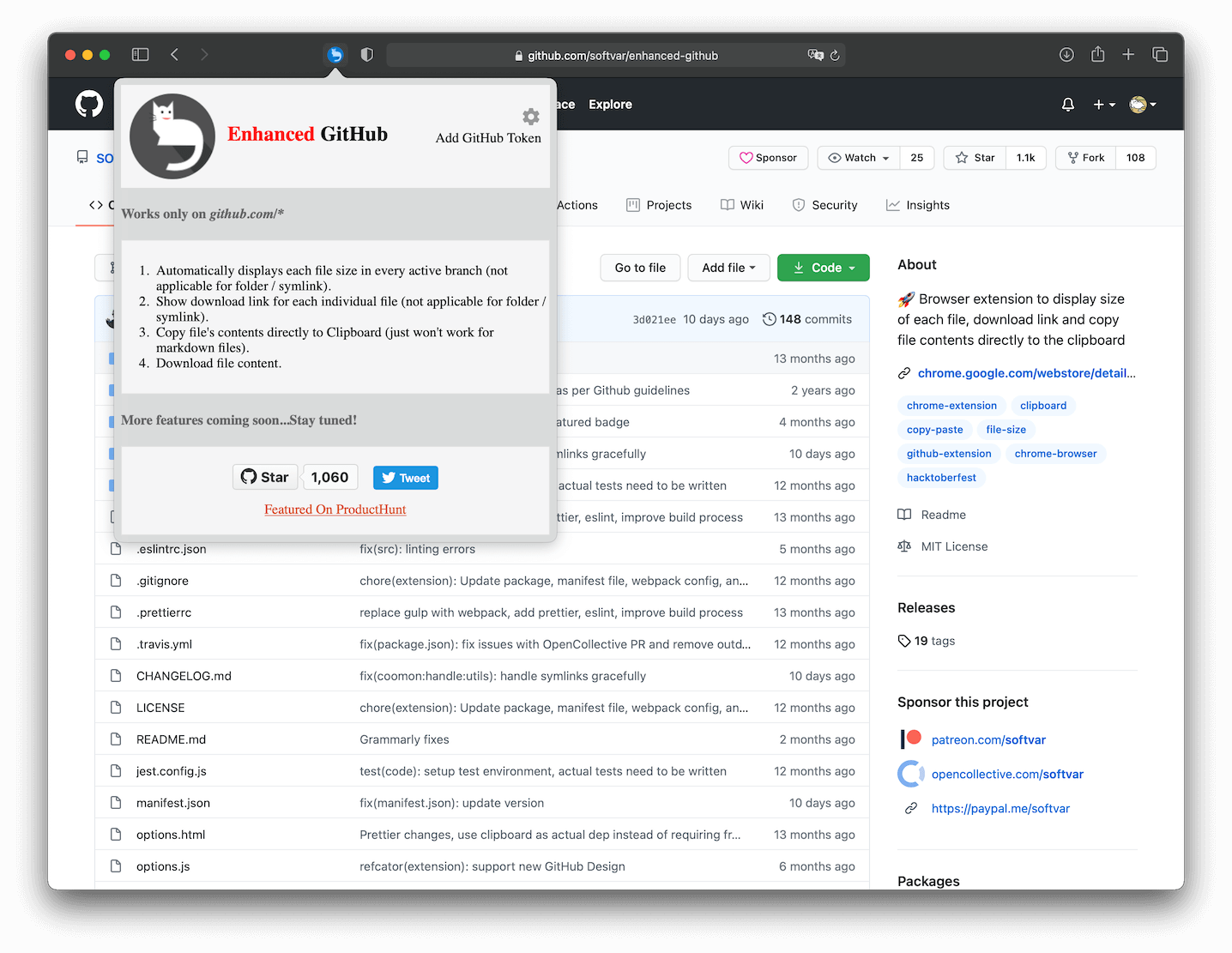
I’m not familiar with the development of web extensions, and I don’t know if this problem is caused by the above warning.
Could you make this extension compatible with Safari? It does not need to publish to AppStore. We can use our own Apple developer account to sign the extension. Sincere thanks🥰

Hi, I know I'm bit late but I managed to get this extension working in Safari 🙂
- Download the source code of the Chrome extension using https://crxextractor.com/ and extract the zip
- Run the following command in terminal
xcrun safari-web-extension-converter --macos-only /path/to/extension --copy-resources - In Xcode click Product located on the menu bar and select Archive
- Click Distribute App, Development, select your team, automatically manage signing, export to Applications folder
- Open the app from launchpad, click the button to open Safari Preferences, enable the extension

Hi, I know I'm bit late but I managed to get this extension working in Safari 🙂
- Download the source code of the Chrome extension using https://crxextractor.com/ and extract the zip
- Run the following command in terminal
xcrun safari-web-extension-converter --macos-only /path/to/extension --copy-resources- In Xcode click Product located on the menu bar and select Archive
- Click Distribute App, Development, select your team, automatically manage signing, export to Applications folder
- Open the app from launchpad, click the button to open Safari Preferences, enable the extension
It really works!
So the first step is the key, do not convert this source repository, but convert the archived and published .crx, copy the extension website https://chrome.google.com/webstore/detail/enhanced-github/anlikcnbgdeidpacdbdljnabclhahhmd and paste to https://crxextractor.com/ to download the .crx file, then rename the .crx to .zip and then unzip it