

 sitespeedio
Whisper mapping outside of container, no data displayed on Grafana
Your question
Hi, I followed the documentation "Performance Dashboard", downloaded all files for the configuration and the docker compose file. I made some correction to match with my environment (Ubuntu on AWS with EFS storage). When the whisper mapping is configured with the default configuration in the docker compose file, data are displayed on the Grafana dashboard. When whisper storage is set on a specific directory, the Grafana Dashboard shows "no data".
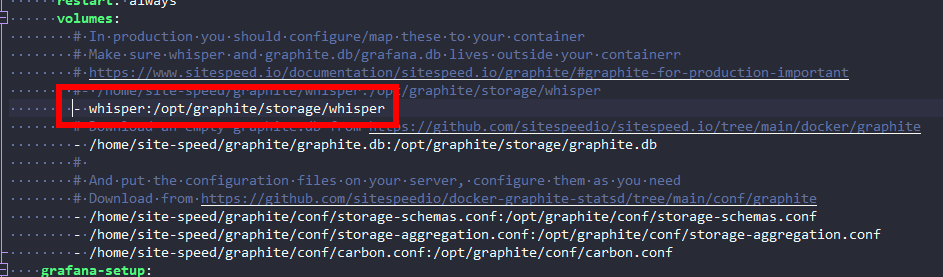
volumes: - /home/site-speed/graphite/whisper:/opt/graphite/storage/whisper
I checked if there were data in the directory, and yes the were. I've set a chmod 666 on the directory to be sure that is not related to a permission issue.
I also tried to add the docker user like this but not working
user: "$UID:$GID"
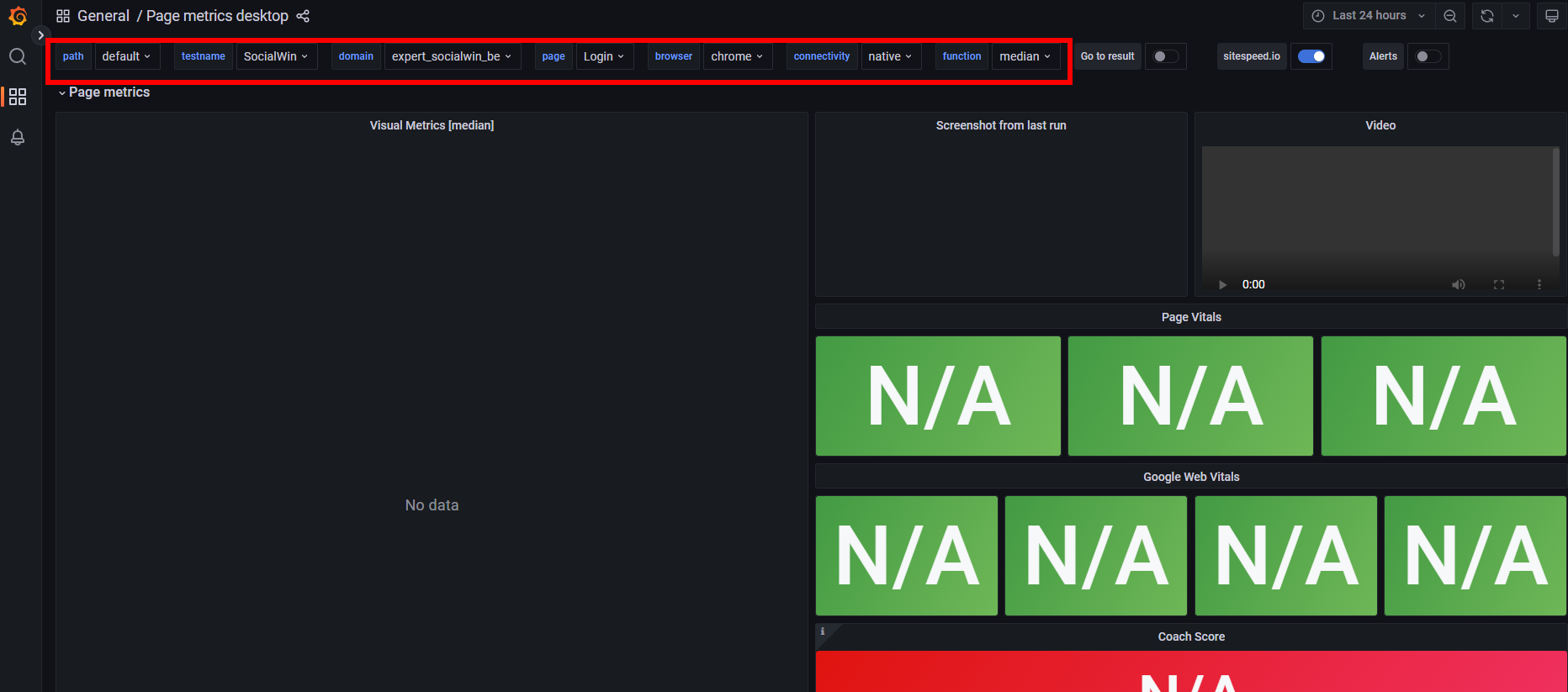
What is strange, the dropdown to select the pth, testname, domain, page, browser, connectivity etc are filled, but no data are displayed.
I perhaps missed something in the configuration.
Thanks,
André.

Hi @andrelaguerre can you check the timespan, if the dropdown shows data, it should be there but maybe the timespan is too small?
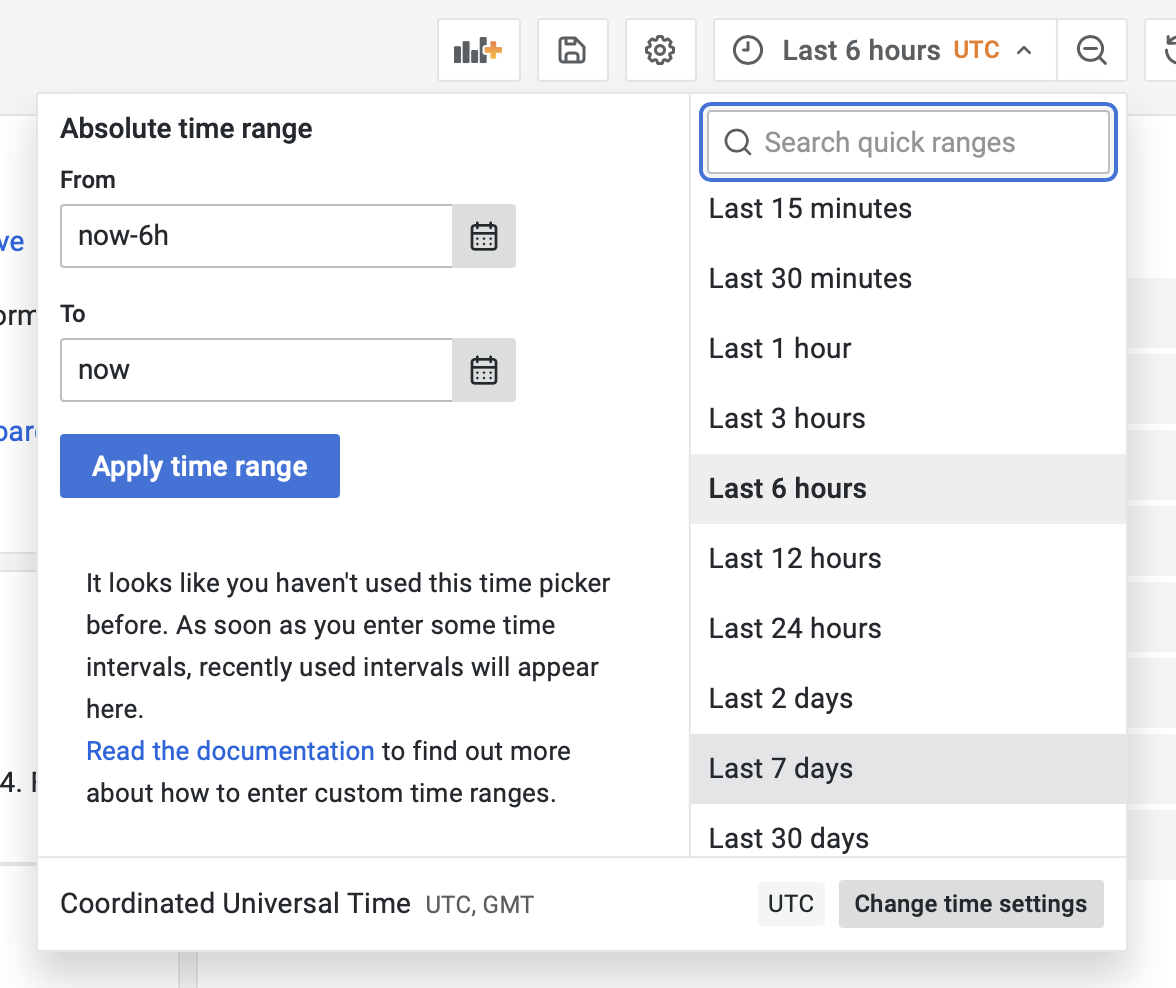

Hi @soulgalore , I've checked if the correct time range is selected to show data.
I also check the config of storage-shema.conf
[sitespeed] pattern = ^sitespeed_io. retentions = 1h:1d,6h:90d
I think you can jump into the container and check that the mapping worked. This is how you do it in the sitespeed.io container: https://www.sitespeed.io/documentation/sitespeed.io/docker/#inspect-the-container so you need to modify it so it works for your Graphite container.
Not sure to understand what can I see in the container by inspecting it.
In Portainer I can see the mapping :

I've set the same right on the directory as found in the container.

Relaunched a test : but no data in graph, only the selectors have data ?
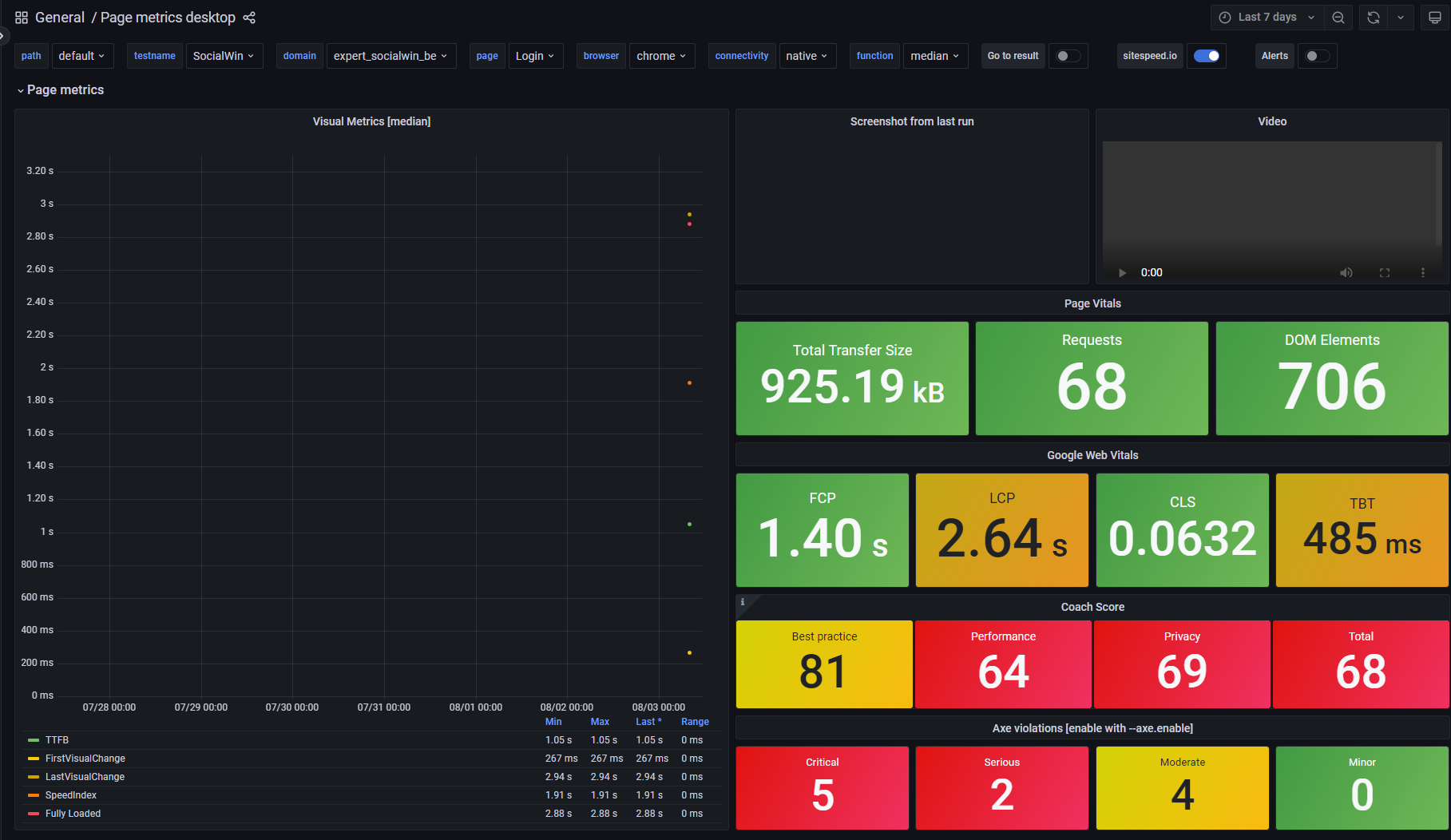
Just ran the same test with Whisper inside the container

Results are in Grafana
Hi, Sorry to not come back to this issue earlier, I had lot of work on other projects.
The "outside" folder of whisper is set on an NFS (EFS)
Graphite image : sitespeedio/graphite:1.1.7-9
  volumes:
    - /home/site-speed/graphite/whisper:/opt/graphite/storage/whisper
    - /home/site-speed/graphite/graphite.db:/opt/graphite/storage/graphite.db
    - /home/site-speed/graphite/conf/storage-schemas.conf:/opt/graphite/conf/storage-schemas.conf
    - /home/site-speed/graphite/conf/storage-aggregation.conf:/opt/graphite/conf/storage-aggregation.conf
    - /home/site-speed/graphite/conf/carbon.conf:/opt/graphite/conf/carbon.conf
It look line the fallocate() syscall is not supported by Union FS, the filesystem used by Docker.
You can either use truncate.
In the docker log of graphite I found this error :
2022-11-04T09:28:21.933549919Z 04/11/2022 09:28:21 :: [console] Error creating stats_counts.statsd.bad_lines_seen: [Errno 95] fallocate
2022-11-04T09:28:21.951226843Z 04/11/2022 09:28:21 :: [console] Unhandled Error
2022-11-04T09:28:21.951246290Z Traceback (most recent call last):
2022-11-04T09:28:21.951267991Z File "/opt/graphite/lib/python3.8/site-packages/twisted/python/threadpool.py", line 266, in
Hi @soulgalore , did you have to investigate this case ? Perhaps I can use antoher docker container of graphite that is compatible with NFS ? Thank you André.
Hi @andrelaguerre sorry I haven't looked, I felt it was something outside of sitespeed.io. Can you check with the https://github.com/graphite-project maybe they have a best practice?