

 sitespeedio
How to handle File Upload scenario using Sitespeed.io tool in Linux Ubuntu OS where file needed to be browsed from file explorer and uploaded ?

In my Scenario, we need to select the file from file explorer which will be opened by clicking browse button and upload the file. I couldn't find any methods in documentation for this scenario. Kindly help to script this scenario.
Problem Statement: We are running Sitespeed tool in Linux Ubuntu OS. We have a application developed in Un-Qork where we need to browse and upload a file. When we clicked on the browse button, local file explorer should open which is not happening currently. The Application is not OS dependent and now when we click Browse button web element there is no action is triggered. We are using the below command to click browse button.
await commands.click.byIdAndWait("uploadBinder-button");
We can see the webpage with Browse Button in the Sitespeed result video but file explorer is not opened after button click. Any quick help will be appreciated.
Hi @prithivi96 easiest if you run locally on your machine and do not use Docker and use the --debug feature. Then you can check the browser console log for errors and try manually to find the correct element. Checkout https://www.sitespeed.io/documentation/sitespeed.io/scripting/#debug

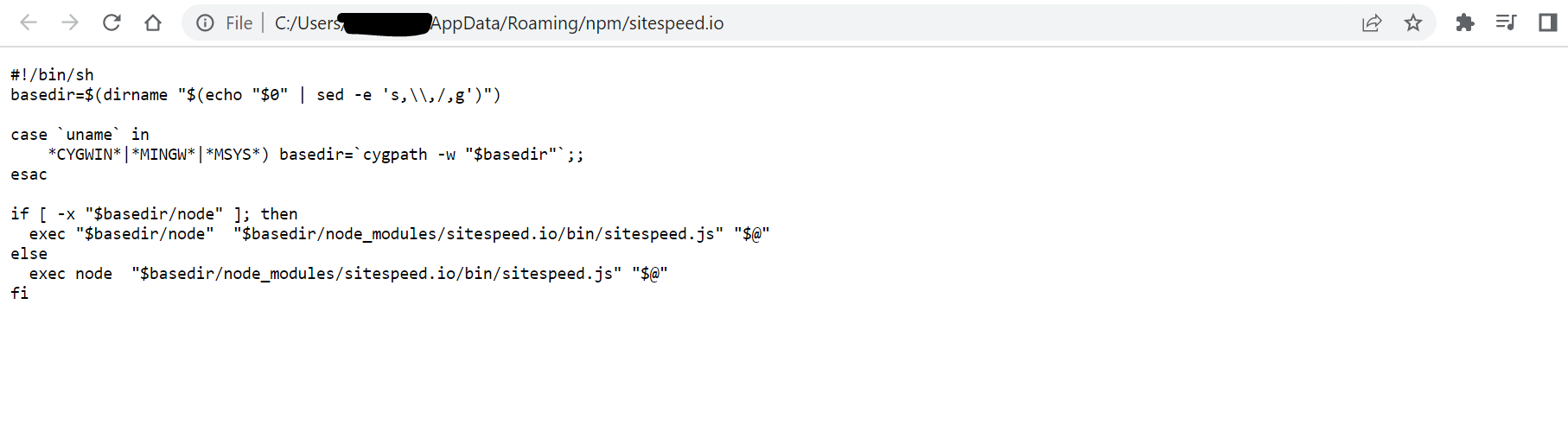
Hi @soulgalore, as suggested I tried to run sitespeed using npm to debug the issue. But when ran the sitespeed command, a shell script is getting opened in chrome browser instead of executing the url in browser. Kindly guide on how to proceed further. Please find the below snapshots for reference.
Command Used:

After running the command it redirected to chrome browser where the below shell commands are displayed:
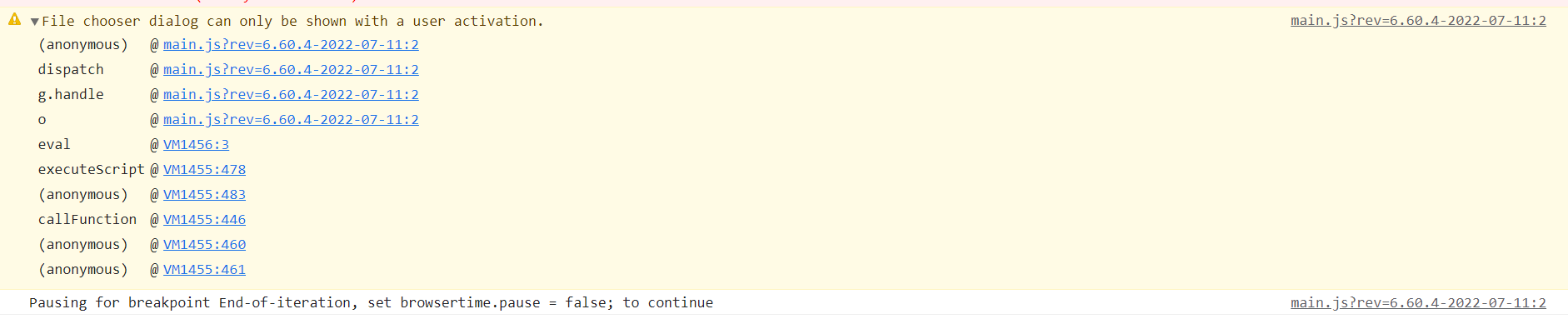
Hi @soulgalore, We were able to run our scripts using npm in debug mode in our machine. When we analyzed in console log, we observed after clicking the browse button web element, file chooser dialog is not opening and a warning message was thrown in console log ( File chooser dialog can only be shown with a user activation ) but the error is not observed when we try same scenario manually in normal browser session . Please find the below snapshot for reference. Kindly guide on finding a workaround for this issue.
To be able to help with this kind of issues we need to have reproducible issues: https://www.sitespeed.io/documentation/sitespeed.io/bug-report/