
ui

ui copied to clipboard
 shoutem
NavigationBar height wrong on Android, causes vertical misalignment
The shipped theme uses well-known constant 20dp height for the iOS status bar, but falls back to 0 for Android. With no padding, the NavigationBar component used at the top of a screen will look wrong, and making parts of buttons hard to touch (since their regions will be under the status bar).
I think it should probably fall back to StatusBar.currentHeight, though that may be null on future platforms.
Suggestion:
paddingTop: Platform.OS === "ios" ? 20 : (StatusBar.currentHeight || 0)


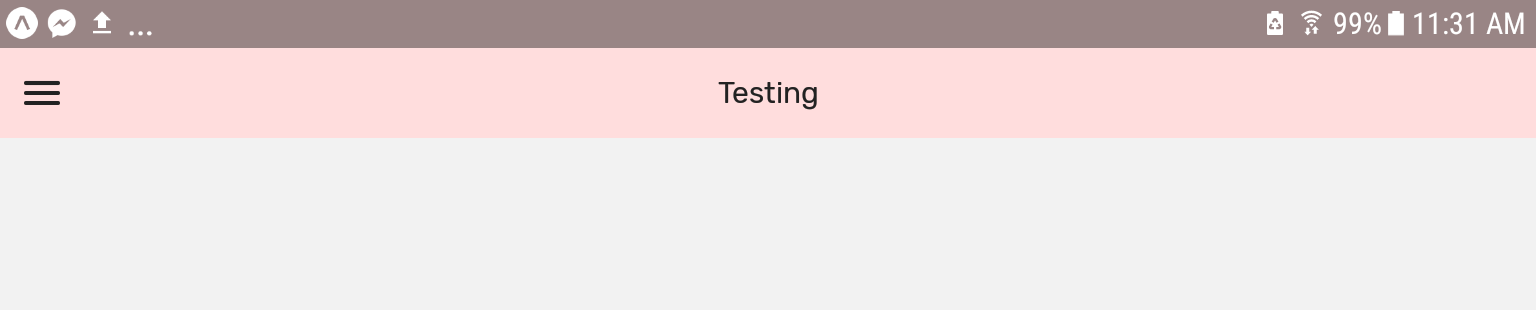

Thank you for this! This helped. I have less than 8 hours of React Native, Expo, Shoutem UI experience combined (I'm a noob) and this issue was driving me crazy.
