
dashboard-plugin

dashboard-plugin copied to clipboard
 serverless
Switching Dashboard accounts throws a 403 error
Seems that if you login with one account successfully and can view your applications, you then logout and try to login with a different account the dashboard breaks with a 403 error on the page, at least with Firefox. Clearing cache and cookies solves the problem temporarily.
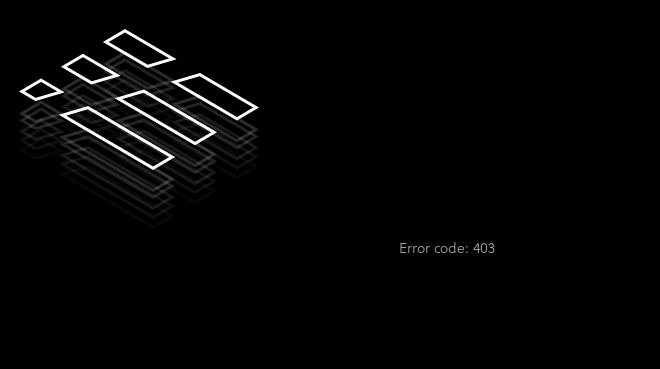
My exact process was:
- Login with my Serverless Gmail account. I can see my apps.
- Logout.
- Login with my personal Github account (different email address). Where apps list should be I see the image posted with this issue.
There are two requests that have 403s. The first isa GET to https://api.serverless.com/core/tenants/garethmcc/deploymentProfiles. The error returned from the endpoint is:
{"errorMessage":"You're not authorized to access this Tenant. Please make sure that you have a correct URL or contact your project admin. - Please contact support and provide this identifier to reference this issue - PTLSRBFL98JZ"}
The second is a GET request to https://api.serverless.com/core/tenants/garethmcc/applications?x-services=true. The response is:
{"errorMessage":"You're not authorized to access this Tenant. Please make sure that you have a correct URL or contact your project admin. - Please contact support and provide this identifier to reference this issue - PT06T9SRBVVY"}
