typewriter

typewriter copied to clipboard
 segmentio
Colored text rendered incorrectly on certain terminals
Normally, typewriter init looks like this:
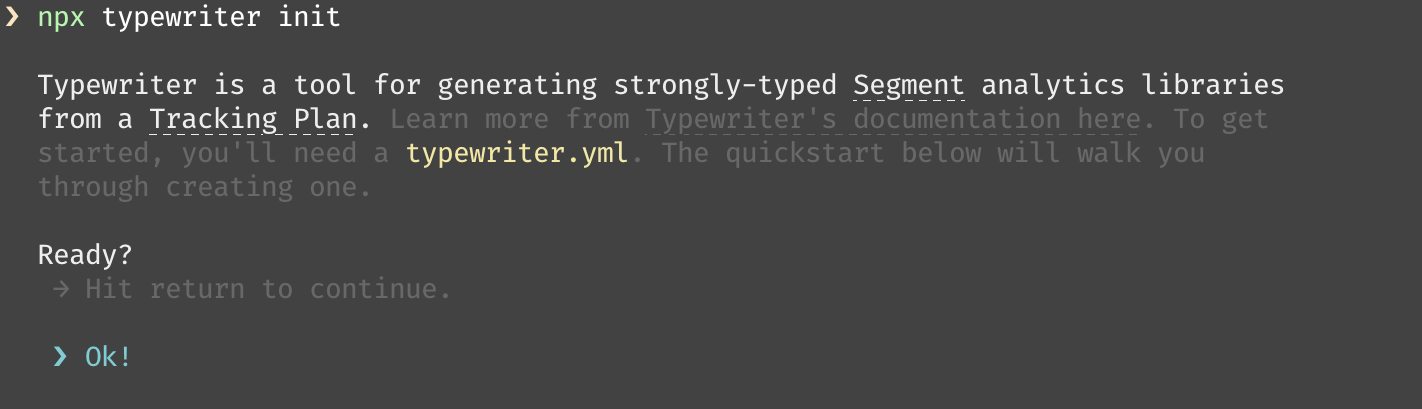
However, on a default Ubuntu terminal, it'll render like this:

When highlighting text, you'll see that the text is structured correctly, but not visible:

This would seem to imply that the issue is not just from the terminal's color scheme, but something to do with how the terminal is processing the escape characters.
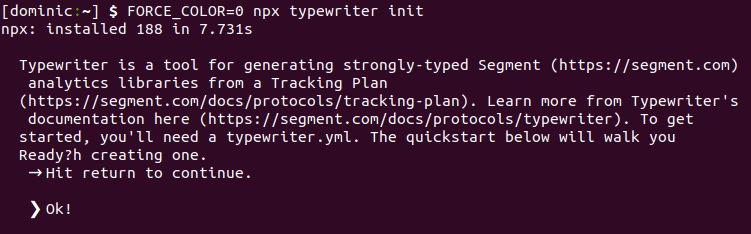
Until we have a long-term fix, users can set FORCE_COLOR=0 to disable all color:
FORCE_COLOR=0 npx typewriter init
Which isn't ideal, but will at least be functional: