

 scripting
Electric Drummer questions and comments
The first test version of Electric Drummer is available.
If you have questions or comments this is the place to post them.

Downloaded it this morning, viewed a few outlines both remote and locally, made some changes, closed them, reopened them. Seems to work fine. 👍

Right now I have the Change Notes open, and can see you making changes. So that works too!
@papascott --
-
Thanks for the confirmation. It frees up mental space for moving forward on things. :smile:
-
As I was writing and editing I was wondering if anyone was watching and what it must look like.
I have E/D up and running on my Mac, successfully creating a couple of outlines there, closing and reopening them, editing and saving. Also, opening an opml file that was created on the web version and downloaded via zip.

@akaKenSmith -- thanks that's very helpful.
Also don't forget to use the Bookmarks menu. It's even more essential on the desktop where you can scatter files all over the place.
I also installed it on my Mac, so far seems to work.
One very minor issue I noticed. Clicking on the Electric Drummer text that is to the left of the in-window menu bar opens the a page in a browser like this:
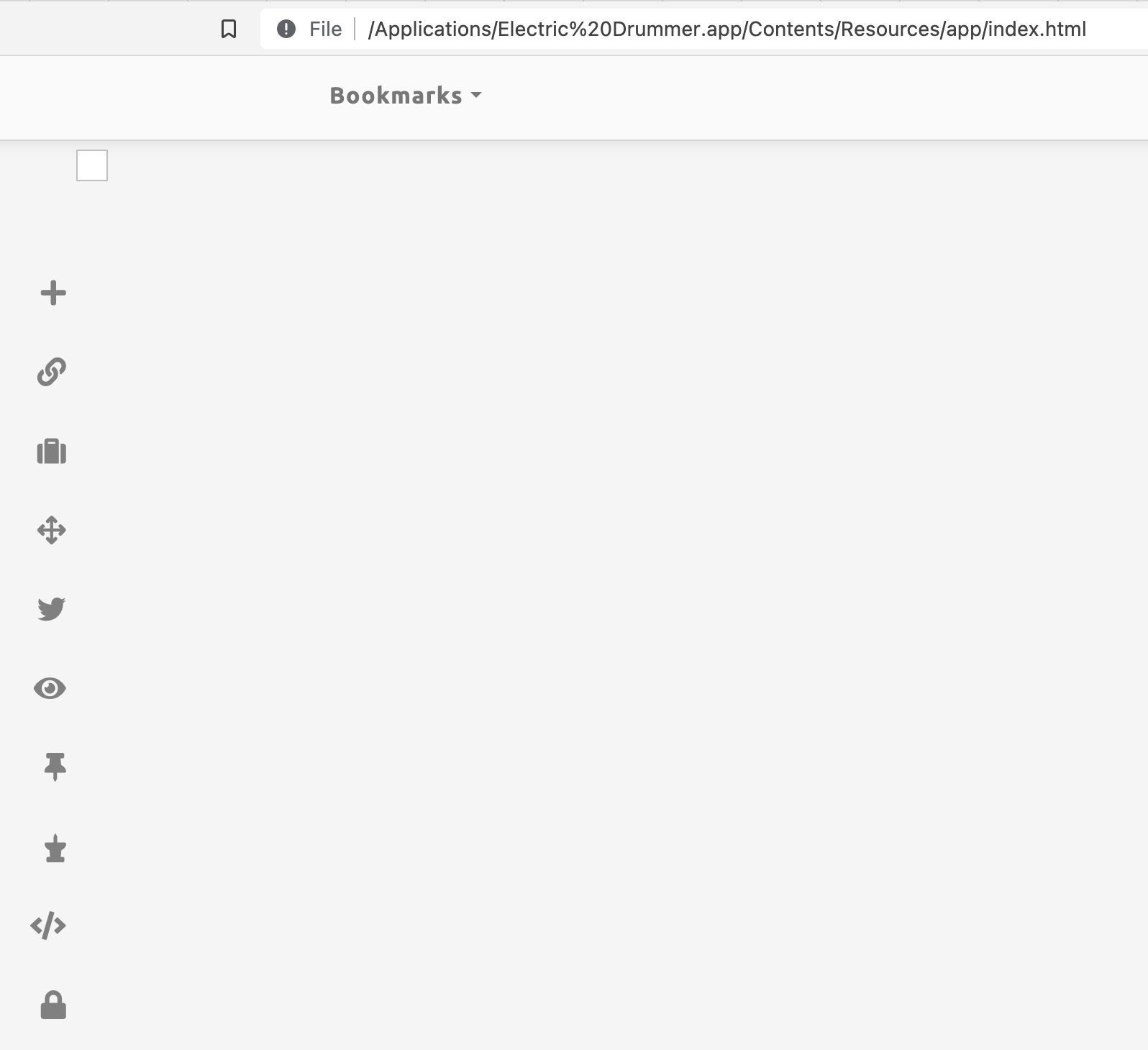

@allenwb -- yikes! that's why it's good to have testers. i never would have thought to click on that. easy to fix. thanks. :-)
I downloaded E/D and opened it. No problem.
But I experienced an issue with file saving and Twitter login.
Here's what I did:
- I did not log into Twitter.
- I wanted to create a new private file. Under File, New and Open were in a lighter text, but by selecting New, a dialog opened and let me create a new file in a place of my choosing on my hard drive.
- I wrote some text in the outline, and created a Bookmark.
- I tried to open and change the outline title but the dialog I expected didn't show up to let me change the title.
- Then I noticed nothing was saving. I checked the console and saw no errors. I closed E/D, reopened it, and saw blank outline for Notes and my test file.
- I thought I had done something wrong in the installation, so I deleted E/D from my laptop, rebooted, reinstalled E/D and tried again to create private files. Nothing would save.
- Finally, I logged into Twitter, the New and Open were darker and I was able to edit, save, change the title, make and use a bookmark as expected.
- Logging out of Twitter resumes the no-saving behavior. I looked for a way to manually save a file, and I'm not seeing a Save function.
Maybe this is a bug? If not, and I must log into Twitter to be able to use E/D, then perhaps the Doc file should make it more clear that logging into Twitter is required. As the Doc is written now ("If you want to create public files, you must log in to Twitter."), I read it as if using E/D to create private files (and only private files) is a reasonable use of E/D.

@mistersugar -- thanks for the report. I never use E/D without being logged in, that explains all the anomalies. I will fix all of these, as the docs say it's important that you are able to use E/D without logging in. I imagine that most people will use it that way. This is one of the great things about being having fresh eyes look at the software. They might choose a different path through the functionality than the devs did.
@mistersugar -- there's a new download of E/D with the fix for the enabling/disabling problem in the File menu per your report.
The docs appear to link to the old version (electricDrummr.zip, slightly misspelt). On a hunch I tried to download electricDrummer.zip from the same directory, and that seems to be the new version.
@papascott -- thanks for this debugging. I fixed the download page, and removed the old version.
I downloaded and opened the new version. I am not logged in, and I do see the New and Open enabled. So that update has worked.
But I'm not getting the auto saving.
- I created a new outline in the folder of my choosing.
- I see SAVED in the top right.
- As I begin to type various lines of text, SAVED changes to NOT SAVED and stays that way.
- I closed this test outline.
- I selected Open, and navigated to my folder, and saw the outline was there. I opened it, and it was blank, as I suspected since nothing had been saved while I had typed.
- I closed the outline and reopened it again. But, the Open dialog reverts to the folder where Notes is saved. I recall that when logged into Twitter in the previous version, the Open dialog remembered my previous folder.
Under File, I don't see a way to manually save a file. I am so used to using Save or Save As in Microsoft and other programs (or Duplicate for Apple Pages and Numbers) that I reflexively look under File for Save. I've learned that in outlining its just as easy to copy a node and paste it not a new file, but I still look for Save. Just sharing that as a poet.
@mistersugar — look in the JavaScript console for errors. There’s a command to open it in the mac’s menubar.
I didn’t see any errors in the console last night. I’m at my office without my personal laptop so will test again this evening and watch the console closely.
Apologies for slow response. House is in major repairs and life is chaotic.
a,z
Anton Zuiker 919.724.4220
On Sep 16, 2021, at 3:36 AM, Dave Winer @.***> wrote:
@mistersugar — look in the JavaScript console for errors. There’s a command to open it in the mac’s menubar.
— You are receiving this because you were mentioned. Reply to this email directly, view it on GitHub, or unsubscribe. Triage notifications on the go with GitHub Mobile for iOS or Android.
@mistersugar -- thanks for the update.
Please wait to re-engage when you can focus on the problem.
I am 99 percent sure you'll see an error message in the console, btw.
I also want to know which files you open. Remember I can't proceed until I can repeat the process that causes the error. Obviously the app isn't working for you at all, and it's working perfectly in this regard for me. So we have to figure out what the difference is.
If it takes two days to clear the time, or a week, it is what it is. :smile:
I have done additional testing of E/D including on a second Mac. To my eyes, the behavior is the same for me on both of my computers -- I am experiencing the same no-saving behavior when I am not logged into Twitter.
Here's what more I have seen, and these notes are from my testing on my iMac.
- The version I am using is v0.4.0, which I see in the top right of the window, and I selected About Electric Drummer under the 'Sign on here' dropdown and see 'undefined v0.4.0.'
- I am not signed in.
- E/D opens up Notes.opml (in the Data folder) as well as two additional files I created when I first started testing tonight: simpletest.opml is on the Desktop and simpletest2.opml is in the Data folder.
- In the console I see no errors.
- In the console I see a lot of code that looks to be doing its job.
- I do see a note that there is no menubar.opml.
- There is something that says smashOutlineDisplayWidth which is intriguing but I imagine correct.
- I type and reorganize text in my test outlines, but NOT SAVED always displays.
- I've selected many of the functions under the File menu. 'Set Title' and 'Edit OPML headers' don't do a thing. However, when I select 'View OPML', an error shows in the console: VM298 index.html:1 Uncaught (in promise) Error: No application in the Launch Services database matches the input criteria.
- Later, once I am logged into Twitter, saving outlines works as expected.
- But now when I selected View OPML, a different result: For the Notes outline, the Mac's Finder window popped open focused on the Macintosh HD. When I select View OPML for the simpletest file on the Desktop, I get the error: Uncaught (in promise) Error: No application in the Launch Services database matches the input criteria.
- I do notice that there are a couple of red errors that display very quickly in the console when I go from not logged in to logging in. Those errors get cleared when E/D logs into Twitter so I don't know what they say. But I have recorded a screencast to share with @scripting
What more can I share or report to help?
@mistersugar -- I found the problem and fixed it. It was totally simple.
When Drummer is checking to see if a file needs saving, the first thing it checks is if you're online. If not, no point continuing, it won't be possible to save it. Except in E/D that's not true.
Since the two versions are sharing 98 percent of the code, there probably are other cases where it's drawing an incorrect conclusion in E/D.
The reason I didn't see it is because I always am logged in in E/D because I use it to edit my blog, and it needs to be able to save to the server in addition to locally to pull that off.
I suggest you and perhaps others continue to run E/D without logging in, perhaps spotting more problems like this.
Remember, when we're testing -- finding problems is a good thing!
And thank you for persevering.
There will be a new release to test hopefully pretty soon. 😀

I've released the new version of Electric Drummer with the fix for the bug @mistersugar reported.
There's a change note for the update.
Would this be an easily programmed desired change of function?
If a text cursor is at the beginning of a line, would it be a convenience — or a reasonable expectation — for pressing a Delete key (the equivalent of a backspace) to cause the independent line itself to disappear and the text that was at that triangle to join the previous line?
From the point of view of an editor, not a programmer, it would be my expectation of what would happen ... and something I do regularly in writing articles. Thank you?

If a text cursor is at the beginning of a line, would it be a convenience — or a reasonable expectation — for pressing a Delete key (the equivalent of a backspace) to cause the independent line itself to disappear and the text that was at that triangle to join the previous line?
@sbwaters that functionality exists - see the Keyboard summary under Docs, and look at the last items in the Reorganizing section. That is, you can use Command Backspace to merge lines.
see the Keyboard summary under Docs
In Electric Drummer, Menu: Docs: Keyboard Summary: returns the error message: "Error running script: showCribsheet is not defined." Keyboard Summary works in online Drummer.
@sbwaters -- thanks for the report. I have fixed the missing showCribsheet in the next release.
There probably are a few more of these, things that work in web Drummer that don't work in Electric Drummer.
Not too likely the other way around.
@mistersugar -- thanks for pointing him at the cribsheet. I sometimes forget it's there, and part of the Docs. :smile:
On both Drummer and Electric Drummer—Menu: Tools: Switch to Dark Mode does switch screen dark but doesn’t toggle to allow the user to switch back to light mode. Refresh the Drummer page or restart Electric Drummer switches back to light mode.
@sbwaters -- the command only promises to switch not toggle. i'm glad that you figured out that refreshing gets you back to non-dark mode. i was hoping people would figure that out.
I just downloaded E/D on Mac. The app launches, but I just get an empty window. This is on an M1 Mac Mini with OS X 12.1

A couple of things that might help figure out what's going on...
-
A screen shot of the window.
-
Open the JavaScript console, there's a command in the system menu at the top of the screen, and see if there are any error messages. If so, take a screen shot of that too.

I selected View-->Toggle Developer Tools, then chose the Console tab
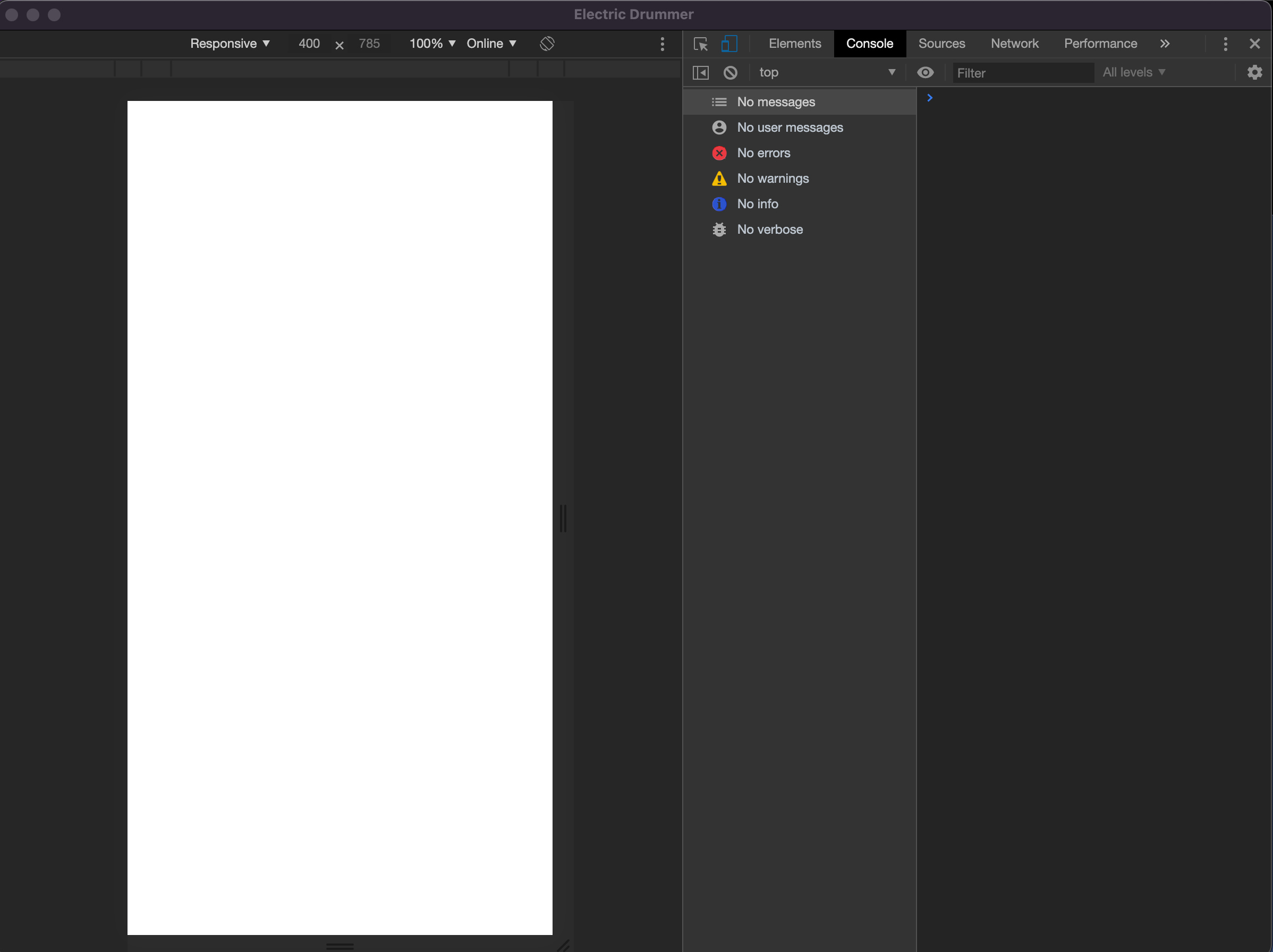
I'm such an unsophisticated user. Probably not worth your time to try to figure out what I did wrong. I can just look at web app.
Got Drummer downloaded on Mac. Haven't gone too far into it yet, but it looks great!
A few potential issues:
- I can't seem to properly load Drummer on Web (or Little Outliner, for that matter), for some reason. It renders a bit buggy, like this:
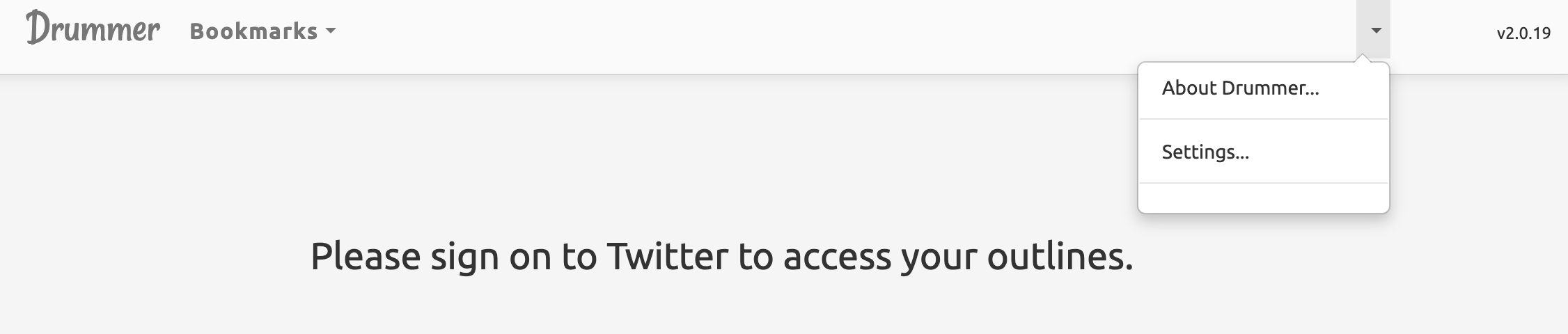 (No Twitter sign-in button, for example).
- I also couldn't find my existing outlines on LittleOutliner when I tried.
- I'm logged into my Twitter account, and nothing will open from the "Open" menu.
I mention the Little Outliner stuff because it feels related. Hmm. Tried several browsers, no improvement.
