

 sbarex
macOS 13.1, m1 pro, xml & json not work
qlmanage -m | grep public.xml or qlmanage -m | grep public.json
the result refers to "/System/Library/QuickLook/Text.qlgenerator"

Sorry but I do not have an apple silicon to make test. On my intel system (ventura 13.1) xml and json files are recognized.
Also qlmanage handle only old qlgenerator and not the quicklook extensions.

@sbarex I have two M1 Macs, and I only have this issue with the one running Ventura 13.1. Are there any troubleshooting steps I can help you gather debug info?

Same problem: M1 Mac & Ventura 13.1, and preview does not work for xml and json files. Awesome extension anyway, thanks!


For me both, xml and json work. Have you checked the UTI of your files with the Inquiry tool?

This is what I get from the Inquiry tool:

However, I also get this on my M2 running 13.2.1:
public.json -> /System/Library/QuickLook/Text.qlgenerator (965.1 - loaded)


same on M1pro MacBook for Ventura 13.3.1 When I use cli to generate .html file, it works.
$ /Applications/Syntax\ Highlight.app/Contents/Resources/syntax_highlight_cli -o tsconfig.html tsconfig.json
 but it doesn't work directly to .json files.
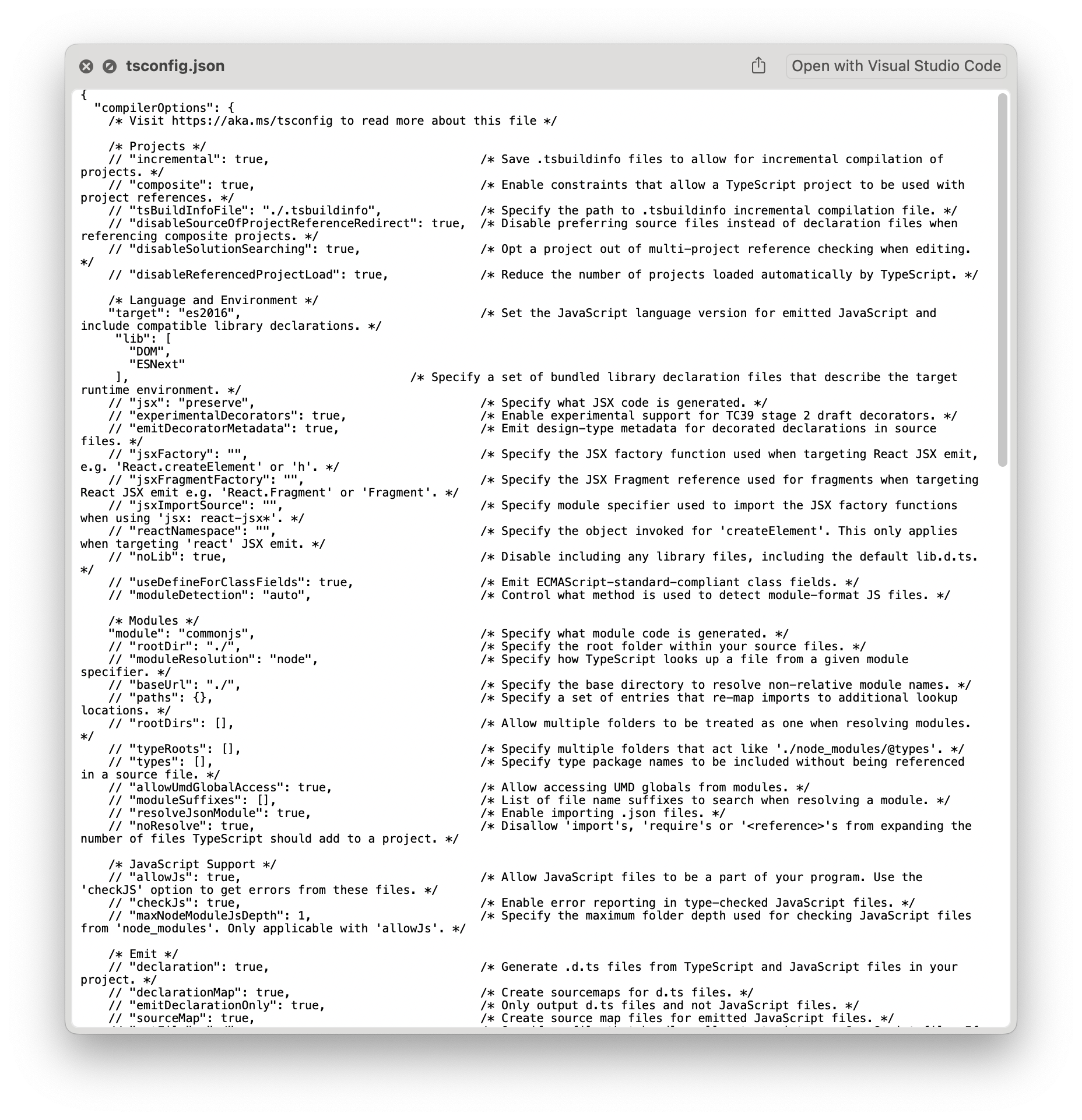

At this point I think it can be taken for granted that MacOS Ventura on apple processors does not support the management of the json format.
Yeah, same problem here. 13.3.1 and both JSON and xml aren't receiving the treatment. 😟

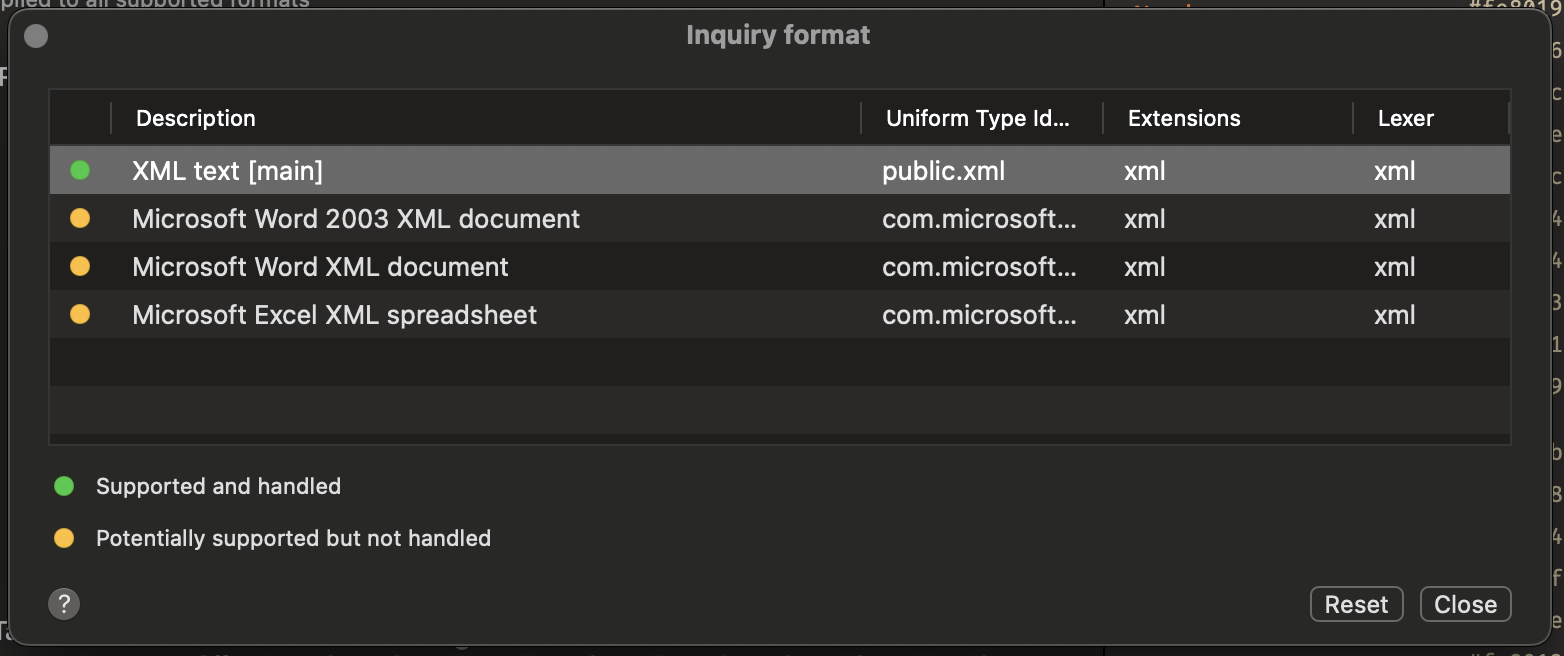
The inquiry tool can only check if the format is supported ad registered by the application, but cannot check if macOS allow to handle it...
The inquiry tool can only check if the format is supported ad registered by the application, but cannot check if macOS allow to handle it...
Yeah, I was hoping it would spark the other user's memory who said that he got it working again, but the message isn't there anymore.
At this point I think it can be taken for granted that MacOS Ventura on apple processors does not support the management of the json format.
This issue was reproduced on an Intel Mac. Additionally, there is an app called Peek in the App Store that can correctly handle the preview of JSON files. It requests root permission upon initial launch to install a helper program. I believe this helper program is key to its ability to correctly handle JSON.

Even stranger, when I limit Peek's preview type to only JSON and enable both Peek and SyntaxHighlight in the Finder extension, JSON can be correctly processed by SyntaxHighlight instead of Peek💀💀💀
Sorry but I don't have the Peek app, and I can't replicate the problem on my computer
Sorry but I don't have the Peek app, and I can't replicate the problem on my computer
Another free app on the App Store, PreviewText, can also do similar things as Peek. The intention of this app is to provide users with previews of other types of plain text files (such as .log), but inexplicably it can also correctly process JSON files with SyntaxHighlight. This problem is solved in an unexpected way......
Sorry but I don't have the Peek app, and I can't replicate the problem on my computer
Another free app on the App Store, PreviewText, can also do similar things as Peek. The intention of this app is to provide users with previews of other types of plain text files (such as .log), but inexplicably it can also correctly process JSON files with SyntaxHighlight. This problem is solved in an unexpected way......
Great! It's working again!
bump, still an issue, and in my case it was not resolved by installing PreviewText.

bump, still an issue, and in my case it was not resolved by installing PreviewText.
Me too. But I open the Syntax Highlight in launchpad, it's work again. By the way, I already uninstall PreviewText.
I don't have an Arm Mac to debug this issue :(
Intel Mac can reproduce this issue
try commands
qlmanage -r cache qlmanage -m
in my case works after use many weeks QuickLookJSON and remove it today

I had the same issues on my M1 Pro running Sonoma. after installing QLMarkdown today, both, JSON and XML are working again with SyntaxHighlight 🤷🏼♂️ not sure if it maybe helps anyone else

after installing QLMarkdown
I have both Syntax Highlighting and QLMarkdown installed, but it seems that JSON and XML are not rendering as expected.
