
ProcessAffinityControlTool
 ProcessAffinityControlTool copied to clipboard
 sas41
sas41
PACT is a library and a tool that allows you to section off different processes in to different cores/threads on your CPU automagically.
PACT
PACT is a free library and a tool that allows you to section off different processes in to different cores/threads on your CPU automagically.
It's default mode of operation allows you to pick your "Default Cores" and process priority. All accessible processes run on those cores and on that priority setting.
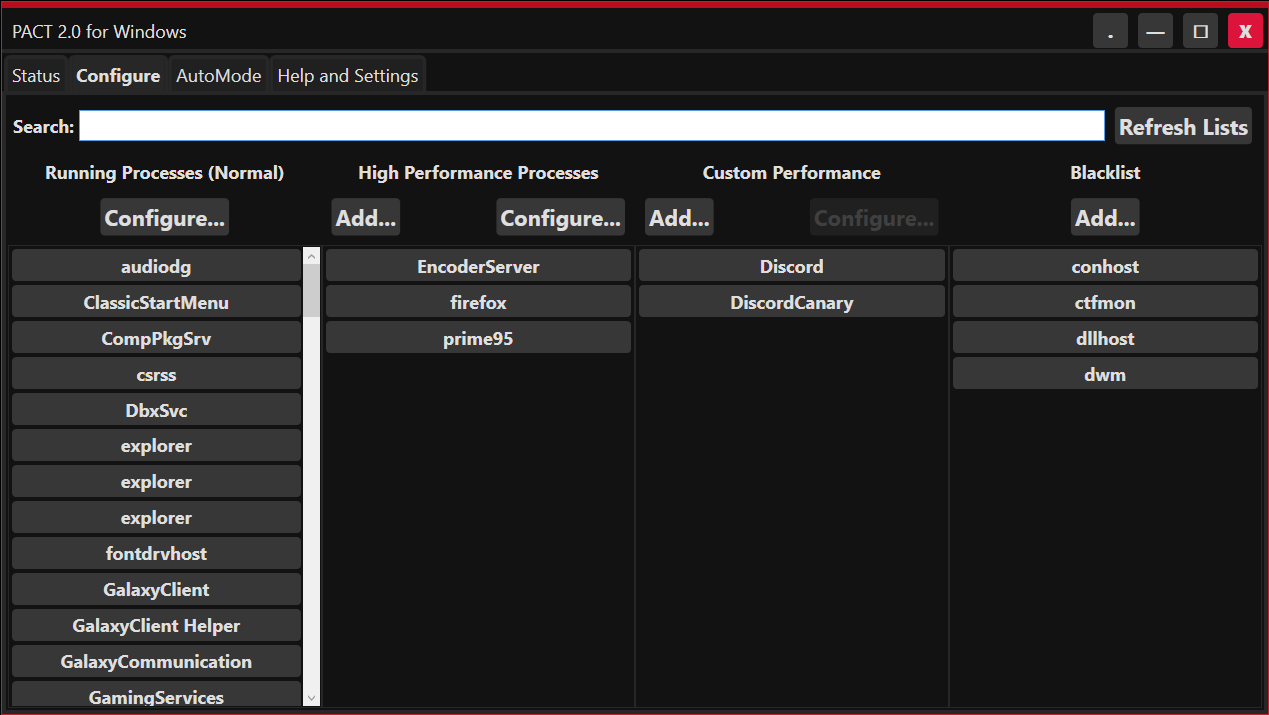
You can also set your "High Performance Cores" and priority, you can then mark certain processes as High Performance and have them run on those cores with that priority.
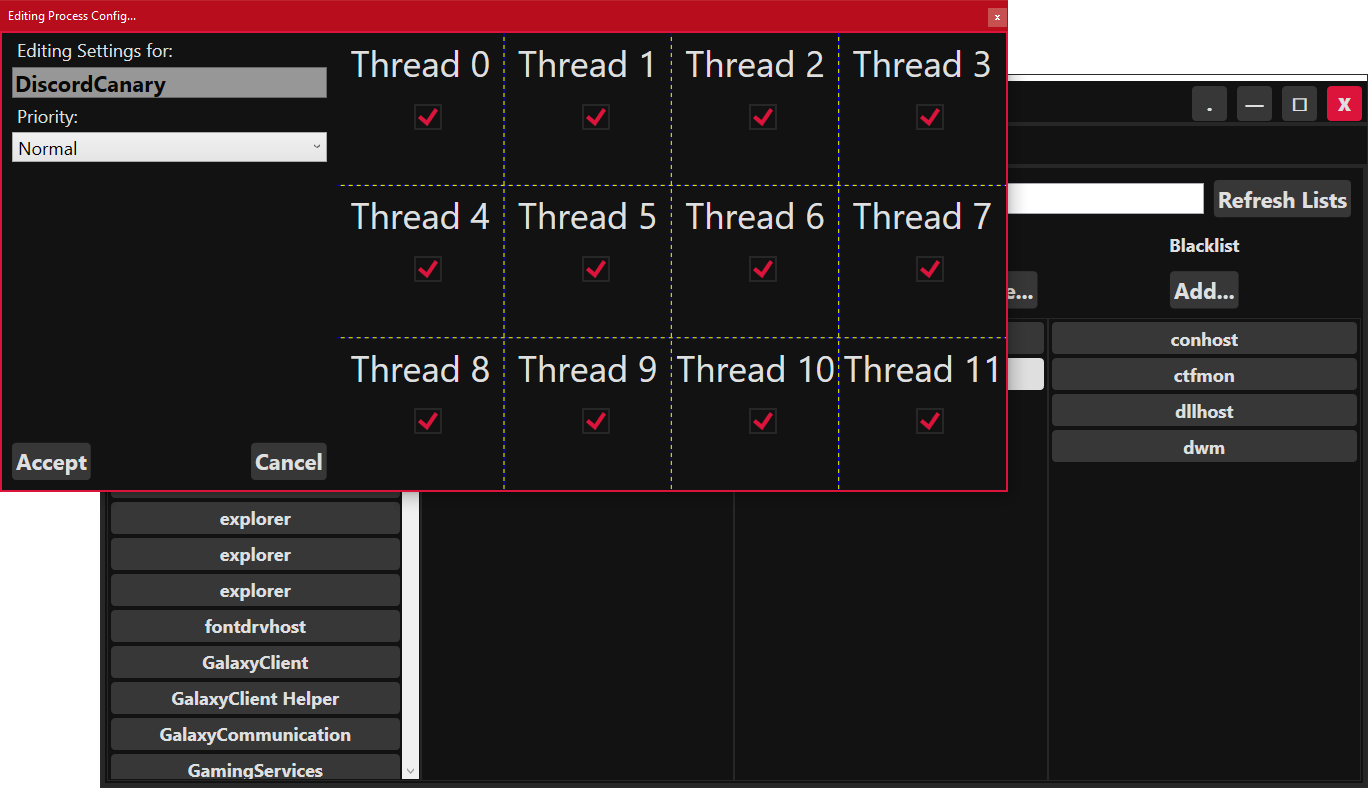
For special occasions you can choose to tag some process as "Custom Performance" with custom CPU/Thread configuration and priority, exempt from the High Performance and Default configurations.
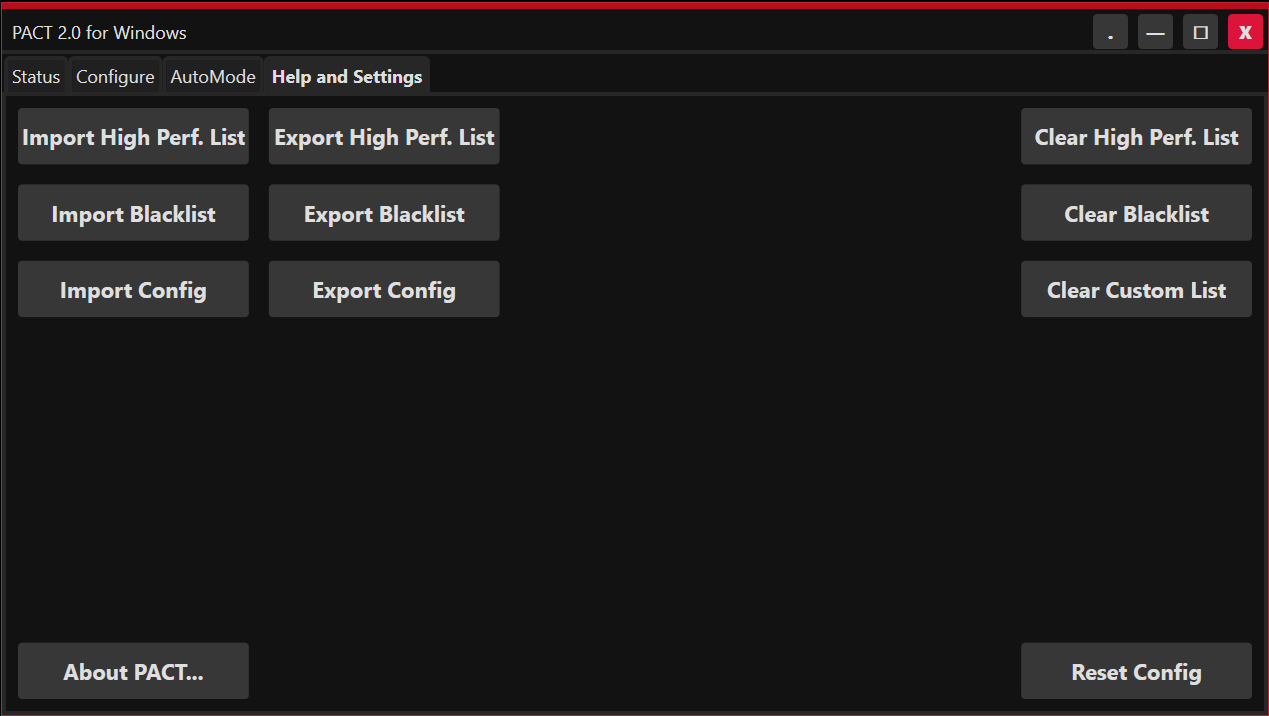
There is also a blacklist option, to ignore processes that don't play with PACT too well.
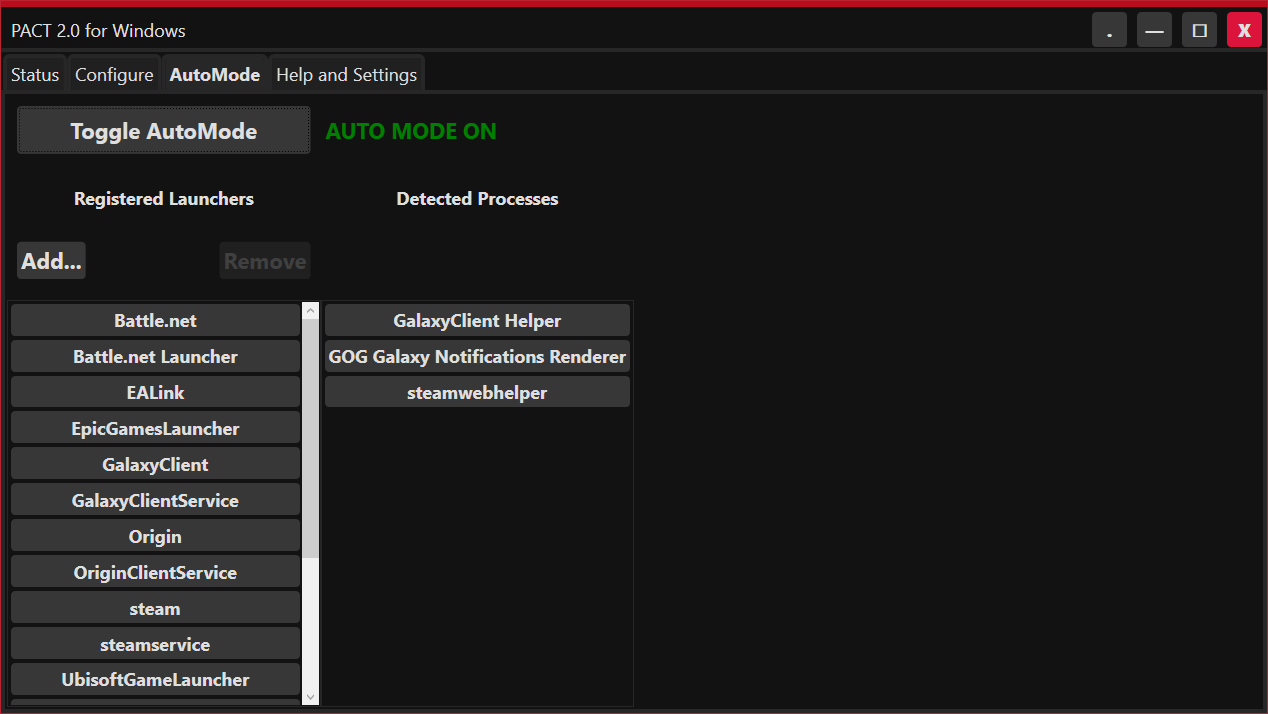
PACT can also detect games launched via Steam, Origin, GoG Galaxy, UPlay and more (or anything you want) and apply temporary "High Priority Status" to them.
PACT is free and under the MIT License.
PACTUniversal for Windows, Linux, Mac and anything that can run a .Net Core application, will be avialable soon™.
If you so wish, you can pay for a copy on Steam!
Until PACTUniversal is ready, you can still use the old version of PACT on non-Windows Operating systems!
Download Old Universal Version (1.1.0)
For Pact 1.1.0, please check help.txt for a list of commands, or type the help command in app.
Update: Pact-WPF can now be launched minimized to system tray with the following argument: -start_minimized !
If you find this tool helpful and wish to donate, you can do so here: https://www.paypal.me/sas41
Gallery:
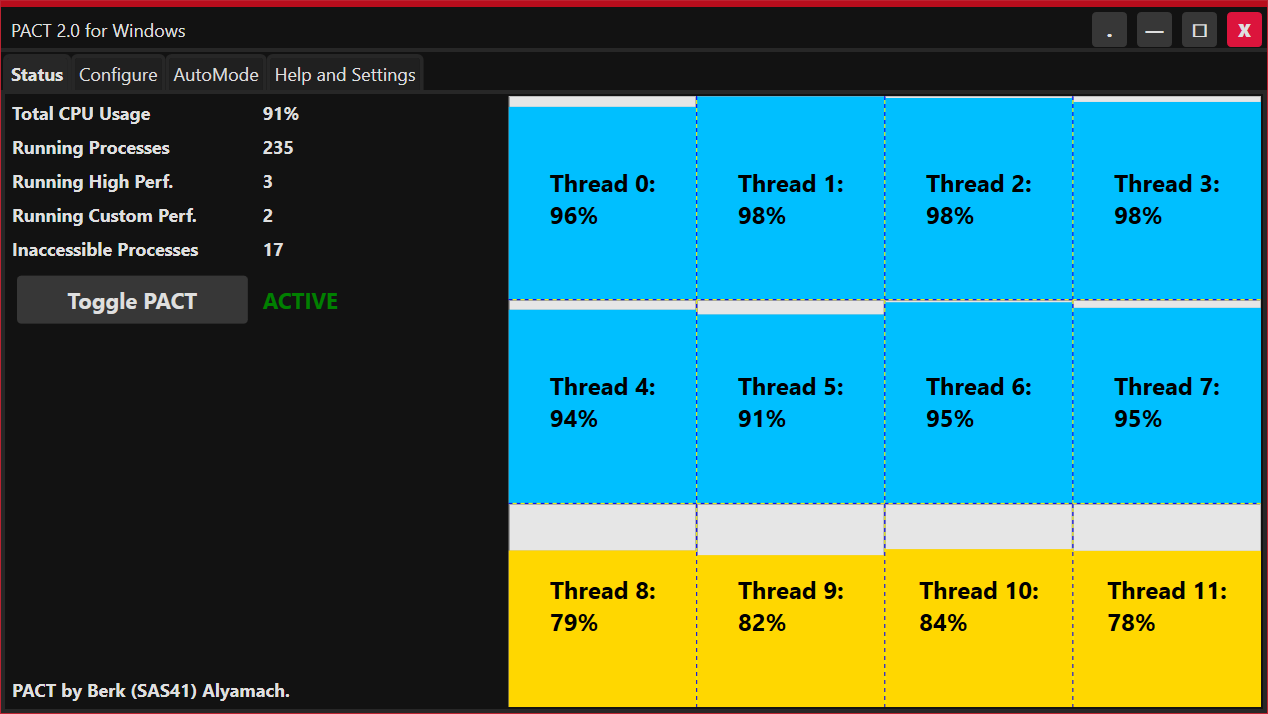
PACT for Windows (PACTWPF):
PACT for Windows Overview/Tutorial (4 minutes)
https://user-images.githubusercontent.com/2854477/119327998-468cad80-bc8c-11eb-861a-dc0f92431aff.mp4
 sas41
sas41