

 salman0ansari
qrcode only appears on localhost
qrcode only appears on localhost does not appear in php requests from a server
``$curl = curl_init();
curl_setopt_array($curl, array( CURLOPT_URL => 'IPSERVER:21228/instance/qrbase64?key=123', CURLOPT_RETURNTRANSFER => true, CURLOPT_ENCODING => '', CURLOPT_MAXREDIRS => 10, CURLOPT_TIMEOUT => 0, CURLOPT_FOLLOWLOCATION => true, CURLOPT_HTTP_VERSION => CURL_HTTP_VERSION_1_1, CURLOPT_CUSTOMREQUEST => 'GET', ));
$response = curl_exec($curl);
curl_close($curl); echo $response;``
return
{"error":false,"message":"QR Base64 fetched successfully","qrcode":""}


Same error i'm getting an empty string for qr base64
i'm using PHP on a différent server where whatsapp-api-nodejs is installed. on a browser it's works after i'm using the PHP code the qrcode become empty (event when re-using it on a browser)

Previously I also had this problem. Then I thought about adding a delay to the request. Because this API also takes a while to generate the QR Code. And this worked on my code. Give a 3-second delay on the request to get the QR Code after initializing the instance.
This is my code.
Init instance
    public function initInstance()
    {
        $token = Str::random(32);

        $response = $this->client->request('GET', 'instance/init', [
            'query' => [
                'token' => $token,
            ],
        ]);
        $response = $response->getBody()->getContents();
        $response = json_decode($response);

        return $response;
    }
Get QR Code in base64
    public function getBase64Qr($key)
    {
        sleep(3); // <-- Add delay for get QR Code
        $response = $this->client->request('GET', 'instance/qrbase64', [
            'query' => [
                'key' => $key,
            ],
        ]);
        $response = $response->getBody()->getContents();
        return json_decode($response);
    }
A Response
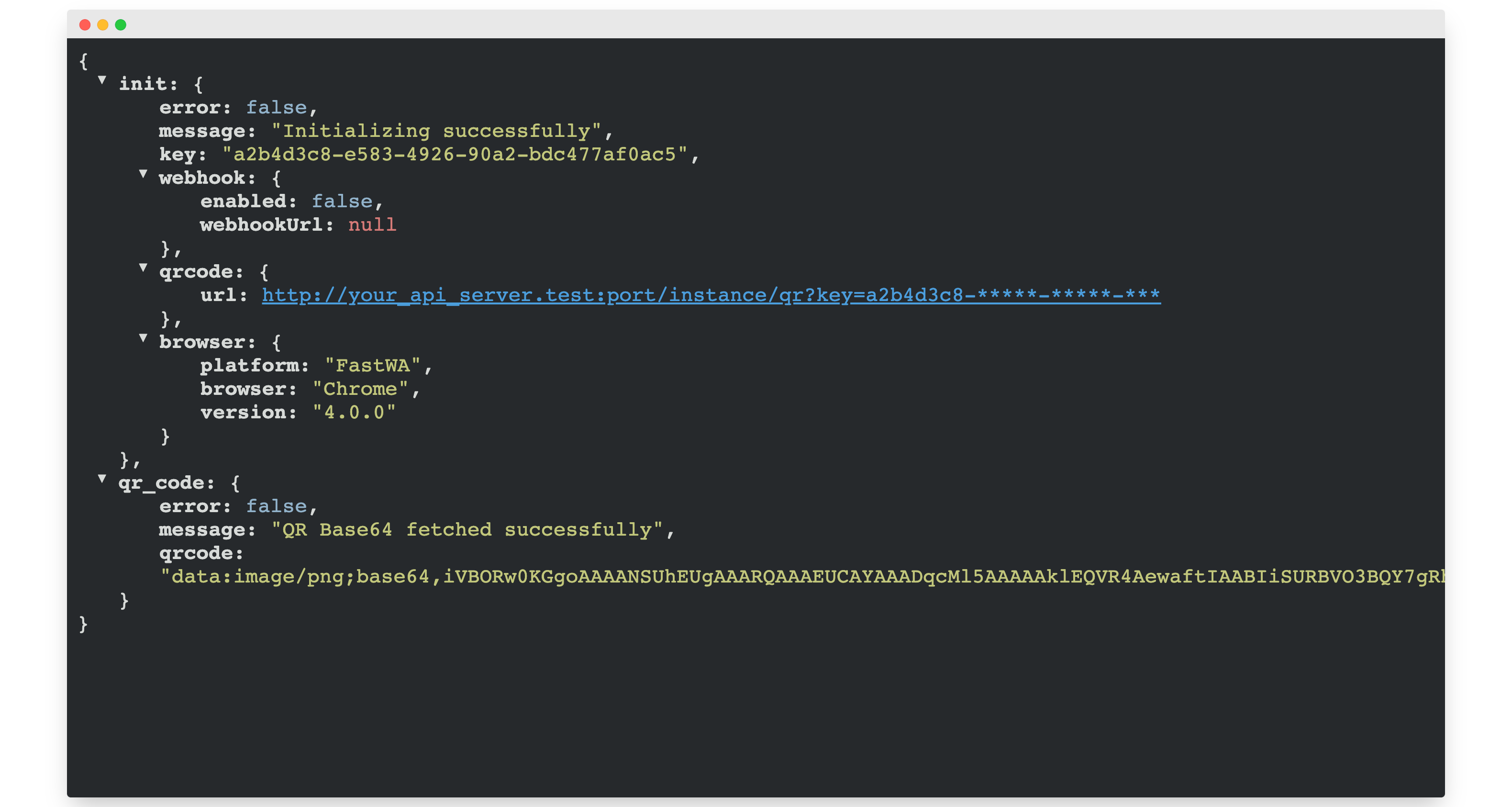
It's work 👍🏼
