

 rxhanson
Prompt for authorisation despite already having access granted
Having an issue where every time I attempt to use the app it prompts for authorization to be given in system prefs but access is already granted, app is updated to latest version which has not fixed the issue. Working flawlessly previously for many weeks. Revoked access, restarted macbook, granted access again and behaviour persists, unsure what else I could try.
OS Monterey 12.4


The next thing to try here is to
- Quit the app
- Delete the app (cmd+option+delete in Finder)
- Reinstall it from a fresh download
The macOS accessibility registration can be kind of quirky, and I'm surprised that something like this hasn't been reported on Rectangle before. If you still have issues, I'll investigate further.

Hi! Same here.
The steps above were repeated. Made a restart and so on.
MacOS Monterey 12.4 Chip: M1
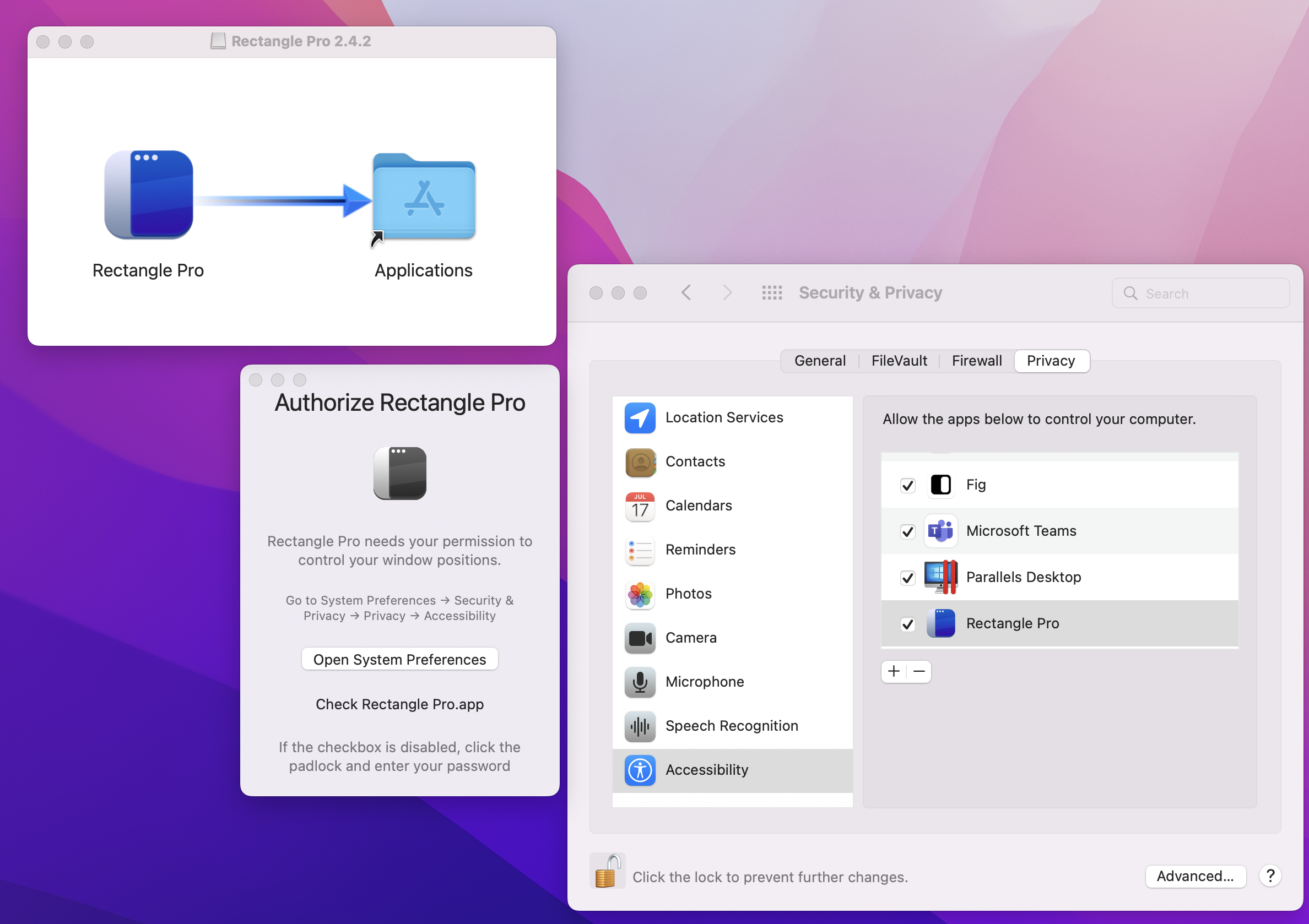

Here's a quick beta that gives you a button on the Authorize window to tell the app that you've already authorized it. This is a macOS bug where macOS is telling the app that it's not authorized even though it is.
https://rectangleapp.com/pro/beta/Rectangle%20Pro%202.4.4.dmg
JFYI
Only after I manually removed the app from the "accessibility" list and added it (with a plus and minus) did it start working as expected.
I mean, using the link above, I was able to start and activate the tool, but the keyboard shortcuts didn't work (clicking on the icon in the menu bar didn't do anything either, the items were disabled)
@nikolay-kvetko thanks for letting me know. Is the issue resolved now for you, or does it ask for permission the next time that you open it?