

 rxhanson
ToDo Mode not friends with changing connected display(s)
macOS version: 12.1 (21C52)
Rectangle version: v0.51 (57)
Logs if applicable (In Rectangle menu, hold option, "View Logging..."): (seems empty?)
I enabled ToDo Mode, but at home I am using my laptop with:
- no external monitor at home/work
- 1 external monitor at home
- 2 external monitors at work in my office
- 1 external in each of 4 different classrooms at work
It seems that after changing the monitor configuration, the app I've designated as ToDo (OmniFocus) is no longer in the ToDo region, but the ToDo region is still reserved. Currently I disable and re-enable ToDo mode and this mostly solves the problem (OmniFocus ends up in the expected place, but may not have the full height). Perhaps a simple band-aid would be to automatically disable and re-enable ToDo mode when the connected monitors change?

Does executing a reflow properly adjust it for you? Disabling and Enabling Todo mode is effectively forcing the reflow, and for me the reflow properly sizes it. I think it would make sense at the very least to trigger a reflow on display connect/disconnect, unless you're saying that a reflow doesn't work for you.

I'm having a similar issue.
I have one external monitor and the laptop monitor.
I'd like to have todo place Toggl on the laptop monitor. Instead, it places it in the middle of the external monitor.
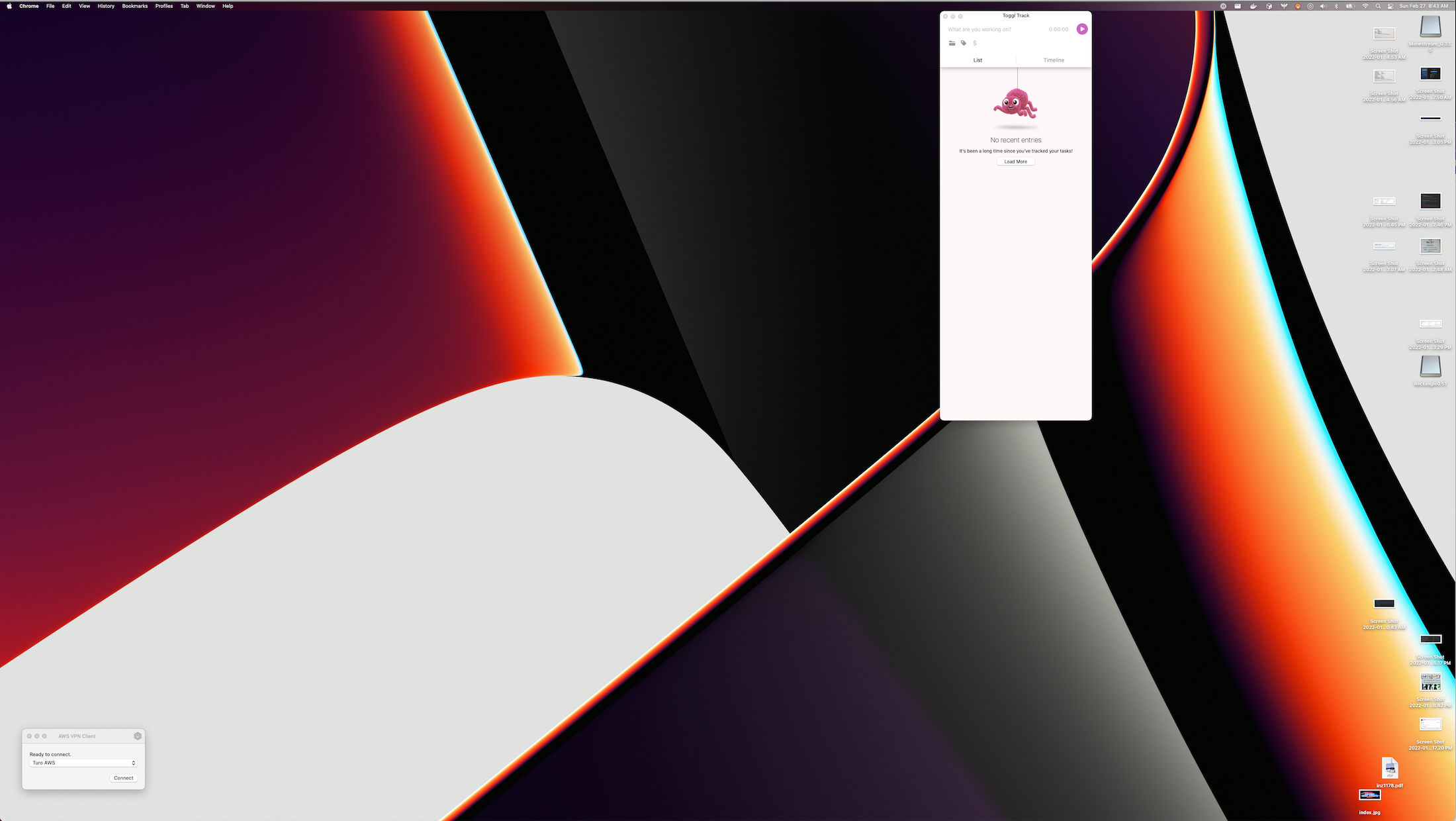
I've tried enabling / disabling. Quit the app and tried again.
Note - if I reflow it while on the external monitor it works.
I tried using the "next display" so that rectangle knows that it is on the laptop display and that didn't help either.

Does executing a reflow properly adjust it for you?
Hey sorry I missed this. How do I trigger it? Are you referring to the feature in the wiki I will try it tomorrow when I get in to work. Thanks for the suggestion!
Oh also, Is there a way I can assign a shortcut to Enable Todo Mode? I am familiar with setting All Applications Shortcuts in System Preferences... -> Keyboard -> Shortcuts, but when I try to use this method, I can't tell that it's finding the Rectangle menu (maybe this kind of menu is the kind this feature expects to search)?
You can execute a reflow by selecting the menu item for it (Reflow Todo), which a shortcut can be configured for.
Oh also, Is there a way I can assign a shortcut to
Enable Todo Mode? I am familiar with settingAll ApplicationsShortcutsinSystem Preferences...->Keyboard->Shortcuts, but when I try to use this method, I can't tell that it's finding the Rectangle menu (maybe this kind of menu is the kind this feature expects to search)?
Not yet, it typically gets pushed back by other items in the queue.