

 rwapp
rwapp
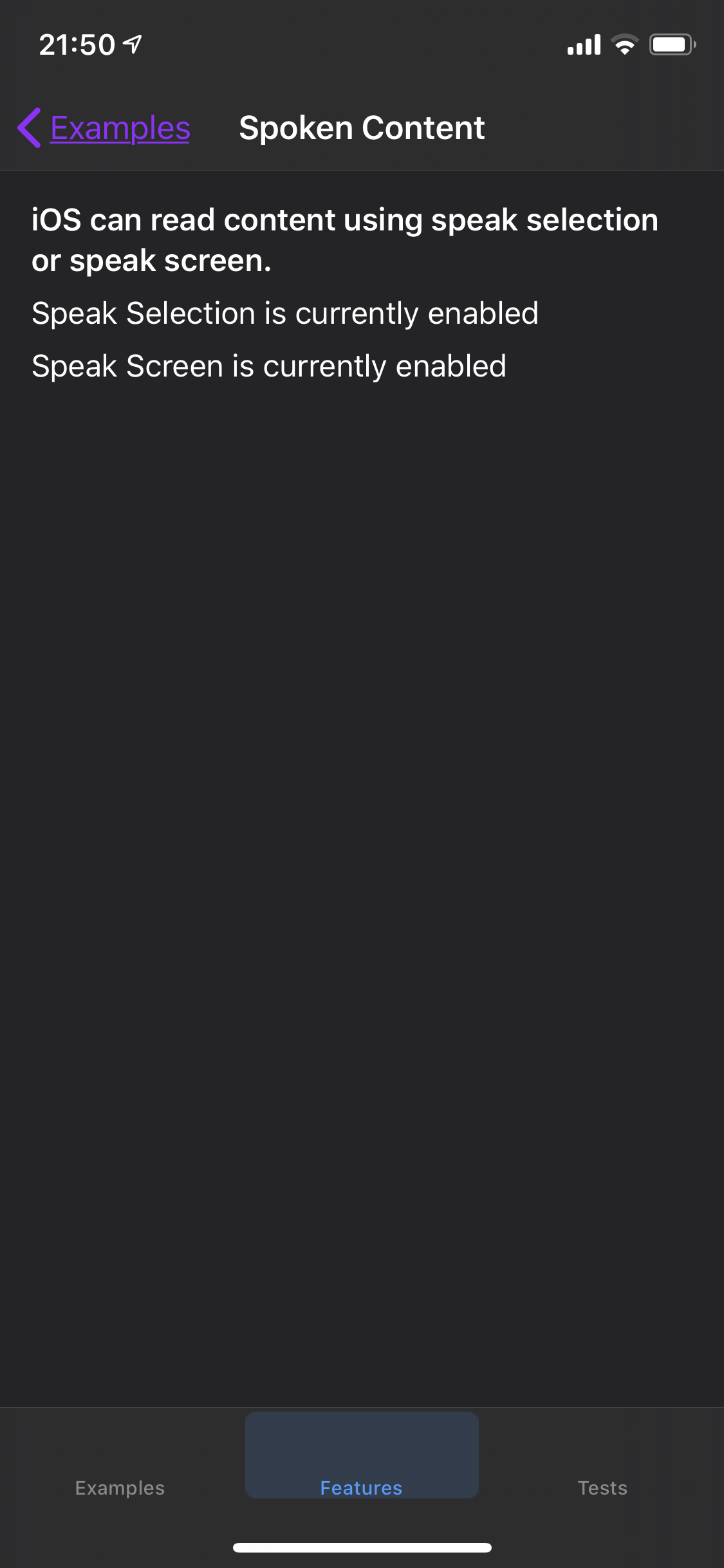
Cannot trigger speak selection on Spoken Content screen
Expected: On the Spoken Content screen, you should be able to select content to display the "Speak" menu.
Actual: Labels do not respond. No content is spoken.
Steps to reproduce: In iOS, enable Speak Selection in General>Accessibility>Spoken Content. In A11y-Box, select the Features tab, select Spoken Content. Try to select any content on the screen.

Related: https://medium.com/kinandcartacreated/making-uilabel-accessible-5f3d5c342df4
Thanks Martin. The labels do work with the screen reader, but not speak selection. This isn't clear though. The fix is probably to add a text view that would be selectable. The text in this could explain the difference between speak screen/speak selection and how they each treat labels/text views differently.
