
convector
 convector copied to clipboard
 ruuda
ruuda
Interactive CPU path tracer
Convector
Interactive CPU path tracer.
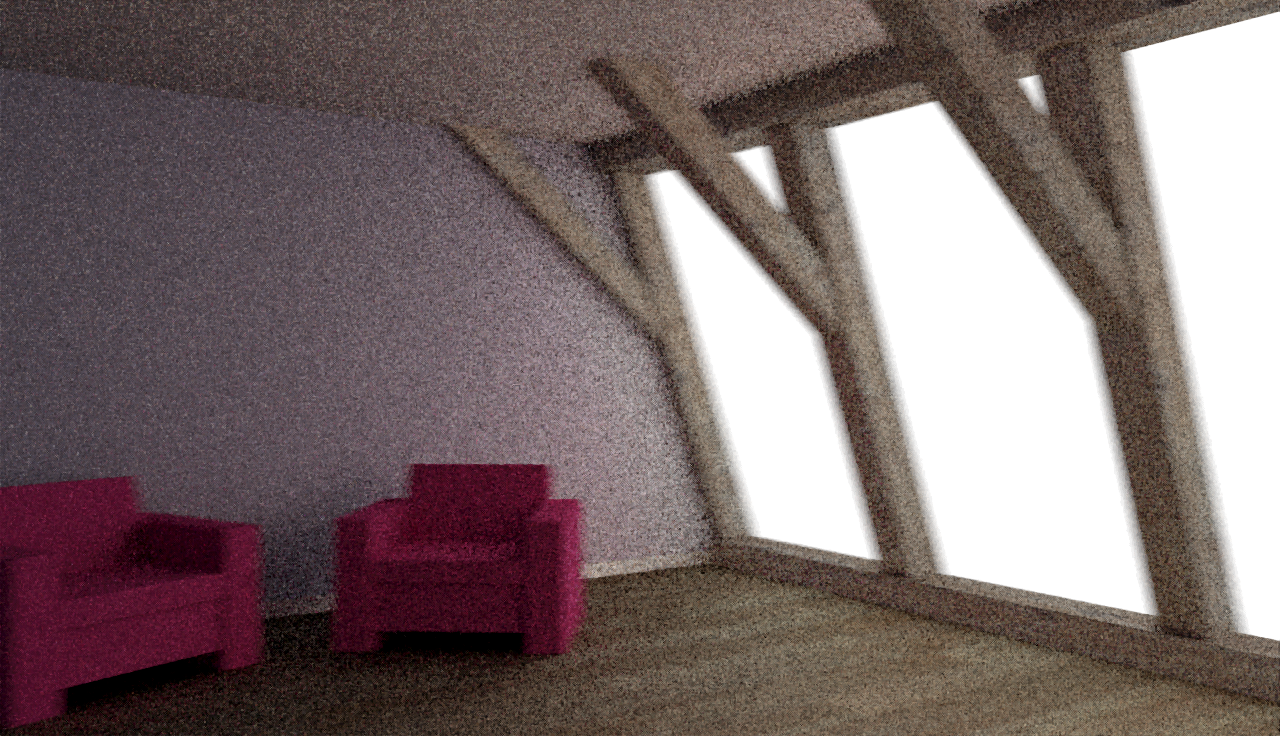
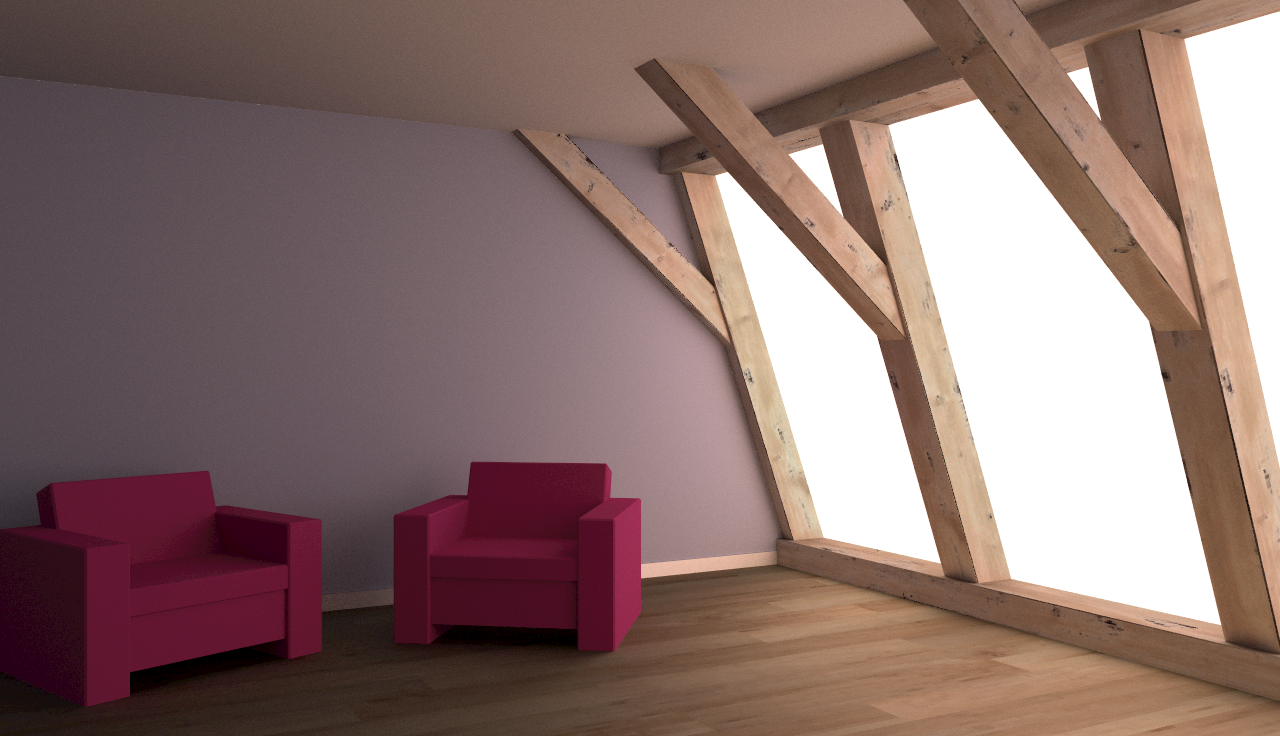
On the left: interactive mode, running at about 10 fps on my machine. On the right: accumulative mode, after rendering for a few minutes.
 |
 |
|---|
Requirements
Hardware: a CPU that supports the AVX instructions is required. In practice this means Sandy Bridge or later. FMA instructions can be taken advantage of too, those are Haswell or later.
Software: a recent nightly version of the Rust programming language is required. Version 1.10 is recommended. On Windows you need the version with the MSVC ABI.
Compiling and Running
cargo run --releaseto build and run the release executable.cargo build --releaseto build in release mode without running.cargo benchto build and run all benchmarks in release mode.cargo testto build and run all tests in debug mode.
If you do not want to use the FMA instructions, remove the +fma from the
codegen options in .cargo/config.
Controls
- Press
bto toggle blending recent frames. - Press
dto toggle debug view. The green channel shows the number of primary AABB intersections, the blue channel shows the number of primary triangle intersections. - Press
mto toggle the median filter for noise reduction. - Press
qto quit the application. - Press
rto switch between realtime and accumulative rendering. - Press
sto print statistics to the console. - Press
tto write a trace to trace.json. It can be opened with Chrome by going to chrome://tracing.
About the code
Many structs represent eight instances at once for SIMD. In that case the name
has been prefixed with M (for “multi”). The single-instance struct types have
the prefix S instead (for “single”).
The most interesting stuff is in src/triangle.rs, src/material.rs,
and src/renderer.rs, and src/bvh.rs. Shaders are in src/gpu.
License
Convector is free software. It is licensed under the GNU General Public License, version 3.
 ruuda
ruuda