

 rosolko
WebDriverManager is not working
Description of the problem: In Selenium C#, WebDriverManager is not downloading the old browser version drivers.
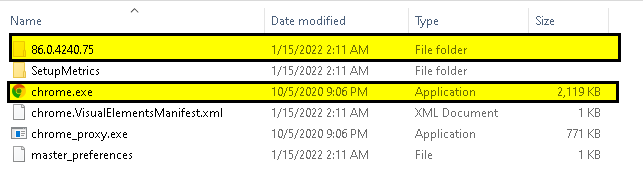
Browser and version: Chrome and V 86.0.4240.75
Operating system: Windows 10
WebDriverManager version: V 2.12.3
WebDriverManager call: new WebDriverManager.DriverManager().SetUpDriver(new ChromeConfig());
WebDriverManager traces:
Message: System.InvalidOperationException : session not created: This version of ChromeDriver only supports Chrome version 90 Current browser version is 86.0.4240.75 with binary path C:\Program Files\Google\Chrome\Application\chrome.exe (SessionNotCreated) TearDown : System.NullReferenceException : Object reference not set to an instance of an object.
Error log: Stack Trace: WebDriver.UnpackAndThrowOnError(Response errorResponse) WebDriver.Execute(String driverCommandToExecute, Dictionary`2 parameters) WebDriver.StartSession(ICapabilities desiredCapabilities) WebDriver.ctor(ICommandExecutor executor, ICapabilities capabilities) ChromiumDriver.ctor(ChromiumDriverService service, ChromiumOptions options, TimeSpan commandTimeout) ChromeDriver.ctor(ChromeDriverService service, ChromeOptions options, TimeSpan commandTimeout) ChromeDriver.ctor(ChromeOptions options) ChromeDriver.ctor()
Error Message:
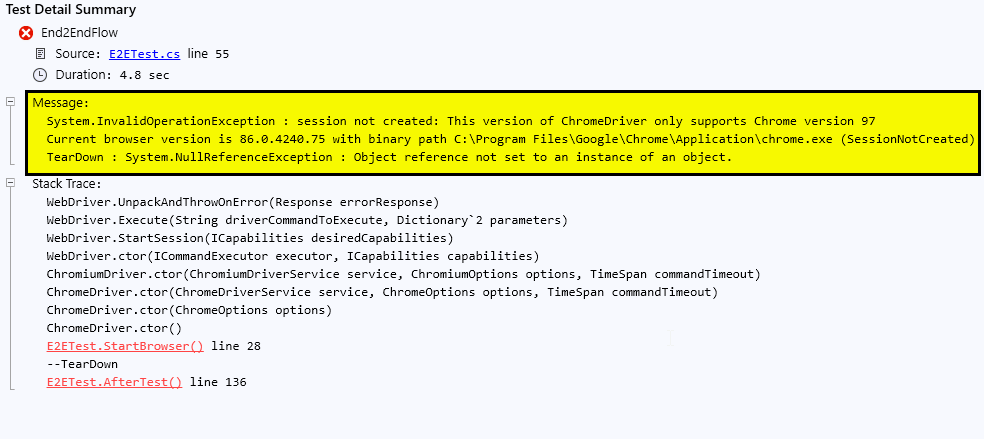
Chrome Installed Version:
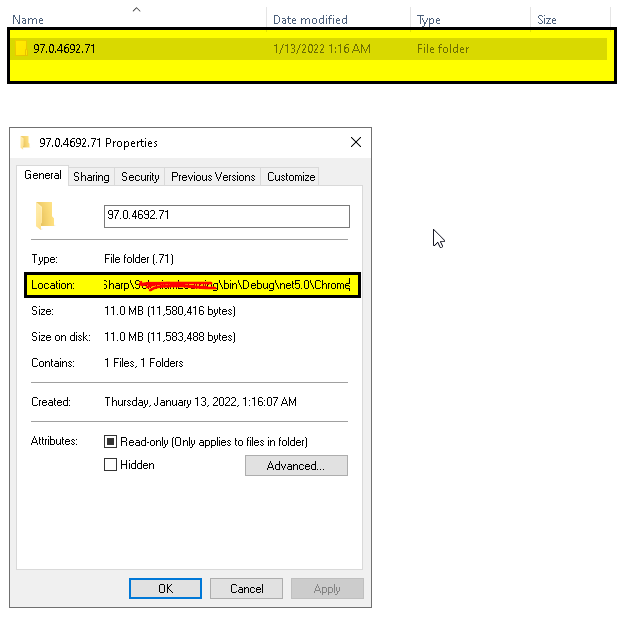
Chrome Driver not found:

Did you try to setup the Driver Resolve Strategy?
new DriverManager().SetUpDriver(new ChromeConfig(), VersionResolveStrategy.MatchingBrowser);

Hi,
If the "Browser and version i.e. Chrome and V 86.0.4240.75" are installed in the system and the WebDrivermanager is downloading the "chromedriver" version i.e. "103.0.5060.53".
Please: If the drivers are successuflly download previously the "VersionResolveStrategy.MatchingBrowser", will work.
There are cases where the previous version of browsers have to used or run in VM or other machines for the first time and it is not working.
Regards, Vadivel Sekar