

 roots
roots
Ansible Galaxy Roles install on trellis new on path with spaces reports "temporary network issue"
Terms
- [X] I have read the guidelines for Contributing to Roots Projects
- [X] This request is not a duplicate of an existing issue
- [X] I have read the docs and followed them (if applicable)
- [X] I have seached the Roots Discourse for answers and followed them (if applicable)
- [X] This is not a personal support request that should be posted on the Roots Discourse community
Description
What's wrong?
Unfortunately, post 1.6.1 update the issue with spaces in the path and the error is not showing anymore, however now getting "Error while installing Ansible Galaxy roles" is triggered as a network issue.
What have you tried?
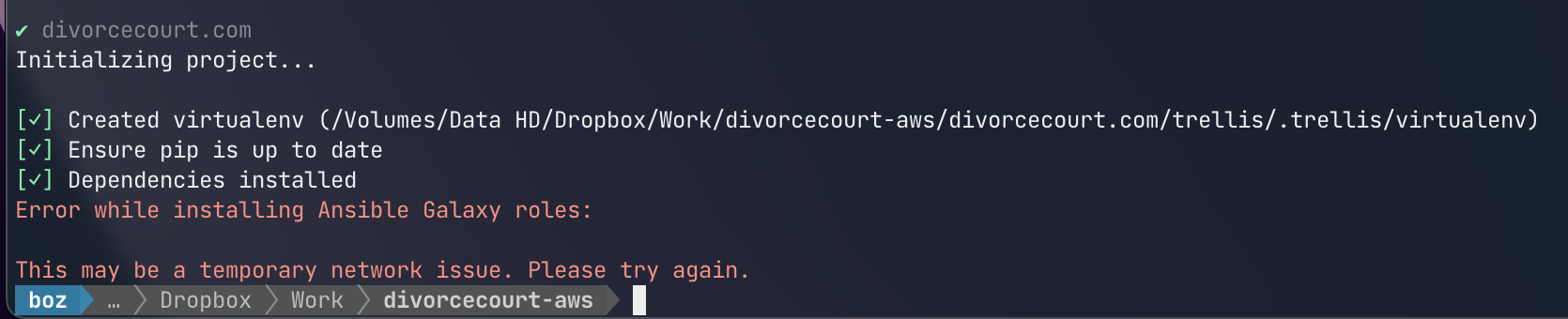
Tried trellis new domain.com on an external drive, starts off normally, creates virtualenv, ensures pip is up to date and then installs dependencies.. all successfully, once it gets to ansible galaxy roles that's where it shows "network issue" and it says "it may be a temporary network issue".
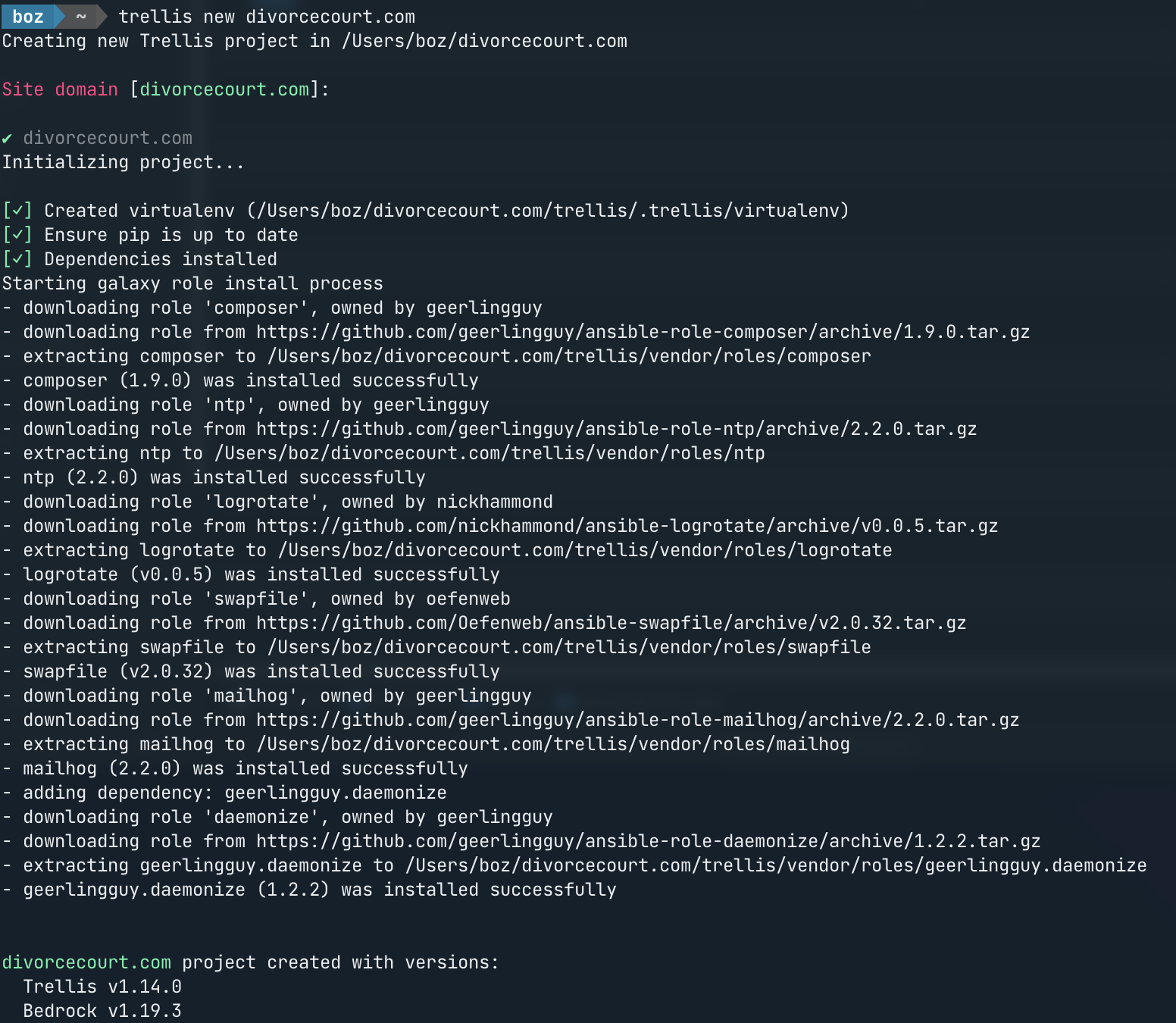
When I do the same thing on my desktop (OS drive), everything completes fine.
What insights have you gained?
Seems that the "network" issue appears on the external drive with spaces again.
Possible solutions
Haven't had success finding any working solutions aside from using trellis cli on a local volume
Temporary workarounds
Provisioning trellis/site on your local drive and then move it to the target volume.
Steps To Reproduce
- Run trellis new example.com on an external drive inside the folder that has spaces in it or external volume label has a space in it i.e "Data HD"
- After completion of installing dependencies the error is shown.
- Doing the same as Step. 1 on a local volume i.e. Desktop does not produce the "network" error
Expected Behavior
Completing galaxy role install process after dependencies install.
Not the end of the world honestly and at least I know now not to name external volumes with spaces as a general rule but it would be cool if this was looked at. As mentioned, when I do create new trellis project with it and move it still works.
Actual Behavior
Fails at galaxy role install process
install attempt on external volume with spaces in it
Install on desktop of local volume
Relevant Log Output
No response
Versions
OSX Big Sur, Python 3.10.3, Trellis CLI 1.6.1, Ansible 2.10.16, Trellis v1.14.0, Bedrock v1.19.3

🤔 I wonder if this is an issue with ansible-galaxy. Would you mind doing the following:
- create a new project
- run the following command after you encounter the error:
trellis exec ansible-galaxy install -r galaxy.yml
- paste output here
Thanks

Ok.. so here's what happens:
Scenario 1:
- Once it completes installing dependencies as I noted before, I ran the command you posted from where I issue trellis new, then I ran it from inside the folder where site and trellis folders are, and then finally I also tried it from trellis folder.
When on parent folder where I ran trellis new it shows as expect no trellis project detected but I just did it to go through all scenarios:
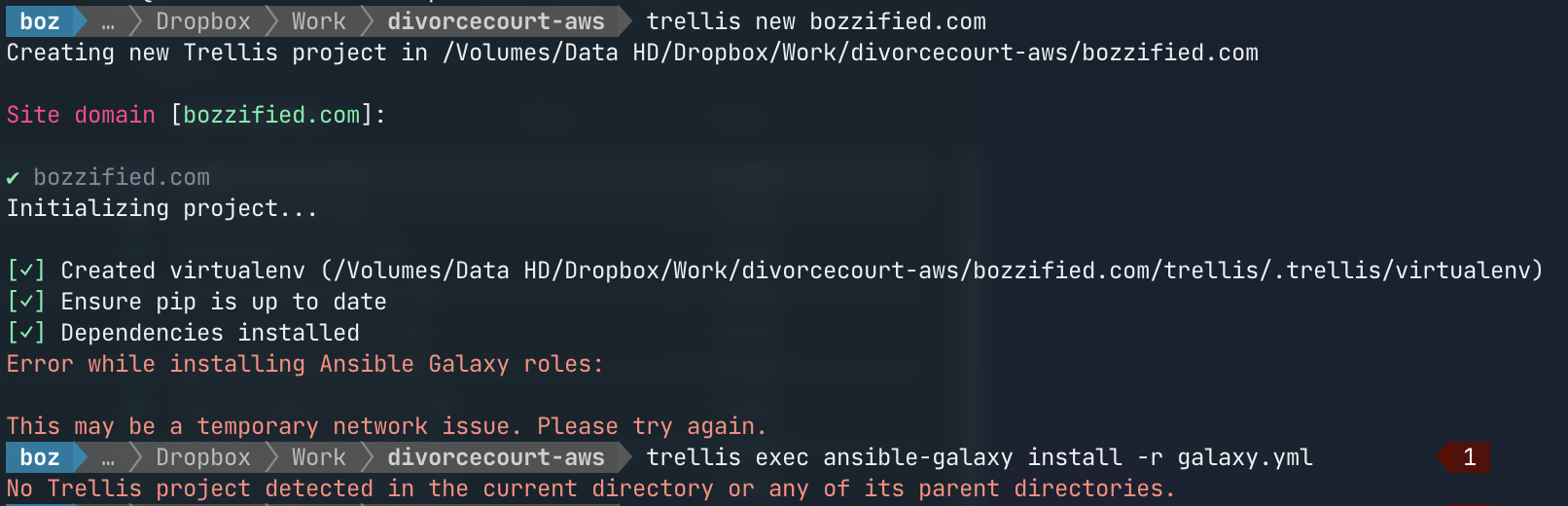
When inside trellis folder I run this:
trellis exec ansible-galaxy install -r galaxy.yml
and get this:
Error running ansible-galaxy: no such file or directory
I checked if ansible-galaxy is in the path .. it is.
Scenario 2:
BUT when I go inside trellis folder and just do:
ansible-galaxy install -r galaxy.yml
It completes it fine.
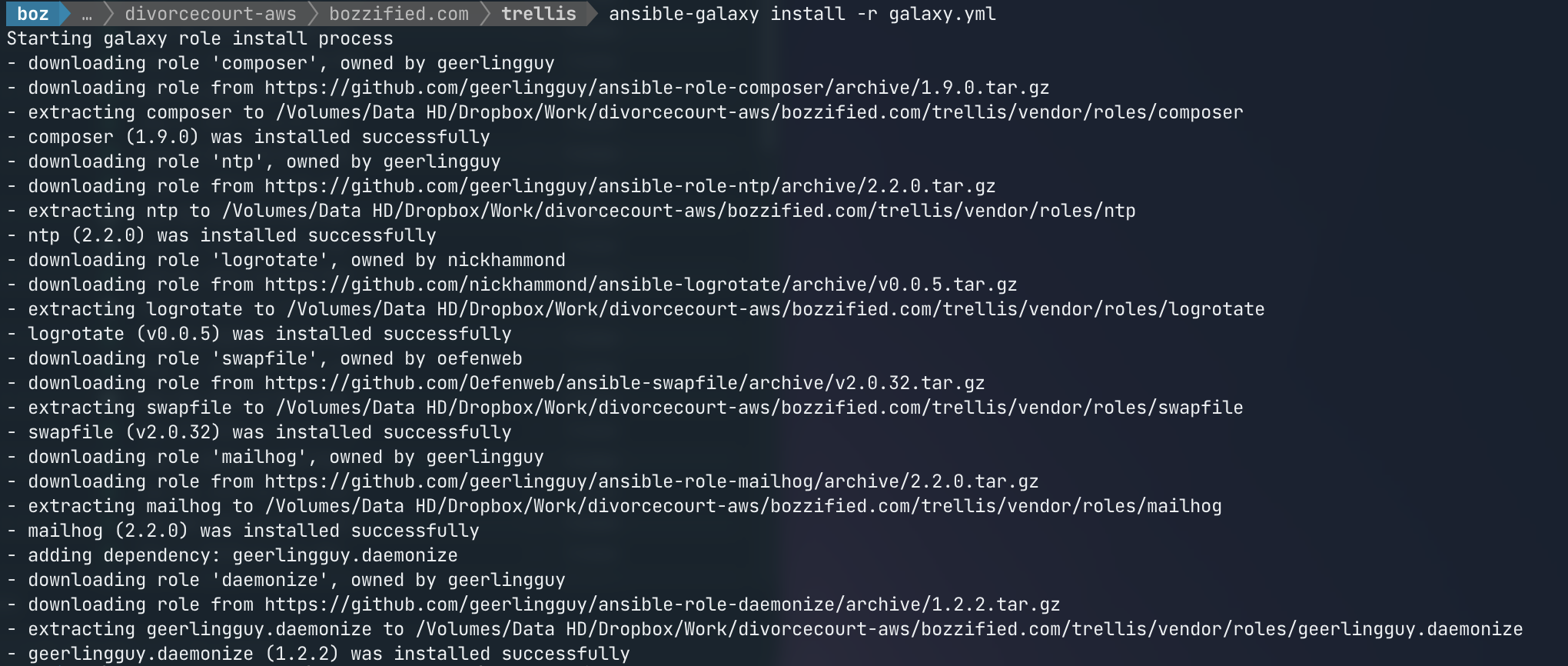
Thanks for trying. If you're getting the error
Error running ansible-galaxy: no such file or directory
Then clearly something is still wrong with the virtualenv; especially since you have ansible-galaxy installed separately and it works fine.
Would mind running one more command from within the project directory?
ls -l trellis/.trellis/virtualenv/bin
I'll have to setup a USB drive or something to actually try and reproduce this though.
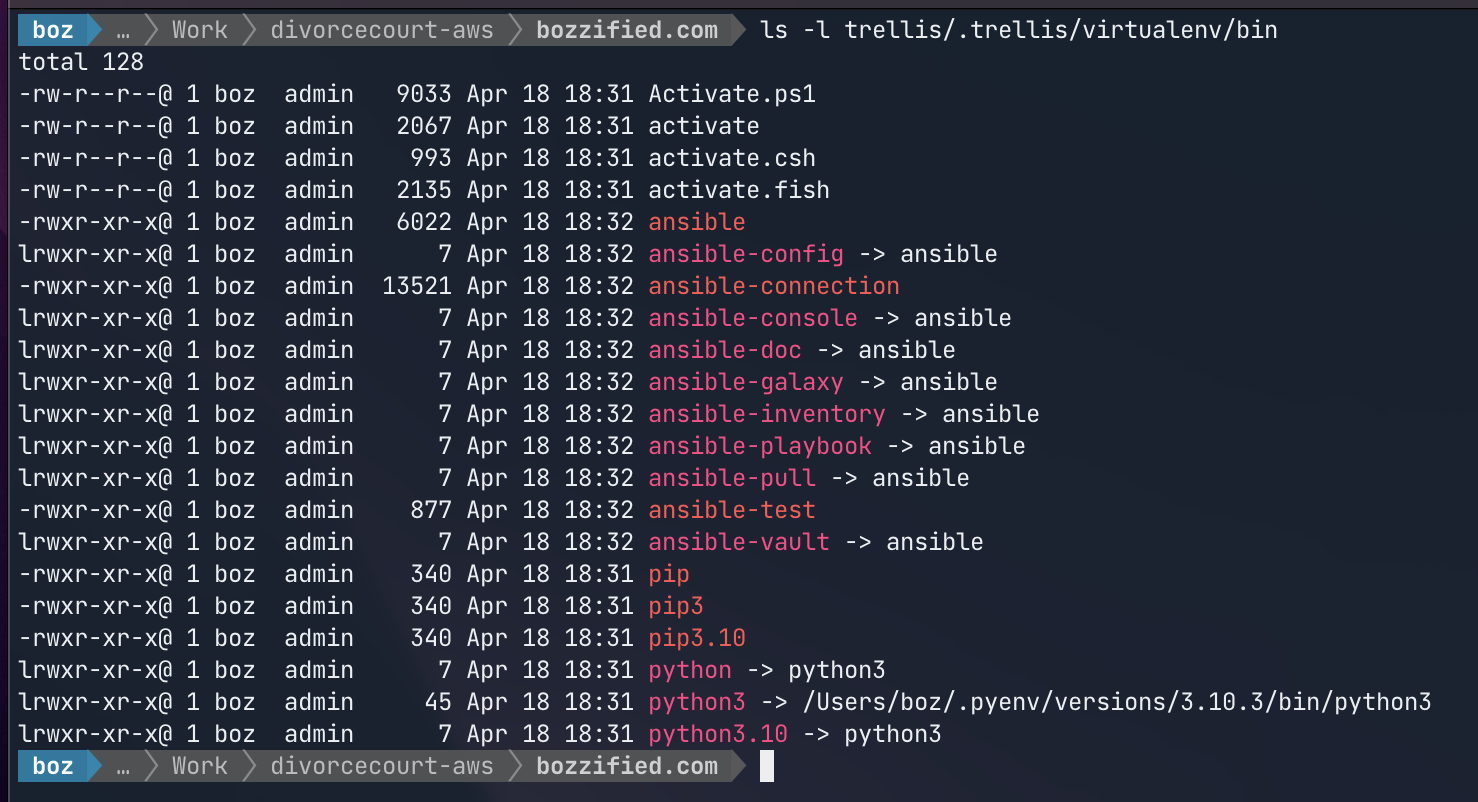
Just to say.. I mean it would be nice to make it work but I think it's an edge case with space in path anyways.. as long as people like me know not to name their external volumes with spaces in the name everything still works.
And I already did trellis new on the desktop, let it finish and moved it then.. I can still run trellis commands from it just initializing it is an issue in this specific case.
Also just fyi my external drive and volume is APFS not HFS+
@swalkinshaw I've been looking a bit.. seems like symlinking somehow is wrong. It is very possible that it's the pyenv setup and env variables it sets that are messing with the symlinks.
I tried to provision a dev vagrant environment for this setup where I ran trellis new on desktop and it's not finding it in virtualenv.
I tried directly running symlinked ansible from virtualenv folder of the trellis for this project and it says can't find it.
But then I went into
/Users/boz/.pyenv/versions/3.10.3/bin
Which is where pyenv holds the symlinks for ansible and tried to run it from there with
./ansible --version
and it found it. So I'm guessing something is going on with symlinks and pyenv. I use pyenv because I have some older projects on older trellis so I needed it to run multiple python environments.
But just mentioning this as this seems to be an issue at hand.
While investigating another issue I realized that the previous fix I had for virtualenv's in paths with spaces wasn't actually working properly (a regression from the last attempt to fix this problem).
https://github.com/roots/trellis-cli/pull/297 fixes this and I'm hoping it fixes this issue as well but that's just a hunch. I'll do a new release soon.
Epic, I'll try it. Been super busy with some stuff. But I'll report back.
Apologies, life and work you know how it goes. It seems to be working great now. I am even using it on M1 mac I got with no issues. Issue is defintely solved. Thanks so much.