vanilla

vanilla copied to clipboard
 robotools
autohidesScrollers in ScrollView doesn't work
Scrollers are always visible.
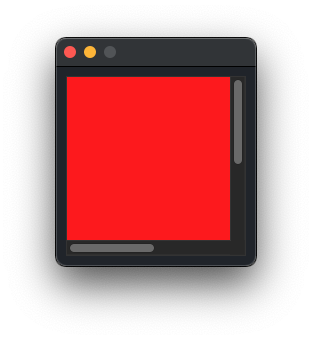
from AppKit import NSView, NSColor, NSRectFill
from vanilla import Window, ScrollView
class DemoView(NSView):
    def drawRect_(self, rect):
        NSColor.redColor().set()
        NSRectFill(self.bounds())
class ScrollViewDemo:
    def __init__(self):
        self.w = Window((200, 200))
        self.view = DemoView.alloc().init()
        self.view.setFrame_(((0, 0), (300, 300)))
        self.w.scrollView = ScrollView((10, 10, -10, -10),
                                self.view, autohidesScrollers=True)
        self.w.open()
ScrollViewDemo()
I don't know if it is a matter of my os (12.0.1 (21A559))