

 robotframework
How to open gui of remote server
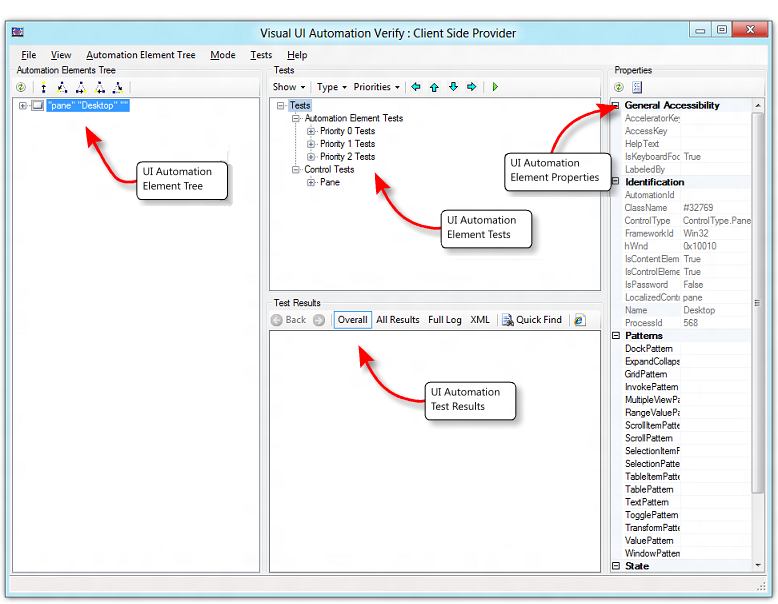
I written script to connect remote server through which I am providing username password and to perform some activites . I am looking in cmd it is validating my script if I have provided the correct script it is passed whereas if it's wrong it's failed but I want to perform on also GUI I am using mobatek application to connect my server ..How to perform GUI activites .Any help It would be great.Or for GUI activites I have to use VISUALUIVERIFY NATIVE. https://docs.microsoft.com/en-us/windows/win32/winauto/visual-ui-automation-verify
Library SSHLibrary
Suite Setup Open Connection And Log In
Suite Teardown Close All Connections
*** Variables ***
${host} 13.90.117.111
${username} kalpataru
${password} kalpataru@765
${alias} remote_host_1
*** Test Cases ***
Test SSH Connection
Open Connection ${host} alias=${alias}
Login ${username} ${password} delay=1
Start Command sudo -i
Close All Connections
``

Hi @kalpa277. It is not clear exactly what you need to do but it doesn't seem that SSHLibrary can help you with the GUI actions. I recommend to check the Slack channel of Robot Framework and post the questions there.

I got it it is only providing headless mode to verify all the remote server.