
ArcLayout
 ArcLayout copied to clipboard
 rezaiyan
Arc Layout is a view group with which you can add a arc-shaped container in your layout.


ArcLayout
Arc Layout is a view group with which you can add a arc-shaped container in your layout. Two main variables are the direction and the curvature of the arc. Check the example below.
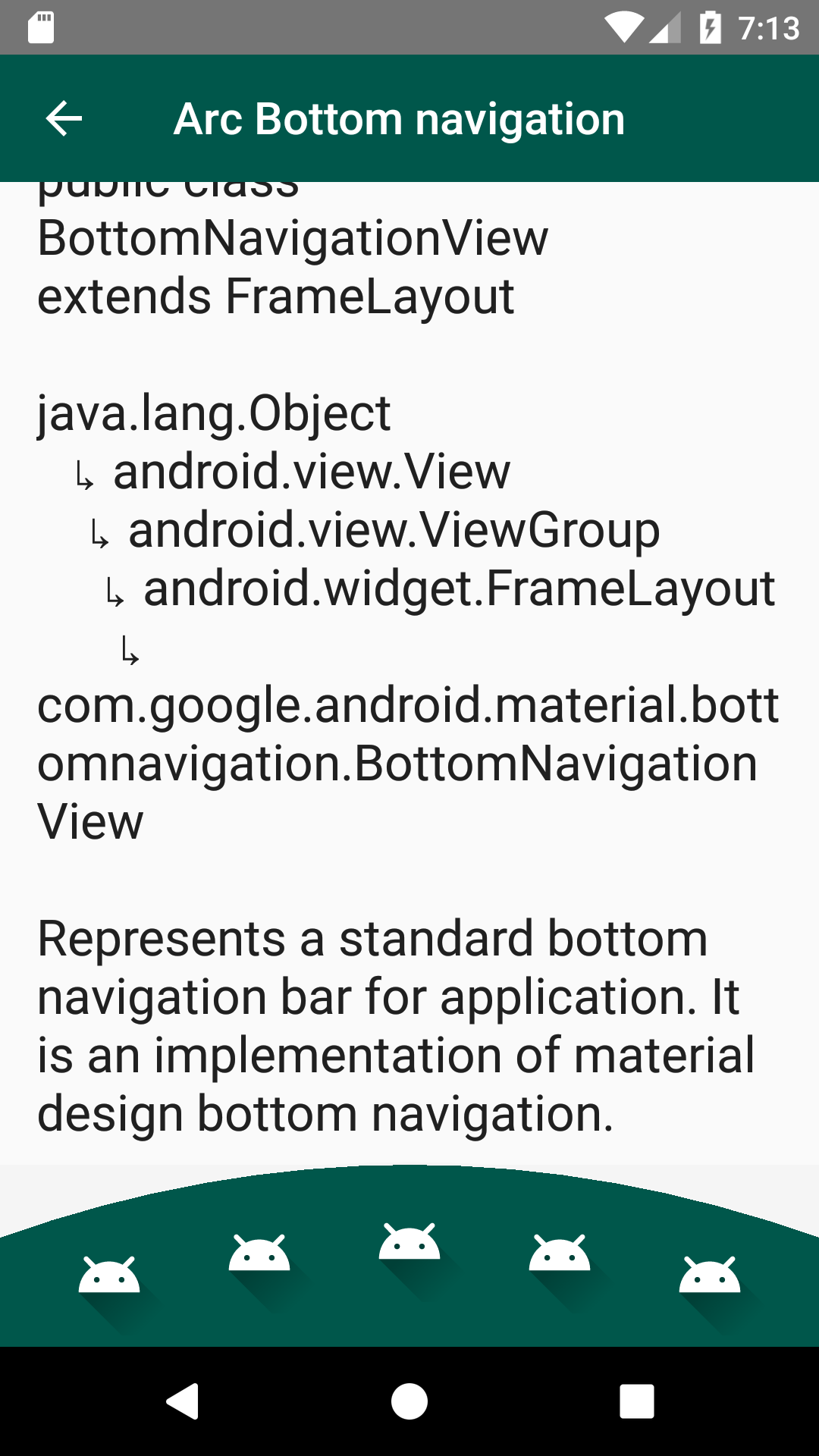
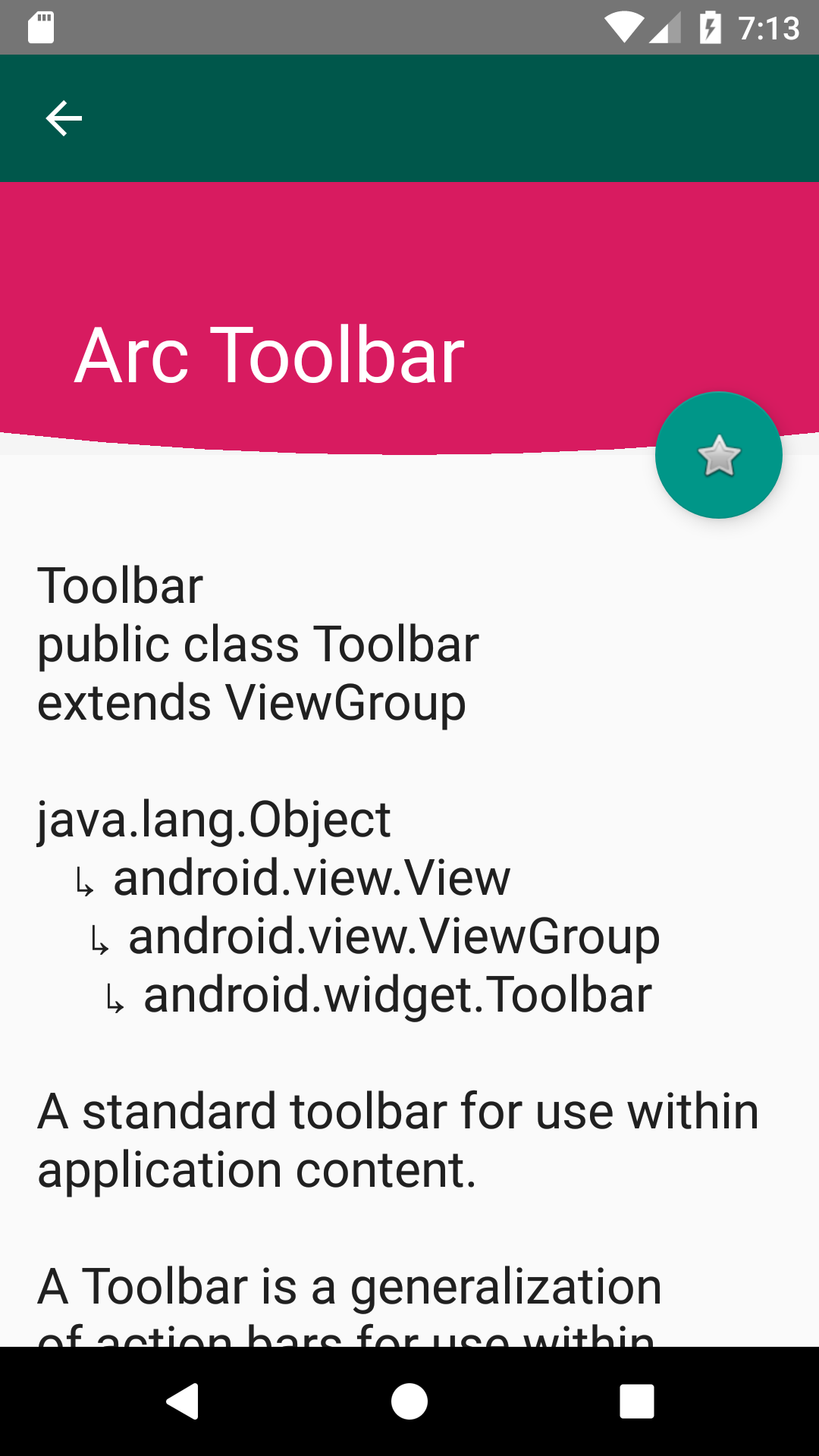
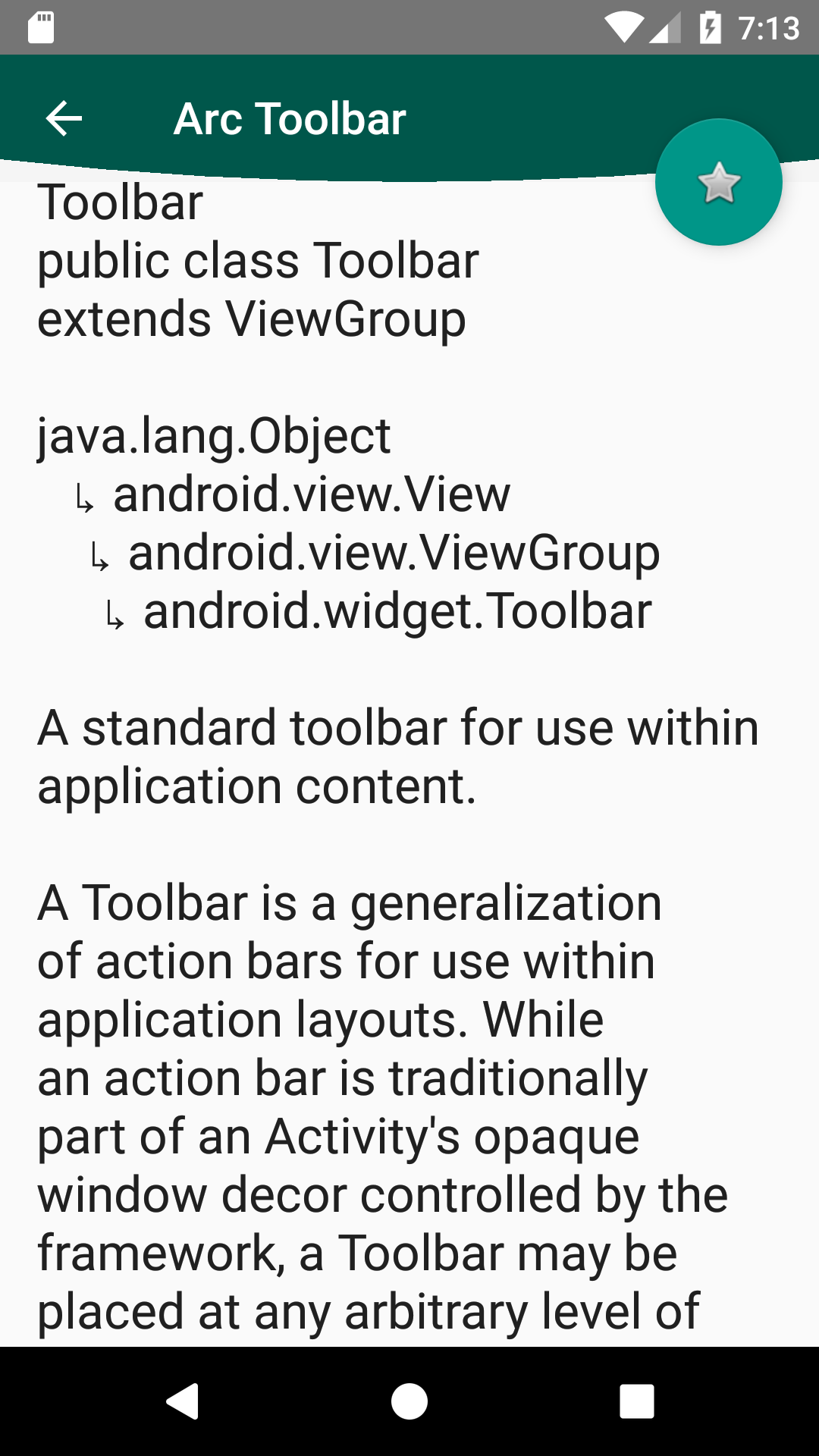
Usage
By this instructions you can add this library and I will explain how use it.
Add Maven to your root build.gradle
First of all, Add it to your root build.gradle at the end of repositories:
allprojects {
  repositories {
    ...
    maven { url 'https://jitpack.io' }
  }
}
Add Dependency
Add the dependency to your app build.gradle file:
dependencies
{
    implementation 'com.github.rezaiyan:arclayout:1.0.1'
}
 <ir.alirezaiyan.arclayout.ArcRelativeLayout
        android:layout_width="match_parent"
        android:layout_height="match_parent"
        app:arc_bottom_cropCurve="cropConcave|cropConvex"
        app:arc_top_cropCurve="cropConcave|cropConvex"
        app:arc_bottom_height="80dp"
        app:arc_top_height="80dp"
        app:arc_bottom_position="true"
        app:arc_top_position="true">

        <!-- YOUR CONTENT -->

    </ir.alirezaiyan.arclayout.ArcRelativeLayout>
License
Copyright 2016 Ali Rezaiyan, Inc.

Licensed under the Apache License, Version 2.0 (the "License");
you may not use this file except in compliance with the License.
You may obtain a copy of the License at

   http://www.apache.org/licenses/LICENSE-2.0

Unless required by applicable law or agreed to in writing, software
distributed under the License is distributed on an "AS IS" BASIS,
WITHOUT WARRANTIES OR CONDITIONS OF ANY KIND, either express or implied.
See the License for the specific language governing permissions and
limitations under the License.
 rezaiyan