
rescript-vscode

rescript-vscode copied to clipboard
 rescript-lang
Build is not starting when clicking "Start build" in popup
When clicking "Start build" in this popup, nothing happens.
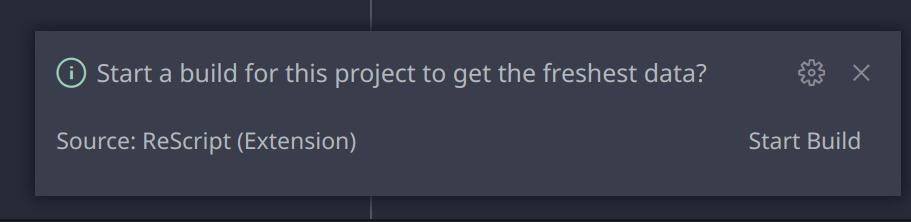
If started manually with yarn rescript build -w from terminal - build is working, and I got all the messages (warning, errors, etc) from the extension. So I suppose it's working fine.
Is there a way to debug this?
- "Rescript Language Server" in output tab of vscode terminal is empty
- Console in developer tools is also empty
I'm using:
- Arch Linux
- Zsh terminal
- VSCode v1.74.2
- Rescript-lang extension v1.8.2 (Pre-release version isn't building rescript too)

I think it's maybe because I had misconfigured ssh-agent, which randomly popups asking key passphrase, when opening new terminal, but I am not sure.
UPD: Had to configure ssh-agent properly, but issue is still persist.