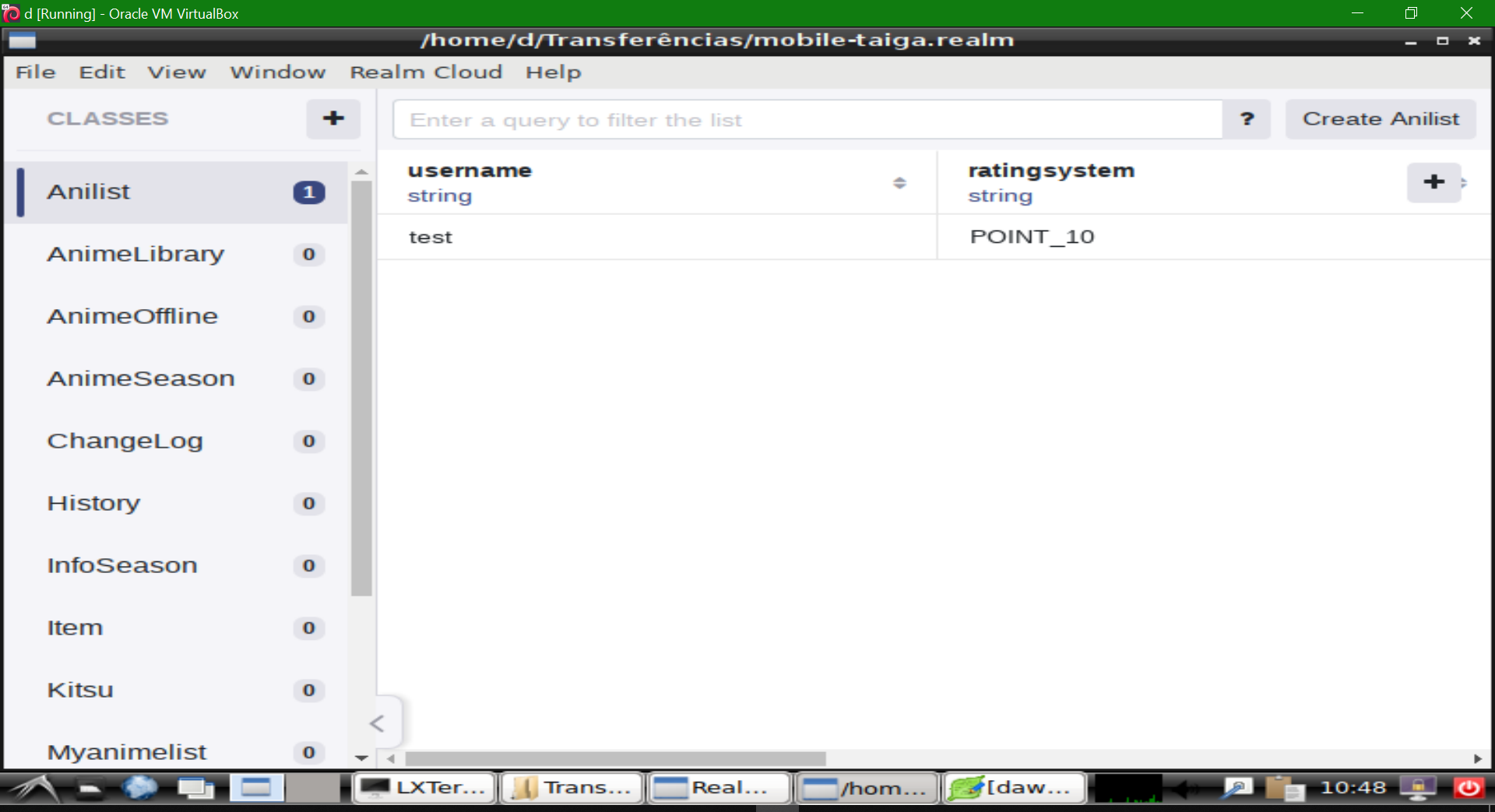
realm
realm
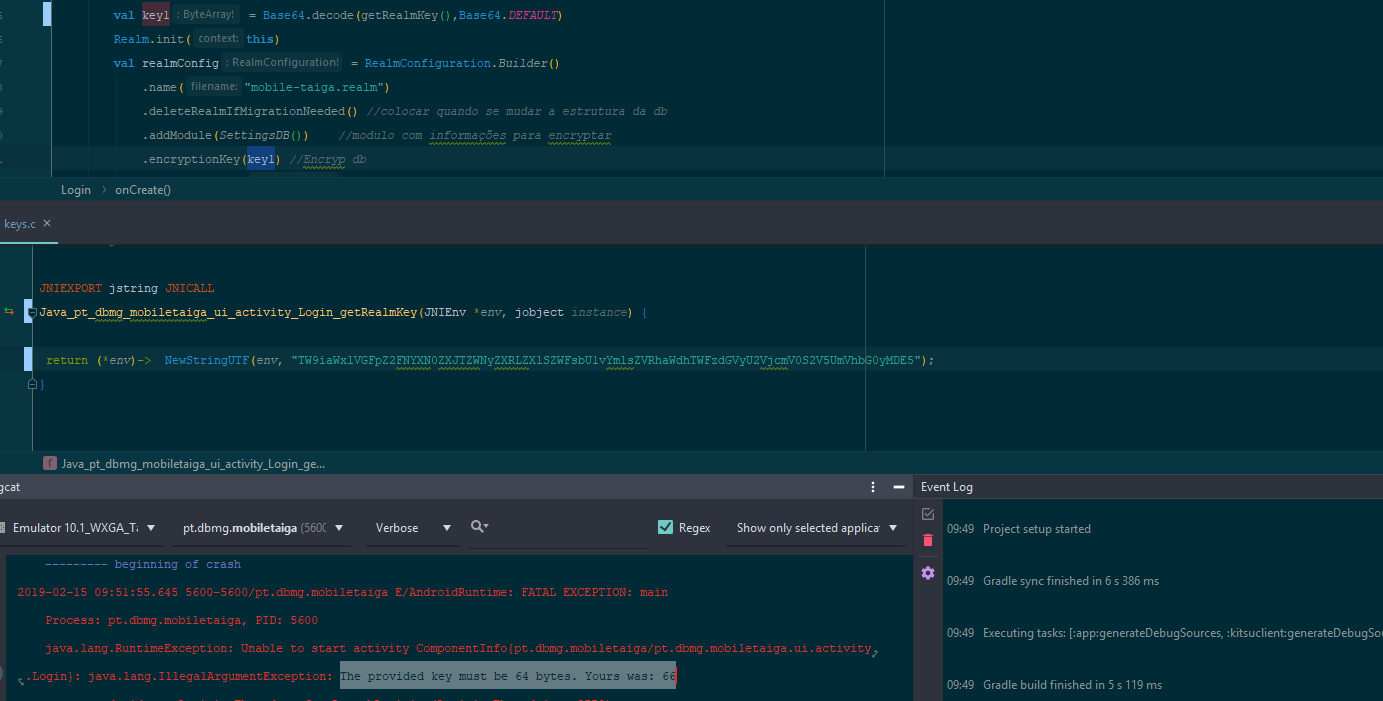
EncryptionKey The provided key must be 64 bytes. Yours was: 66
[GOAL]Need encrypt db using a key stored in with NDK
the error is contradictory
[LogCat]
java.lang.RuntimeException: Unable to start activity ComponentInfo{pt.dbmg.mobiletaiga/pt.dbmg.mobiletaiga.ui.activity.Login}: java.lang.IllegalArgumentException: The provided key must be 64 bytes. Yours was: 66 at android.app.ActivityThread.performLaunchActivity(ActivityThread.java:2778) at android.app.ActivityThread.handleLaunchActivity(ActivityThread.java:2856) at android.app.ActivityThread.-wrap11(Unknown Source:0) at android.app.ActivityThread$H.handleMessage(ActivityThread.java:1589) at android.os.Handler.dispatchMessage(Handler.java:106) at android.os.Looper.loop(Looper.java:164) at android.app.ActivityThread.main(ActivityThread.java:6494) at java.lang.reflect.Method.invoke(Native Method) at com.android.internal.os.RuntimeInit$MethodAndArgsCaller.run(RuntimeInit.java:438) at com.android.internal.os.ZygoteInit.main(ZygoteInit.java:807) Caused by: java.lang.IllegalArgumentException: The provided key must be 64 bytes. Yours was: 66 at io.realm.RealmConfiguration$Builder.encryptionKey(RealmConfiguration.java:554) at pt.dbmg.mobiletaiga.ui.activity.Login.onCreate(Login.kt:71)
[Steps & Code to Reproduce]
Can see problem in my git project https://github.com/worm69/mobiletaiga/tree/dev|url
Realm version(s): 5.8.0
Realm Sync feature enabled: No
Android Studio version: Android Studio 3.3.1 Build #AI-182.5107.16.33.5264788, built on January 28, 2019 JRE: 1.8.0_152-release-1248-b01 amd64 JVM: OpenJDK 64-Bit Server VM by JetBrains s.r.o Windows 10 10.0
Android Build Tools version: 28.0.3
Gradle version: 4.10.3
Which Android version and device(s): Any

This key doesn't contain 64 bytes, You should generate this randomly from each app install, getting this key from NDK encrypts nothing and can be easily bypassed.

@ppamorim Thx for advice. How i should store after generate randomly? I am locking for better approach to store any passwords/secret key Can explain me better why dont have 64 bytes?
You should store your key on the Keystore, you can create your key using SecureRandom, Cipher and Android's KeyStore.
Hey - looks like you forgot to add a T:* label - could you please add one?
![realm-probot[bot] avatar](https://avatars.githubusercontent.com/in/13999?v=4 "Published by a pub.dev verified publisher")
with https://github.com/realm/realm-java/tree/master/examples/encryptionExample example cant open db on windows using realm studio
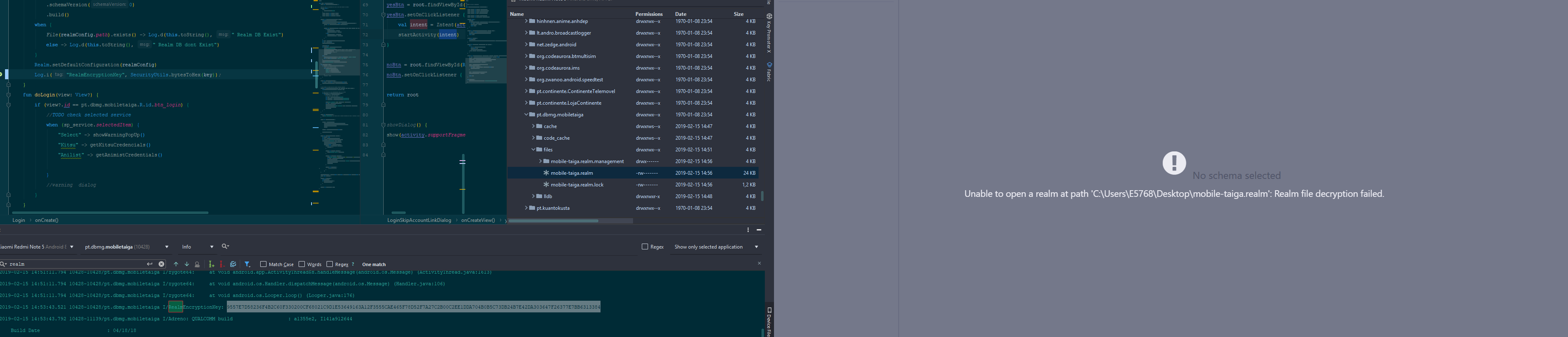 Look like other people have problems with that https://github.com/realm/realm-js/issues/1829
Isn't the trick that you must provide the hex string to Realm Studio instead of the encryption key directly?

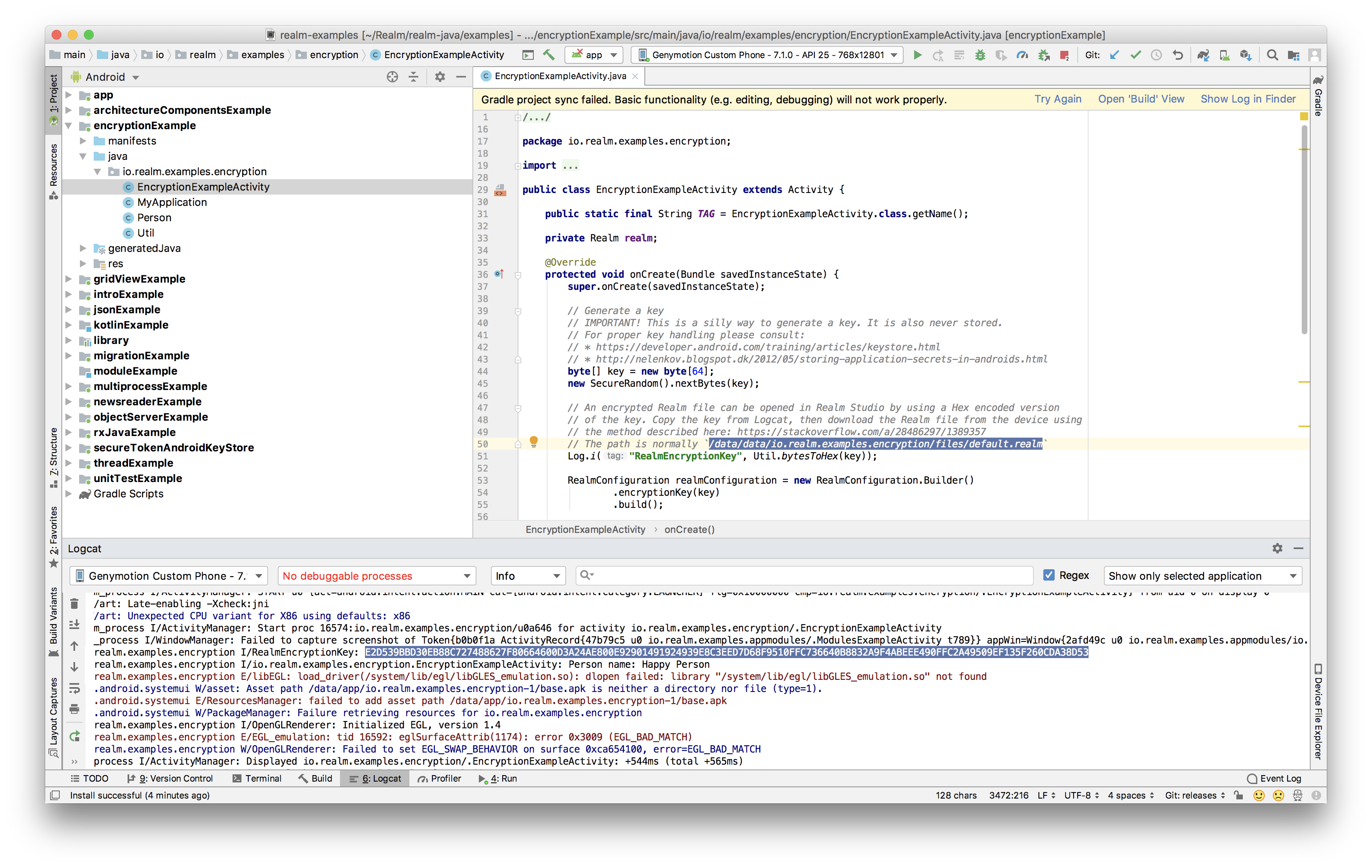
@Zhuinden should by only Copy the key from Logcat, like example said
// Generate a key
    // IMPORTANT! This is a silly way to generate a key. It is also never stored.
    // For proper key handling please consult:
    // * https://developer.android.com/training/articles/keystore.html
    // * http://nelenkov.blogspot.dk/2012/05/storing-application-secrets-in-androids.html
    byte[] key = new byte[64];
    new SecureRandom().nextBytes(key);

    // An encrypted Realm file can be opened in Realm Studio by using a Hex encoded version
    // of the key. Copy the key from Logcat, then download the Realm file from the device using
    // the method described here: https://stackoverflow.com/a/28486297/1389357
    // The path is normally `/data/data/io.realm.examples.encryption/files/default.realm`
    Log.i("RealmEncryptionKey", Util.bytesToHex(key));


Nop, check video https://youtu.be/XmHdQJLF9zc i will try later on linux if work